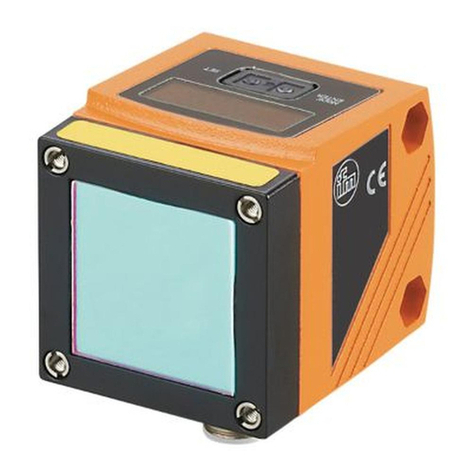
Object recognition sensor O2D22x
2
Contents
1 Preliminary note ................................................. 4
1.1 Symbols used............................................... 4
2 Safety instructions ............................................... 4
3 Items supplied................................................... 4
3.1 Accessories ................................................ 4
4 Functions and features ............................................ 4
5 Installation...................................................... 5
5.1 Mounting accessory .......................................... 5
5.2 Mounting dimensions ......................................... 6
5.3 Installation location........................................... 6
6 Electrical connection.............................................. 7
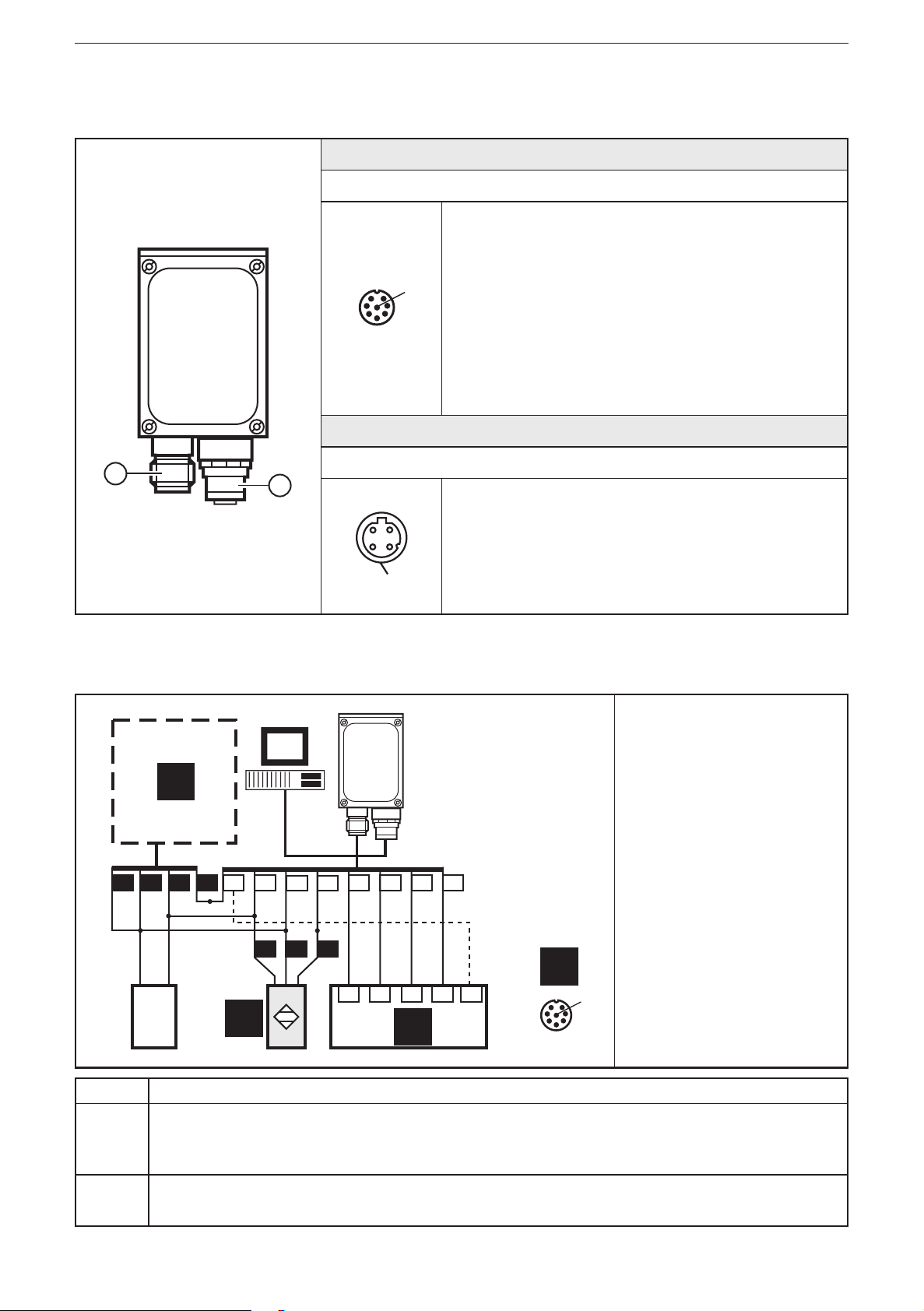
6.1 Wiring ..................................................... 8
6.2 Wiring diagram .............................................. 8
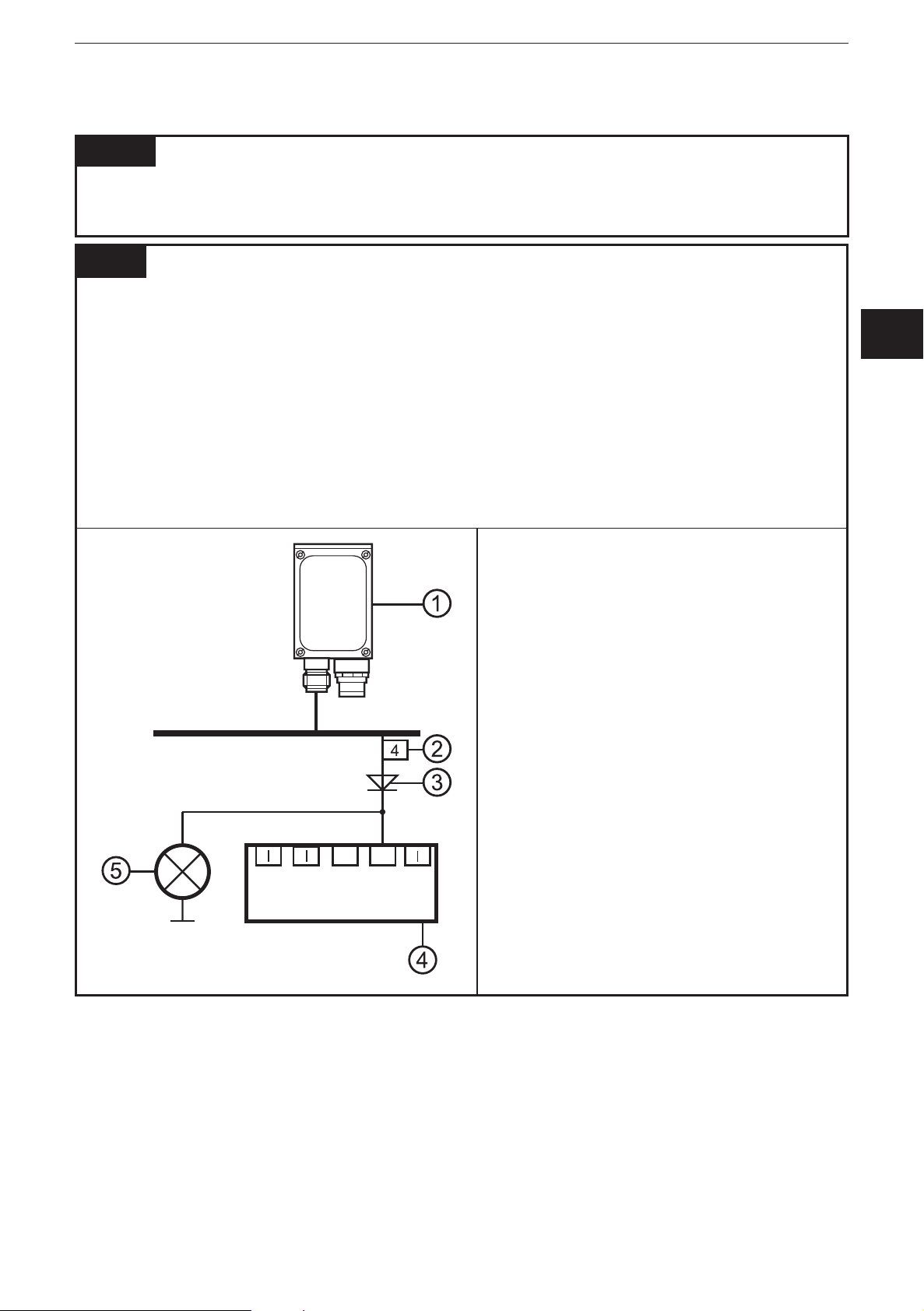
6.3 External illumination .......................................... 9
6.4 External trigger source ........................................ 9
6.5 Timing diagrams ............................................ 10
6.5.1 Inputs/outputs ............................................ 10
6.5.2 Static selection of the application ............................. 12
6.5.3 Pulse-controlled selection of the application ..................... 13
7 Operating and display elements .................................... 14
7.1 LED display ............................................... 14
7.2 Display ................................................... 15
7.2.1 Operating indicators ....................................... 15
7.2.2 Connection via the operating program ......................... 16
7.2.3 Error messages ........................................... 16
7.3 Pushbuttons ............................................... 16
8 Set-up ........................................................ 17
8.1 Parameter setting on the unit .................................. 17
8.2 Verify and set the IP address on the unit ......................... 17
8.3 Adjustable parameters ....................................... 18
8.3.1 Parameter structure........................................ 19
8.4 Lock / unlock sensor......................................... 20
8.4.1 Reset device to factory settings .............................. 20
8.5 Parameter setting via PC operating program ...................... 20
9 Operation ..................................................... 21
9.1 Evaluation mode (normal operating mode) ....................... 21
10 Scale drawing ................................................. 21
11 Technical data ................................................. 22
11.1 Operating distance L........................................ 22
11.2 Factory settings ........................................... 22