8
NS-PWLC563/NS-PWLC563-C
www.insigniaproducts.com
My tip is not included, how do I order a new
one?
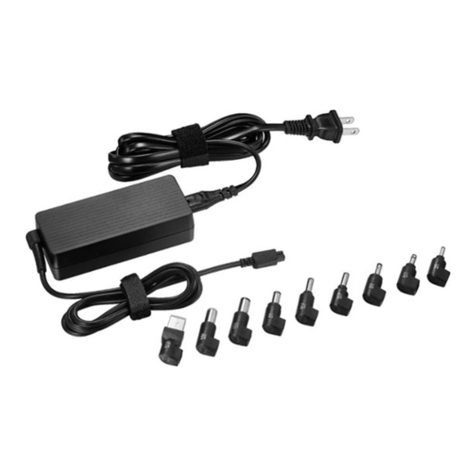
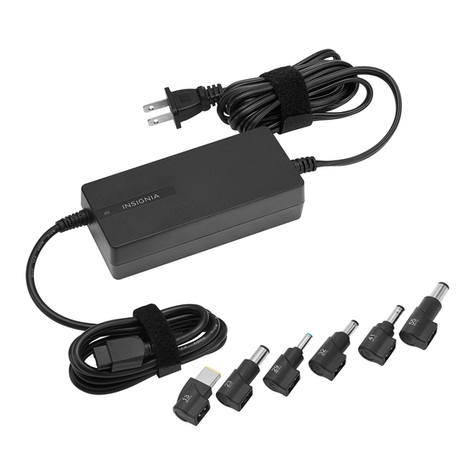
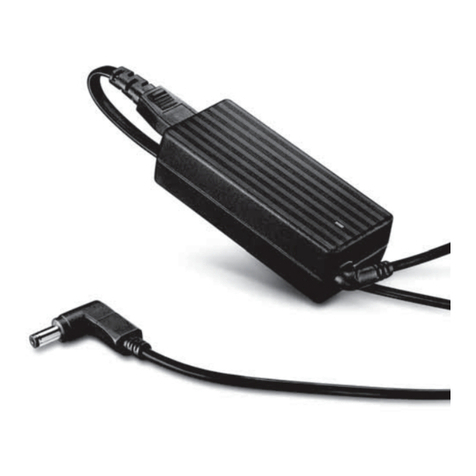
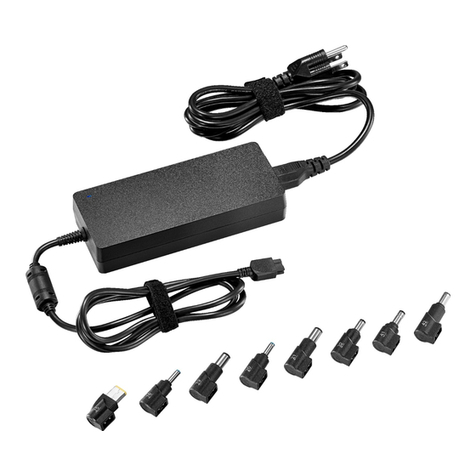
First review the included Tip Compatibility Guide to locate the
correct tip for your specific Ultrabook. You can also go to the Tip
Wizard at www.insigniaproducts.com for a complete listing of
compatible models. If the compatible tip for your Ultrabook is
not included in the charger package, one free tip can be ordered
through the Tip Wizard at www.insigniaproducts.com. Use the
Tip Wizard to locate your Ultrabook manufacturer and model
and you can order your complimentary tip. If you are unable to
locate your Ultrabook in the Tip Wizard please contact Insignia
customer service at (877) 467-4289.
How do I connect the tip to the charger cable?
After you have selected the correct tip for your Ultrabook,
connect the tip to the output cable, making sure that the ridge
on the inside of the tip aligns properly with the groove in the
output cable connector. Additionally, the pins on the inside of
the tip should be in line with the holes in the output cable. The
tip should be pushed firmly onto the cable until the tip and cable
meet and there is no gap.
What other Ultrabooks can I use this charger
for?
The Insignia Ultrabook charger is compatible with thousands of
Ultrabook models. A complete list of compatible Ultrabooks can
be viewed through the Tip Wizard at www.insigniaproducts.com.
Why doesn't the tip fit into my Ultrabook?
If the tip does not appear to fit into your Ultrabook you may have
selected the incorrect tip for your Ultrabook. The tip should fit
snugly inside the DC input jack on the side or back of your
Ultrabook. If the tip does not fit into the jack, do not force the tip.
Confirm you have selected the correct tip for your Ultrabook by
referencing the included Tip Compatibility Guide or visiting the
NS-PWLC563-NS-PWLC563-C_14-0313_MAN_V1_ENG.fm Page 8 Monday, April 7, 2014 10:02 AM