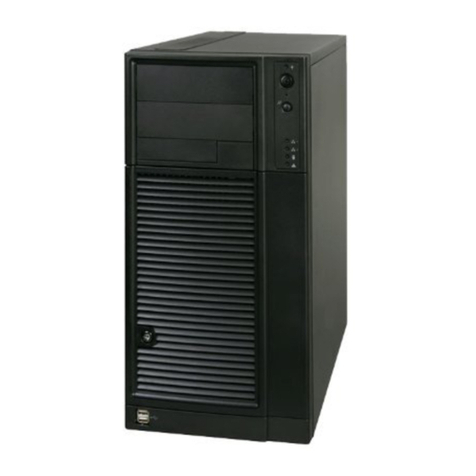
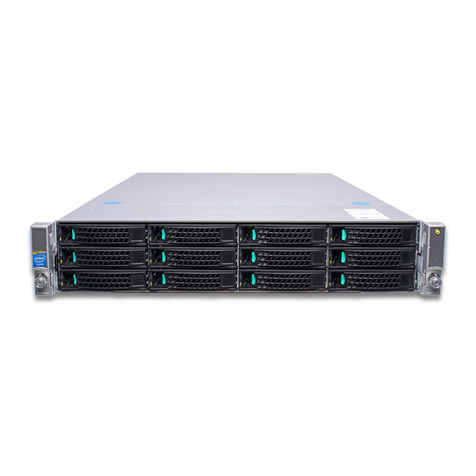
xIntel®Server Chassis SC5650-DP/WS/BRP/UP Service Guide
Removing a CD-ROM or DVD-ROM Drive .................................................................35
Installing and Removing PCI Add-in Boards .......................................................................36
Installing PCI Add-in Boards .......................................................................................36
Removing PCI Add-in Boards .....................................................................................38
Replacing the Front Panel Board ........................................................................................40
Replacing a System Fan .....................................................................................................44
Replacing a Fixed Power Supply ........................................................................................48
Installing an Additional Hot Swap Power Supply Module (BRP configuration only) ............ 51
Removing a Hot Swap Power Supply (BRP configuration only) .........................................52
Replacing a Hot Swap Power Supply Cage (BRP configuration only) ................................53
Installing Feet for a Pedestal-configured Chassis ...............................................................59
Hot Swap Drive Cage Upgrade Install Instructions (optional) ..............................61
Before You Begin ................................................................................................................61
Kits Required ...............................................................................................................61
Tools and Supplies Needed ........................................................................................61
System References .....................................................................................................61
Installing a Hot Swap Hard Drive Cage with a SAS/SATA Backplane ................................62
Installing a Hot Swap Hard Drive ........................................................................................75
Removing a Hot-swap Hard Drive ...............................................................................78
Rack Mount Kit Install Instructions (optional) .......................................................83
Before You Begin ................................................................................................................83
Tools and Supplies Needed ........................................................................................83
System References .....................................................................................................83
Setting up a Rack-configured Chassis ................................................................................83
Technical Reference .................................................................................................95
Cable Routing ......................................................................................................................95
Power Supply Specifications ...............................................................................................95
DP 600-W Power Supply Input Voltages ....................................................................95
DP 600-W Power Supply Output Voltages ..................................................................95
600-W Single Power Supply Input Voltages ...............................................................96
600-W Single Power Supply Output Current ...............................................................96
1000-W Single Power Supply Input Voltages .............................................................96
1000-W Single Power Supply Output Voltages ...........................................................96
DP 400-W Power Supply Input Voltages ....................................................................96
DP 400-W Power Supply Output Voltages ..................................................................97
System Environmental Specifications .................................................................................97
A. Safety Information ................................................................................................99
English .................................................................................................................................99
Server Safety Information ...........................................................................................99
Safety Warnings and Cautions ....................................................................................99
Intended Application Uses ........................................................................................100
Site Selection ............................................................................................................100
Equipment Handling Practices ..................................................................................100
Power and Electrical Warnings .................................................................................101
Access Warnings ......................................................................................................101
Electrostatic Discharge (ESD) ...................................................................................102
Other Hazards ...........................................................................................................102
Deutsch .............................................................................................................................103