18
Presentation
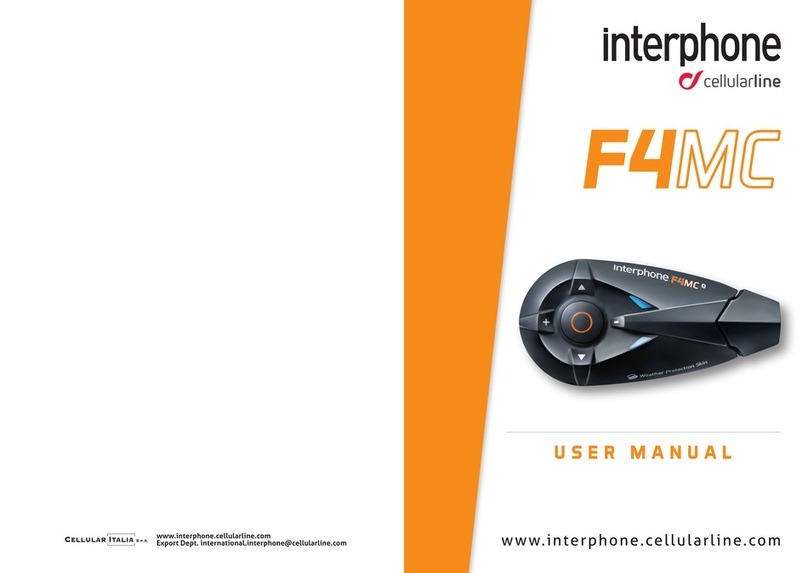
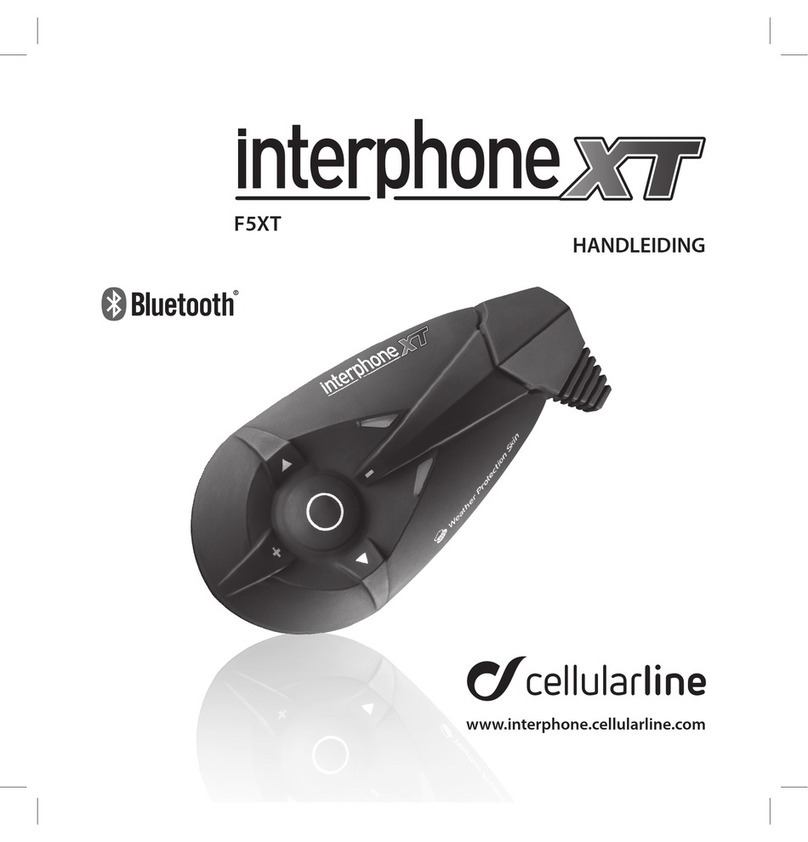
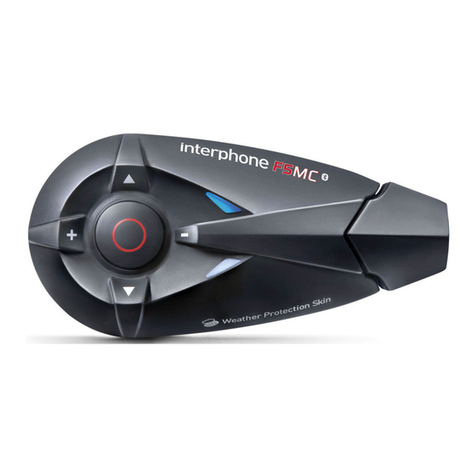
INTERPHONEF5XT
Thanking you for the appreciation you have shown for Cellular
Line products, Cellular Italia S.p.A. wishes to provide you with the
useful information contained in this manual.
The InterphoneF5XT is a Bluetooth® device for helmets that can
provide wireless communication among a number of users,
thanks to Bluetooth® 3.0 technology.
With its quick-fasten/release bracket, InterphoneF5XT can be in-
stalled on most helmets, and the ergonomic shape of the control
module makes it easy to operate the keys, even while wearing
gloves.
The InterphoneF5XT module is covered with a special film that
protects against the weather (Weather protection skin system)
and enables the unit to withstand extreme outdoor conditions.
The entire Interphone F Series is certified to offer an IP67 level
of protection.
Contents of the package
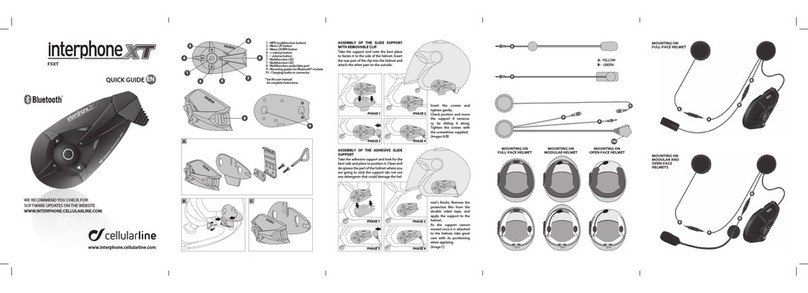
a) Bluetooth® control panel
b) Stereo earphone equipped with a microphone with foam
windscreen, on a flexible arm (universal)
c) Stereo earphone with wired microphone for full-face helmets
d) Removable clip-on support
e) Permanent adhesive-based support
f) USB cable for recharging
g) USB cable for updating
h) Extendible cable for audio connections (2.5 mm/3.5 mm)
i) Velcro adhesive strips
j) Clip adapter
k) Screwdriver
l) Instruction manual
NOTES: in the package containing two F5XT kits, components
a - b - c- d - e – h - i - j - k are doubled.
Product description
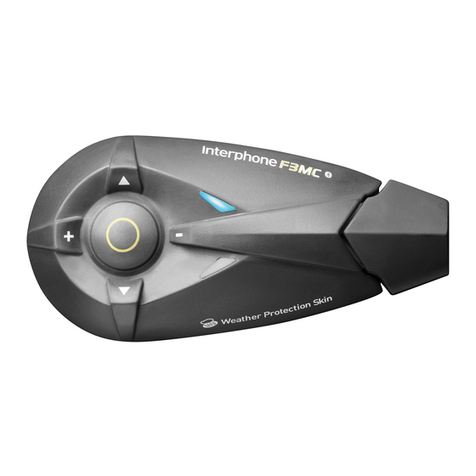
InterphoneF5XT Bluetooth® module
1) Multi-purpose button
2) Menu UP button
3) Menu DOWN button
4) + Volume button
5) - Volume button
6) Multifunction LED
7) Multifunction LED
8) Multifunction socket
9) Bluetooth® module connection guide
Audio unit for open-face, modular and full-face helmets:
10) Left earphone
11) Right earphone
12) Left/Right earphone connectors
13) Microphone connectors (B or C)
14) Microphone with foam windscreen
15) Connection plug
16) Recharge/aux in socket
Care and maintenance
If not using the kit for long periods of time, the battery must be
charged every two/three months, to avoid damage.
To clean, use a damp sponge and mild soap, if necessary. Do not
use solvents or degreasing products to clean the module.
Important note: to prevent water from seeping in through the
audio connector and damaging the module during cleaning, be
sure to insert the plug from the audio section into the socket,
as when the unit is installed and used on the helmet. The kit is
watertight only when the audio plug is inserted.
WARNINGS: If radio interference is high due to the vicinity of
repeaters, high voltage towers or various kinds of radio signals,
intercom communication and/or the InterphoneF5XT device
itself could shut down.
To restore operation, try moving away from the area of interfe-
rence and/or turn the InterphoneF5XT off and then back on.
Assistance and Warranty
This product is covered by a warranty that complies with the
laws in the country where the unit was purchased.
All information necessary for product assistance or spare parts
can be found on our website www.interphone.cellularline.com.
PRESENTATION ....................................... 19
CONTENTS OF THE PACKAGE ......................... 19
PRODUCT DESCRIPTION .............................. 19
CARE AND MAINTENANCE ............................ 19
1.0 PREPARATION/ASSEMBLY........................ 20
1.1 Mounting the bracket on the helmet............. 20
1.2 Audio section ................................... 21
1.3 Charging........................................ 21
1.4 Connecting the F5XT module on the helmet ..... 22
1.5 Connecting the F5XT module with the audio kit .. 22
1.6 Removing the F5XT module from the helmet..... 22
1.7 Turning on the F5XT module..................... 22
1.8 Turning off the F5XT module..................... 22
1.9 Adjusting the listening volume .................. 22
2.0 PAIRING ........................................... 22
2.1 Procedure for pairing with Bluetooth® devices.........23
2.2Procedure for pairing two InterphoneF5XTs........ 24
2.3 Procedure for pairing three InterphoneF5XTs..... 25
2.4 Procedure for “Conference”pairing of four
InterphoneF5XTs ............................... 25
2.5 Procedure for “Conference”pairing of more than four
users ........................................... 26
3.0 NOTES AND GENERAL RECOMMENDATIONS .... 26
3.1 Device shutdown................................ 26
3.2 Range........................................... 26
3.3 Electromagnetic compatibility ................... 26
3.4 Operating precautions .......................... 26
3.5 Voice wizard phrases ............................ 27
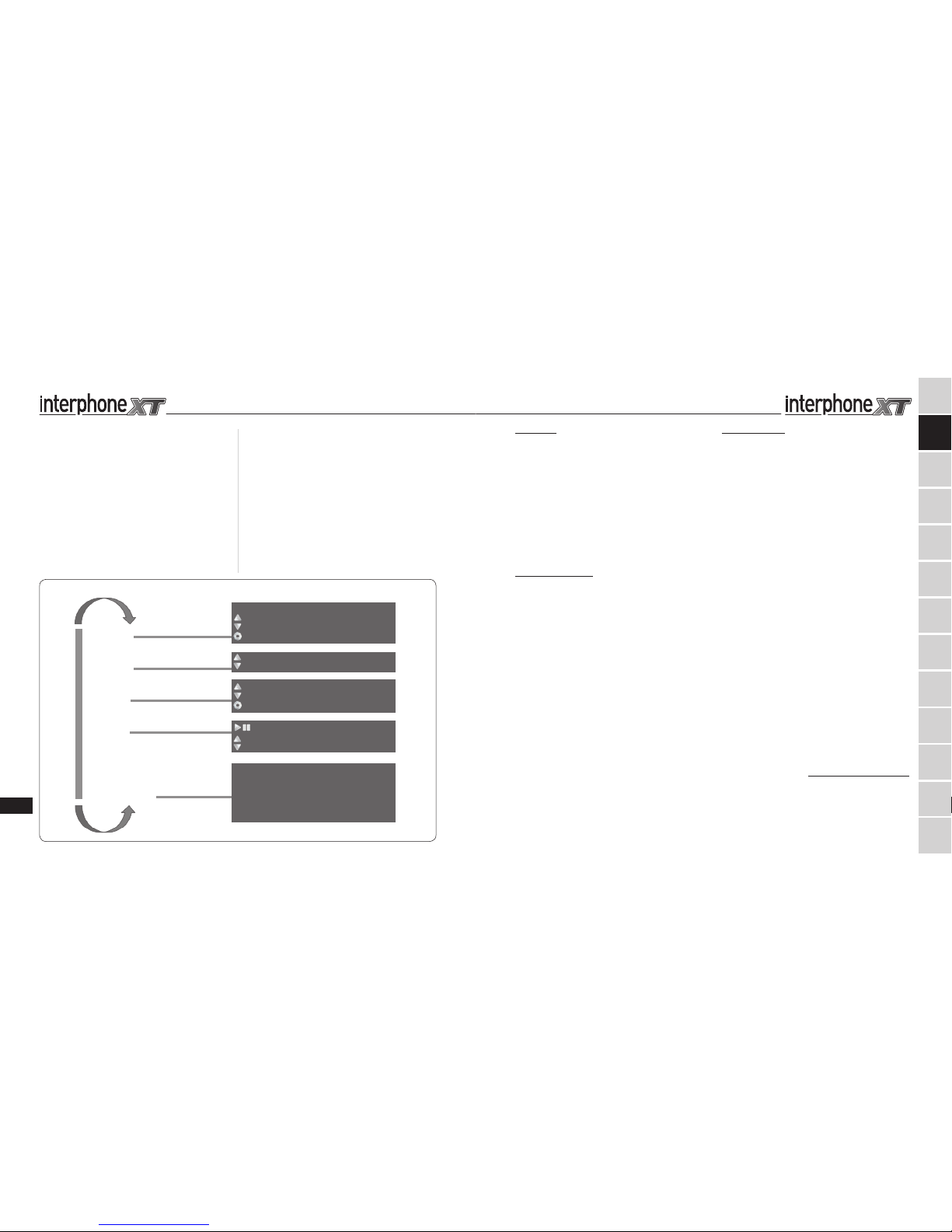
INTERCOM
TELEPHONE
FM RADIO
MUSIC
AUXILIARY PORT
SET UP FUNCTIONS
F5XT VOICE MENU DIAGRAM
press to recall
press for voice call
press to select the saved stations
press until you hear the beep to search
press MFP until you hear the beep to save
press MFB until you hear the beep
VOLUME function DEACTIVATED: press the "-" key for 3 seconds
press to select the previous/next song
CALL ANNOUNCEMENT ACTIVATED
AUTOMATIC VOLUME ACTIVATED
VOICE RESPONSE ACTIVATED
CANCEL PAIRING
COMPLETE VOCAL ASSISTANCE
RDS ACTIVATED
connection to last device paired
connection to previous device
mfb KEY: CONNECTION BETWEEN BOTH DEVICES
press MFB until you hear
the beep to change the
function
Press the buttons until you hear the beep to confirm the function
FR
ES
DE
CS
NL
RU
PL
SV
FI
PT
JP
IT
EN
TABLE OF CONTENTS