manuals.online logo
Brands
  1. Home
  2. •
  3. Brands
  4. •
  5. Invacare
  6. •
  7. Mobility Aid
  8. •
  9. Invacare 9800A User manual

Invacare 9800A User manual

This manual suits for next models

1

Other Invacare Mobility Aid manuals
Invacare C407A User manual

Invacare

Invacare C407A User manual

Invacare Robin User manual

Invacare

Invacare Robin User manual

Invacare H430A/2 User manual

Invacare

Invacare H430A/2 User manual

Invacare H140 User manual

Invacare

Invacare H140 User manual

Invacare WALKING TUTOR WT 200 User manual

Invacare

Invacare WALKING TUTOR WT 200 User manual

Invacare Dolomite Jazz 510 User manual

Invacare

Invacare Dolomite Jazz 510 User manual

Invacare Silencio P256 User manual

Invacare

Invacare Silencio P256 User manual
Invacare Banjo P452E/3 User manual

Invacare

Invacare Banjo P452E/3 User manual

Invacare KSS User manual

Invacare

Invacare KSS User manual

Invacare 65410 User manual

Invacare

Invacare 65410 User manual

Invacare Birdie User manual

Invacare

Invacare Birdie User manual

Invacare Thumb Saver 1109379 User manual

Invacare

Invacare Thumb Saver 1109379 User manual

Invacare Rollites 65100 User manual

Invacare

Invacare Rollites 65100 User manual

Invacare P550/2 Actio 2 User manual

Invacare

Invacare P550/2 Actio 2 User manual

Invacare Ocea User manual

Invacare

Invacare Ocea User manual

Invacare OrbIt User manual

Invacare

Invacare OrbIt User manual

Invacare Asteria P409 User manual

Invacare

Invacare Asteria P409 User manual

Invacare Neck Support Manual

Invacare

Invacare Neck Support Manual

Invacare Lynx L-3 User manual

Invacare

Invacare Lynx L-3 User manual
Invacare Adjustable Back Upholstery Manual

Invacare

Invacare Adjustable Back Upholstery Manual

Invacare 6291-A User manual

Invacare

Invacare 6291-A User manual

Invacare Aquatec 900 User manual

Invacare

Invacare Aquatec 900 User manual

Invacare MB-54 Assembly instructions

Invacare

Invacare MB-54 Assembly instructions

Invacare P429BKE User manual

Invacare

Invacare P429BKE User manual

Popular Mobility Aid manuals by other brands
Drive DeVilbiss GoLite 200 operating instructions

Drive DeVilbiss

Drive DeVilbiss GoLite 200 operating instructions

Clearwell Mobility Brandon User instructions

Clearwell Mobility

Clearwell Mobility Brandon User instructions

Handicare 1100 user manual

Handicare

Handicare 1100 user manual

NRS Healthcare M11090 User instructions

NRS Healthcare

NRS Healthcare M11090 User instructions

Alber Scalamobil iQ operating instructions

Alber

Alber Scalamobil iQ operating instructions

Ferno CCT-PX user manual

Ferno

Ferno CCT-PX user manual

Medline MDS86835DSHEC User Instructions & Warranty

Medline

Medline MDS86835DSHEC User Instructions & Warranty

Guldmann Twin Turner II user manual

Guldmann

Guldmann Twin Turner II user manual

Ferno 35-ITA user manual

Ferno

Ferno 35-ITA user manual

Drive ROOMBA Operation manual

Drive

Drive ROOMBA Operation manual

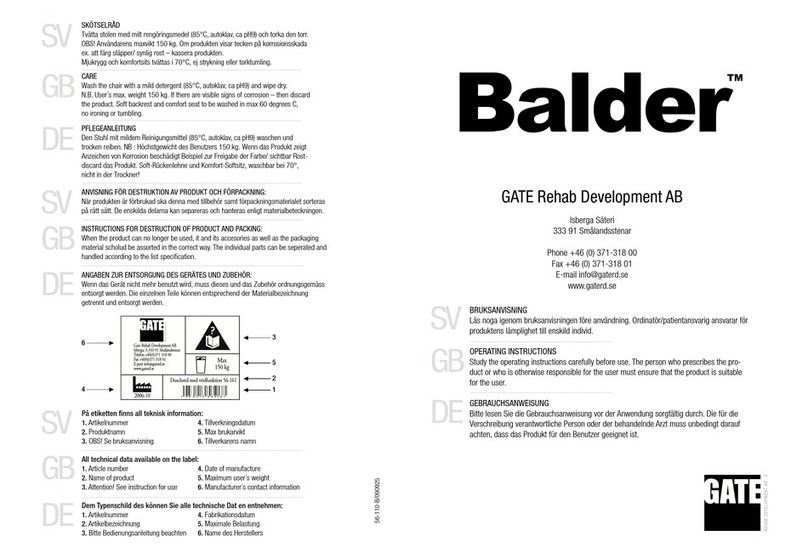
Gate Balder operating instructions

Gate

Gate Balder operating instructions

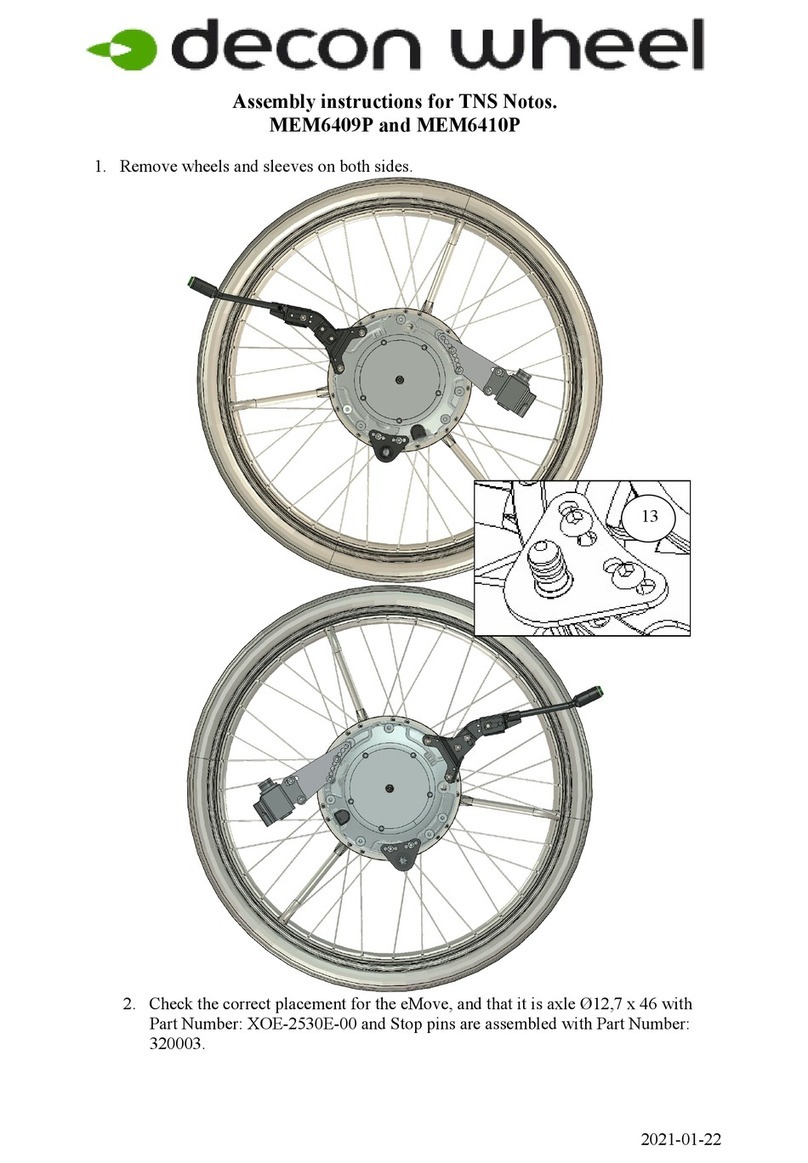
Decon wheel TNS Notos Assembly instructions

Decon wheel

Decon wheel TNS Notos Assembly instructions

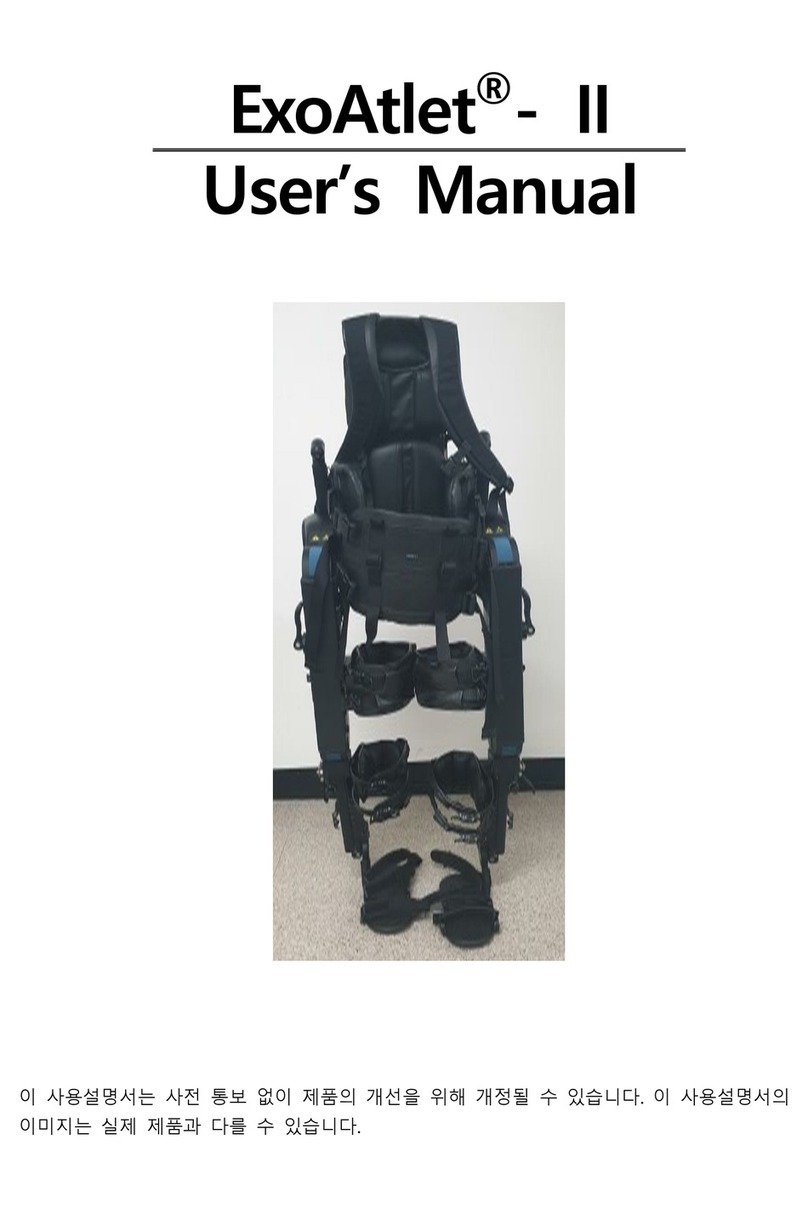
ExoAtlet ExoAtlet-II user manual

ExoAtlet

ExoAtlet ExoAtlet-II user manual

Rhythm Healthcare B3800F manual

Rhythm Healthcare

Rhythm Healthcare B3800F manual

AMF-BRUNS PROTEKTOR installation manual
AMF-BRUNS

AMF-BRUNS PROTEKTOR installation manual

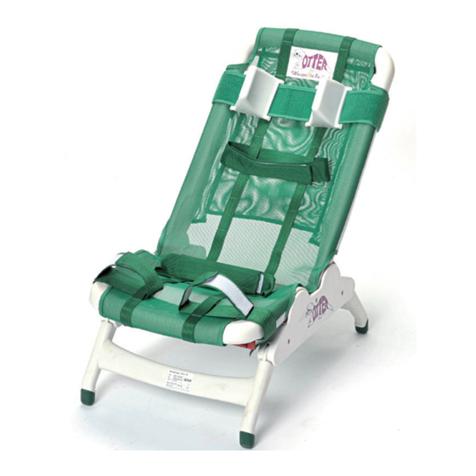
Drive DeVilbiss Healthcare OTTER Instructions for use

Drive DeVilbiss Healthcare

Drive DeVilbiss Healthcare OTTER Instructions for use

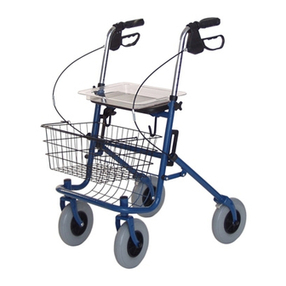
Rhythm Healthcare C500U Assembly and Fitting Instructions
Rhythm Healthcare

Rhythm Healthcare C500U Assembly and Fitting Instructions

Lumex RJ4200A manual

Lumex

Lumex RJ4200A manual

manuals.online logo
manuals.online logoBrands
  • About & Mission
  • Contact us
  • Privacy Policy
  • Terms and Conditions

Copyright 2025 Manuals.Online. All Rights Reserved.

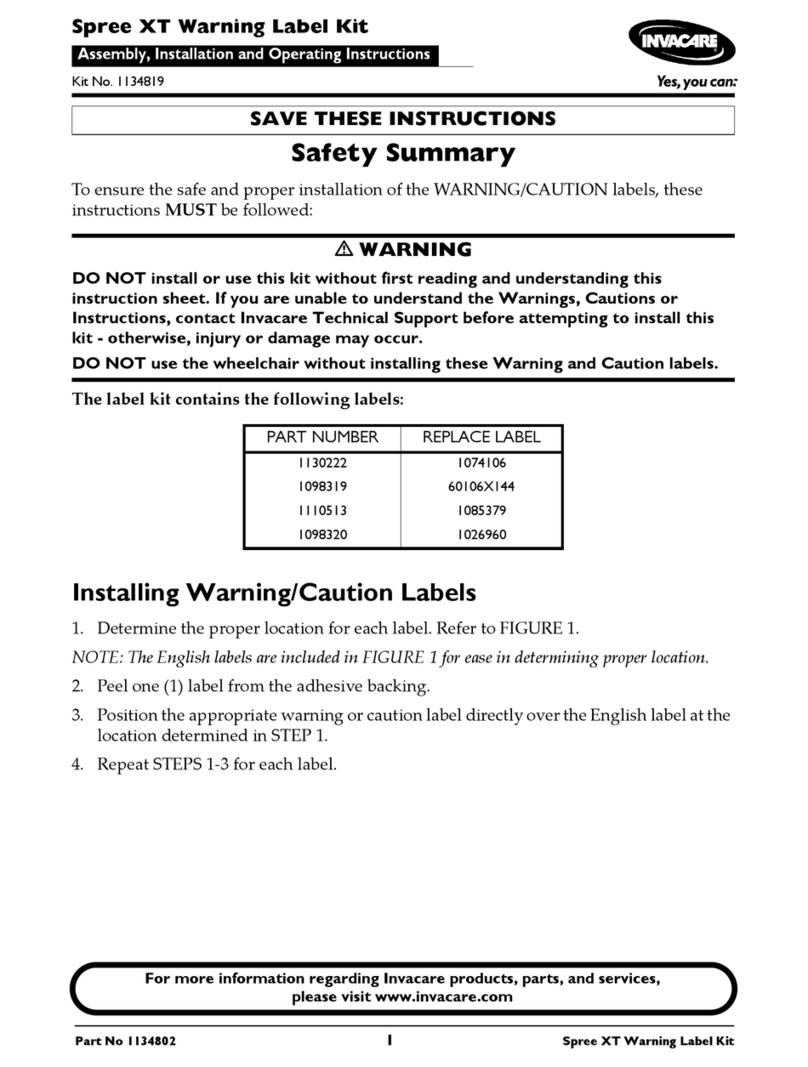
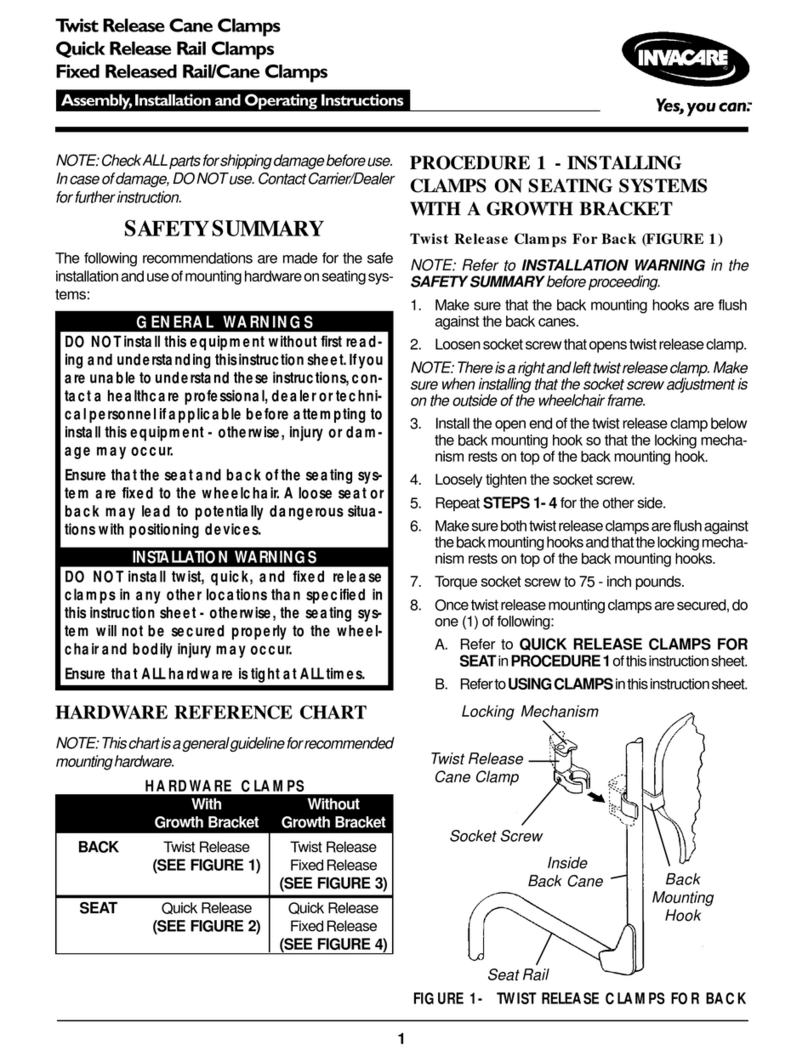
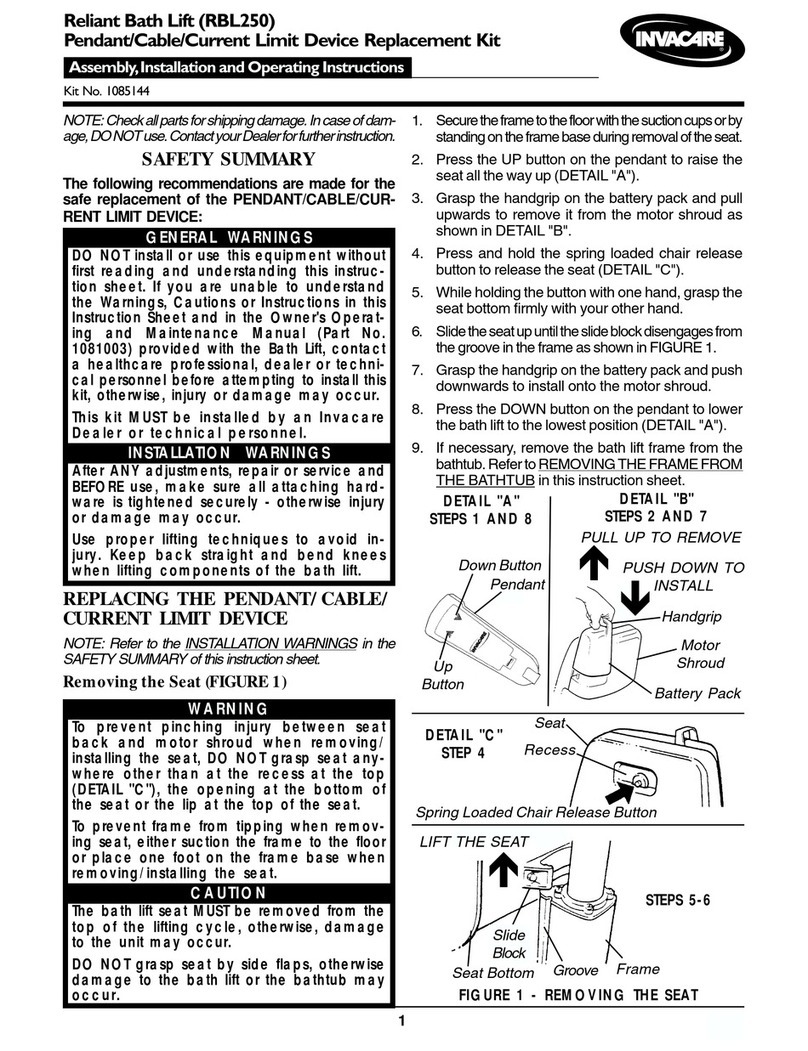
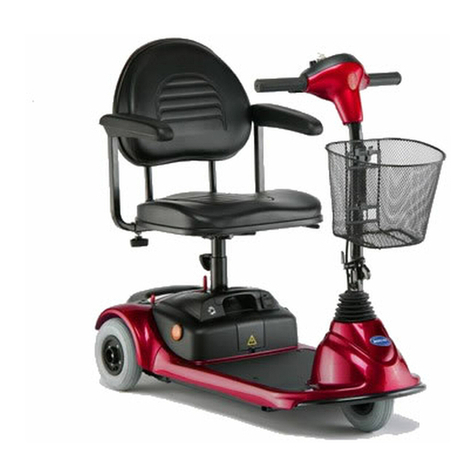
1
INVACARE 9800A BOOM RETRO-FIT
KIT NO.1060539
WARNING/CAUTION notices apply to hazards and
unsafe practices which could result in personal
injury and/or property damage.
WARNING
Check all parts for shipping damages before using.
In case of damage, DO NOT use the equipment.
Contact the Dealer/Carrier for further instructions.
DO NOT operate this equipment without first
reading and understanding this instruction sheet. If
you are unable to understand the warnings and
instructions, contact a healthcare professional
(Doctor-Therapist) before attempting to use this
equipment - otherwise injury or damage may result.
After making adjustments, always make sure that
all parts are properly tightened BEFORE using this
patient lift.
SAFETY SUMMARY
Installation, Assembly and Operating Instructions
DISASSEMBLY OF THE EXISTING SWIVEL
BAR, PUMP AND BOOM ASSEMBLIES
Swivel Bar Removal (FIGURE 1)
1. Remove the swivel bar from the eye at the end
of the boom.
Pump Removal (FIGURE 2)
1. Remove the nut and bolt that secure the pump
to the boom assembly.
FIGURE 1 - SWIVEL BAR REMOVAL
FIGURE 2 - PUMP- BOOM DISCONNECT
Boom Removal (FIGURE 3)
1. Remove the bolt and locknut that secures the
existing boom to the TOP of the mast assembly.
FIGURE 3 - BOOM REMOVAL
Nut
Bolt
Boom
NOTE: Not necessary
to disconnect.
899 Cleveland Street 
P.O. Box 4028 
Elyria, Ohio 44036-2125 
Phone 1-(800)-333-6900
Form No. 95-166 Part No. 1060540 Printed in U.S.A.
ASSEMBLY OF THE EXISTING PUMP, NEW
BOOM AND SWIVEL BAR ASSEMBLIES
Pump Assembly
1. Using the nut and bolt provided, assemble the
pump to the new boom. Refer to FIGURE 2.
Boom Assembly (FIGURE 4)
CAUTION
The boom and mast when assembled MUST
pivot easily.
2. Tighten the bolt and nut using an Allen wrench and
an adjustable wrench.
NOTE: The nut and bolt can be tightened
completely and the boom assembly will pivot easily
if the mounting hardware is aligned properly when
the boom assembly is secured to the mast. To check
for correct alignment of the hardware, use an Allen
wrench and turn the bolt by hand (it should rotate
without a lot of force being applied). If excessive force
is necessary, the bolt is NOT aligned properly.
Disassemble and repeat assembly procedures until
proper alignment is obtained.
1. Align the holes of the boom assembly and mast as-
sembly mounting bracket. Insert the bolt
completely through the holes of the mast
assembly mounting bracket and the boom
assembly.
NOTE: Be sure that the bolt is completely through
the holes of the mast assembly mounting bracket
and boom assembly; and they are not riding on the
shoulder of the bolt.
FIGURE 4 - NEW BOOM INSTALLATION
FIGURE 5 - SWIVEL BAR ATTACHMENT
WITH MOUNTING BRACKET
Swivel Bar
Pad
Pin
NOTE: Make sure Pin and Washers are completely
pushed UP through the Swivel Bar Pad.
1. Pull the pin up through the swivel bar pad.
2. Line-up hole in pin with mounting bracket holes
and secure with shoulder screw and nut
provided.
NOTE: The swivel bar has hooks on both ends
to accept the hardware used to attach the sling
that supports the patient during lift. The swivel
bar pad should remain in place during normal
use.
Swivel Bar Attachment with Mounting
Bracket (FIGURE 5)
NOTE: Refer to Owner's Manual for proper
operation of your patient lift.
Shoulder
Screw
Nut