Introduction
1
1 Introduction
Welcome to Kramer Electronics (since 1981): a world of unique, creative and
affordable solutions to the infinite range of problems that confront the video,
audio and presentation professional on a daily basis. In recent years, we have
redesigned and upgraded most of our line, making the best even better! Our
350-plus different models now appear in 8 Groups
1
, which are clearly defined
by function.
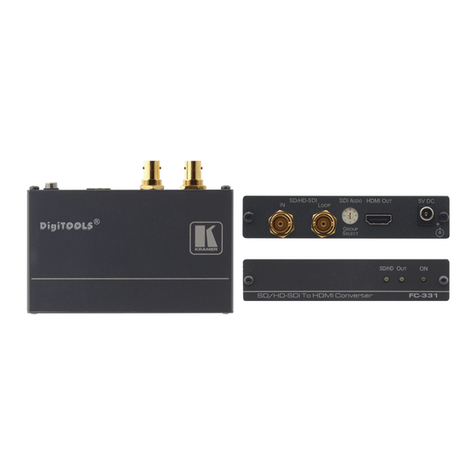
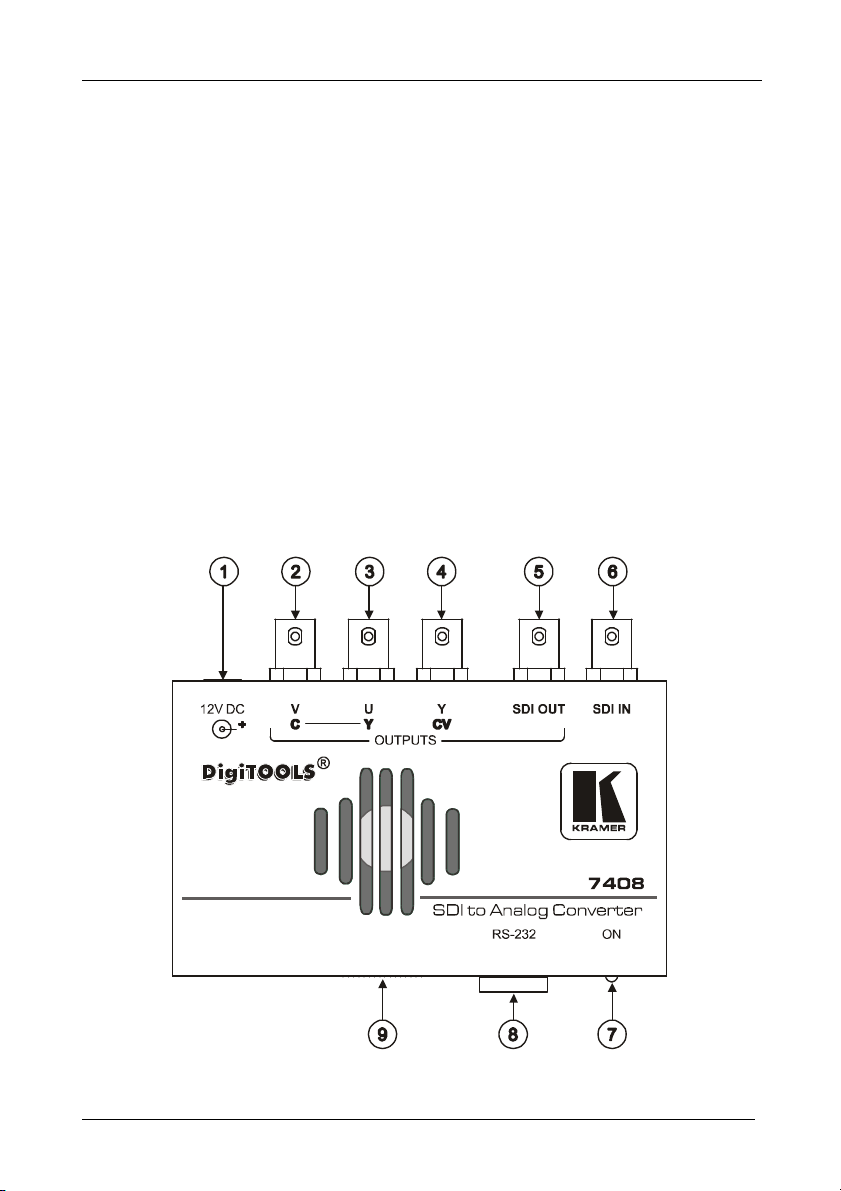
Congratulations on purchasing your Kramer DigiTOOLS 7408 SDI to Analog
Converter, which is ideal for broadcast and production video studios,
postproduction and duplication studios, and non-linear editing. The package
includes the following items:
7408 SDI to Analog Converter
Power supply
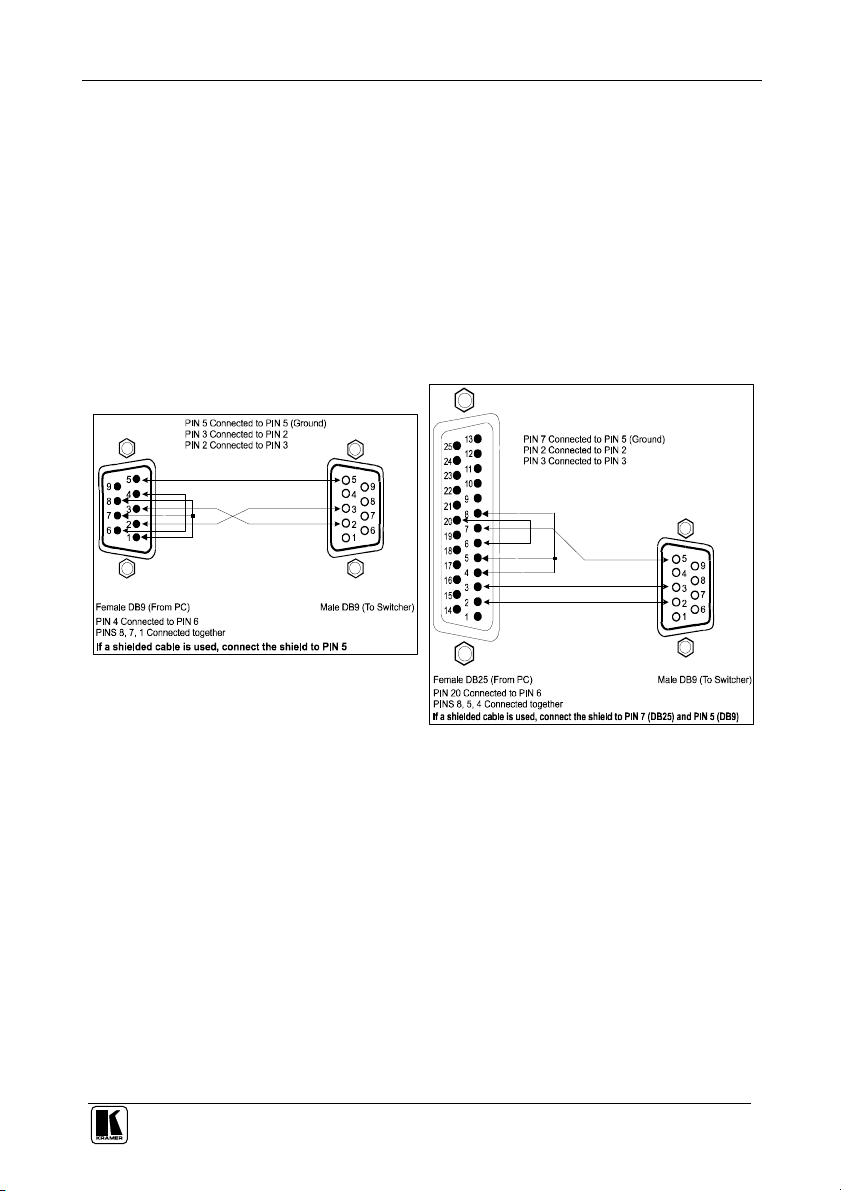
Null-modem adapter and Windows®-based Kramer control software
2
This user manual
2
2 Getting Started
We recommend that you:
Unpack the equipment carefully and save the original box and packaging
materials for possible future shipment
Review the contents of this user manual
Use Kramer high performance high resolution cables
3
3 Overview
The Kramer DigiTOOLS 7408 SDI to Analog Converter is a high quality, full
10-bit SDI to Analog video converter in a Kramer Tool housing. The 7408
SDI to Analog Converter is a multi-standard unit, converting 525-line SDI to
NTSC or NTSC4.43, and 625-line SDI to PAL-B/D/G/H/I/N. Despite its
small size, the converter has many features, including:
Reclocked and equalized SDI output (loop)
4 times digital over sampling to minimize digital artifacts
1 GROUP 1: Distribution Amplifiers; GROUP 2: Video and Audio Switchers, Matrix Switchers and Controllers; GROUP 3:
Video, Audio, VGA/XGA Processors; GROUP 4: Interfaces and Sync Processors; GROUP 5: Twisted Pair Interfaces;
GROUP 6: Accessories and Rack Adapters; GROUP 7: Scan Converters and Scalers; and GROUP 8: Cables and Connectors
2 Download up-to-date Kramer user manuals and software from our Web site at http://www.kramerelectronics.com
3 The complete list of Kramer cables is on our Web site at http://www.kramerelectronics.com