manuals.online logo
Brands
  1. Home
  2. •
  3. Brands
  4. •
  5. Kramer
  6. •
  7. Transceiver
  8. •
  9. Kramer OSP-SM10S User manual

Kramer OSP-SM10S User manual

Other Kramer Transceiver manuals

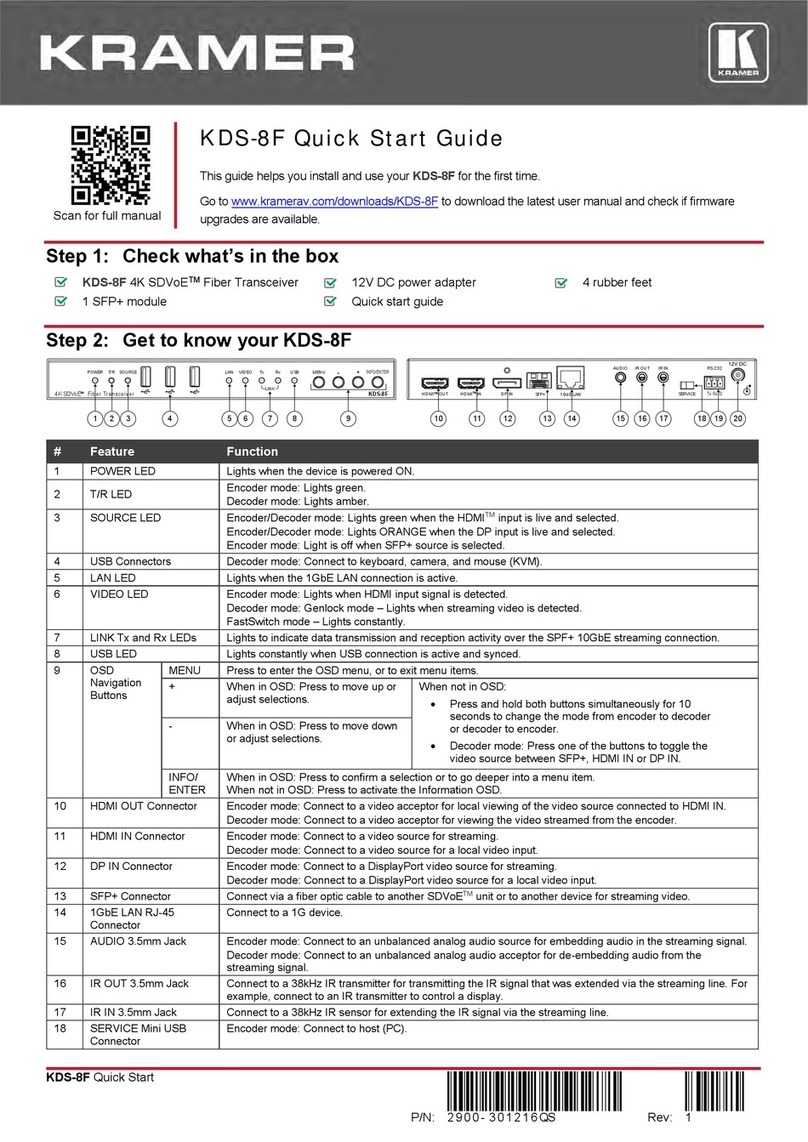
Kramer KDS-8F User manual

Kramer

Kramer KDS-8F User manual

Kramer TP-576 User manual

Kramer

Kramer TP-576 User manual

Kramer KDS-8 User manual

Kramer

Kramer KDS-8 User manual

Kramer KDS-8 User manual

Kramer

Kramer KDS-8 User manual

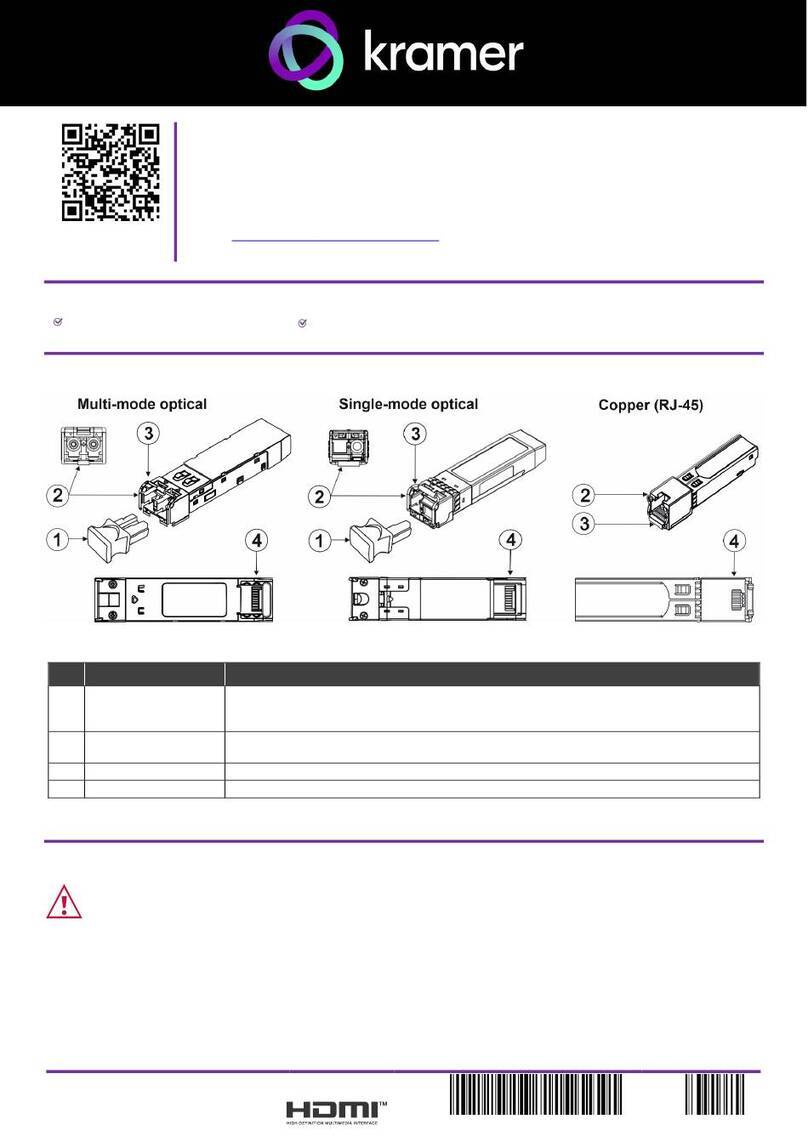
Kramer SFP-1G User manual

Kramer

Kramer SFP-1G User manual

Kramer 621R User manual

Kramer

Kramer 621R User manual

Kramer TP-202 User manual

Kramer

Kramer TP-202 User manual

Kramer KW-14T User manual

Kramer

Kramer KW-14T User manual

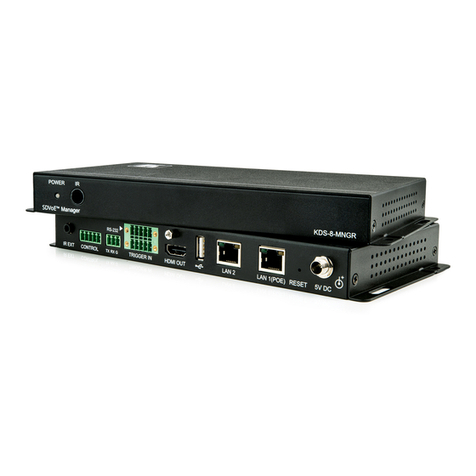
Kramer KDS-8-MNGR User manual

Kramer

Kramer KDS-8-MNGR User manual

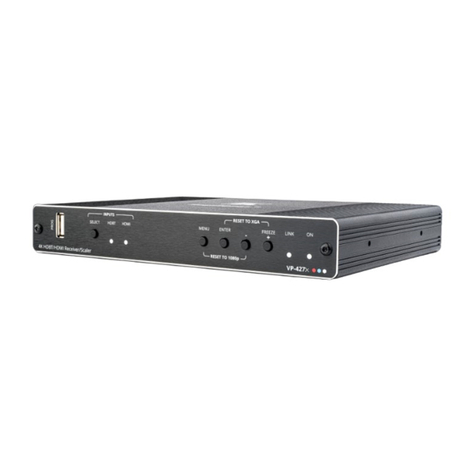
Kramer VP-427X User manual

Kramer

Kramer VP-427X User manual

Kramer TP-580CT User manual

Kramer

Kramer TP-580CT User manual

Kramer TP-43 User manual

Kramer

Kramer TP-43 User manual

Kramer KDS-10 User manual

Kramer

Kramer KDS-10 User manual

Kramer TP-43 User manual

Kramer

Kramer TP-43 User manual

Popular Transceiver manuals by other brands

Kenwood ProTalk TK-3201 instruction manual

Kenwood

Kenwood ProTalk TK-3201 instruction manual

City Theatrical SHoW DMX SHoW Baby user manual

City Theatrical

City Theatrical SHoW DMX SHoW Baby user manual

Standart Horizont HX407 owner's manual

Standart Horizont

Standart Horizont HX407 owner's manual

B&G V90S quick start guide

B&G

B&G V90S quick start guide

VictelGlobal ALK300 series Operation manual

VictelGlobal

VictelGlobal ALK300 series Operation manual

Cactus Wireless Flash Transceiver V6 user manual

Cactus

Cactus Wireless Flash Transceiver V6 user manual

Yaesu FT-11R user guide

Yaesu

Yaesu FT-11R user guide

Skanti TRP 5000 instruction manual

Skanti

Skanti TRP 5000 instruction manual

ELECRAFT KX3 Installation and operation guide

ELECRAFT

ELECRAFT KX3 Installation and operation guide

American Lighting DMX512 quick start guide

American Lighting

American Lighting DMX512 quick start guide

Furuno FM-77 Operator's handbook

Furuno

Furuno FM-77 Operator's handbook

Yaesu FT-7B manual

Yaesu

Yaesu FT-7B manual

Mizuho MX-2 Operating & assembly instruction

Mizuho

Mizuho MX-2 Operating & assembly instruction

Kenwood TK-3180 Manuale di istruzioni

Kenwood

Kenwood TK-3180 Manuale di istruzioni

Blitz MJ-398U instruction manual

Blitz

Blitz MJ-398U instruction manual

Utilicom LongRanger 2050 Operator's manual

Utilicom

Utilicom LongRanger 2050 Operator's manual

Standart HX290UKA Service manual

Standart

Standart HX290UKA Service manual

Altronix Pace1PTM installation guide

Altronix

Altronix Pace1PTM installation guide

manuals.online logo
manuals.online logoBrands
  • About & Mission
  • Contact us
  • Privacy Policy
  • Terms and Conditions

Copyright 2025 Manuals.Online. All Rights Reserved.

OSP-SM10S Quick Start
P/N:
2900- 301238QS
Rev:
1
Scan for full manual
OSP-SM10S Quick Start Guide
This guide helps you install and use your OSP-SM10S for the first time.
Go to www.kramerav.com/downloads/OSP-SM10S to download the latest user manual and checkif
firmware upgrades are available.
Step 1: Check what’s in the box
2 OSP-SM10S 10G SFP+ Simplex Transceivers (A and B)
1 Quick start guide
Step 2: Get to know your OSP-SM10S
#
Feature
Function
1
LC Connectors
For connecting fiber optic cable. Covered with protective cap when not in use.
2
Bail (Handle)
Pull down the handle for easy removal of the transceiver from the optical device.
3
Protective Cap
Protects the LC connector from dust.
Note: When transporting or storing an unconnected device, keep the cap on to protect
against dust.
4
SFP+ Module Interface
Connects to the optical module SFP+ port.
Step 3: Safety Instructions
Warning: Class 1 Laser Product:
•Invisible laser radiation present.
•Avoid long-term viewing of laser.
•Avoid the use of magnifying viewing aids or instruments (such as binoculars, telescopes,
microscopes and magnifying lenses, but not spectacles or contact lenses).
•Avoid placing optical devices in the emitted beam that could cause the concentration of the
laser radiation to be increased.
•Ensure that the environment (e.g., maximum ambient temperature &
air flow) is compatible for the device.
•Avoid uneven mechanical loading.
•Appropriate consideration of equipment nameplate ratings should be
used for avoiding overloading of the circuits.
•Reliable earthing of rack-mounted equipment should be maintained.
Step 4: Operation and Installation Warnings
•OSP-SM10S is designed to be used with LC(PC) and LC(UPC) cable connectors. Using an LC(APC) connector
causes poor performance and can damage the optical module connector.
•Always inspect and clean the connectors before you make a connection.
•Always use the connector housing to plug or unplug a fiber cable.
•Never touch the end face of the fiber connectors.
Step 5: Install the OSP-SM10S
Always install transceiver A to one extension device and transceiver B to the other
extension pairing device.
To install the 10G SFP+ Simplex Transceiver:
1. Make sure the bail is pushed up, in the closed position.
2. Insert the OSP SFP+ transceiver into the relevant optical device SFP+ slot
and push it in until it clicks.
3. Before connecting the optical fiber cable, remove the protective cap and store
it in a safe place for future use.
To remove the 10G SFP+ Simplex Transceiver:
1. Pull the bail down to release the transceiver unit.
2. Pull the transceiver unit out by the bail from the optical device SFP+ slot.
3. If needed, put the protective cap back on.
For optimum range and performance use the recommended Kramer cables available at
www.kramerav.com/product/OSP-SM10S. Using third-party cables may cause damage!
Step 6: Technical Specifications
Transceiver Wavelength:
A: 1270 DFB transmitter /1330nm receiver
B: 1330 DFB transmitter /1270nm receiver
Optical Fiber Line Type:
Single-mode
Optical Transmitter Type:
DFB
Typical Optical Transmission Power:
-5dBm
Typical Optical Maximum Receiver
Sensitivity:
-14dBm
Typical Optical Maximum Loss Budget:
9dB
Ports:
1 strand fiber optic LC (PC/UPC) connector for reception and transmission
SFP+ compliant pluggable interface
Note: Do not use with LC(APC) connectors.
Data Rate:
10Gbps
Maximum Reach
24km
Standards Compliance:
IEEE 802.3AE, SFF-8431, SFF-8472
Laser Safety Compliance:
Laser Class I
Regulatory Certifications:
FDA: CDRH 1040.10
TUV: EN60950-1:2006+A11+A1+A12+A2; EN60825-1:2014; EN60825-
2:2004+A1+A2
UL: 60950-1; CSA C22.2 No. 60950-1-07:2014
EMC CE: EN 55032:2010; EN 55024:2010
CB: IEC 60950-1 2nd Edition :2014
RoHS: Directive 2011/65/EU
Operating Temperature:
0° to 70°C
Storage Temperature:
-40° to 85°C
Humidity:
5% to 95% RH
Power Consumption:
1W
Product Dimensions:
1.33cm x 5.7cm x 0.85cm (0.52" x 2.2" x 0.33") W, D, H
Product Weight:
0.018kg (0.04lbs)
Shipping Dimensions:
4.1cm x 12.6cm x 8.4cm (1.6" x 5" x 3.3") W, D, H
Shipping Weight:
0.06kg (0.13lbs)
Specifications are subject to change without notice at www.kramerav.com