Chapter 1 Introduction 3
Software and Equipment
Software Install
The Synergy software is installed prior to shipping. The supported operating system for Synergy is Microsoft
Windows10.0. To view the end-user software license agreement, visit https://www.laborie.com/terms-conditions/
and then click the link adjacent to END-USER SOFTWARE LICENSE AGREEMENT.
IMPORTANT
• Ensure that Windows automatic updates is always enabled.
• Laborie strongly recommends that BitLocker remain enabled on the NXT system to comply with the
HIPAA standard regarding data privacy and security.
• Ensure that an antivirus program is always enabled. For more information about the use of antivirus
programs, refer to the section “Computer Virus Protection” on page 85.
• Do not upgrade any Microsoft Windows 10.0 device (desktop or laptop) to any other version of
Microsoft Windows. The UDS Urodynamics system and software provided by Laborie are tested
as a complete package and will not work correctly if you upgrade the operating system. For more
information, contact your Laborie support representative.
• Changes to the Windows Group Policies can prevent the NXT system from operating correctly. Before
making any Group Policy changes, contact your Laborie support representative for guidance to conrm
whether you can safely make changes.
• To install any updates for the Synergy software, contact your Laborie support representative for
guidance.
• To access the Synergy Software Version, Serial Number, System Fingerprint, and GS1 information, click
the Settings icon ( ) and then open the System Settings dialog box. For instructions on accessing the
System Settings dialog box, refer to the section “Overview of the Icons on the Title Bar” on page 40.
Standard Equipment and Optional Accessories
Prior to use, verify that all ordered equipment and accessories have been received. Contact Laborie if there are any
discrepancies between ordered and received equipment. Inspect the equipment for any visible signs of damage or
mishandling. Notify the carrier immediately if damage is found.
NOTE
Laborie recommends keeping the carrying cases and cartons provided with the devices to use during
transport if the equipment must be shipped for service.
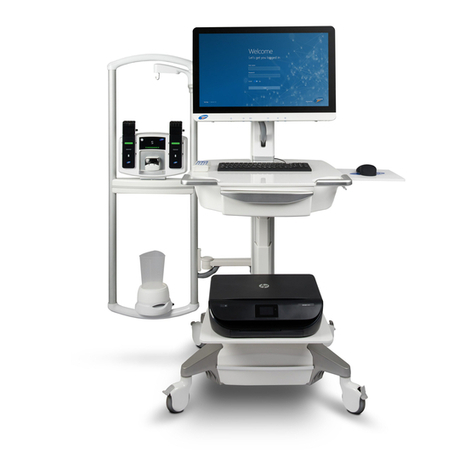
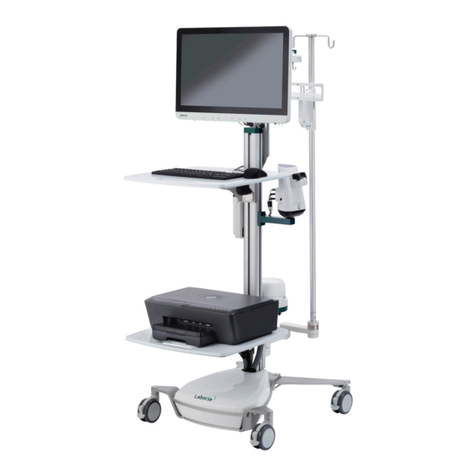
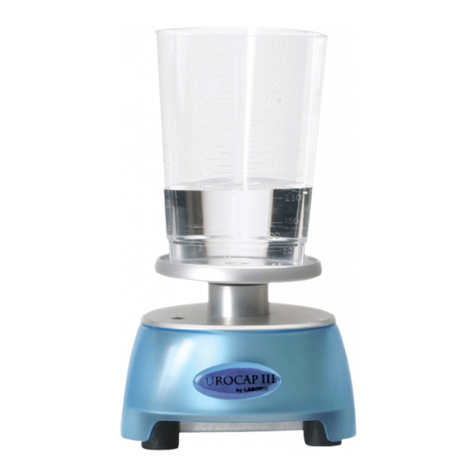
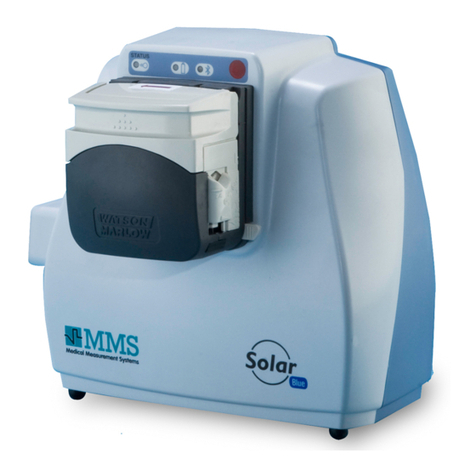
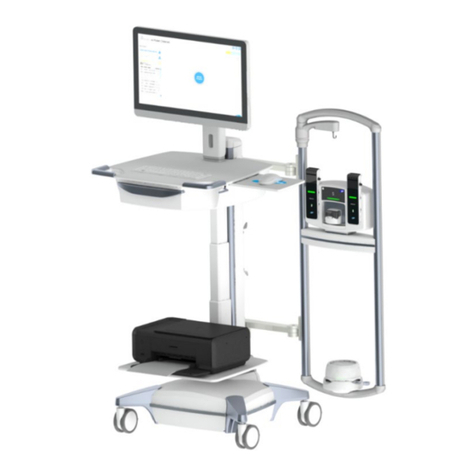
Table 1-1 lists the standard NXT system conguration.
Table 1-1: NXT System Conguration—Standard Equipment
NXT Go Standard Equipment Add-On Features and Equipment
Computer: Laptop computer, including the Laborie Synergy application
Printer: WiFi/Direct compatibility
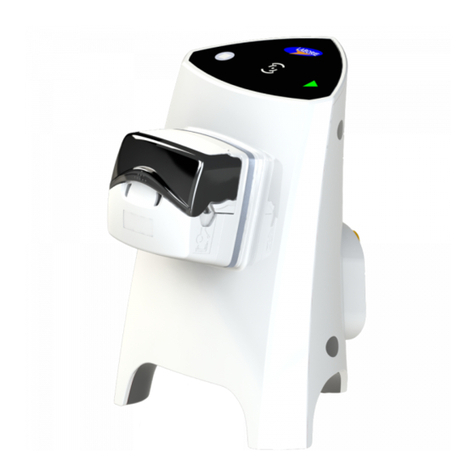
Pump Hub: NXT Go pump hub with NXT Go infusion hook (wired
Version 2 or wired/wireless Version 3)
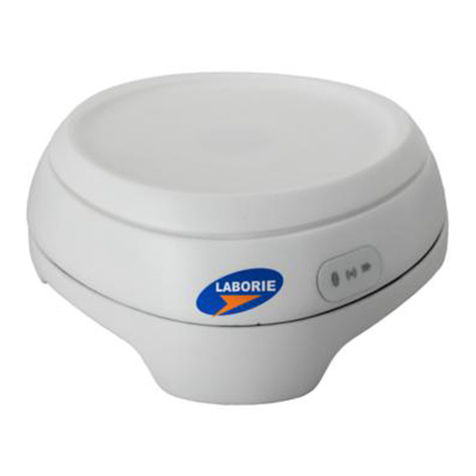
Uroowmeter: Urocap NXT (1)
UDS: Roam NXT (1) with PIM NXT for T-DOC for Fluid
Bluetooth Dongle: Enables wireless connection using Bluetooth
technology
Remote Control NXT: Wireless and battery-powered device that allows
control of the system from a distance
Electronic Medical Records (EMR): Add-
on feature
UPP Puller NXT: Add-on equipment