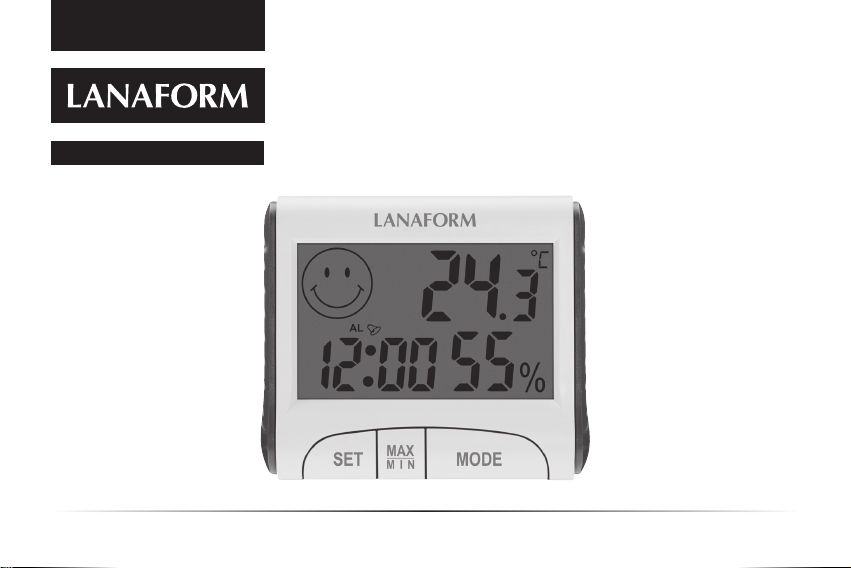
Digital Thermo-Hygrometer EN Instruction manual 7/48
EN FR NL DE PL CS SK SL BG VI
ALARM ( + )
1 Press SET then MODE and the
symbol will appear. The
alarm time can be shown.
2 Press the MODE button for 2 sec-
onds in order to adjust the times
with the SET button and with
the MODE conrmation between
each selection. To do this, go back
to and nish by pressing MODE .
3 Press one last time on SET
to trigger the alarm.
4 You can enable or disable the alarm
using this same SET button = .
MAINTENANCE AND CLEANING
Clean using only a slightly damp cloth.
Never use chemical products or corro-
sive cleaning agents.
Keep in a clean, dry place, having re-
moved the battery.
ADVICE REGARDING
THE DISPOSAL OF WASTE
All the packaging is composed of mate-
rialsthat posenohazardforthe environ-
ment and which can be disposed of at
your local sorting centre to be used as
secondaryrawmaterials.Thecardboard
maybe disposedof inapaper recycling
bin.Thepackaginglm must betaken to
your local sorting and recycling centre.
When youhavenishedusingthedevice,
please dispose of it in an environmen-
tally friendly way and in accordance
with the law.
Under no circumstances should
spent batteries be disposed
of with household waste.
LIMITED WARRANTY
LANAFORM guarantees this product
againstanymaterialormanufacturing
defectforaperiodoftwoyearsfromthe
date of purchase, except in the circum-
stances described below.
TheLANAFORMguaranteedoesnotcover
damage caused as a result of normal
wear to this product. In addition, the
guarantee covering this LANAFORM
product does not cover damage caused
by abusive or inappropriate orincorrect
use, accidents, the use of unauthorized
accessories,changesmadetotheproduct
or any other circumstance, of whatever
sort,thatis outside LANAFORM’scontrol.
LANAFORM may not be held liable for
any type of circumstantial, indirect or
specic damage.
E-IM-ThermoHygormeter-006.indd 7E-IM-ThermoHygormeter-006.indd 7 10-06-21 18:56:1910-06-21 18:56:19