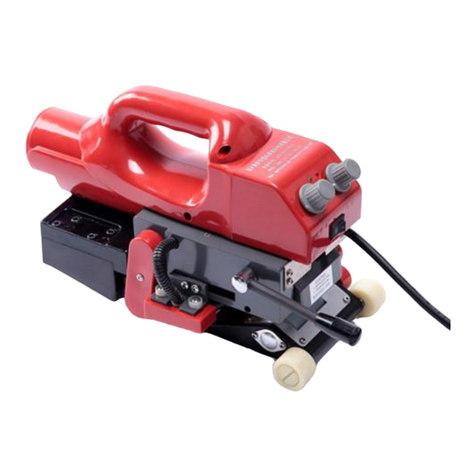
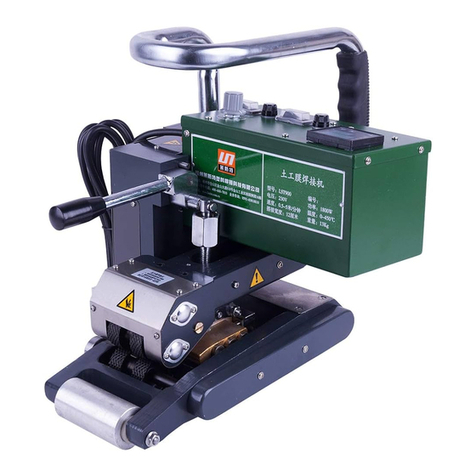
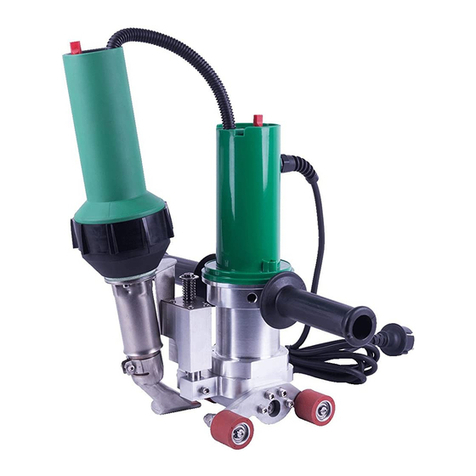
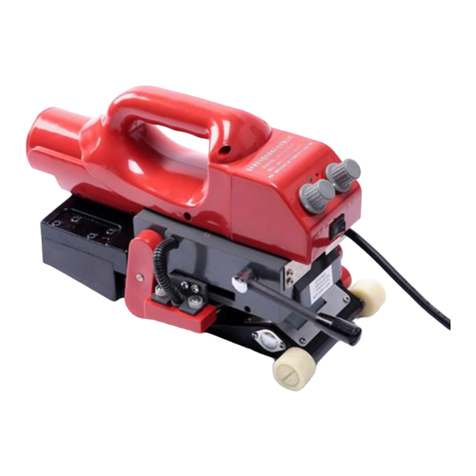
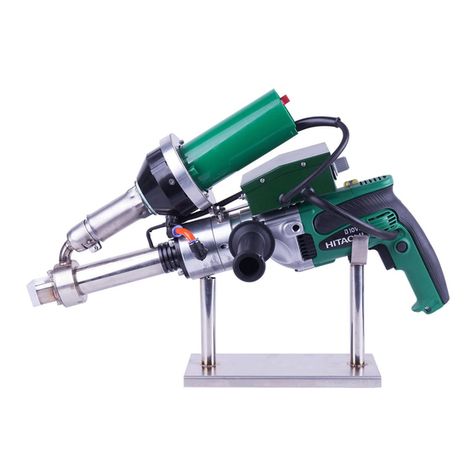
LST700 Operations
LST700 Parameters Setting
1、Please lift the pressure handle (14) to separate the upper and down pressure
roller (12), switch the power on.
2、Setting the welding parameters according to the data of welding test.
3、Please wait the actual temperature value reaching the setting value.
4、Put the welder at the welding position and put the two films (one up and the other
one down) into the machine.
5、Press down the pressure handle (14) to make the upper and down pressure roller (12)
fit completely. Then turn on the moving switch (31), the machine starts walking and
welding automatically.
6、To observe the relative position of the welding seam and the edge of the welded
membrane at any time. It must be promptly corrected if there is deviation.
7、When the welder finish welding job,its pressures handle needs to be lifted to separate
the upper and down pressure roller in time.
8、After completion of the welding work, press the buttons (24) and (25) on the panel
to make the hot air blower in a cold blowing condition in order to cool the nozzle.
9、Power off.
04
1、Welding temperature:
Press the buttons on the panel to set the required welding temperature ,
which depends on the welding material and ambient temperature. The LCD screen
will display the preset temperature and the current actual temperature.
2. Welding speed:
Press the buttons on the panel to set the required welding speed,which
matchs the welding temperature.The LCD screen will display the preset speed and the
current actual speed.
3、Welding pressure:
It can change the welding pressure by rotating the pressure adjusting nut. To reduce
the pressure in a clockwise direction, and increase the pressure in a counterclockwise
direction.
● The machine has a memory function parameters, namely when you use the welder
next time, the welder will automatically show the last set of parameters without
reseting parameters.
LST700
LESITE
EN