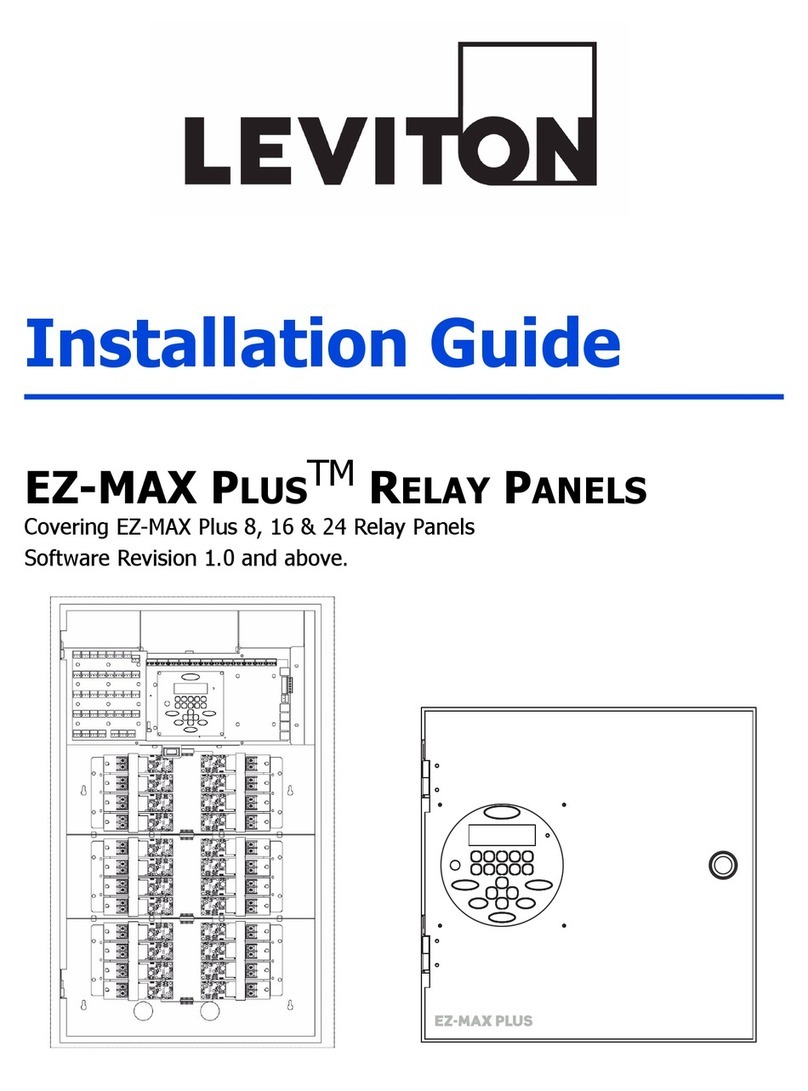
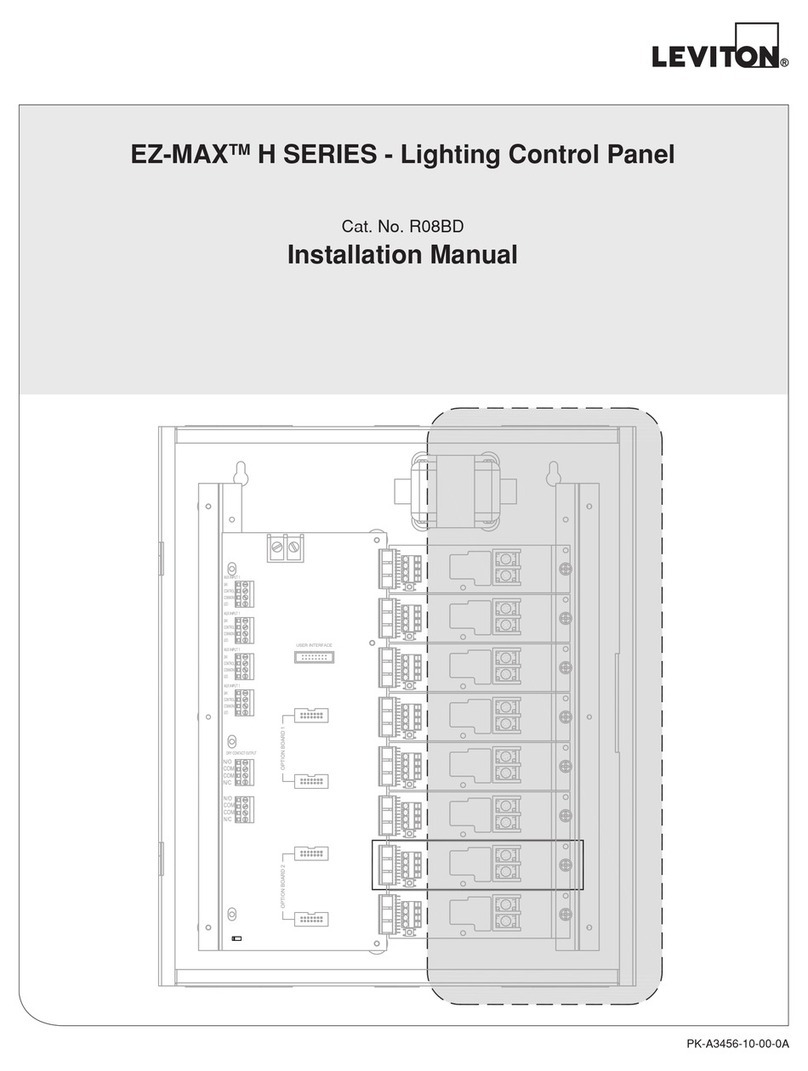
Leviton EZ-MAX User manual

User Guide
EZ-MAXTM
LIGHTING CONTROL RELAY PANELS
...another Z-MAXTM product by Leviton Manufacturing.
Software revision 1.00 and up

.

Table of Contents,
EZ-MAX User Guide Page i
Revision A - April 2005
Table of Contents
Overview
Inspection..................................................................................................... 1
Description.................................................................................................... 1
Control Overview ........................................................................................... 1
Feed and Load Wiring .................................................................................... 2
Control Input Wiring ...................................................................................... 2
Turn On ........................................................................................................ 2
Warnings
Installation
Installation Checklist ...................................................................................... 5
Mounting ...................................................................................................... 6
Suggested Mounting Heights: .................................................................... 7
Location of cabinets .................................................................................. 8
Mounting Cabinet ..................................................................................... 8
Feed and Load Wiring
Overview of Power Wiring - Feed\Line Wiring ................................................ 11
Control Electronics Power Wiring................................................................... 13
Line and Load Circuit Wiring ......................................................................... 13
Testing the Circuits ................................................................................. 13
Wiring the relays .................................................................................... 14
Circuit Schedule...................................................................................... 17
Low Voltage Control Wiring
Control Input Wiring .................................................................................... 19
Configuring Low Voltage Inputs ............................................................... 19
Switch Input Schedule............................................................................. 21
Low Voltage Input Terminals & Connections ............................................. 22
Connecting Low Voltage Switches ............................................................ 25
Occupancy Sensors................................................................................. 27
Photocells .............................................................................................. 29
............................................................................................................. 30
Wiring with an External Power Supply ...................................................... 31
Power Considerations for Control Systems ..................................................... 33
Terminology ........................................................................................... 33
Power Requirements & Maximum Run Length........................................... 33
Power Wire - Run Length ........................................................................ 36
Modem Installation/Phone Line Connection.................................................... 37
Modem Module Installation...................................................................... 37

Table of Contents,
Page ii
Operation
LCD Display .................................................................................................39
Navigation Buttons ..................................................................................40
Turning Relays On/Off & Relay Overrides..................................................41
To Override a Relay On or Off ..................................................................41
To Override a Relay On or Off for a specified time .....................................42
Determine the Firmware/Software Build.........................................................43
Factory Defaults...........................................................................................45
Setting the Date, Time, & Astronomical Time Clock.........................................47
Set the Date & Time................................................................................47
Set the Astronomical Time Clock ..............................................................48
Configuration the Simple Way
Panel Configuration in Simple Mode...............................................................51
Simple Mode Menu Structure ........................................................................52
Configure Inputs ..........................................................................................52
Low Voltage Switch Inputs.......................................................................53
Photocell Configuration............................................................................54
Occupancy Sensor Configuration ..............................................................57
Quick Schedule .......................................................................................59
Advanced Mode Configuration
Warranty Information 65
Limited Warranty .........................................................................................65

Overview, Inspection
EZ-MAX User Guide Page 1
Revision A - April 2005
Overview
Inspection
Carefully unpack the relay cabinet, and inspect to make sure there has been no hidden
shipping damage. Report all damage to the freight carrier who delivered the system. Claims
for damages are filed with the freight carrier as all freight is shipped FOB Tualatin, Oregon.
In case of damaged components, your EZ-MAX relay cabinet can be serviced in the field with
factory replacement parts.
Description
The compact physical design of your EZ-MAX Relay cabinet takes up a minimum of wall space.
The product is only designed for surface mounting. The properties of your cabinet are as
follows:
Cabinet Properties
Some of the relay features are:
•UL & cUL Listed for use in USA and Canada
•Compliant with NEMA requirements
•Easy to install
•Quick & Easy to Configure
The control portion of the relay cabinet employs all digital circuitry for accuracy and for
minimum wiring requirements between the relay cabinet and its control systems.
Control Overview
The Leviton EZ-MAX relay Cabinet uses an intelligent central control card (Digital Main Control
Module), enabling the relays in this system to control the loads connected to it as well as
respond to a variety of inputs. These inputs include:
•Low Voltage (constant voltage)
•Photocell 0-10VDC or Switched
•Occupancy sensor
•0-10VDC analog
•Dry Contacts
The LCD display provides an easy user interface with full configuration from the front panel.
Cabinet Size # of Relays Weight Dimensions - in. (CM)
44 10.6 lbs. (4.83 Kg) 10" W x 10" H x 4 9/32" D
(25.4 x 25.4 x 10.44)

Overview, Feed and Load Wiring
Page 2
Feed and Load Wiring
The cabinets have been designed for multiple entry and exit points for feed (from branch
circuit breaker) and load wiring. Refer to the appropriate section in this guide which discusses
this topic.
Control Input Wiring
The cabinets have been designed for multiple entry and exit points for low voltage control
wiring. Refer to the appropriate section in this guide which discusses this topic.
Turn On
Prior to turn on, verify the following is installed correctly:
•Feed wiring
•Load wiring
•Control wiring

Warnings, Turn On
EZ-MAX User Guide Page 3
Revision A - April 2005
Warnings
•To be installed and/or used in accordance with appropriate electrical codes and regulations.
•To be installed by a qualified Electrician.
•DO NOT CONNECT line voltage wires to low voltage terminals.
•Mount in a location where audible noise is acceptable.
•When using with fluorescent ballasts, both lighting fixture and ballast must be grounded.
•Use this relay cabinet only with minimum 75oC copper wire at 75oC ampacity.
•Disconnect power when servicing the relay cabinet, fixture or when changing lamps.
•Indoor use only.
•TO AVOID FIRE, SHOCK OR DEATH: TURN OFF POWER AT MAIN CIRCUIT BREAKER OR
FUSE AND TEST THAT THE POWER IS OFF BEFORE WIRING, OPENING THE PANEL, OR
REPLACING ANY COMPONENT!
•During Operation, cabinet cover is to be removed by qualified personnel ONLY!. Heed all
caution markings indicating the presence of High Voltage. High voltage may be up to 600V.
•Test each circuit to make sure it is free of short circuits before connecting it to relay.

Warnings, Turn On
Page 4

Installation, Installation Checklist
EZ-MAX User Guide Page 5
Revision A - April 2005
Installation
Installation Checklist
Install the cabinets by following these simple steps:
Step 1: Unpack the system
Step 2: Report any damages to the freight carrier
Step 3: Remove the cover
Step 4: Remove the mounting plate assembly and store where damage will not occur
to the electronics
Step 5: Attach the cabinet to the wall (note the "UP" orientation as indicated on the
sticker)
Step 6: Drill holes and attach conduit where appropriate
Step 7: Pull all wire into the cabinet
Step 8: Blow out any dust, dirt, or debris which has accumulated in the cabinet
Step 9: Test & Verify all wiring by directly connecting line to load - Correct any faults
and re-test wiring prior to proceeding.
Step 10: Install the mounting plate assembly
Step 11: Terminate the feed & load wiring to each relay
Step 12: Terminate control wiring
Step 13: Verify the feed wiring
Step 14: Verify the load wiring
Step 15: Verify the remote control wiring
Step 16: The firmware of the cabinet is constantly updated by the Lighting Control
Division. Check the website, www.leviton.com, for the latest version of the
firmware and see Appendix B for instructions on how to update your cabinets
firmware
Step 17: Setup & Program the Cabinet

Installation, Mounting
Page 6
Mounting
The cabinets can be mounted only on the surface of the wall. The EZ-MAX Relay Cabinet is
not designed for any flush mounting method.
Prior to the consideration of any mounting location, please pay special attention to the allowed
locations for conduit entry.
All cabinets have ample location for conduit entry for feed, load
output, and control wiring. Ensure that conduit entry is only in
the allowed locations. Refer to the above figures in the
proceeding pages for possible locations. Also please ensure
that the power and control electronics are removed prior to
drilling or punching holes for conduit entry.
1A 2AG
SLOW BLO WFUSE
Grounding
Screws
(typ)
Control
Power
Input
2¼"
Low or High
Voltage
(not both)
Wiring/Conduit
Entry Area
Low Voltage
Wiring/Conduit
Entry Area
High Voltage
Wiring Area
for Conduit Entry
USB
Connector
NO CONDUIT
ENTRY!
NO CONDUIT
ENTRY!
Other manuals for EZ-MAX
1
Table of contents
Other Leviton Control Panel manuals

Leviton
Leviton P8724GLT User manual
Leviton
Leviton 804CP Original operating instructions
Leviton
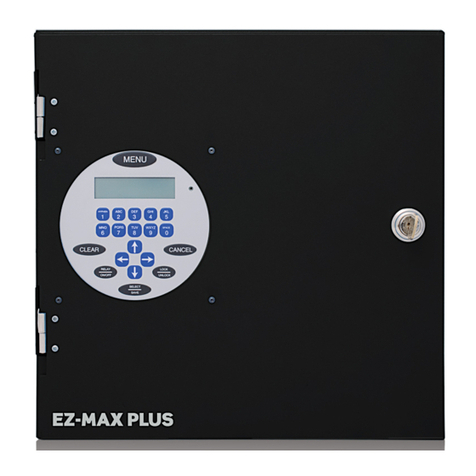
Leviton EZ-Max Plus User manual
Leviton
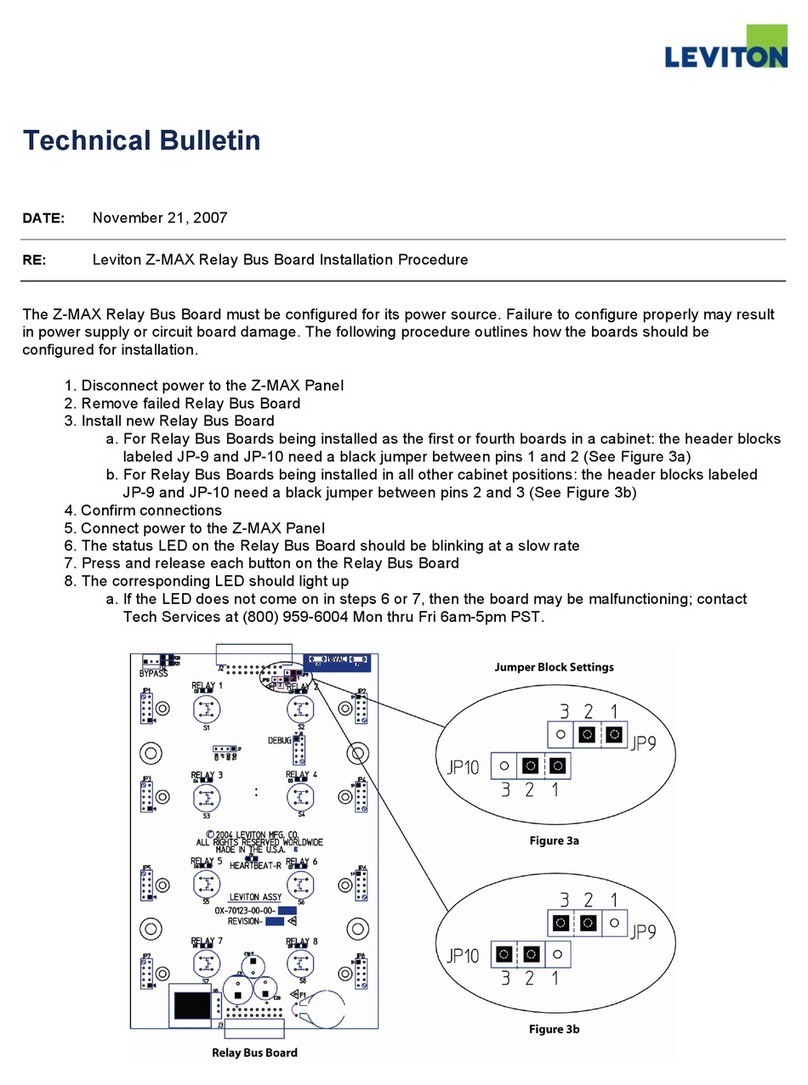
Leviton Z-MAX r24sd Service manual
Leviton
Leviton 41920-CP8 User manual
Leviton
Leviton Z-MAX Series Operating instructions

Leviton
Leviton LP-SRL Series User manual
Leviton
Leviton Z-MAX Series User manual
Leviton
Leviton 408CP Original operating instructions
Leviton
Leviton EZ-MAX H Series User manual