manuals.online logo
Brands
  1. Home
  2. •
  3. Brands
  4. •
  5. Leviton
  6. •
  7. Control Panel
  8. •
  9. Leviton LP-SRL Series User manual

Leviton LP-SRL Series User manual

This manual suits for next models

8

Other Leviton Control Panel manuals

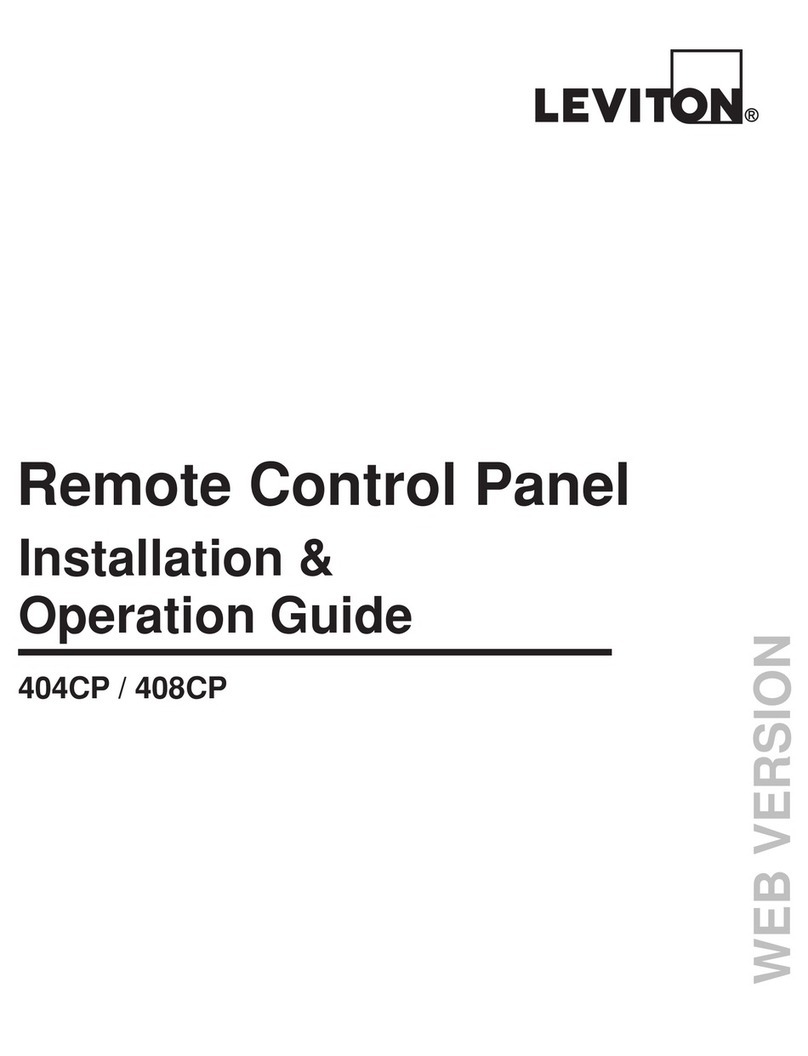
Leviton 408CP Original operating instructions

Leviton

Leviton 408CP Original operating instructions

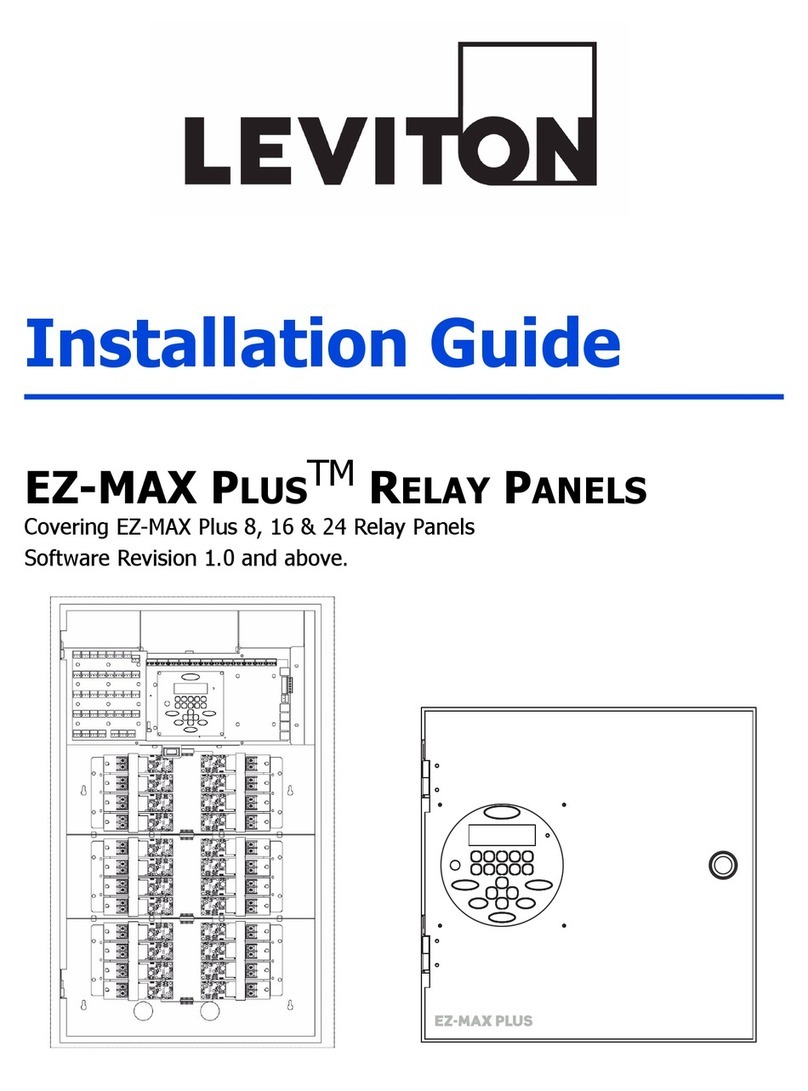
Leviton EZ-Max Plus User manual

Leviton

Leviton EZ-Max Plus User manual

Leviton 47120 User manual

Leviton

Leviton 47120 User manual

Leviton 400CP Original operating instructions

Leviton

Leviton 400CP Original operating instructions

Leviton Z-MAX Series User manual

Leviton

Leviton Z-MAX Series User manual

Leviton Z-MAX r24sd Service manual

Leviton

Leviton Z-MAX r24sd Service manual

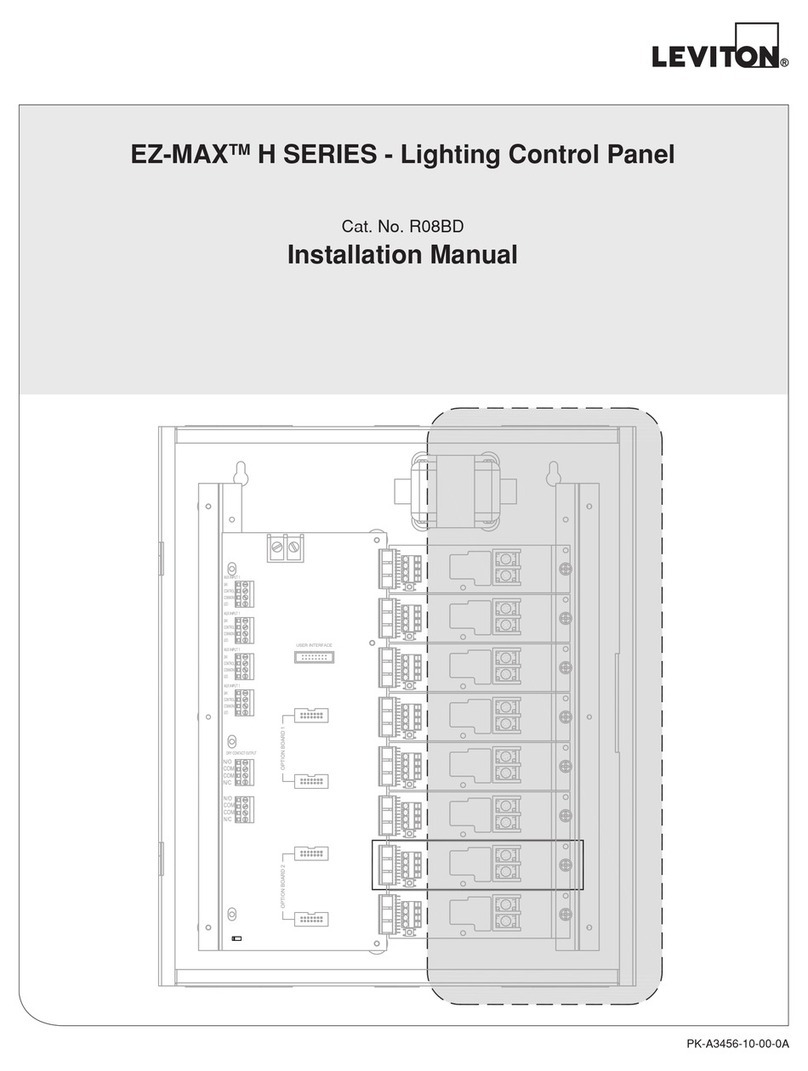
Leviton EZ-MAX H Series User manual

Leviton

Leviton EZ-MAX H Series User manual

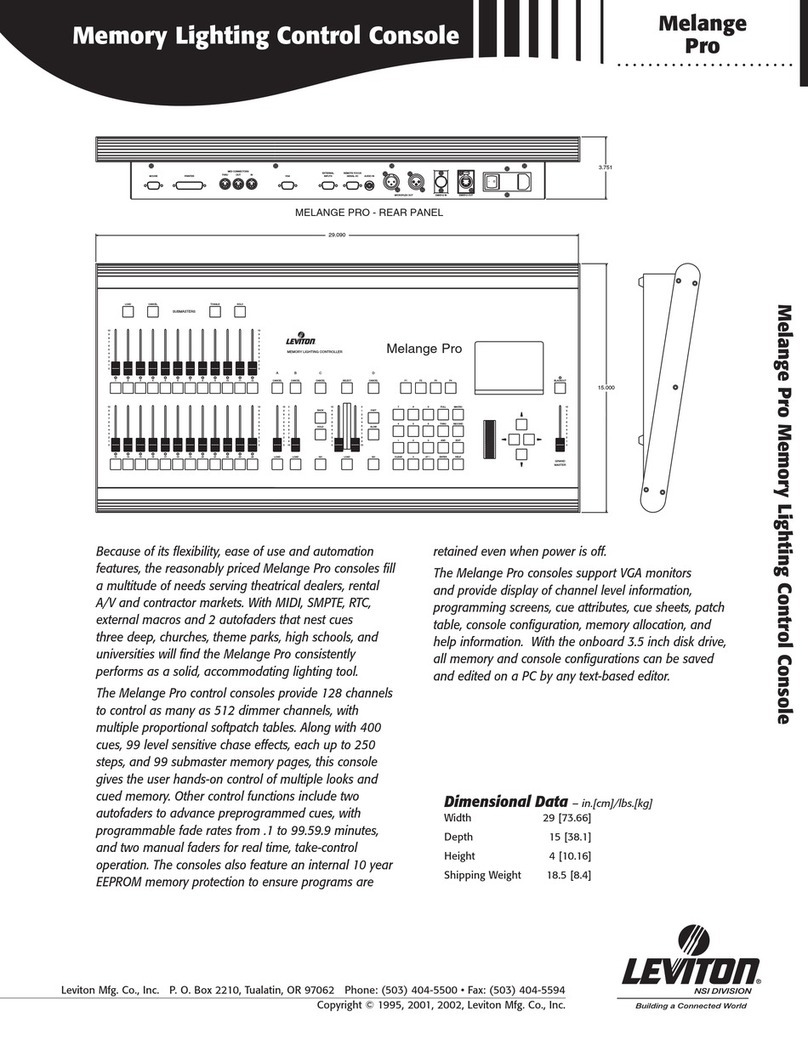
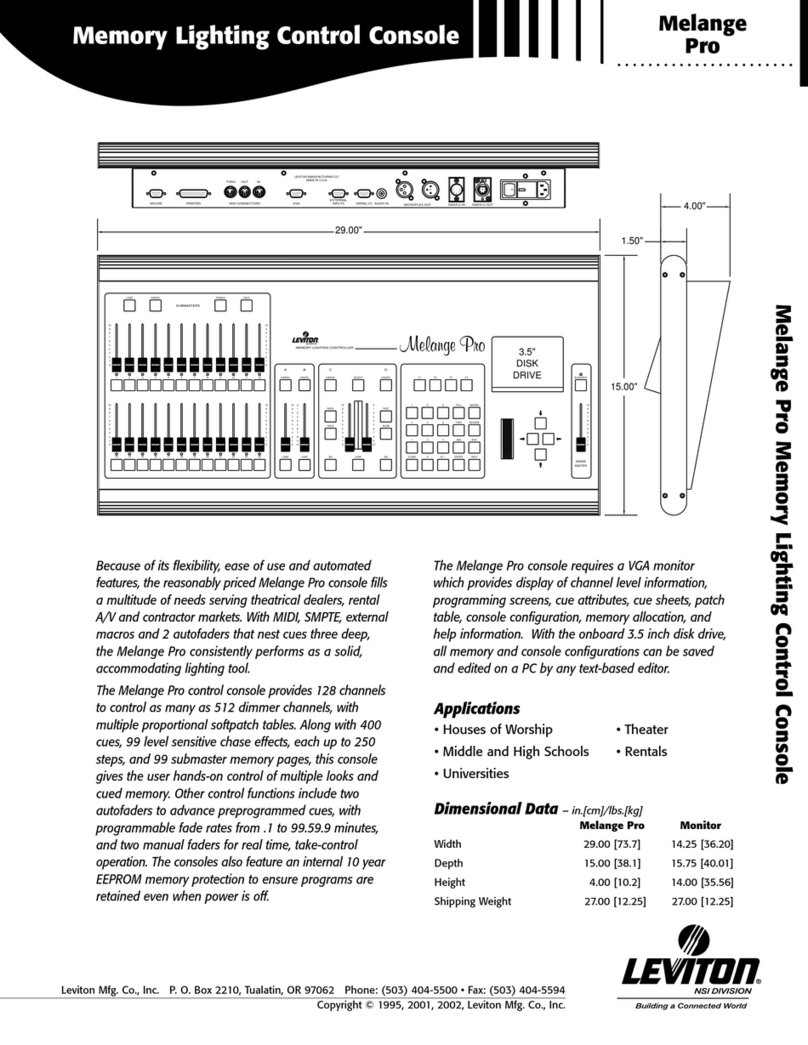
Leviton Melange Pro Owner's manual

Leviton

Leviton Melange Pro Owner's manual

Leviton 804CP Original operating instructions

Leviton

Leviton 804CP Original operating instructions

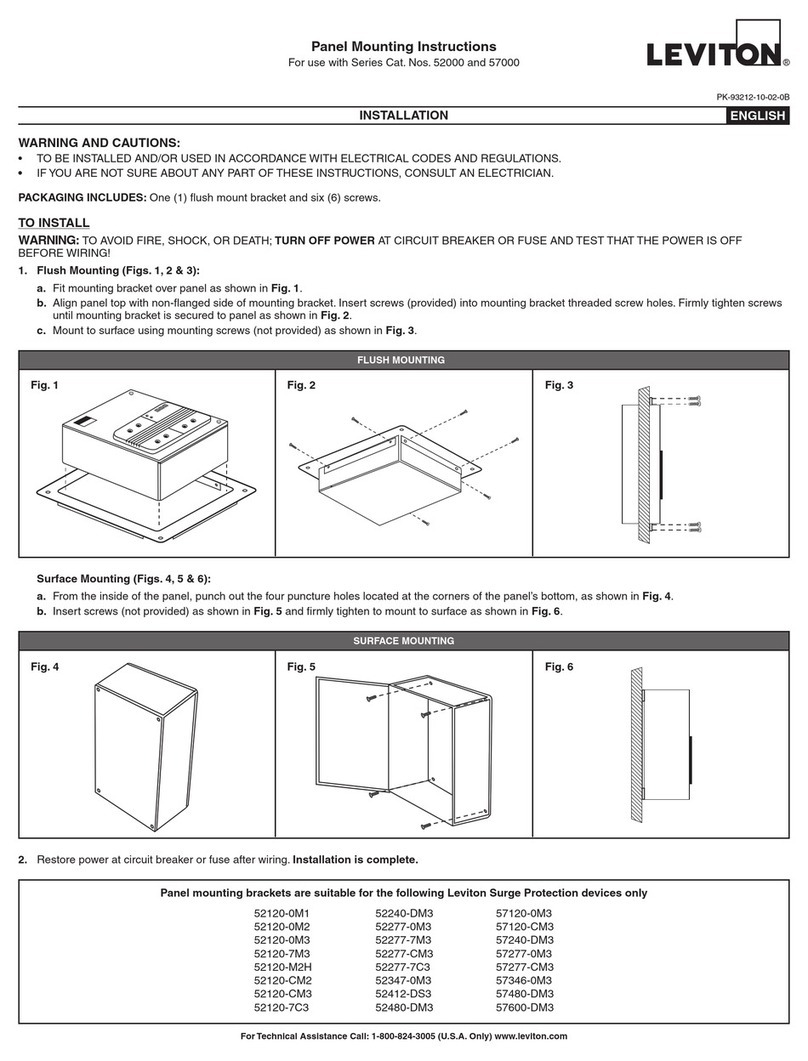
Leviton 52120-0M1 User manual

Leviton

Leviton 52120-0M1 User manual

Leviton 41920-CP8 User manual

Leviton

Leviton 41920-CP8 User manual

Leviton Melange Pro User manual

Leviton

Leviton Melange Pro User manual

Leviton P8724GLT User manual

Leviton

Leviton P8724GLT User manual

Leviton EZ-MAX H Series User manual

Leviton

Leviton EZ-MAX H Series User manual

Leviton EZ-MAX PLUS series User manual

Leviton

Leviton EZ-MAX PLUS series User manual

Leviton Z-MAX Series Operating instructions

Leviton

Leviton Z-MAX Series Operating instructions

Leviton EZ-MAX User manual

Leviton

Leviton EZ-MAX User manual

Popular Control Panel manuals by other brands

GENEVO PRiMA 6 installation manual

GENEVO

GENEVO PRiMA 6 installation manual

NAPCO X 255 - Programming instructions

NAPCO

NAPCO X 255 - Programming instructions

Next Systems UNIR1 230 instruction manual

Next Systems

Next Systems UNIR1 230 instruction manual

HORNER HE-XPW1E0 user manual

HORNER

HORNER HE-XPW1E0 user manual

DSC CLASSIC PC1555 instruction manual

DSC

DSC CLASSIC PC1555 instruction manual

Bosch Solution 2000 installation guide

Bosch

Bosch Solution 2000 installation guide

VRinsight MS Panel user manual

VRinsight

VRinsight MS Panel user manual

Zeiss SYCOP 3 Quick reference guide

Zeiss

Zeiss SYCOP 3 Quick reference guide

HULTSTEINS ECOFRIDGE DISPLAY user manual

HULTSTEINS

HULTSTEINS ECOFRIDGE DISPLAY user manual

Elkron C420 Programming manual

Elkron

Elkron C420 Programming manual

GST GST200-2 Installation and operation manual

GST

GST GST200-2 Installation and operation manual

Efka Variocontrol V810 instruction manual

Efka

Efka Variocontrol V810 instruction manual

RDZ PC-HRX user manual

RDZ

RDZ PC-HRX user manual

STG-BEIKIRCH MZ3 operation instruction

STG-BEIKIRCH

STG-BEIKIRCH MZ3 operation instruction

AMX AutoPatch CP-15 instruction manual

AMX

AMX AutoPatch CP-15 instruction manual

Cebora 208-10 instruction manual

Cebora

Cebora 208-10 instruction manual

Satel CA-6 KLED-S user manual

Satel

Satel CA-6 KLED-S user manual

Evolution IQ plus 800 installation manual

Evolution

Evolution IQ plus 800 installation manual

manuals.online logo
manuals.online logoBrands
  • About & Mission
  • Contact us
  • Privacy Policy
  • Terms and Conditions

Copyright 2025 Manuals.Online. All Rights Reserved.

Solar-ready
Combination Service Entrance Device (CSED)
Cat Nos. LPxxx-SRL, LPxxx-SR
INSTALLATION INSTRUCTIONS ENGLISH
PK-A3305-10-00-5A
WARNINGS
• TO AVOID FIRE, SHOCK, OR DEATH, TURN OFF ALL POWER SERVICING THE DEVICE, TEST THAT POWER IS
OFF BEFORE SERVICING OR WIRING and ensure connections are made in the same sequence as existing device
connections.
• This equipment MUST BE installed and serviced by a qualified electrician.
• Leviton circuit breakers MUST BE used with a Leviton circuit breaker enclosure.
• Before providing power to the load center, check all electrical connections and confirm that the wiring is correct.
• Replace all doors and covers before connecting power to this equipment.
CAUTIONS
• Use ONLY approved fittings and clamps to avoid damage to wires.
• Ensure that all branch circuit breakers are in the OFF position before installing into the panel.
• To be installed and/or used in accordance with electrical codes and regulations.
1. Remove Compartment Covers 2. Install 5th Jaw Application (Optional)
3. Remove the Load Center Door (Optional) 4. Mount the Enclosure
6. Connect to Phase, Neutral and Ground Conductors5. Remove Knockouts for Bottom Feed Wiring
Installation
c. Connect to the neutral bar using
the opening next to the ground
lug in the service chamber.
NOTE: The wire retention channel can be used to ensure wire stays in place.
The load center door can be removed for easier installation.
NOTE: When installation is complete, align the door hinge with
the hinge pin and insert downward until door is seated.
This panel series can only be mounted in a semi-flush manner. Consult the local electrical
code to determine the proper installation height. The right side of the panel has a meter socket
centerline marking that can be referenced to achieve the proper installation height.
To mount the unit, use the mounting brackets on the left and right outside perimeter of the panel.
Use outdoor approved screws or nails (not provided) in the mounting brackets to secure the
enclosure to the wall studs.
Mount a minimum of 12 inches away from an adjacent wall to the right side of the panel to allow
ample room for accessing the door latch.
NOTE: Install unit within rough opening of dwelling and seal off all gaps around the flange and
enclosure body to the rough opening in the wall. Apply a minimum 1 inch overlap of all-weather
flashing tape, or equivalent over mounting flanges.
NOTE: -SRL models suitable only for use as service equipment. Install no more than six main
disconnecting means.
CAUTION: Use ONLY approved fittings and clamps to avoid damage to wires.
a. Bring the phase, neutral and ground conductors into the enclosure’s service chamber.
b. Connect the phase, neutral and ground conductors to the appropriate terminals and
torque to spec. You may reference the wire terminal table inside the panel door.
NOTE: For top feed wiring, use the overhead tunnel accessory and follow the instructions
(sold separately).
NOTE: Before removing any knockouts from the enclosure, consult the local electrical code to
determine the knockout requirements.
PHASE
NEUTRAL
GROUND
b.
b.
b.
a.
a.
a.
a. Strike the center of
the knockout.
b. Pry each ring up one at a
time with a pair of pliers.
c. Grip both ends with the pliers
to bend the rings until they
disconnect from the enclosure.

WEB VERSION
© 2019 Leviton Mfg. Co., Inc. For Technical Assistance Call: 1-800-824-3005 (USA Only) or 1-800-405-5320 (Canada Only) www.leviton.com
LIMITED PRODUCT WARRANTY
For Leviton’s limited warranty, go to www.leviton.com. For a printed copy of the warranty you may call 1-800-323-8920 or write to Leviton
Manufacturing Co., Inc., Att: Customer Service Dept., 201 North Service Road, Melville, New York 11747.
FOR CANADA ONLY
For warranty information and/or product returns, residents of Canada should contact Leviton in writing at Leviton
Manufacturing of Canada ULC to the attention of the Quality Assurance Department, 165 Hymus Blvd,
Pointe-Claire (Quebec), Canada H9R 1E9 or by telephone at 1 800 405-5320.
TRADEMARK DISCLAIMER: Use herein of third party trademarks, service marks, trade names, brand names
and/or product names are for informational purposes only, are/may be the trademarks of their respective
RZQHUVVXFKXVHLVQRWPHDQWWRLPSO\DI¿OLDWLRQVSRQVRUVKLSRUHQGRUVHPHQW
11. Complete the Installation
7. Remove Deadfront
8. Strip and Connect Wires 9. Branch Circuit Breakers
10. Install the CT Cores (Optional)
WARNING: Before providing power to the load center, check all electrical connections and confirm
that the wiring is correct.
WARNING: Replace all doors and covers before connecting power to this equipment.
Ensure that the main and all branch circuit breakers are in the OFF position. To energize, first turn
ON the main breaker, and then turn ON each individual branch circuit breaker.
NOTE: Twist-outs must be removed for each position that contains a branch circuit breaker.
Fill any unused open spaces in cover using filler plates (see filler plate instructions).
NOTE: To reinstall deadfront, align and slide it inward above the rails on each side until bottom
portion of deafront is seated in enclosure. Secure bottom of deadfront with securing screw.
WARNING: Leviton circuit breakers MUST BE used with a Leviton circuit breaker enclosure.
WARNING: Ensure that the main breaker is in the OFF position before installing any branch circuit
breakers.
CAUTION: Ensure that all branch circuit breakers are in the OFF position before installing into the
panel.
Strip and connect the load phase and load neutral wires to the load terminals and ground wire to
the ground bus of the circuit breaker enclosure.
NOTE: Refer to the wire terminations table inside the panel door for stripping and torque
specifications.
WARNING: TO AVOID RISK OF FIRE, check all wiring and ensure all circuit breakers are
installed in the proper position before energizing panel.
Align the hooks and guides of the branch circuit breaker with the panel and press until breaker
snaps into place.
Attach the CT Cores on to their respective Phase A and Phase B load bars
and follow the instructions provided by their manufacturer.
Load Neutral
Load Phase
c. To remove twist-outs, first strike with a screwdriver,
then twist with pliers until detached.
a. b.
Patents covering this product, if any, can be found on Leviton.com/patents.
WEB VERSION