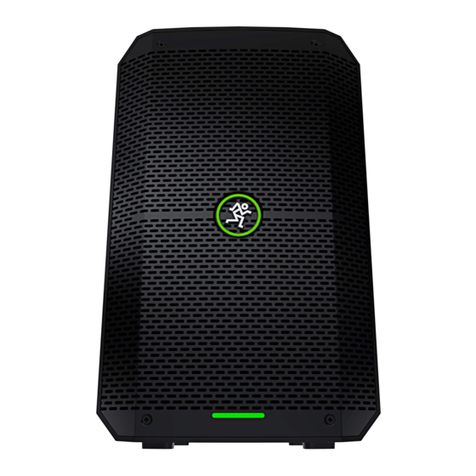
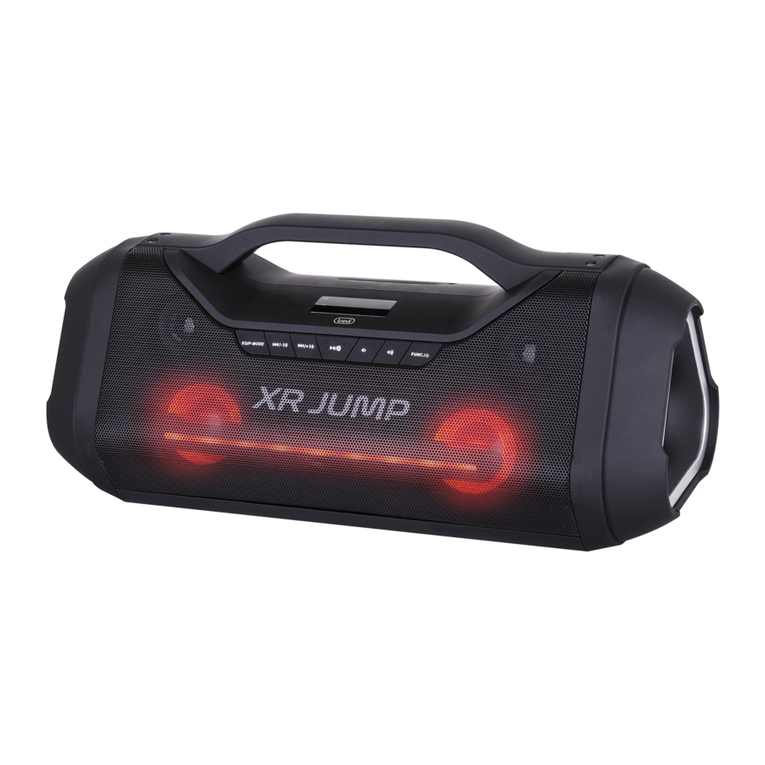
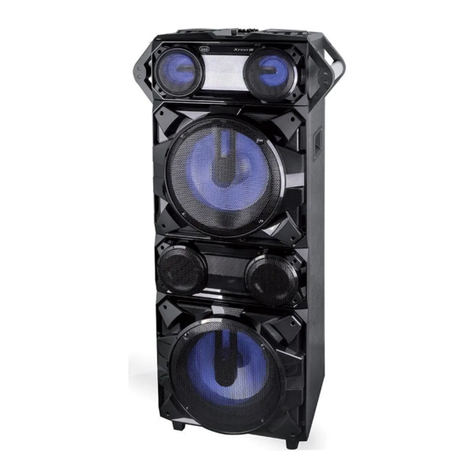
3
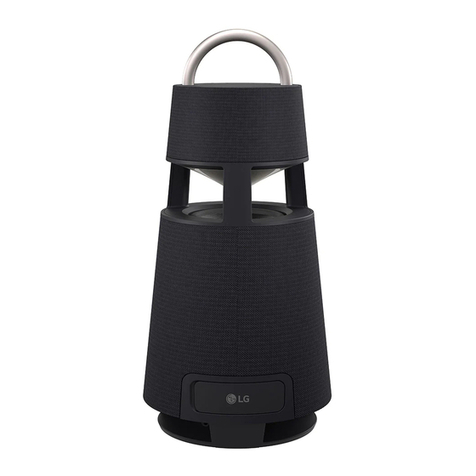
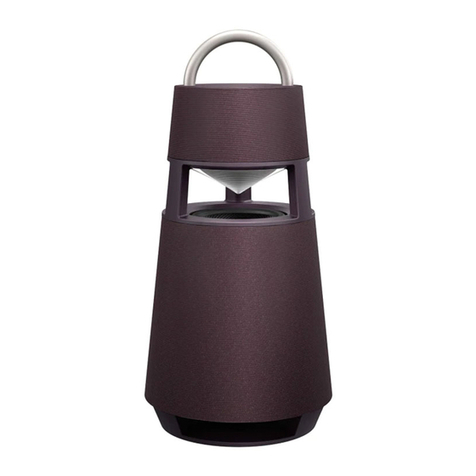
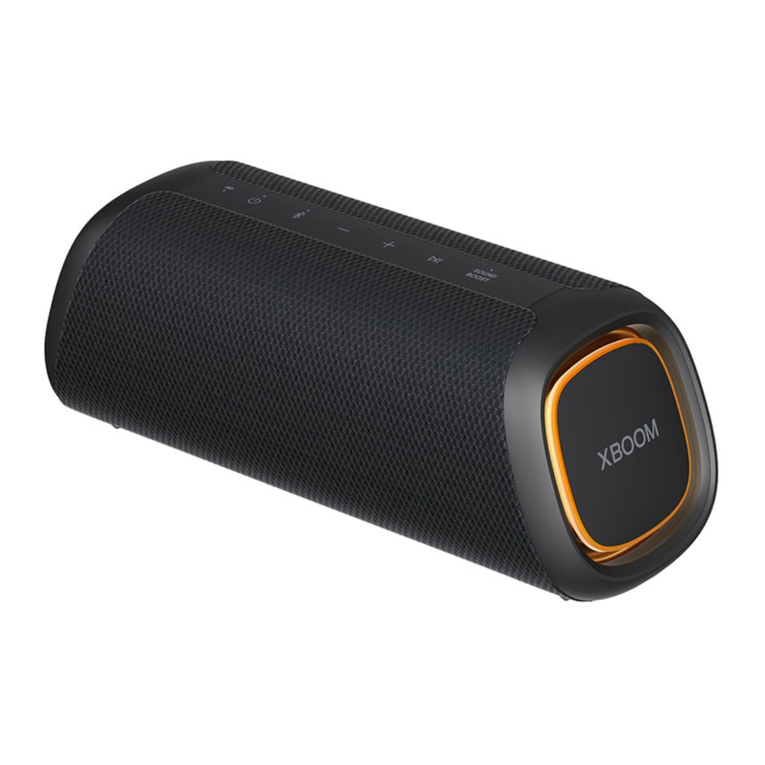
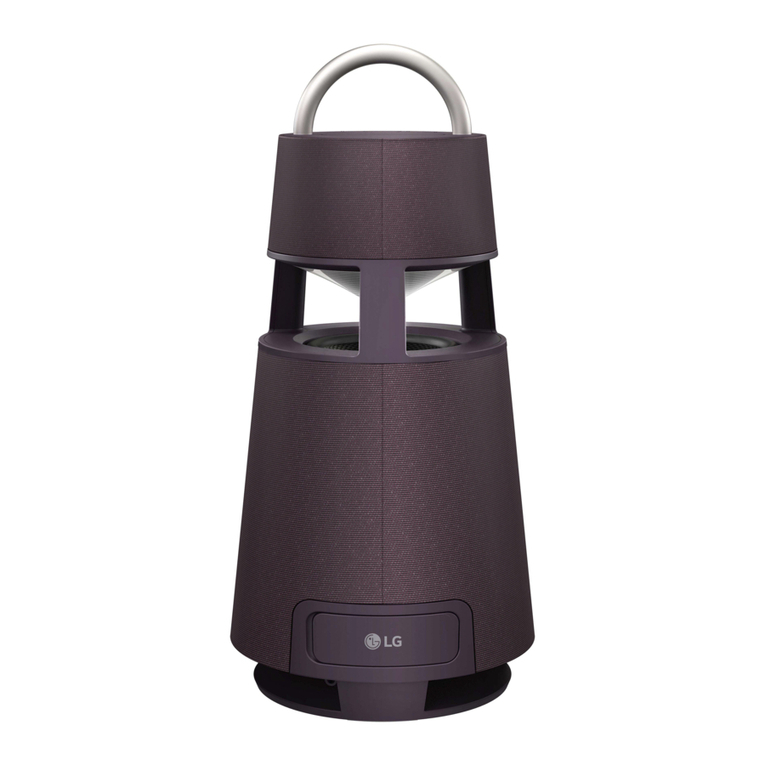
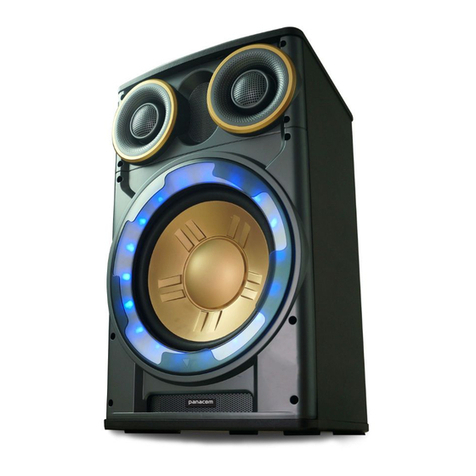
AHandle
BControls
C Speaker
D Mood lighting
E Woofer
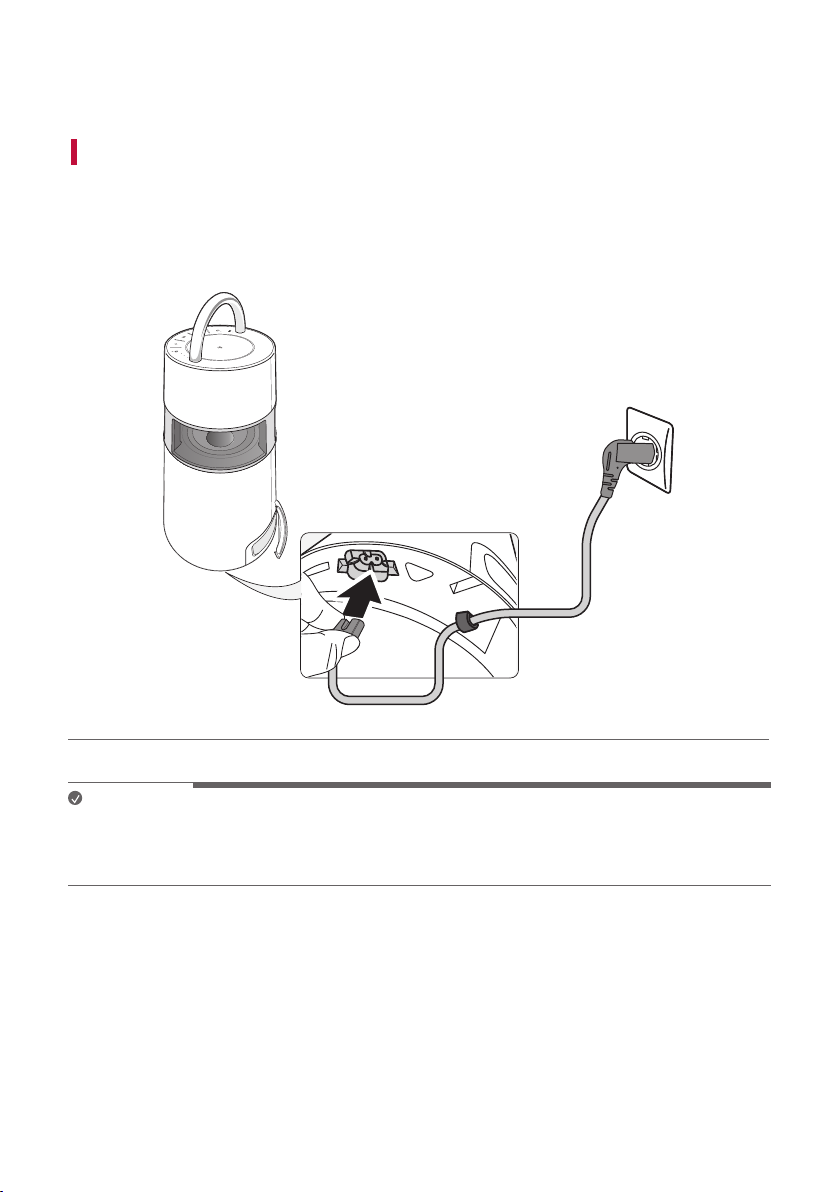
aConnect the power cord to the product and charge it before use.
You can find the power socket at the bottom of the product.
bConnecting the Speaker to a Smartphone Using Bluetooth ([
See “Connecting Smartphone to the Speaker via Bluetooth” on page
12.)
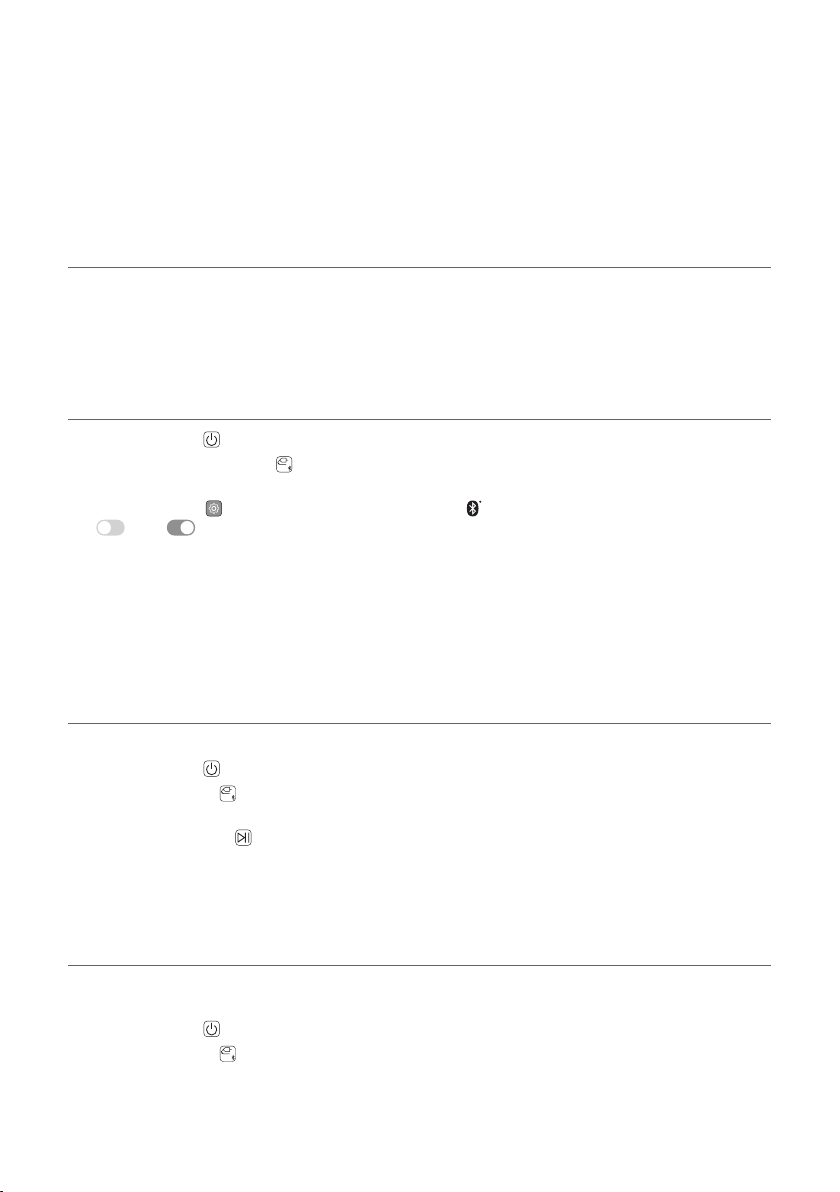
APress the Power button to turn on the product.
BPress and hold the Function button on the product until you hear a notication sound. Bluetooth LED
blinks for 60 seconds.
CTap the Settings button on your smartphone and select Bluetooth. Turn on the Bluetooth function. (
Off > On)
D From the list of smartphone devices, nd and tap on “LG-RP4(XX).”
EOnce the smartphone is connected to the product via Bluetooth, the Bluetooth LED will turn on. Play a
desired track in the music app on your smartphone.
cPlaying Music from the USB ([See “Connecting to USB” on
page 17.)
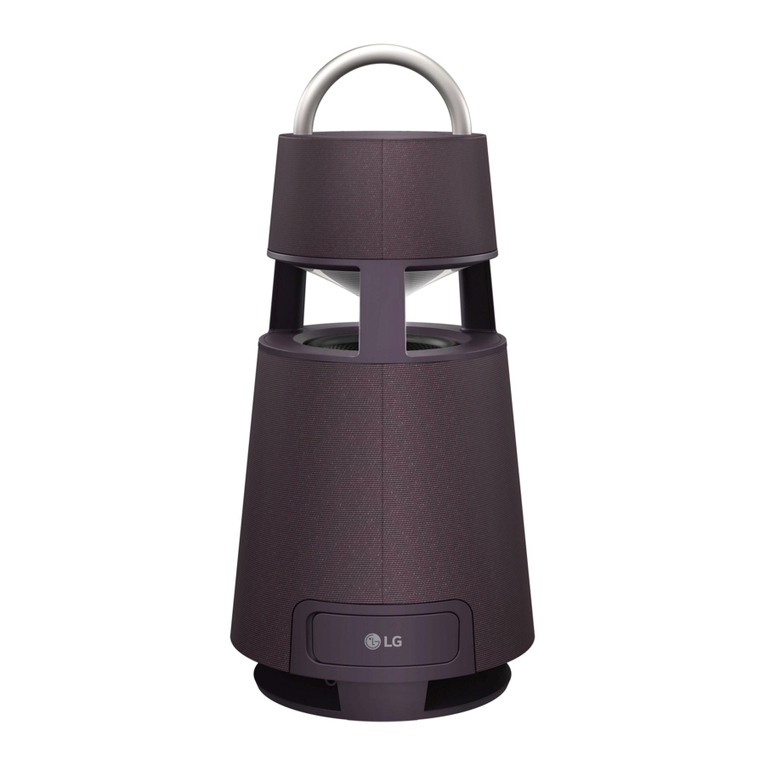
AOpen the back cover of the product and plug the USB storage device into the USB terminal.
BPress the Power button to turn on the product.
CPress the Function button on the product repeatedly to select the USB function. The USB LED will turn
on.
DPress the Play/Pause button to enjoy the music.
dConnecting to an External Device ([See “Connecting to an
External Device” on page 19.)
A Open the back cover of the product and connect the external device to the AUX. IN terminal via a 3.5 mm
stereo cable.
BPress the Power button to turn on the product.
CPress the Function button on the product repeatedly to select AUX. The AUX LED will turn on. If you play
music on the connected external device, you can start listening on this product.