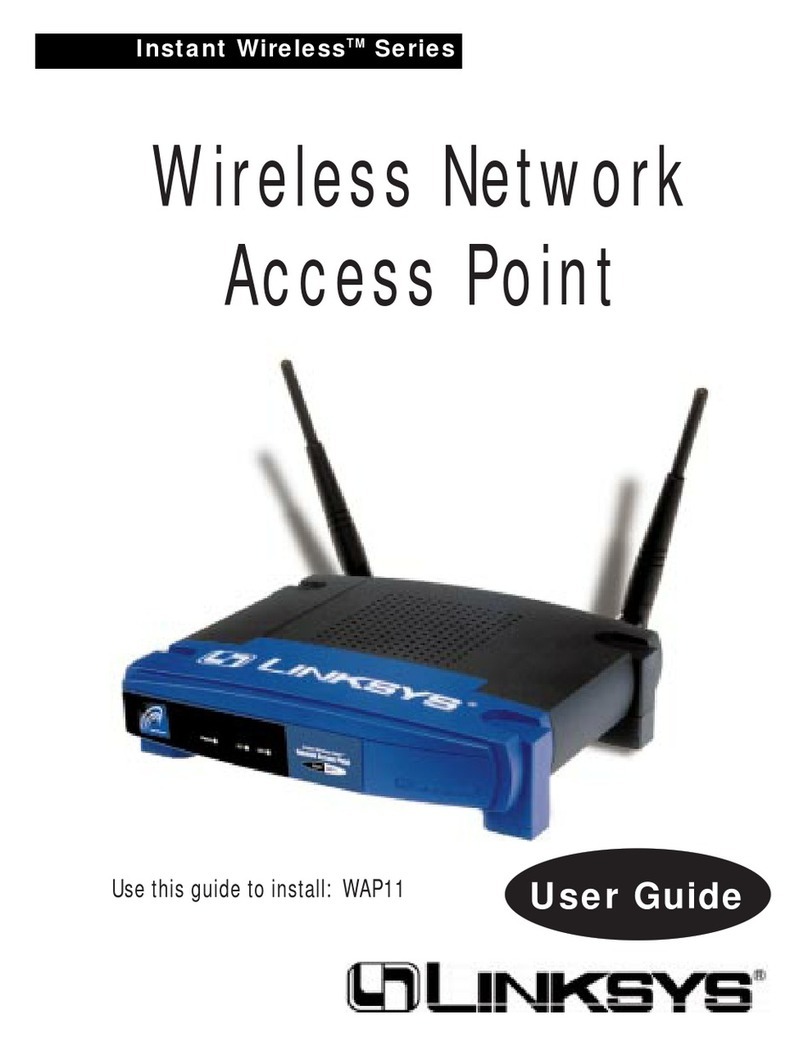
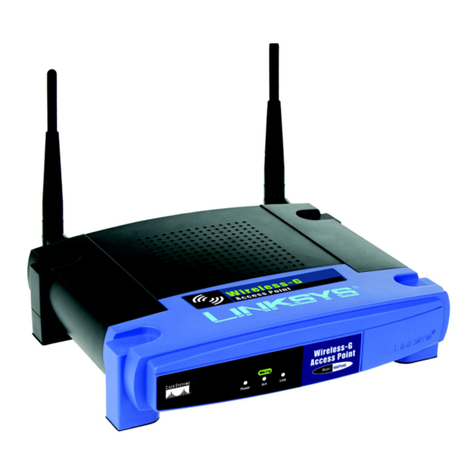
Wireless Network Access Point
Chapter 1: Introduction
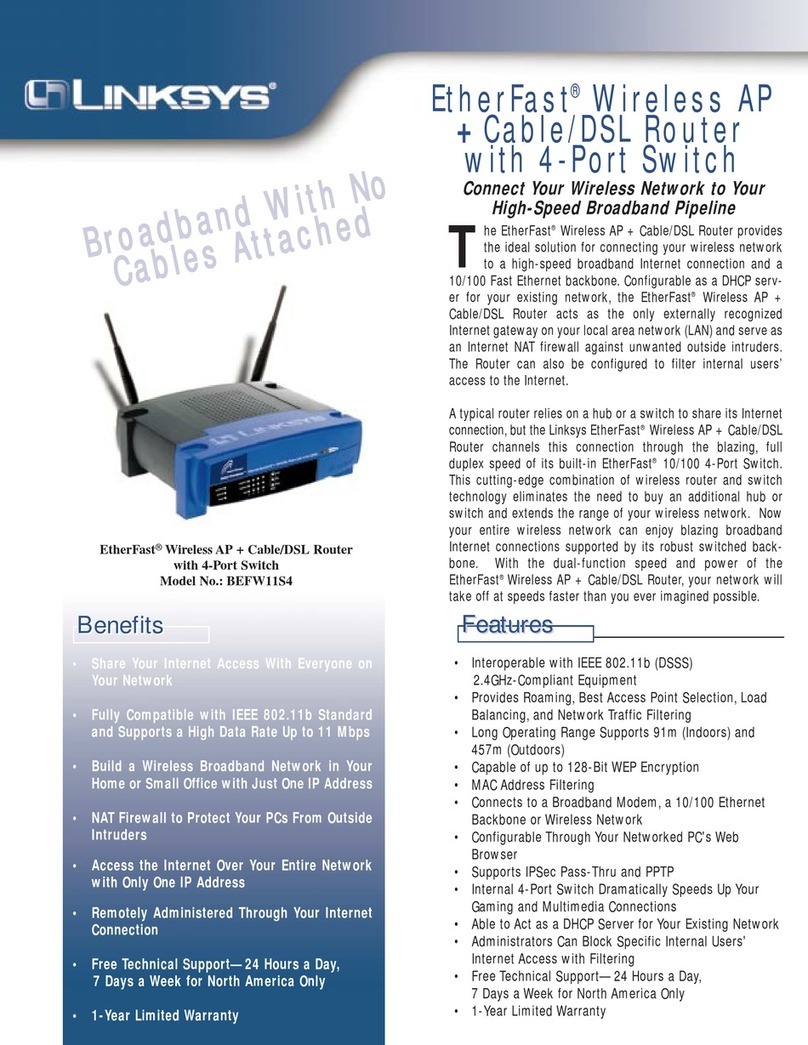
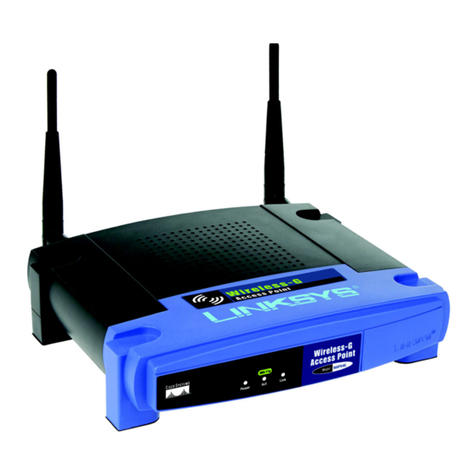
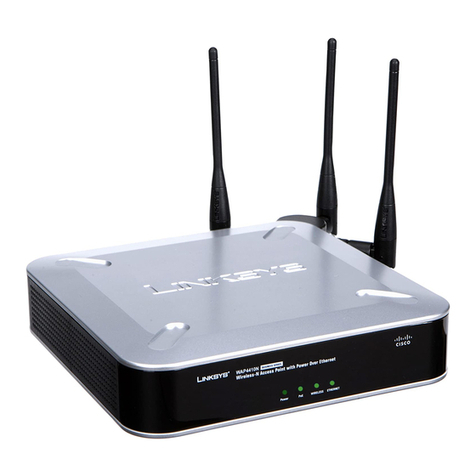
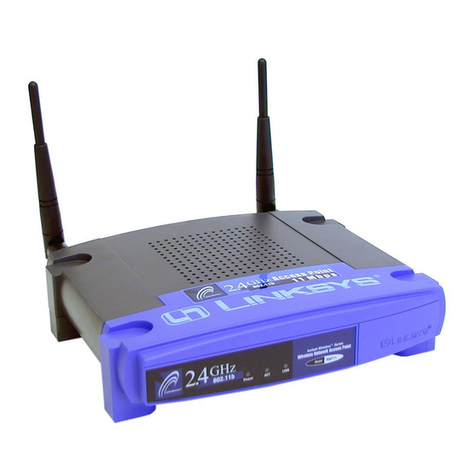
The Instant WirelessTM Wireless Network Access Point
Don’t be bound by cabling restrictions any longer! The Instant Wireless™
Wireless Network Access Point from Linksys delivers the freedom to config-
ure your network your way. Utilization of state-of-the-art wireless technology
gives you the ability to set up workstations in ways you never thought possible;
no cables to install means fewer expenses and fewer hassles.
The Instant Wireless™ Wireless Network Access Point’s high-powered anten-
nae offer a range of operation of up to 457 meters, providing seamless roaming
throughout your LAN infrastructure. Advanced user authentication ensures a
high level of security for wireless networking, while easy-to-use Windows-
based diagnostics and statistics tools ensure that you’ll always be in control.
Best of all, the Instant Wireless™ Wireless NetworkAccess Point features easy
installation—just plug it in and you’re ready to go!
When all these features come together in one compact, lightweight, and power-
efficient unit, you have the ultimate in flexible networking—the Linksys
Instant Wireless™ Wireless Network Access Point.
Features
• Highly Efficient Dipole Antennae Provide Extensive Range of Operation
• Enjoy Your Wireless Office Beyond the Range of Ethernet Networking
• Auto Fall-Back Data Rate for Long-Distance Communication and Noisy
Environments
• High-Speed Data Transfer Rate Up to 11 Mbps
• Interoperable with IEEE 802.11b (DSSS) 2.4GHz-Compliant Equipment
• Features Roaming, Best Access Point Selection, Load Balancing, and
Network Traffic Filtering
• Extensive Operating Range Supports up to 150m (Indoors) and 457m
(Outdoors)
• Up to 256-Bit Wired Equivalent Privacy Supported
• Free Software Driver Upgrades
• Compatible with Virtually All Major Operating Systems
• FreeTechnical Support—24 Hours a Day, 7 Days a Week for North America
Only
• 1-Year Limited Warranty
Table of Contents
Chapter 1: Introduction 1
The Instant WirelessTM Wireless Network Access Point 1
Features 1
Package Contents 2
System Requirements 2
Chapter 2: PlanningYour Wireless Network 3
Network Topology 3
Roaming 3
Chapter 3: Getting to Know the Wireless Network Access Point 4
The Wireless Network Access Point’s Ports 4
The Wireless Network Access Point’s LEDs 5
Chapter 4: Connecting theWireless Network Access Point 6
Chapter 5: Setting Up theWireless Network Access Point 7
Chapter 6: Configuring the Wireless Network Access Point 14
The Setup Tab 14
The Password Tab 17
The Status Tab 18
The Help Tab 20
The Filter Tab 21
The Wireless Tab 23
Installing the Configuration Utility 14
AppendixA: Troubleshooting 26
Frequently Asked Questions 26
Appendix B: Setting Up the TCP/IP and IPX Protocols 30
Setting Up TCP/IP in Windows 30
TCP/IP Setup for Windows 95, 98, and Millennium 31
IPX Setup for Windows 95, 98, and Millennium 31
TCP/IP Setup for Windows NT 4.0 32
IPX Setup for Windows NT 4.0 32
TCP/IP Setup for Windows 2000 33
IPX Setup for Windows 2000 33
Appendix C: Glossary 35
Appendix D: Specifications 43
Environmental 44
Appendix E:Warranty Information 45
Appendix F: Contact Information 46
1
Instant WirelessTM Series