Gocator Line Profile Sensors - User Manual 3
Table of Contents
Copyright 2
Table of Contents 3
Introduction 11
Safety and Maintenance 12
Laser Safety 12
Laser Classes 13
Precautions and Responsibilities 14
Class 3B Responsibilities 14
Nominal Ocular Hazard Distance (NOHD) 15
Systems Sold or Used in the USA 16
Electrical Safety 16
Handling, Cleaning, and Maintenance 17
Environment and Lighting 17
Getting Started 19
System Overview 19
Standalone System 19
Dual-Sensor System 20
Multi-Sensor System 21
Hardware Overview 22
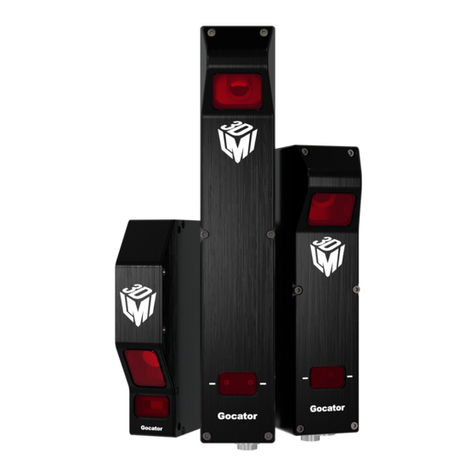
Gocator Sensor 22
Gocator Cordsets 22
Master 100 23
Master 400/800 24
Master 1200/2400 24
Calibration Targets 25
Installation 27
Grounding - Gocator 27
Recommended Grounding Practices - Cordsets 27
Grounding - Master 400/800/1200/2400 28
Mounting 28
Orientations 29
Rut-Scanning System Setup 31
Layout 31
System Setup 32
Software Configuration 32
System Operation 33
Network Setup 34
Client Setup 34
Gocator Setup 36
Running a Standalone Sensor System 36
Running a Dual-Sensor System 37
Next Steps 39
How Gocator Works 41
3D Acquisition 41
Clearance Distance, Field of Viewand
Measurement Range 42
Resolution and Accuracy 43
X Resolution 43
Z Resolution 44
Z Linearity 44
Profile Output 46
Coordinate Systems 46
Sensor Coordinates 46
System Coordinates 47
Part and Section Coordinates 49
Switching between Coordinate Systems 50
Uniform Spacing (Data Resampling) 50
Data Generation and Processing 51
Surface Generation 51
Part Detection 52
Sectioning 52
Part Matching 53
Measurement and Anchoring 53
Output and Digital Tracking 54
Gocator Web Interface 55
User Interface Overview 55
Toolbar 56
Creating, Saving and Loading Jobs (Settings) 56
Recording, Playback, and Measurement
Simulation 58
Recording Filtering 60
Downloading, Uploading, and Exporting
Replay Data 61
Metrics Area 63
Data Viewer 64
Status Bar 64
Log 64
Frame Information 65
Interface Language 65
System Management and Maintenance 67
Manage Page Overview 67
Sensor System 68
Sensor Autostart 68