2020-03-10 FOCALSPEC User guide LCI1220-1620 v1.2 4/31
LMI Technologies, Inc. • www.lmi3d.com
1About this Document
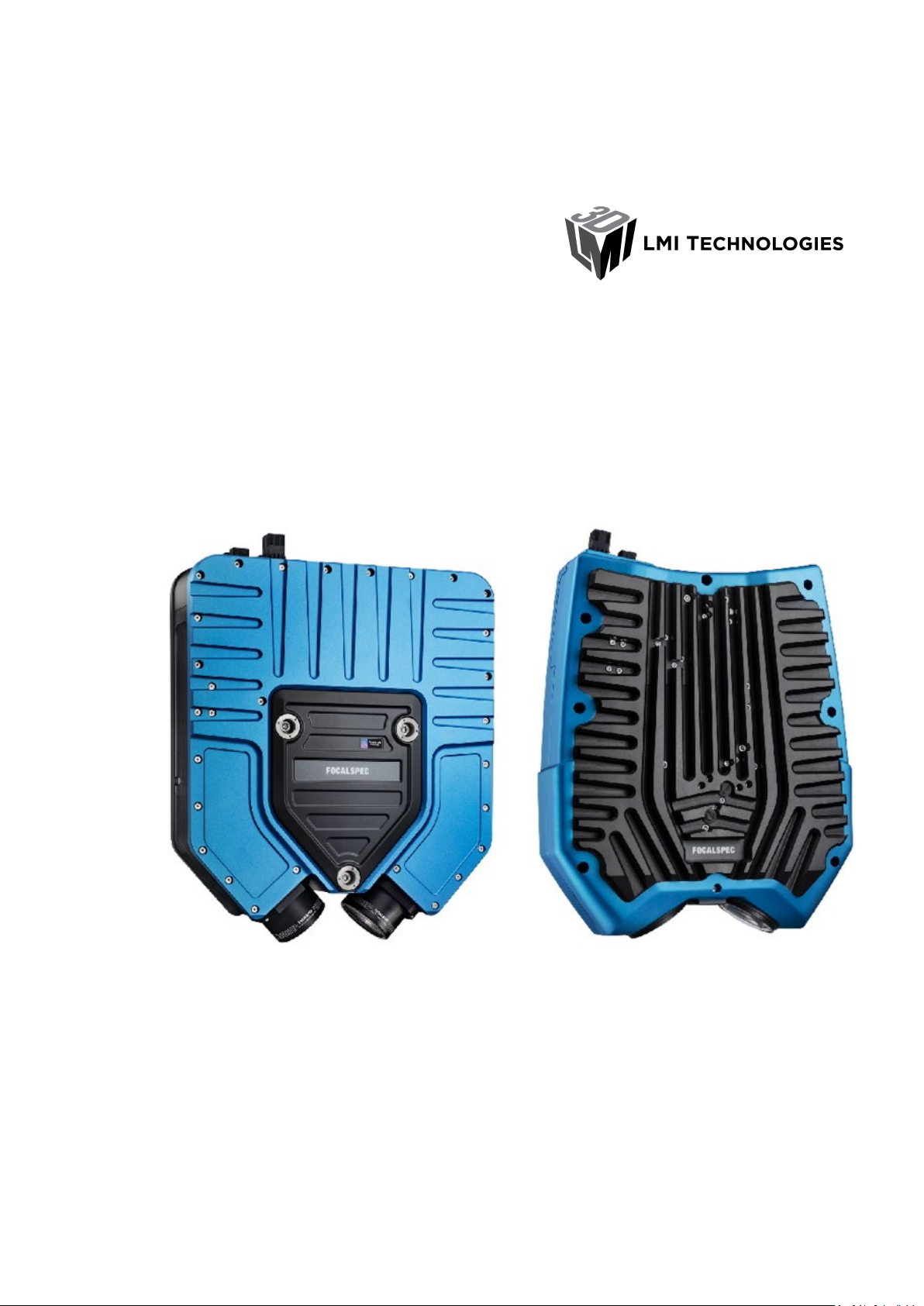
This document is user guide of sensors LCI1220 and LCI1620. Sensors LCI401, LCI1200,
LCI1201 and LCI1600 are covered by separate guide. FocalSpec Software Development Kit
(FSSDK) and the API documentation can be found after FSSDK installation from folder:
C:\Focalspec\FocalSpec Software Development Kit\Manual.
2Safety Information
This chapter contains important safety information for installing and using the LCI sensors.
•Note! Read this document carefully before use.
•Note! Keep this document for future reference.
•Note! Original instructions. The original language is English.
2.1 Safety Notes
This document uses safety notes as follows:
•Note! Notes are tips, shortcuts or alternative approaches to the task at hand.
Ignoring a note should have no negative consequences.
•Caution! A Caution statement alerts you to situations that can be potentially
hazardous to you or cause damage to hardware, firmware, software, or data.
•Warning! A Warning statement indicates conditions or situations that can be
potentially lethal or extremely hazardous to you. Safety labels are also attached
directly to products to warn of these conditions or situations.
2.2 Warnings
•Caution! Do not remove any safety devices or open the cover. Risk of injuries and
insecure operation. The warranty is void if the cover is opened.
•Caution! Do not look directly into the light source. Light radiation may damage your
eyes.
•Caution! This is a high-precision optical instrument. Protect the device from dust and
moisture and avoid subjecting it to shocks and strong forces.
•Caution! Before using the sensor for the first time, check the sensor for transport
damage. If the sensor is damaged, contact support. See Support.
•Warning! Use only qualified personnel for the installation of all electrical supplies
and fixtures, and make sure that all installations adhere to local regulations and
safety standards.