START UP MANUAL 9
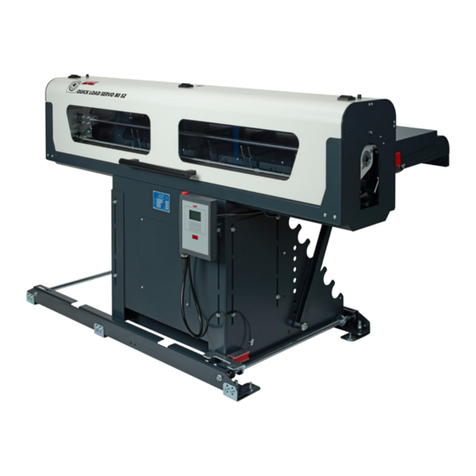
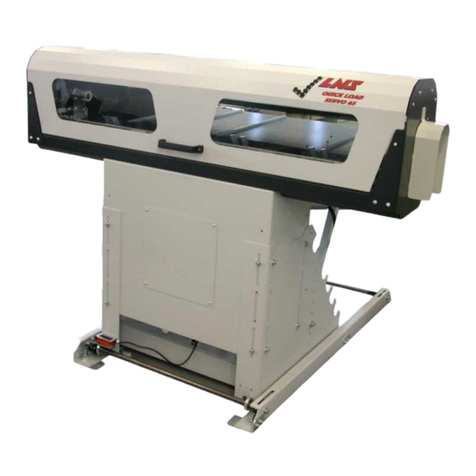
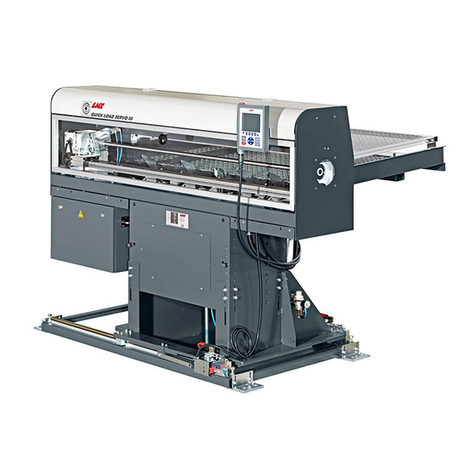
QUICK LOAD SERVO S2
Note :
For more
information
concerning
the
parameters,
see Chapter 7,
point 5.
Note :
If the previous
profile was
"Other", a text
indicating that
the loading
table needs to
be adjusted
manually will
be displayed.
See point 4.2.
3.3 Example 3 : Start-up for square bars
Specifications
Bar profile Square
Bar diameter 40.0 mm across the flats
Length of pieces to be machined 58.0 mm
Thickness of the cutoff tool 2.0 mm
a) Set-up of parameters :
Conditions: The loading table is in low position
2 bars of the new diameter are on the loading table
Bar feeder in STOP mode
Press the [MENU]key; the remote station displays the following text :
MAIN MENU
Press the numeric key [1] (Part Setup); the remote station displays the following text :
LOADING OF : 1. ROUND MATERIAL
2. HEXAGONAL
3. SQUARE
4. OTHERS
On the keypad, select [3] Square
Press the [ENTER] key twice; the remote station displays the following text:
NEW BAR STOCK DIAMETER
On the keypad enter [400]
Press the [ENTER] key twice; the motor (M2) engages and sets the loading table and the
loading fingers of the bar magazine. The remote command displays the following text :
INPUT OVERALL PART LENGTH
On the keypad, enter [600], which represents the sum of the bar length and the thickness
of the cut-off tool.
Press the [ENTER] key twice to store the data. Press the [ESC] key to exit the set-up
functions.
b) Mechanical settings :
CInstall the 25 mm diameter pusher; see point 4.1
CIf the stock is tubing, install the special adapter; see point 4.1.2
CCheck that the table and the loading fingers are in the "Profiled bars" position; see
points 4.3 and 4.4
CInstall the optional accessories for square bars (See Instruction manual,
Appendices / Options for Quick Load Servo S2)
CRefer to Set-up for profiled bars; see point 5.2.