5. Use
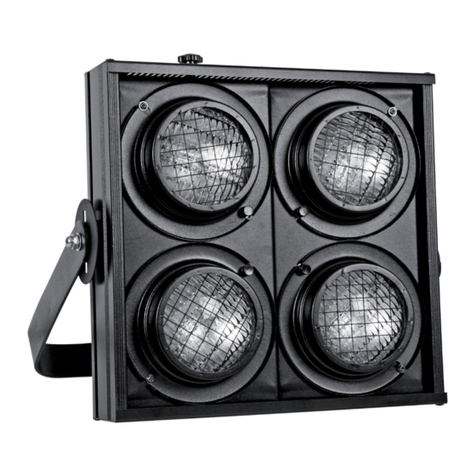
Plug the power socket into the power supply (230 VAC, 50 Hz). This blinder is DMX-controlled via one channel.
DMX-512 Connection
•When applicable, connect an XLR cable to the female XLR output of a controller (not incl.) and the other
side to the male XLR input of the device. Multiple devices can be linked through serial linking. The linking
cable should be a dual core, screened cable with XLR input and output connectors.
•Maximum recommended serial data link distance is 500 meters (1640 ft). Maximum recommended number
of devices on a serial data link is 32 devices.
•DMX chain with terminator:
A DMX terminator is recommended for installations where the DMX cable
has to run a long distance or used in an electrically noisy environment (e.g.
discos). The terminator prevents corruption of the digital control signal by
electrical noise. The DMX terminator is simply an XLR plug with a 120 Ω
resistor between pins 2 and 3, which is then plugged into the XLR output
socket of the last device in the chain.
DMX Start Address Selection
•All DMX-controlled devices need a digital start address so that the correct device responds to the signals.
This digital start address is the channel number from which the device starts to “listen” to the DMX
controller. The same starting address can be used for a whole group of devices or an individual address can
be set for every device.
•When all devices have the same address, all the units will “listen” to the control signal on one particular
channel. In other words: changing the settings of one channel will affect all devices simultaneously. If you
set individual addresses, each device will “listen” to a separate channel number. Changing the settings of
one channel will only affect the device in question.
•In case of the 1-channel mode, you will have to set the start address of the first unit to 1 (CH1), the second
to 2 (CH2), the third to 3 (CH3), and so on. The highest start address is 512.
In case of the use of a n-channel mode, you have to set to set the start address of the first unit to 1 (CH1),
the second to 1 + n the third to 1 + 2n and so on.
Menu control
Four buttons: MENU, UP, DOWN, ENTER
Four digits display, auto switch of after 1 minute.
Menu up, down as for the selection: Addr, oL--, FLAS.
Use ENTER for the confirmation of your selection. Continue with the detailed setup of your selection.
Addr: setup of the DMX start address.
Axxx is shown
Use the UP & DOWN buttons to adjust the start address (001 to 512)
ENTER to confirm
oL: manual setup of the brightness oLxx
is shown
Use the UP & DOWN buttons to adjust the brightness from 0 to max (000 to 255)
ENTER to confirm
FLAS: manual setup of the strobe speed
Fxxx is shown
Use the UP & DOWN buttons to adjust the strobe speed from 0 to max (000 to 255)