EnglishDeutsch
 logo
Brands
  1. Home
  2. •
  3. Brands
  4. •
  5. M-system
  6. •
  7. Test Equipment
  8. •
  9. M-system Mini-M M2PHS User manual

M-system Mini-M M2PHS User manual

Other M-system Test Equipment manuals

M-system Sentronic M5DY Series User manual

M-system

M-system Sentronic M5DY Series User manual

M-system Mini-M Series User manual

M-system

M-system Mini-M Series User manual

M-system Mini-M M2PHS2 User manual

M-system

M-system Mini-M M2PHS2 User manual

M-system Mini-M M2MST User manual

M-system

M-system Mini-M M2MST User manual

M-system Mini-M M2XF2 User manual

M-system

M-system Mini-M M2XF2 User manual

M-system Mini-M M2CRS User manual

M-system

M-system Mini-M M2CRS User manual

M-system Sentronic Mini-M M2XPA3 Series User manual

M-system

M-system Sentronic Mini-M M2XPA3 Series User manual

M-system FDY2 User manual

M-system

M-system FDY2 User manual

M-system Mini-M Series User manual

M-system

M-system Mini-M Series User manual

M-system M5XAMS User manual

M-system

M-system M5XAMS User manual

M-system Mini-M M2TG-14-M2 User manual

M-system

M-system Mini-M M2TG-14-M2 User manual

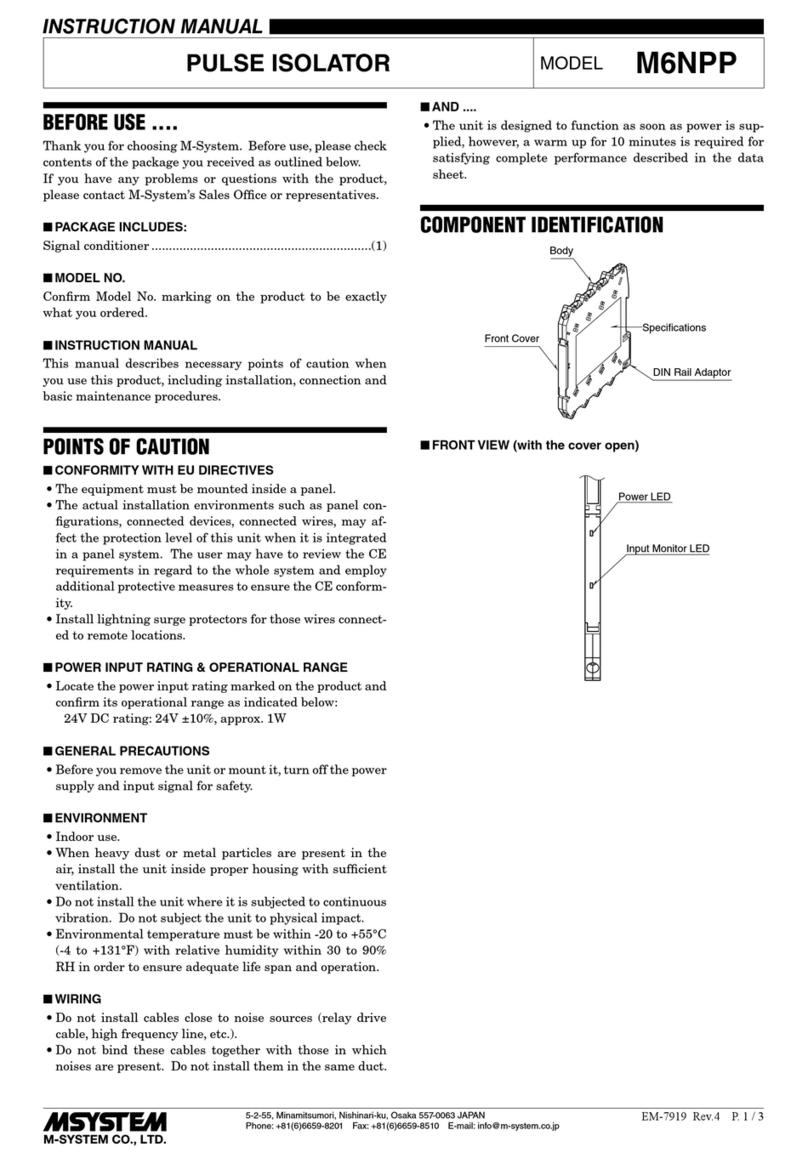
M-system M6NPP User manual

M-system

M-system M6NPP User manual

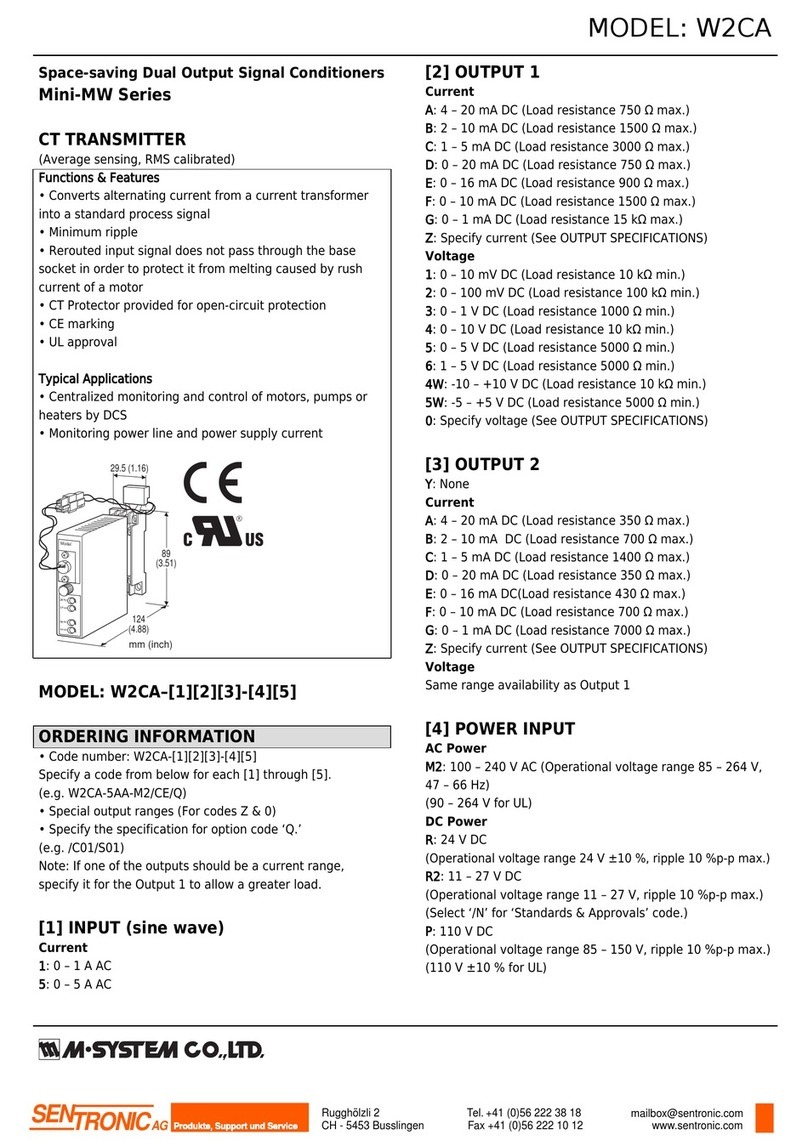
M-system Mini-MW Series User manual

M-system

M-system Mini-MW Series User manual

M-system Mini-M Series User manual

M-system

M-system Mini-M Series User manual

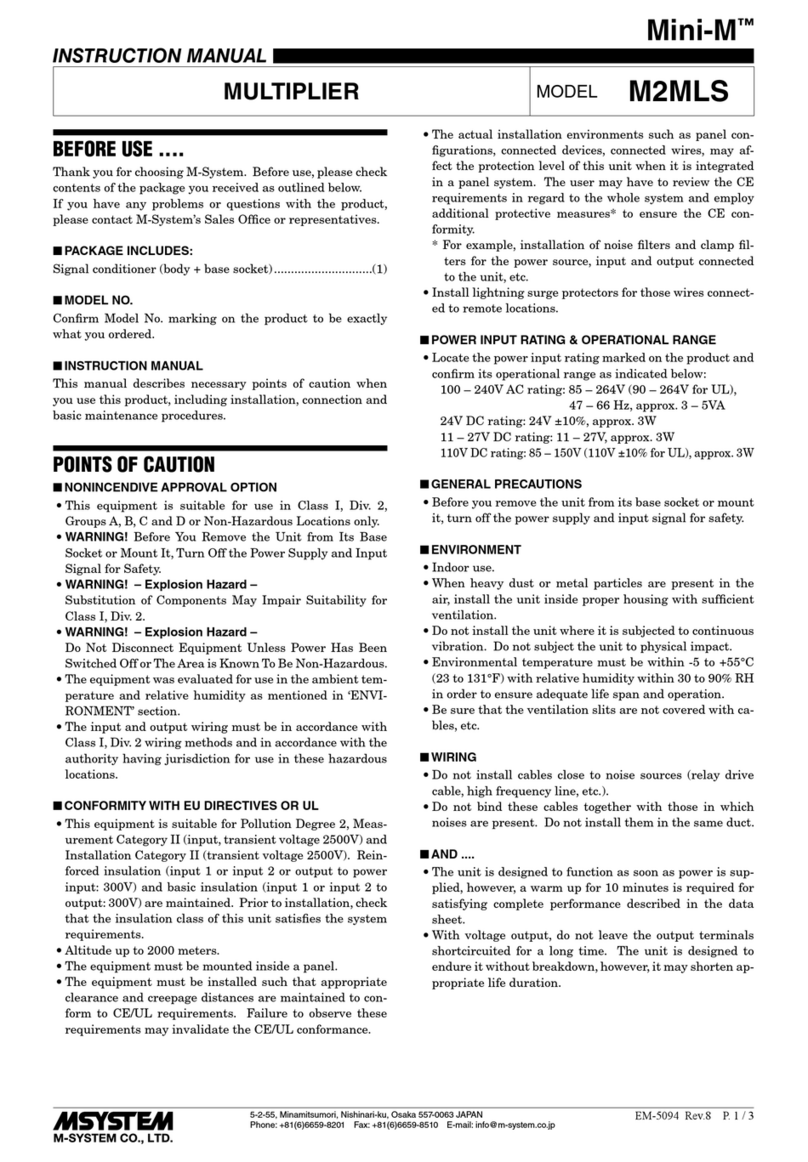
M-system Mini-M M2MLS User manual

M-system

M-system Mini-M M2MLS User manual

M-system Mini-M M2VV User manual

M-system

M-system Mini-M M2VV User manual

M-system M6DPP User manual

M-system

M-system M6DPP User manual

M-system MXCB-1 User manual

M-system

M-system MXCB-1 User manual

M-system FDU User manual

M-system

M-system FDU User manual

M-system Mini-M M2LMS User manual

M-system

M-system Mini-M M2LMS User manual

M-system Mini-M M2AMS2 User manual

M-system

M-system Mini-M M2AMS2 User manual

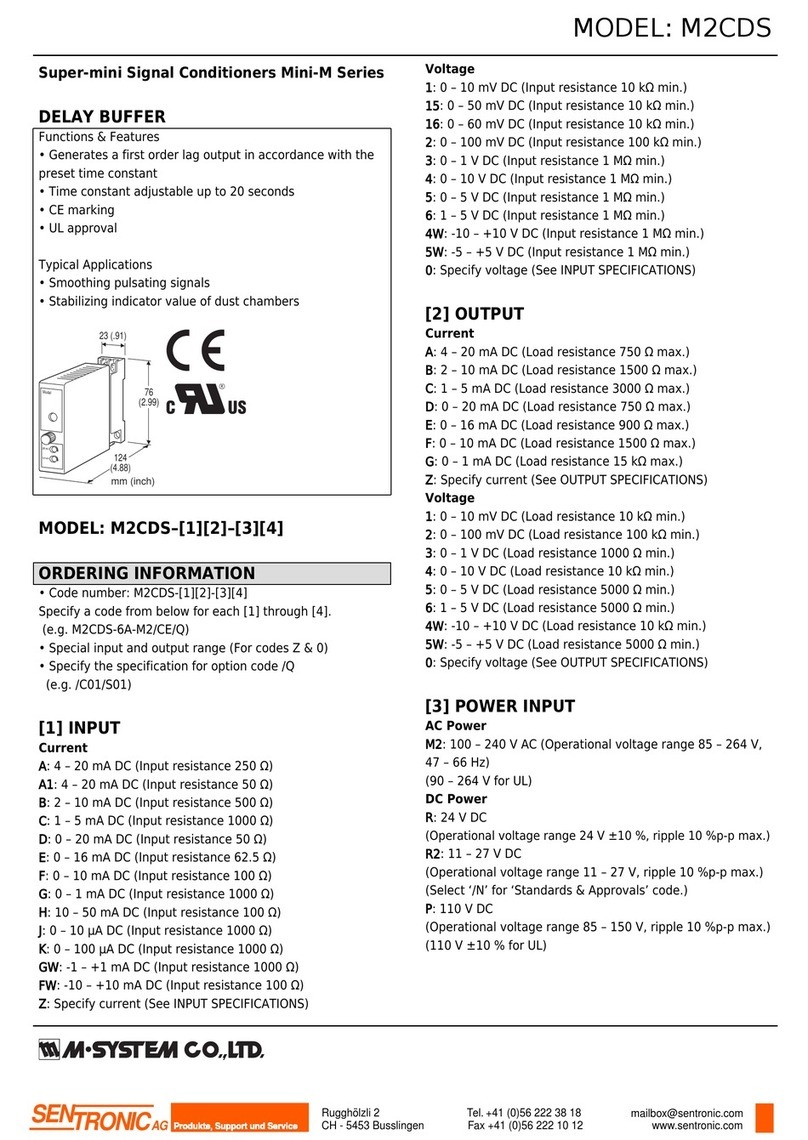
M-system Mini-M M2CDS User manual

M-system

M-system Mini-M M2CDS User manual

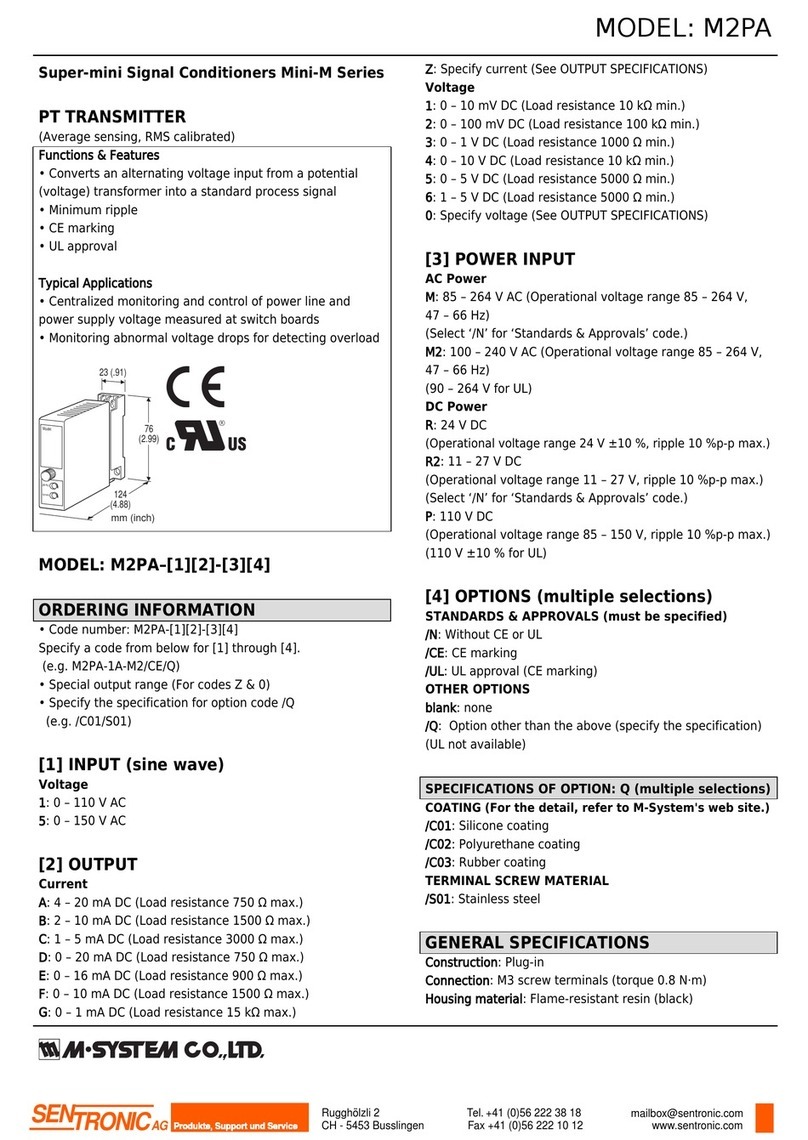
M-system M2PA Series User manual

M-system

M-system M2PA Series User manual

M-system Sentronic Mini-M M2VF2 Series User manual

M-system

M-system Sentronic Mini-M M2VF2 Series User manual

Popular Test Equipment manuals by other brands

SMART KANAAD SBT XTREME 3G Series user manual

SMART

SMART KANAAD SBT XTREME 3G Series user manual

Agilent Technologies BERT Serial Getting started

Agilent Technologies

Agilent Technologies BERT Serial Getting started

Agilent Technologies N3280A user guide

Agilent Technologies

Agilent Technologies N3280A user guide

Lifeloc R.A.D.A.R. quick start guide

Lifeloc

Lifeloc R.A.D.A.R. quick start guide

Fluke T5-600 Service information

Fluke

Fluke T5-600 Service information

Mercury TSL01 user manual

Mercury

Mercury TSL01 user manual

MAHA MBT Series Original operating instructions

MAHA

MAHA MBT Series Original operating instructions

Fuji Electric P-61 instruction manual

Fuji Electric

Fuji Electric P-61 instruction manual

ETC SealerAtor user manual

ETC

ETC SealerAtor user manual

Skyfine ETHYWAY V2 user manual

Skyfine

Skyfine ETHYWAY V2 user manual

Appion G5 Twin Operation manual

Appion

Appion G5 Twin Operation manual

PCB Piezotronics 8159-0112A Installation and operating manual

PCB Piezotronics

PCB Piezotronics 8159-0112A Installation and operating manual

BW Technologies MicroDock II user manual

BW Technologies

BW Technologies MicroDock II user manual

Sun Nuclear 1027 user guide

Sun Nuclear

Sun Nuclear 1027 user guide

Biomark HPR LITE READER user manual

Biomark

Biomark HPR LITE READER user manual

Hioki 3169-20 instruction manual

Hioki

Hioki 3169-20 instruction manual

Ashcroft ATE-100 operating manual

Ashcroft

Ashcroft ATE-100 operating manual

Rohde & Schwarz RTA4000 user manual

Rohde & Schwarz

Rohde & Schwarz RTA4000 user manual

https://manuals.online logo
https://manuals.online logoBrands
  • About & Mission
  • Contact us
  • Privacy Policy
  • Terms and Conditions

Copyright 2026 Manuals.Online. All Rights Reserved.

5-2-55, Minamitsumori, Nishinari-ku, Osaka 557-0063 JAPAN
Phone: +81(6)6659-8201 Fax: +81(6)6659-8510 E-mail: info@m-system.co.jp
EM-5086 Rev.6 P. 1 / 3
INSTRUCTION MANUAL
Mini-M™
PEAK HOLD MODEL M2PHS
BEFORE USE ....
Thank you for choosing M-System. Before use, please check
contents of the package you received as outlined below.
If you have any problems or questions with the product,
please contact M-System’s Sales Office or representatives.
■PACKAGE INCLUDES:
Signal conditioner
(body + base socket + input resistor)..................................(1)
Input resistor is provided only with current input type.
■MODEL NO.
Confirm Model No. marking on the product to be exactly
what you ordered.
■INSTRUCTION MANUAL
This manual describes necessary points of caution when
you use this product, including installation, connection and
basic maintenance procedures.
POINTS OF CAUTION
■NONINCENDIVE APPROVAL OPTION
• This equipment is suitable for use in Class I, Div. 2,
Groups A, B, C and D or Non-Hazardous Locations only.
• WARNING! Before You Remove the Unit from Its Base
Socket or Mount It, Turn Off the Power Supply and Input
Signal for Safety.
• WARNING! – Explosion Hazard –
Substitution of Components May Impair Suitability for
Class I, Div. 2.
• WARNING! – Explosion Hazard –
Do Not Disconnect Equipment Unless Power Has Been
Switched Off or The Area is Known To Be Non-Hazardous.
• The equipment was evaluated for use in the ambient tem-
perature and relative humidity as mentioned in ‘ENVI-
RONMENT’ section.
• The input and output wiring must be in accordance with
Class I, Div. 2 wiring methods and in accordance with the
authority having jurisdiction for use in these hazardous
locations.
■CONFORMITY WITH EU DIRECTIVES OR UL
• This equipment is suitable for Pollution Degree 2, Meas-
urement Category II (input, transient voltage 2500V) and
Installation Category II (transient voltage 2500V). Rein-
forced insulation (signal input or output to power input:
300V) and basic insulation (signal input to output: 300V)
are maintained. Prior to installation, check that the insu-
lation class of this unit satisfies the system requirements.
• Altitude up to 2000 meters.
• The equipment must be mounted inside a panel.
• The equipment must be installed such that appropriate
clearance and creepage distances are maintained to con-
form to CE/UL requirements. Failure to observe these
requirements may invalidate the CE/UL conformance.
• The actual installation environments such as panel con-
figurations, connected devices, connected wires, may af-
fect the protection level of this unit when it is integrated
in a panel system. The user may have to review the CE
requirements in regard to the whole system and employ
additional protective measures to ensure the CE conform-
ity.
• Install lightning surge protectors for those wires connect-
ed to remote locations.
■POWER INPUT RATING & OPERATIONAL RANGE
• Locate the power input rating marked on the product and
confirm its operational range as indicated below:
100 – 240V AC rating: 85 – 264V (90 – 264V for UL),
47 – 66 Hz, approx. 3 – 5VA
24V DC rating: 24V ±10%, approx. 3W
11 – 27V DC rating: 11 – 27V, approx. 3W
110V DC rating: 85 – 150V (110V ±10% for UL), approx. 3W
■GENERAL PRECAUTIONS
• Before you remove the unit from its base socket or mount
it, turn off the power supply and input signal for safety.
■ENVIRONMENT
• Indoor use.
• When heavy dust or metal particles are present in the
air, install the unit inside proper housing with sufficient
ventilation.
• Do not install the unit where it is subjected to continuous
vibration. Do not subject the unit to physical impact.
• Environmental temperature must be within -5 to +55°C
(23 to 131°F) with relative humidity within 30 to 90% RH
in order to ensure adequate life span and operation.
• Be sure that the ventilation slits are not covered with ca-
bles, etc.
■WIRING
• Do not install cables sclose to noise sources (relay drive
cable, high frequency line, etc.).
• Do not bind these cables together with those in which
noises are present. Do not install them in the same duct.
■AND ....
• The unit is designed to function as soon as power is sup-
plied, however, a warm up for 10 minutes is required for
satisfying complete performance described in the data
sheet.
• With voltage output, do not leave the output terminals
shortcircuited for a long time. The unit is designed to
endure it without breakdown, however, it may shorten ap-
propriate life duration.

M2PHS
5-2-55, Minamitsumori, Nishinari-ku, Osaka 557-0063 JAPAN
Phone: +81(6)6659-8201 Fax: +81(6)6659-8510 E-mail: info@m-system.co.jp
EM-5086 Rev.6 P. 2 / 3
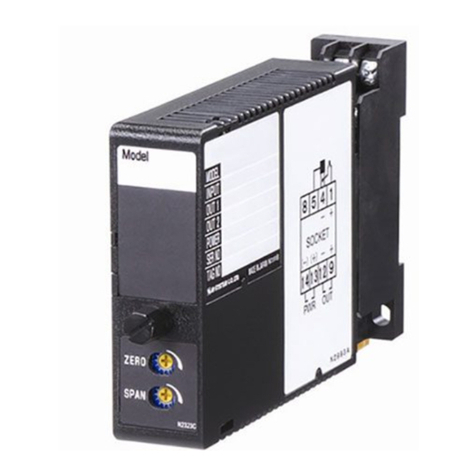
COMPONENT IDENTIFICATION
Model
SPAN
ZERO
Zero Adj.
Span Adj.
Body Base Socket
Connection
Diagram
Specifications
Fixing Screw
Input Resistor
INSTALLATION
Loosen the fixing screw at the front of the unit in order to
separate the body from the base socket.
DIN Rail
35mm wide
Spring Loaded
DIN Rail Adaptor
■DIN RAIL MOUNTING
Set the base socket so that
its DIN rail adaptor is at
the bottom. Position the
upper hook at the rear side
of base socket on the DIN
rail and push in the lower.
When removing the socket,
push down the DIN rail
adaptor utilizing a minus
screwdriver and pull.
■WALL MOUNTING
Refer to “EXTERNAL DIMENSIONS.”
TERMINAL CONNECTIONS
Connect the unit as in the diagram below or refer to the connection diagram on the side of the unit.
When an input resistor is provided with the module, attach it together with input wiring to the input screw terminals.
■EXTERNAL DIMENSIONS unit: mm (inch)
5
9
21.5 (.85)
70.5 (2.78)
84 (3.31)10 (.39) 15 (.59)
6 (.23)
59 (2.32)
DIN RAIL
35mm wide
[4 (.16)]
8–M3
SCREW
72 (2.83)
23 (.91)
2–4.2x5
(.17x.20)
MTG HOLE
6 (.24) deep
114 (4.49)
• When mounting, no extra space is needed between units.
4
8
12
14 13
1
4 (.16)
■CONNECTION DIAGRAM
1
4
+
–
*
*Input shunt resistor attached for current input.
INPUT R
5
8
HOLD CONTROL
Close
Open
Close
Open
+
–
OUTPUT
9
12
U(+)
V(–)
POWER
13
14
: Track
: Hold
■TERMINAL ASSIGNMENTS unit: mm (inch)
58
9
12
14 13
INPUT RESISTOR
(model: REM2)
19 (.75)
Input shunt resistor attached
for current input.
14
M2PHS
5-2-55, Minamitsumori, Nishinari-ku, Osaka 557-0063 JAPAN
Phone: +81(6)6659-8201 Fax: +81(6)6659-8510 E-mail: info@m-system.co.jp
EM-5086 Rev.6 P. 3 / 3
WIRING INSTRUCTIONS
■SCREW TERMINAL
Torque: 0.8 N·m
■SOLDERLESS TERMINAL
Refer to the drawing below for recommended ring tongue
terminal size. Spade tongue type is also applicable.
Applicable wire size: 0.25 to 1.65 mm2(AWG 22 to 16)
Recommended manufacturer: Japan Solderless Terminal
MFG.Co.Ltd, Nichifu Co.,ltd
6 (.24) max
3.3 (.13) max
mm (inch)
CHECKING
1) Terminal wiring: Check that all cables are correctly con-
nected according to the connection diagram.
2) Power input voltage: Check voltage across the terminal
13 – 14 with a multimeter.
3) Input: Check that the input signal is within 0 – 100% of
the full-scale.
When the output does not track the input signal, check
that the terminals 5 – 8 are closed or not.
4) Output: Check that the load resistance meets the de-
scribed specifications.
ADJUSTMENT PROCEDURE
This unit is calibrated at the factory to meet the ordered
specifications, therefore you usually do not need any cali-
bration.

For matching the signal to a receiving instrument or in case
of regular calibration, close across the terminal 5 – 8 and
adjust the output as explained in the following.

■HOW TO CALIBRATE THE OUTPUT SIGNAL
Use a signal source and measuring instruments of sufficient
accuracy level. Turn the power supply on and warm up for
more than 10 minutes.
1) ZERO: Apply 0% input and adjust output to 0%.
2) SPAN: Apply 100% input and adjust output to 100%.
3) Check ZERO adjustment again with 0% input.
4) When ZERO value is changed, repeat the above proce-
dure 1) – 3).
MAINTENANCE
Regular calibration procedure is explained below:
■CALIBRATION
Warm up the unit for at least 10 minutes. Apply 0%, 25%,
50%, 75% and 100% input signal. Check that the output
signal for the respective input signal remains within accu-
racy described in the data sheet. When the output is out of
tolerance, recalibrate the unit according to the “ADJUST-
MENT PROCEDURE” explained earlier.
LIGHTNING SURGE PROTECTION
M-System offers a series of lightning surge protector for
protection against induced lightning surges. Please contact
M-System to choose appropriate models.