EN
page 38
3. OPERATION
3.1 Machine start-up
3.1.1 Start-up
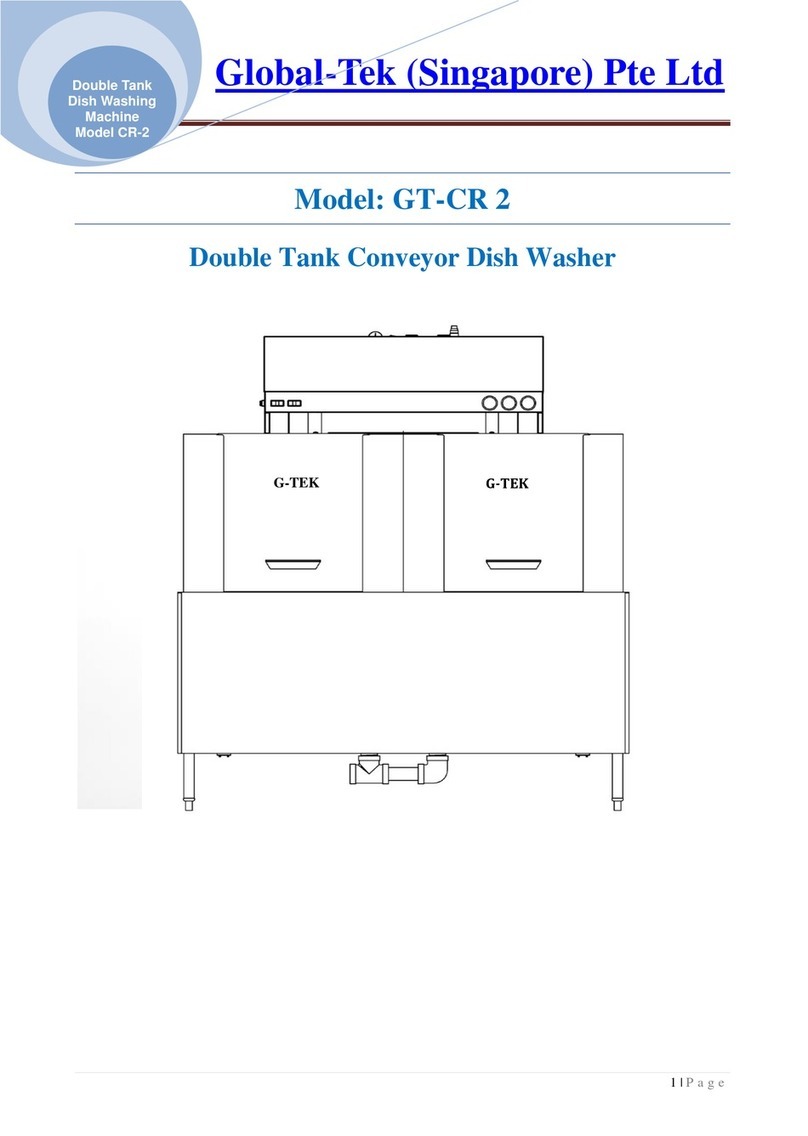
• Check if the pump suction filter is properly inserted in its seat in the wash-tank bottom
(see pict. 1).
This filter must be cleaned every 20 wash-cycles or whenever necessary.
DO NOT use the appliance without the filters.
• Put the surface filters in place (see pict. 1).
• Shut the machine hood.
• Turn the water valve “open”.
• Turn the main power switch ON.
• The machine is on STAND-BY. In the G display are shown: the symbol , the date and
time and a possible notice of operations to be carried out by the user.
The key Aturns red. The key Cturns blue. If the machine is provided with the Water Softener
optional also the key B turns blue.
• Press and hold the key A. The key Aturns green.
• For the first 4 seconds the key Start F turns green and on the display Gappears the last
cycle carried out before switching the machine off. During this time it is possible to pre-
select the cycle to start washing.
Keep pressed the key Start F to scroll the available cycles' list, until the desired one appears. Release the key. This function
allows to save time in start-up phase if a cycle with lower operating temperatures is selected (i.e.: Rinse 70°C instead of
82°C). The key Start F turns red.
• If the tank was not drained after the previous use or if the tank water temperature is below 50°C, the machine proceeds
with a tank draining. In any case remember that if the machine is not used the tank must be drained (see WARNINGS).
Even if the tank is empty the draining pump runs for a few seconds to eliminate any water residual.
• The machine proceeds to tank filling and heating, by steps. The display Galternatively shows the messages FILLING
WATER and HEATING.
By pressing the key Info E it is possible to display the tank and boiler temperatures.
The machine is ready to wash when both tank and boiler are filled and the set temperatures are reached.
3.1.2 Start the wash cycle
• Insert the rack filled with dishes to wash (see paragraph 3.2). The plates must be correctly placed in the rack.
• If the desired cycle hasn't been selected before, it is possible to do it in this moment by keeping press the key Start F.
The display will show in sequence all these available programs.
Once the wanted program is displayed, do release the button.
Available programs:
pict. 1
Cycle
Code
Cycle name Icon Total time* Note
P0 CUSTOM ** Partial drain cycle with adjustable time
and temperatures
H+ HYGIENE PLUS 620"
*** Partial drain cycle with wash temperature
at 65°C and rinse temperature at 87°C
P1 SHORT WASH PROGRAM 50"
Partial drain cycle with rinse temperature
at 82°C
P2 MEDIUM WASH PROGRAM 90"
P3 LONG WASH PROGRAM 120"
P4 INTENSIVE WASH PROGRAM 180"
P5 XX INTENSIVE WASH PROGRAM 300"
*The indicated time is valid only if the machine has reached the boiler temperature set (except the H+ cycle).
**The cycle P0 is a customizable cycle according to the user’s needs, to be set by a technician during the machine
installation.
*** In the H+ cycle, the indicated time is valid only if the tank and the boiler have reached the preset temperature.