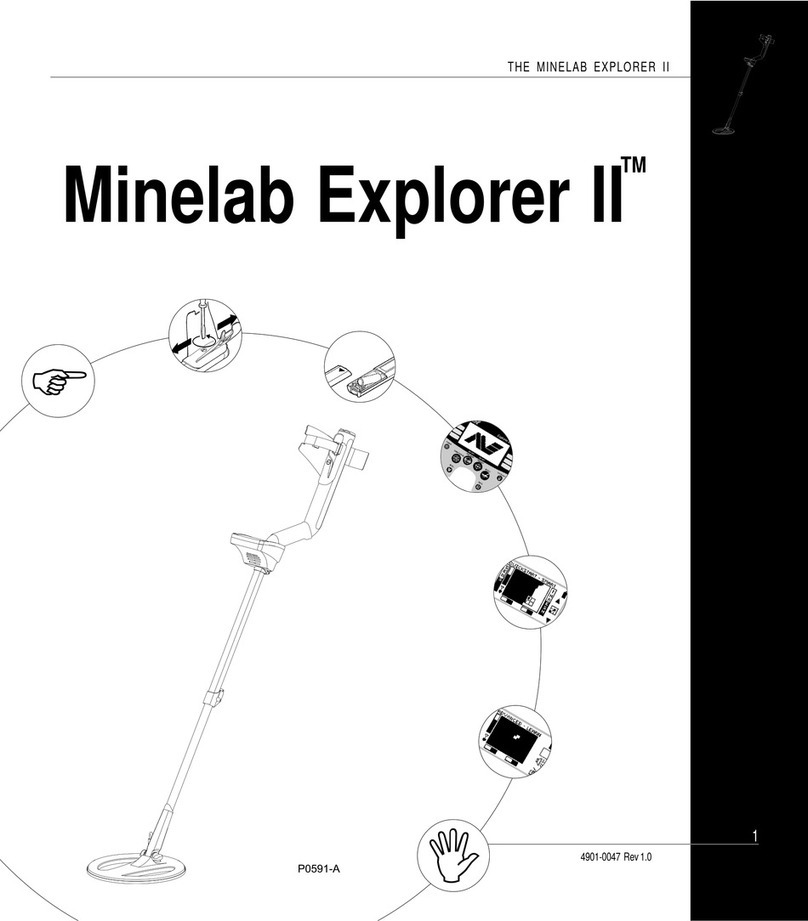
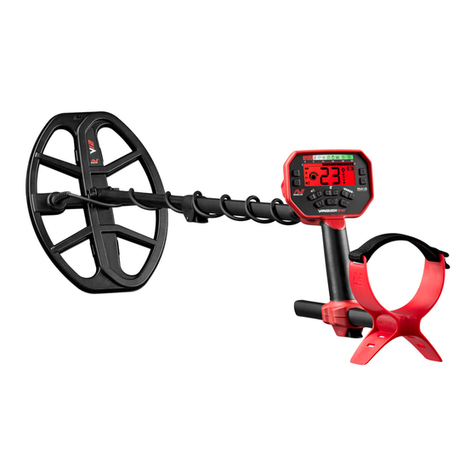
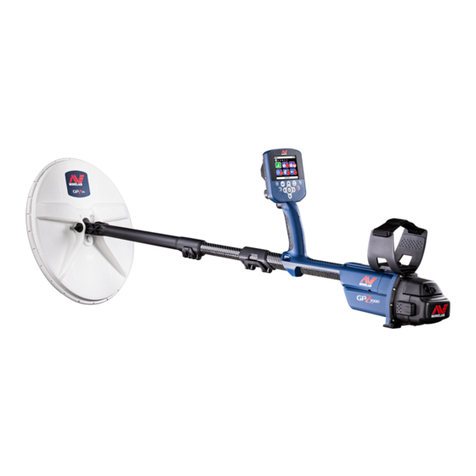
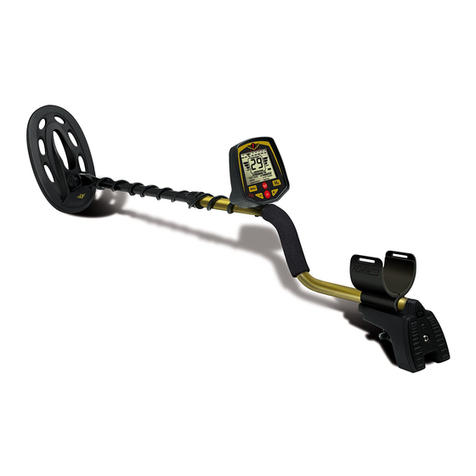
THE MINELAB EXPLORER II
41
QUICKSTART
5
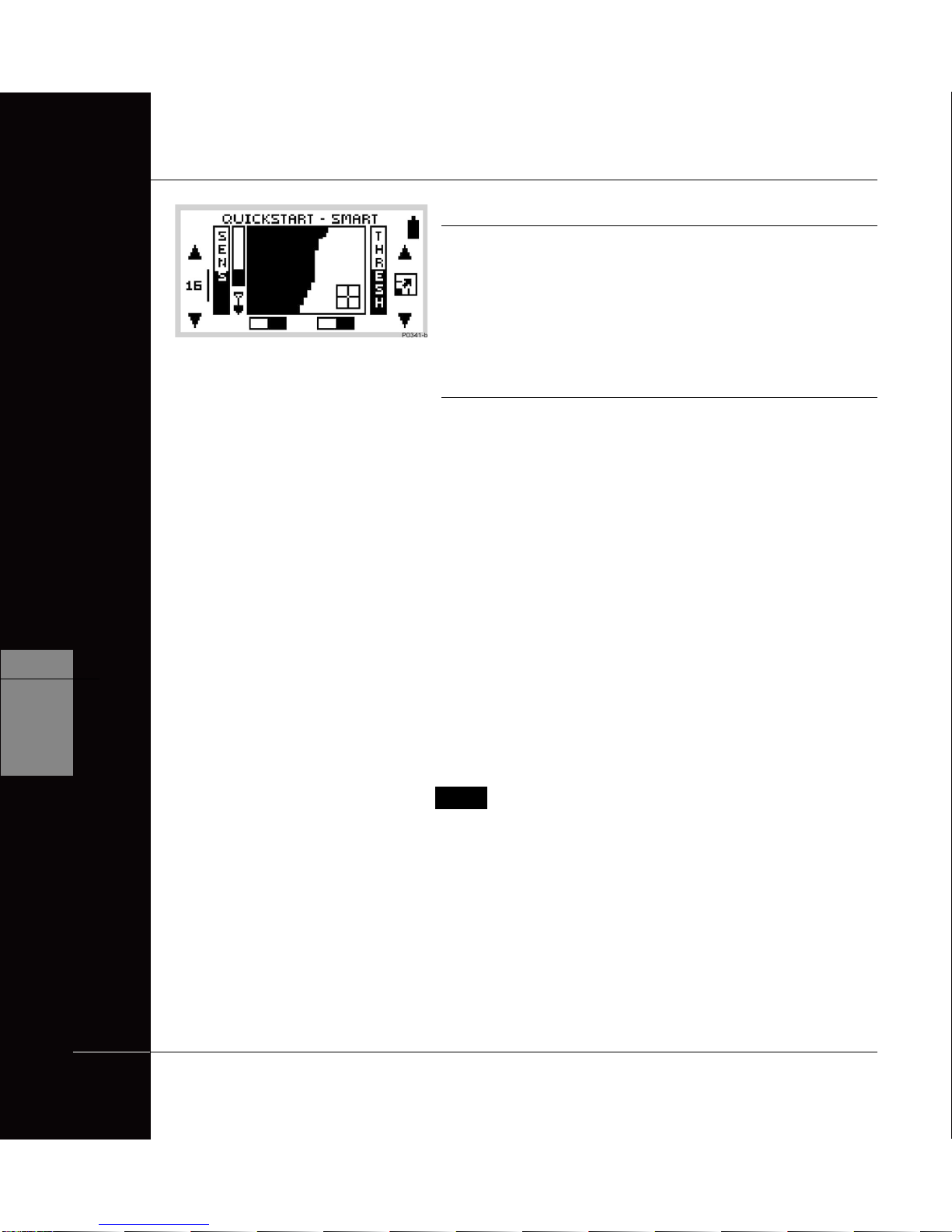
QUICKSTART DISPLAY
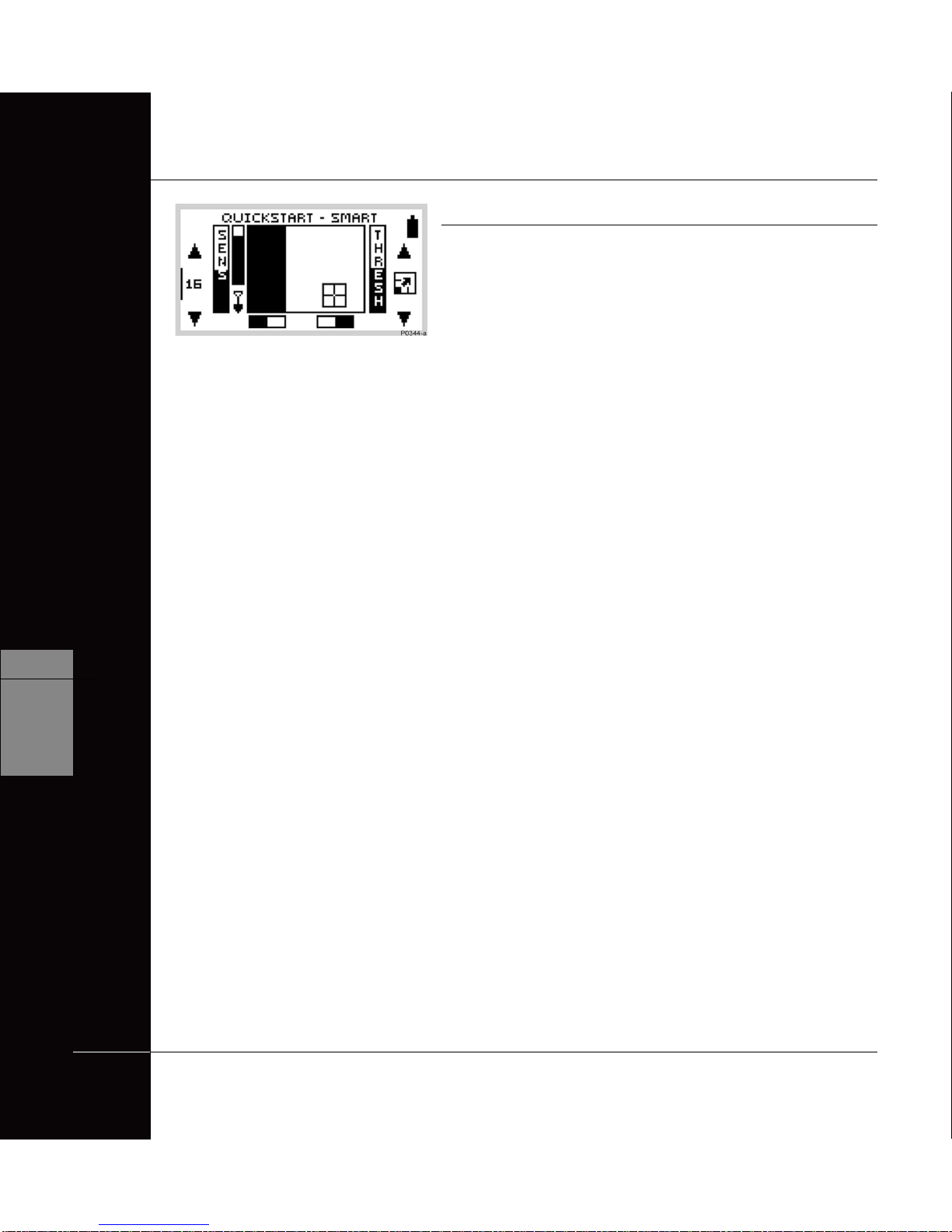
Sensitivity level. The sensitivity barand
numbersindicate how responsivethedetectoris
toatargetinthe presence of ground noise and/or
electromagneticinterference. Numbersrange
between 1 and 32. When the shift button next to
thenumberis pressed the detector moves
betweensemi-autoandmanualsensitivity. See
page49 for details.
Threshold level. The threshold setting controls
theaudible level of threshold‘hum’during
detecting.Whentheshift button next to the
adjustmentarrowispressed,the threshold hum
increasesor decreases. See page50fordetails.
Depth indicator. The clear portion of the depth
indicatorrepresents theapproximatedistance of
a target below the coil. The top of the indicator
representsthepositionofthecoiland the bottom
represents 300mm (12 inches) from the coil. The
bar will be clear if the target is too far from the
coilor its depthcannotbe accurately gauged.
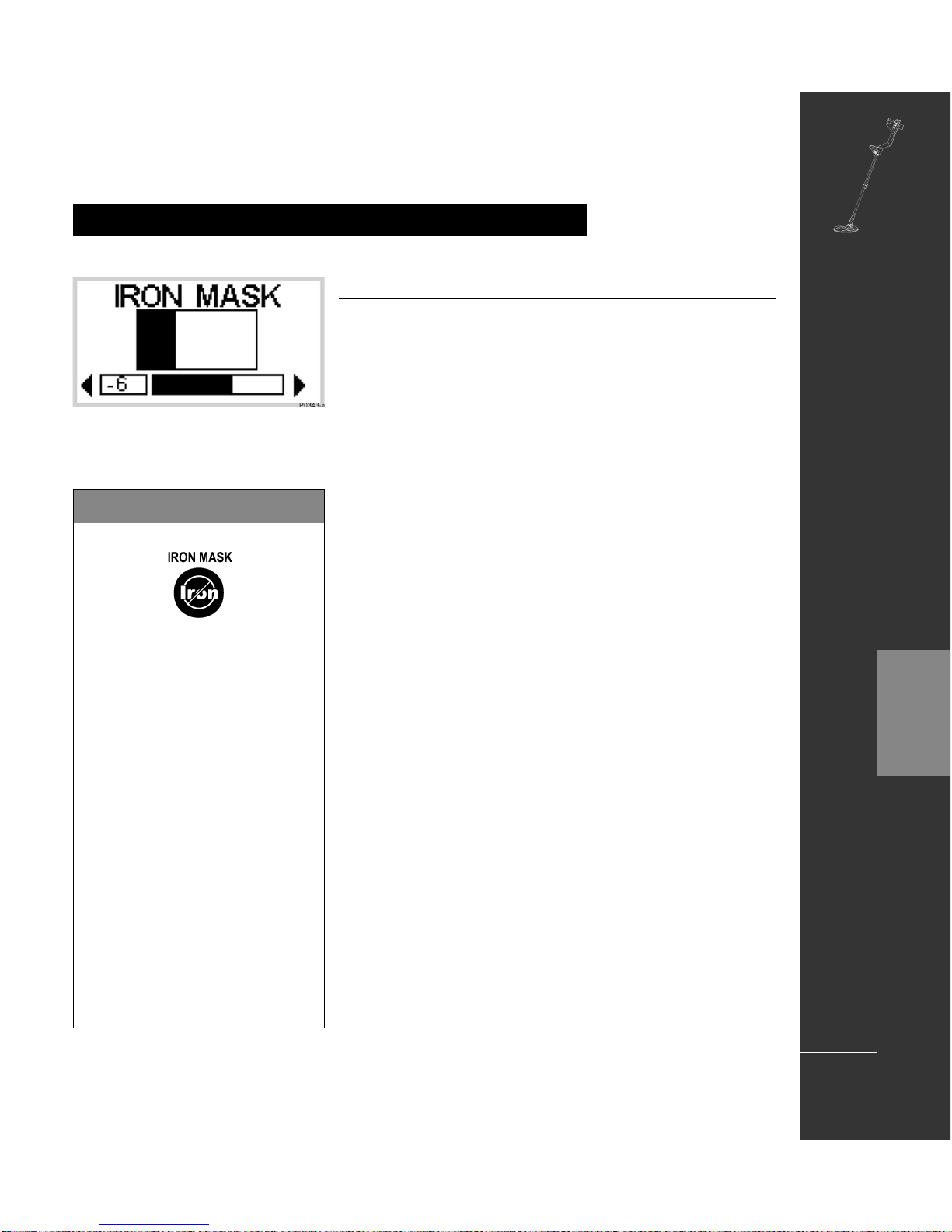
Iron Mask. This shaded block indicates whether
IRON MASK function is ON or OFF.
See page 45.
1
2
3
easy reference
QUICKSTART DISPLAY
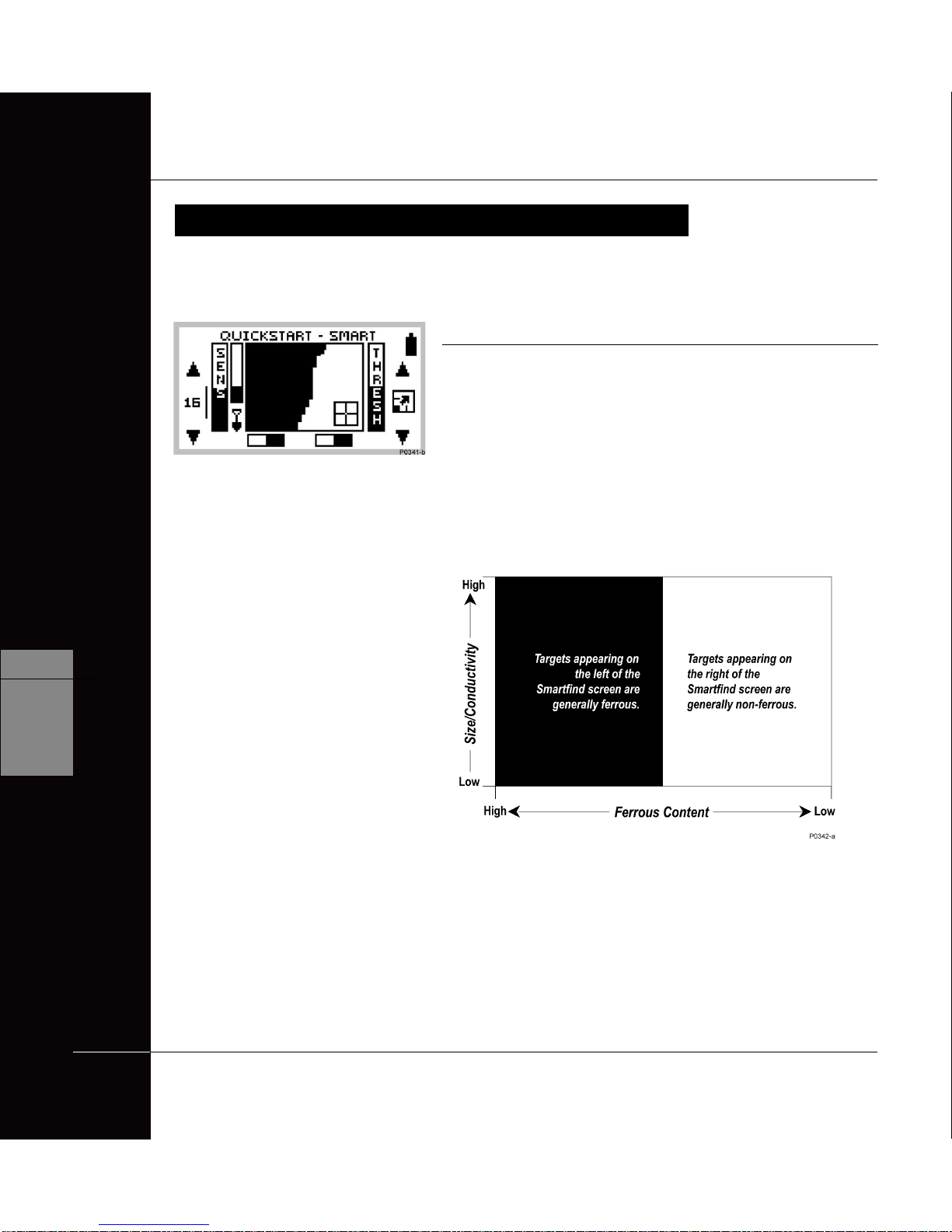
Smartfind display.The shaded and unshaded
areasofthe screen are Smartfind’s preset
Discrimination setting. Smartfind also has an
alternativeIron Mask setting. Seepages42-43.
Pinpoint.This shadedblockindicateswhether
PINPOINT is ON or OFF. See page 59.
Batterylife.Thisiconindicatesthechargeremaining
intheinstalledbatteries.Seepage27.
Adjustment arrows. Pressingshiftbuttonsnextto
thesearrows increasesordecreasespreset
settings.
Full screen icon. Selection enlarges display to fill
screen. See page 48. This icon temporarily
changestoshowthethreshold level setting when
thresholdis beingadjusted.
Target crosshair. Represents the detected
object’sproperties on atwo-dimensionalscaleof
discrimination.See page42-43.
6
7
8
9
10
5
4