Alternatively it is possible to reset the phone via the phones web browser interface under >Maintenance >Upgrade
and selecting Factory Reset, then confirm the reset and the phone will reboot.
2.2. Configuring the Door Station with autoconfig
Regardless of what combination of MxBus modules are connected to the T24 or T25 camera the autoconfig will
need to be accomplished to activate the Door Station functions.
The autoconfig accomplishes the following:
• Activates and configures the cameras SIP server
• Activates and configures the cameras SIP client
• configures necessary phone and signal profiles
• Discover and initializes any connected MxBus modules
• Activates the cameras DHCP server if there is no other DHCP server detected on the network
• Discovers any other T24 or T25 cameras on the network and pushes a configuration to them to activate Door
Station functions
• Discovers any Grandstream telephones on the network and pushes a configuration to them, this discovery and
configuration works for GXV3140 and GXYV3175 telephones
2.2.1. Starting the autoconfig
Note that the camera and all MxBus modules need to be set to factory defaults to begin this procedure. Follow
instructions in section 2.1 to reset the camera and MxBus modules if necessary.
• Remove power from the camera by disconnecting the network cable from the PoE switch or PoE adaptor.
• Reapply power by reconnecting the network cable to the PoE switch or PoE adaptor. After about 25 seconds,
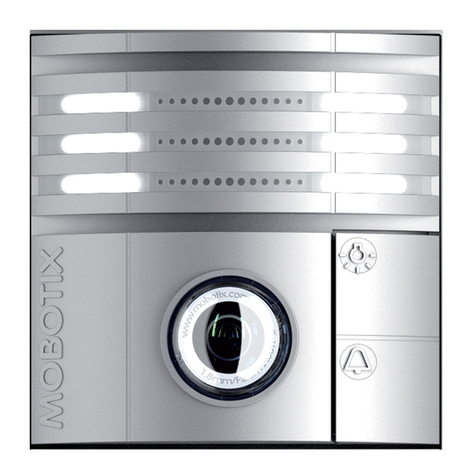
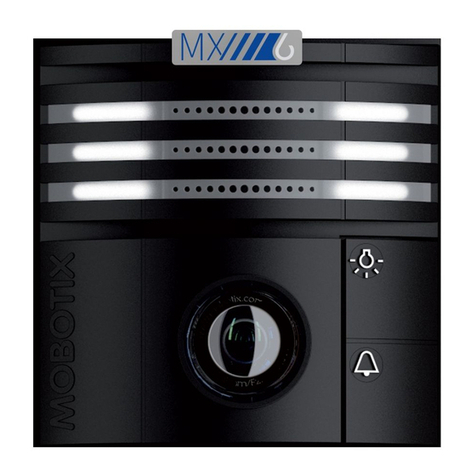
when both the Light button and the Bell button light up simultaneously, Press and hold the Bell button for a few
seconds until both buttons flash on and off a few times. The autoconfig process has started.
• After approximately sixty to ninety seconds the camera will announce its network data via the cameras speaker.
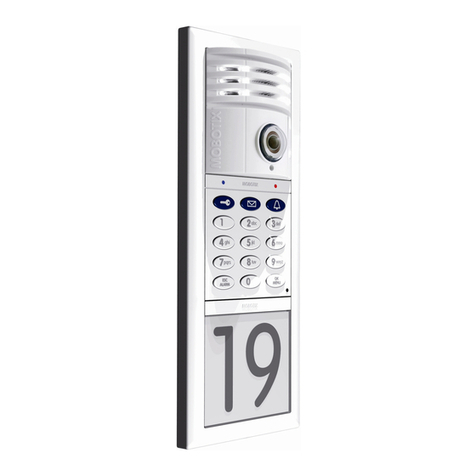
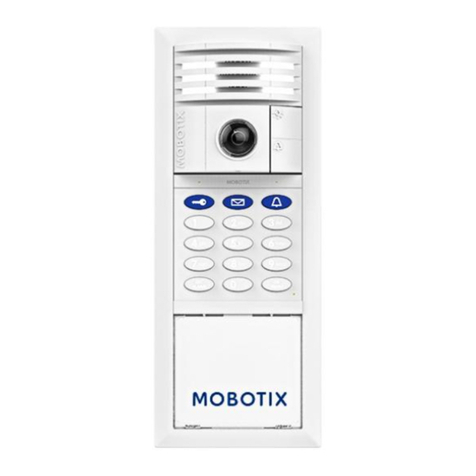
When the announcement is done the cameras LED’s will stay lit up and the number buttons on the Keypad, if
present, will flash white with the ESC/ALARM button flashing red and the OK/MENU flashing blue. If there is no
Keypad connected to the camera skip to section 2.2.3. bellow.
2.2.2. Programing the Keypad
•Once the network data audio announcement is completed the Keypad will beep a couple of times to indicate that
it is time to program the super PIN. The super PIN needs to be at least 8 digits and not more than 16 digits long. The
super PIN needs to be input twice followed each time by OK/MENU. Once the super PIN has been programed in
the camera it also becomes the admin password and replaces the meinsm default admin password.
Number buttons 2,6,9,0,7, and 4 will then light up sequentially to form a circular pattern. The circular patter
indicates confirmation. Go on to the next step when the number buttons are lit up white and the ESC/ALARM button
is flashing red and the OK/MENU is flashing blue.
(c) MOBOTIX AG • Dieser Bericht ist vertraulich
(c) MOBOTIX AG • Dieser Bericht ist vertraulich
(c) MOBOTIX AG • Dieser Bericht ist vertraulich
(c) MOBOTIX AG • Dieser Bericht ist vertraulich
(c) MOBOTIX AG • Dieser Bericht ist vertraulich
(c) MOBOTIX AG • Dieser Bericht ist vertraulich
(c) MOBOTIX AG • Dieser Bericht ist vertraulich
(c) MOBOTIX AG • Dieser Bericht ist vertraulich
mx_WP_T25_ResetReconfig
ure_en_140607.pages