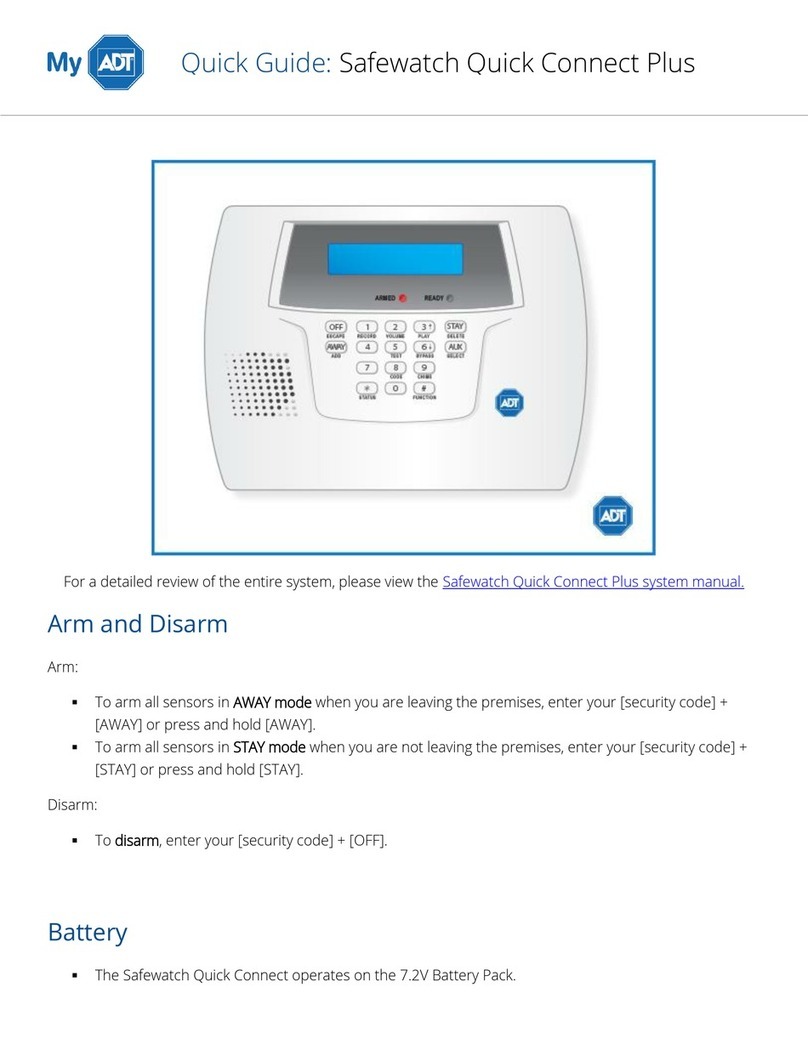
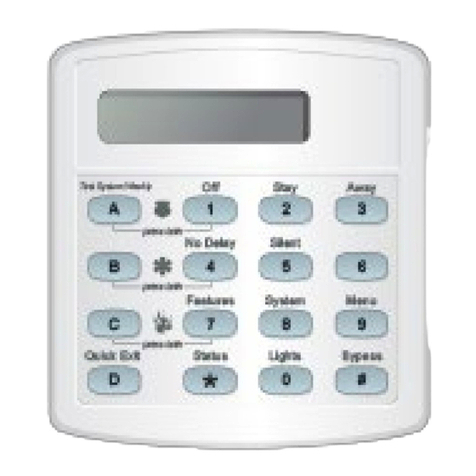
Important: If you step outside and are planning to come back in, do not close the door behind you!
To use Quick Exit:
1. When the system is armed to 2 - STAY, press D at any touchpad. Opening the door without pressing D will cause
an alarm.
2. Open the door and go outside. Leave the door open if you are planning to come back in!
3. Come back in within two minutes and close the door. The system will rearm to 2 - STAY.
Using the Chime Feature
Turning on the Chime feature is like having bells on every protected door and window. When this feature is on, sirens
and speakers sound 2 beeps whenever anyone opens a protected door or window. The Chime feature works only in
Level 1—OFF.
To turn Chime on/off: while in Level 1 - OFF, from any touchpad, press [7][1]. While the Chime feature is on, touchpads
display, “CHIME ON” or “CHIME IS OFF.” When the system is armed again, Chime deactivates.
Chime-On-Close
The Chime-On-Close feature works like the regular Chime feature, but in addition to the double beeps heard upon
opening a protected door or window, the system sounds one long beep when the door or window is closed again. You
can turn the Chime-On-Close feature on or off from the programming menu.
Arming while a Door or Window is Open
It is possible to arm your system while leaving a door or window open. This is useful if, for example, you like to sleep at
night with the window open. If the door or window has a sensor installed on it, the system must be told to ignore, or
bypass, that sensor when it’s open. All other sensors will remain active. There are two methods for bypassing a sensor:
Directly - After arming the system, bypass door/window sensors before you open them. You must know the
sensor number of the door or window you wish to bypass. To bypass directly, the user code must have been
given the Direct Bypassing attribute.
Indirectly - As you are arming, bypass sensors on already-open doors and window. This method should not be
used in UL-listed installations.
Bypassing a Sensor Directly
To bypass sensors directly:
1. Close all doors and windows.
2. Arm your system to the desired level.
3. At any touchpad, press [#]+ Code + sensor number ([#] is labeled Bypass).
4. Touchpads display, “Bypassed Zones 01,” or “SENSOR 01 BYPASSED,” for example. If the touchpad displays
“INVALID,” or if the touchpad sounds one long beep, make sure that you entered a valid sensor number. Heat
and smoke sensors cannot be bypassed.
5. Bypass other sensors, if necessary, by repeating Step 3.
6. The bypassed door or window can now be opened.
To arm bypassed sensors, arm the system again.
Note: You cannot bypass sensors directly using a keychain touchpad.