manuals.online logo
Brands
  1. Home
  2. •
  3. Brands
  4. •
  5. NEC
  6. •
  7. Motherboard
  8. •
  9. NEC MultiSync X551UN User manual

NEC MultiSync X551UN User manual

Other manuals for MultiSync X551UN

3

This manual suits for next models

3

Other NEC Motherboard manuals

NEC 78K0R - Save It! User manual

NEC

NEC 78K0R - Save It! User manual

NEC IE-78K0-NS-P04 User manual

NEC

NEC IE-78K0-NS-P04 User manual

NEC 78K0R - Save It! User manual

NEC

NEC 78K0R - Save It! User manual

NEC MultiSync P521 User manual

NEC

NEC MultiSync P521 User manual

NEC AB-050-FX3-U User manual

NEC

NEC AB-050-FX3-U User manual

NEC MultiSync X462HB User manual

NEC

NEC MultiSync X462HB User manual

NEC PowerMate CT User manual

NEC

NEC PowerMate CT User manual

NEC K0RE81 User manual

NEC

NEC K0RE81 User manual

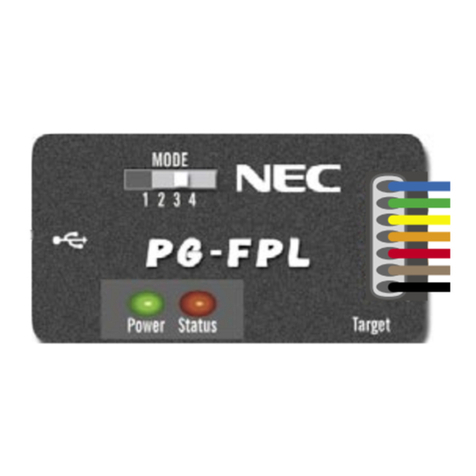
NEC PG-FPL User manual

NEC

NEC PG-FPL User manual

NEC PG-FPL3 User manual

NEC

NEC PG-FPL3 User manual

NEC PG-FPL2 User manual

NEC

NEC PG-FPL2 User manual

NEC 78K0R/L 3 Sense it! Series User manual

NEC

NEC 78K0R/L 3 Sense it! Series User manual

NEC IE-703081-MC-EM1 User manual

NEC

NEC IE-703081-MC-EM1 User manual

NEC QB-MINI2-EE User manual

NEC

NEC QB-MINI2-EE User manual

NEC uPD168804 User manual

NEC

NEC uPD168804 User manual

NEC EV-K0-HCD Instructions for use

NEC

NEC EV-K0-HCD Instructions for use

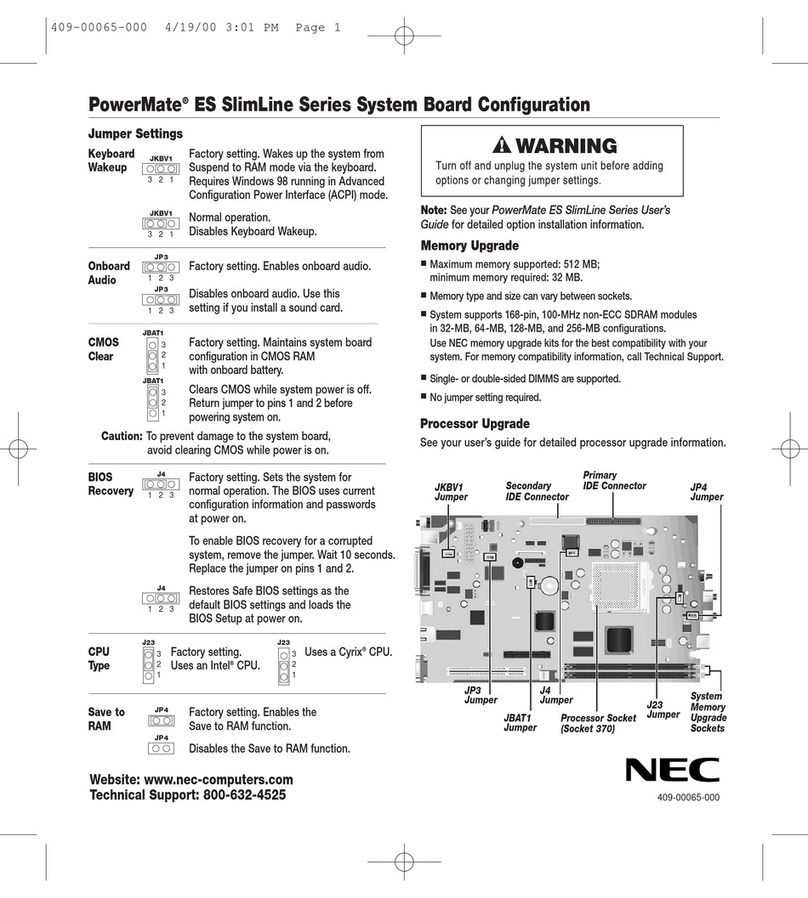
NEC POWERMATE ES Series User manual

NEC

NEC POWERMATE ES Series User manual

NEC PowerMate ES SlimLine Series Quick guide

NEC

NEC PowerMate ES SlimLine Series Quick guide

NEC PG-FP4 User manual

NEC

NEC PG-FP4 User manual

Popular Motherboard manuals by other brands

Gigabyte MNJ190I-FH user manual

Gigabyte

Gigabyte MNJ190I-FH user manual

Biostar HI-FI-Z87X-3D Setup manual

Biostar

Biostar HI-FI-Z87X-3D Setup manual

Atmel SAM9753PIA-DK user guide

Atmel

Atmel SAM9753PIA-DK user guide

Coapt GEN2 Handbook

Coapt

Coapt GEN2 Handbook

Supero SUPER P4DL6 user manual

Supero

Supero SUPER P4DL6 user manual

Cypress CY3210-PSoCEVAL1 quick start guide

Cypress

Cypress CY3210-PSoCEVAL1 quick start guide

ASROCK B660M-HDV manual

ASROCK

ASROCK B660M-HDV manual

Fujitsu D2831 Short description

Fujitsu

Fujitsu D2831 Short description

Industrial Computers ADE-6050 user manual

Industrial Computers

Industrial Computers ADE-6050 user manual

Asus TUF Z270 MARK 2 manual

Asus

Asus TUF Z270 MARK 2 manual

DFI NB71-BC user manual

DFI

DFI NB71-BC user manual

ASROCK H61 Pro BTC user manual

ASROCK

ASROCK H61 Pro BTC user manual

Norco POS-7893 user manual

Norco

Norco POS-7893 user manual

Intel DG965MS specification

Intel

Intel DG965MS specification

Asus B85M-VIEW PAKER user manual

Asus

Asus B85M-VIEW PAKER user manual

Asus P5G41T-M LX V2 user manual

Asus

Asus P5G41T-M LX V2 user manual

Gigabyte GA-K8VT800-RH user manual

Gigabyte

Gigabyte GA-K8VT800-RH user manual

Gigabyte Z790M AORUS ELITE user manual

Gigabyte

Gigabyte Z790M AORUS ELITE user manual

manuals.online logo
manuals.online logoBrands
  • About & Mission
  • Contact us
  • Privacy Policy
  • Terms and Conditions

Copyright 2025 Manuals.Online. All Rights Reserved.

Accessories
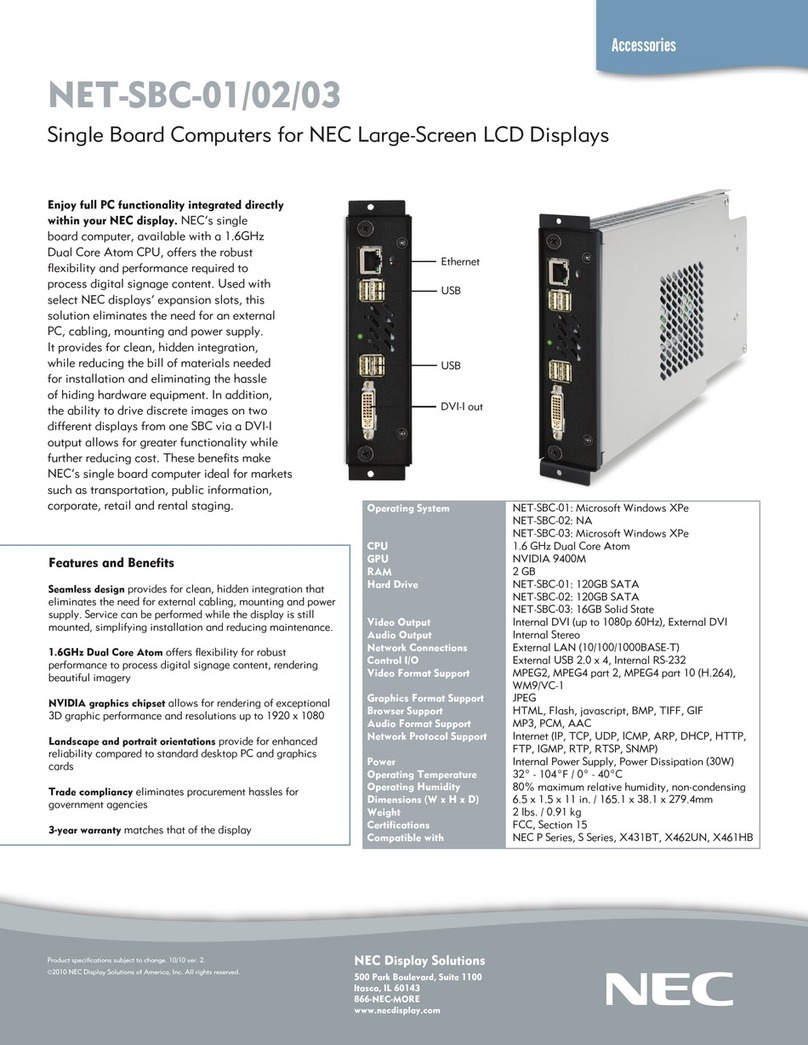
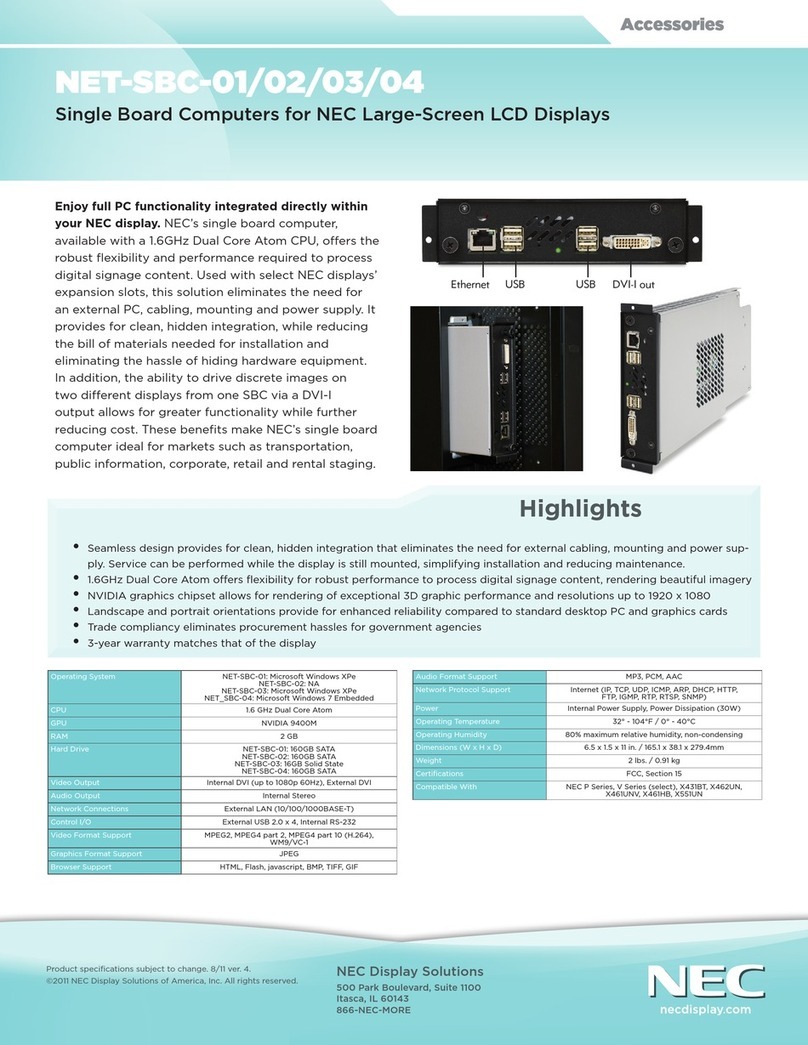
NET-SBC-01/02/03
Single Board Computers for NEC Large-Screen LCD Displays
Enjoy full PC functionality integrated directly
within your NEC display. NEC’s single
board computer, available with a 1.6GHz
Dual Core Atom CPU, offers the robust
flexibility and performance required to
process digital signage content. Used with
select NEC displays’ expansion slots, this
solution eliminates the need for an external
PC, cabling, mounting and power supply.
It provides for clean, hidden integration,
while reducing the bill of materials needed
for installation and eliminating the hassle
of hiding hardware equipment. In addition,
the ability to drive discrete images on two
different displays from one SBC via a DVI-I
output allows for greater functionality while
further reducing cost. These benefits make
NEC’s single board computer ideal for markets
such as transportation, public information,
corporate, retail and rental staging.
NEC Display Solutions
500 Park Boulevard, Suite 1100
Itasca, IL 60143
866-NEC-MORE
www.necdisplay.com
Product specifications subject to change. 5/10 ver. 1.
©2010 NEC Display Solutions of America, Inc. All rights reserved.
Operating System
CPU
GPU
RAM
Hard Drive
Video Output
Audio Output
Network Connections
Control I/O
Video Format Support
Graphics Format Support
Browser Support
Audio Format Support
Network Protocol Support
Power
Operating Temperature
Operating Humidity
Dimensions (W x H x D)
Weight
Certifications
Compatible with
NET-SBC-01: Microsoft Windows XPe
NET-SBC-02: NA
NET-SBC-03: Microsoft Windows XPe
1.6 GHz Dual Core Atom
NVIDIA 9400M
2 GB
NET-SBC-01: 120GB SATA
NET-SBC-02: 120GB SATA
NET-SBC-03: 16GB Solid State
Internal DVI (up to 1080p 60Hz), External DVI
Internal Stereo
External LAN (10/100/1000BASE-T)
External USB 2.0 x 4, Internal RS-232
MPEG2, MPEG4 part 2, MPEG4 part 10 (H.264),
WM9/VC-1
JPEG
HTML, Flash, javascript, BMP, TIFF, GIF
MP3, PCM, AAC
Internet (IP, TCP, UDP, ICMP, ARP, DHCP, HTTP,
FTP, IGMP, RTP, RTSP, SNMP)
Internal Power Supply, Power Dissipation (30W)
32° - 104°F / 0° - 40°C
80% maximum relative humidity, non-condensing
6.5 x 1.5 x 11 in. / 165.1 x 38.1 x 279.4mm
2 lbs. / 0.91 kg
FCC, Section 15
NEC S Series, NEC X Series, NEC P Series
Features and Benefits
Seamless design provides for clean, hidden integration that
eliminates the need for external cabling, mounting and power
supply. Service can be performed while the display is still
mounted, simplifying installation and reducing maintenance.
1.6GHz Dual Core Atom offers flexibility for robust
performance to process digital signage content, rendering
beautiful imagery
NVIDIA graphics chipset allows for rendering of exceptional
3D graphic performance and resolutions up to 1920 x 1080
Landscape and portrait orientations provide for enhanced
reliability compared to standard desktop PC and graphics
cards
Trade compliancy eliminates procurement hassles for
government agencies
3-year warranty matches that of the display
Ethernet
USB
USB
DVI-I out