manuals.online logo
Brands
  1. Home
  2. •
  3. Brands
  4. •
  5. NEC
  6. •
  7. Motherboard
  8. •
  9. NEC PowerMate CT User manual

NEC PowerMate CT User manual

Other manuals for PowerMate CT

4

Other NEC Motherboard manuals

NEC EV-K0-HCD Instructions for use

NEC

NEC EV-K0-HCD Instructions for use

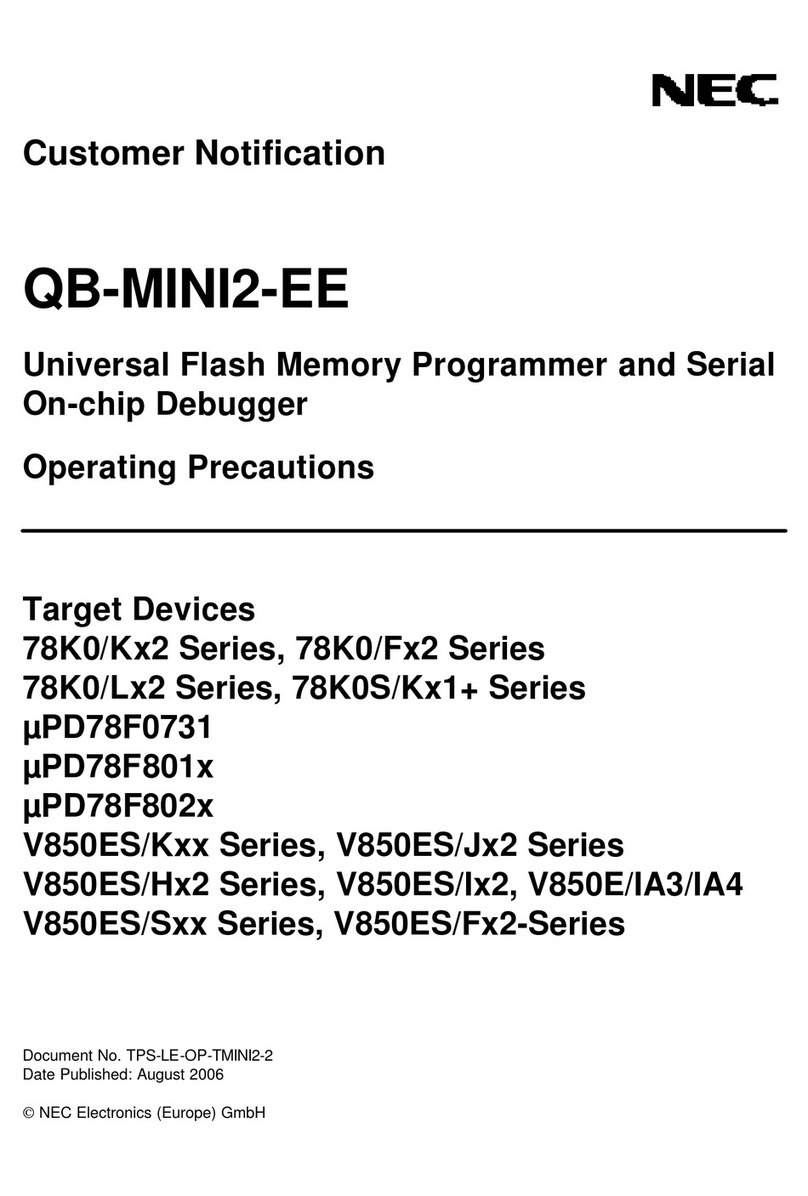
NEC QB-MINI2-EE User manual

NEC

NEC QB-MINI2-EE User manual

NEC K0RE81 User manual

NEC

NEC K0RE81 User manual

NEC 78K0R - Save It! User manual

NEC

NEC 78K0R - Save It! User manual

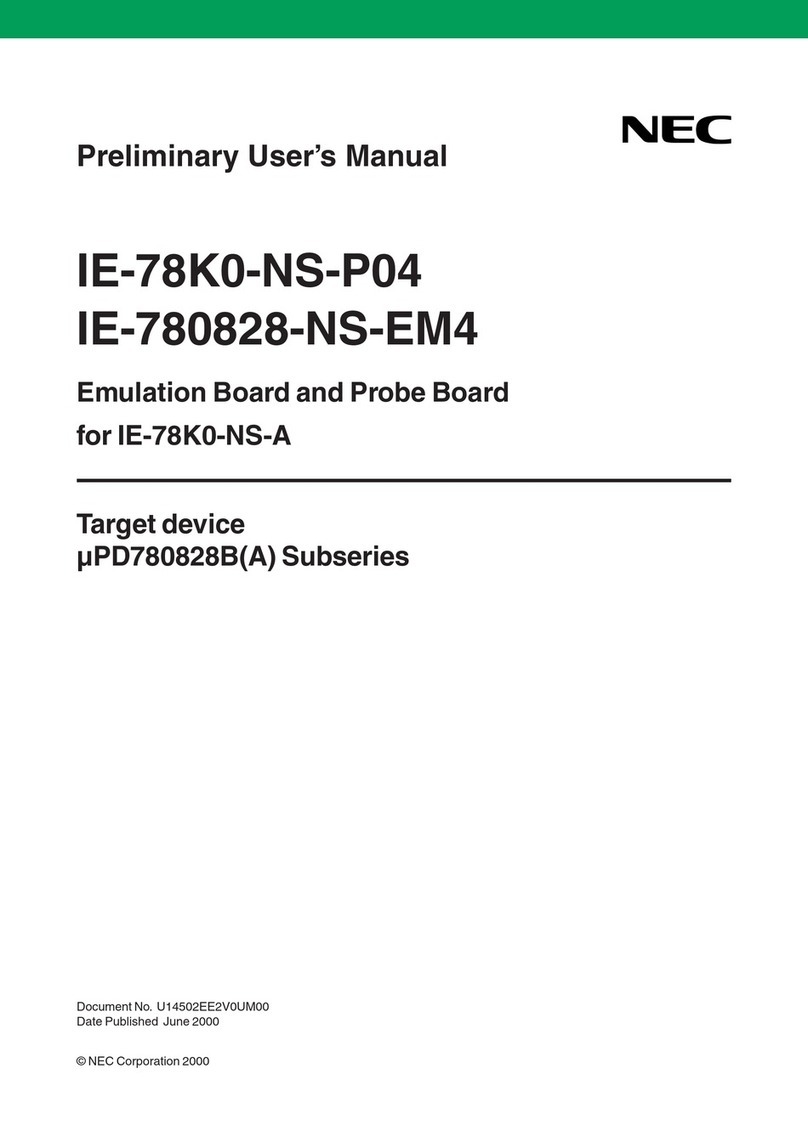
NEC IE-78K0-NS-P04 User manual

NEC

NEC IE-78K0-NS-P04 User manual

NEC PG-FPL2 User manual

NEC

NEC PG-FPL2 User manual

NEC PG-FP4 User manual

NEC

NEC PG-FP4 User manual

NEC PG-FPL User manual

NEC

NEC PG-FPL User manual

NEC MultiSync X551UN User manual

NEC

NEC MultiSync X551UN User manual

NEC MultiSync X462HB User manual

NEC

NEC MultiSync X462HB User manual

NEC 78K0R - Save It! User manual

NEC

NEC 78K0R - Save It! User manual

NEC PG-FPL3 User manual

NEC

NEC PG-FPL3 User manual

NEC MultiSync P521 User manual

NEC

NEC MultiSync P521 User manual

NEC AB-050-FX3-U User manual

NEC

NEC AB-050-FX3-U User manual

NEC uPD168804 User manual

NEC

NEC uPD168804 User manual

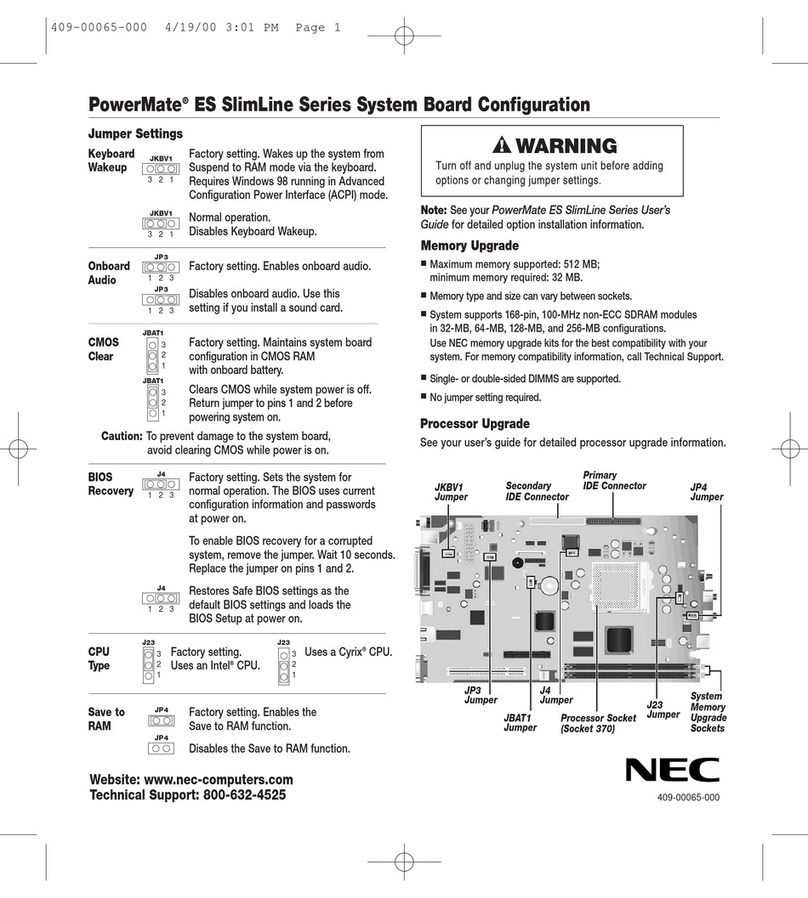
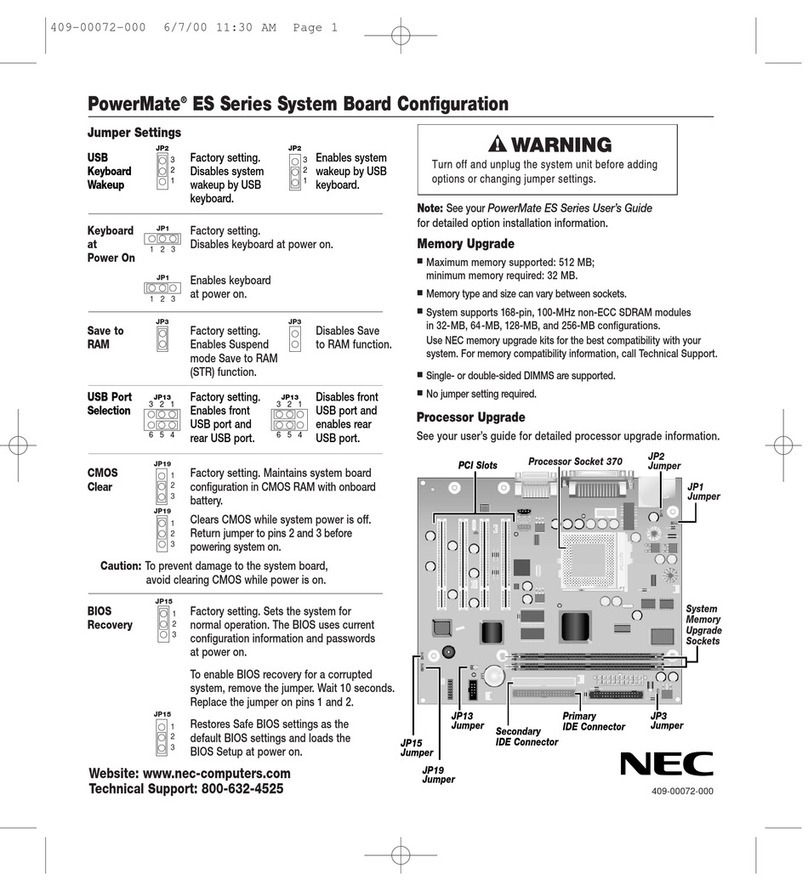
NEC POWERMATE ES Series User manual

NEC

NEC POWERMATE ES Series User manual

NEC PowerMate ES SlimLine Series Quick guide

NEC

NEC PowerMate ES SlimLine Series Quick guide

NEC IE-703081-MC-EM1 User manual

NEC

NEC IE-703081-MC-EM1 User manual

NEC 78K0R/L 3 Sense it! Series User manual

NEC

NEC 78K0R/L 3 Sense it! Series User manual

Popular Motherboard manuals by other brands

Gigabyte MNJ190I-FH user manual

Gigabyte

Gigabyte MNJ190I-FH user manual

Biostar HI-FI-Z87X-3D Setup manual

Biostar

Biostar HI-FI-Z87X-3D Setup manual

Atmel SAM9753PIA-DK user guide

Atmel

Atmel SAM9753PIA-DK user guide

Coapt GEN2 Handbook

Coapt

Coapt GEN2 Handbook

Supero SUPER P4DL6 user manual

Supero

Supero SUPER P4DL6 user manual

Cypress CY3210-PSoCEVAL1 quick start guide

Cypress

Cypress CY3210-PSoCEVAL1 quick start guide

ASROCK B660M-HDV manual

ASROCK

ASROCK B660M-HDV manual

Fujitsu D2831 Short description

Fujitsu

Fujitsu D2831 Short description

Industrial Computers ADE-6050 user manual

Industrial Computers

Industrial Computers ADE-6050 user manual

Asus TUF Z270 MARK 2 manual

Asus

Asus TUF Z270 MARK 2 manual

DFI NB71-BC user manual

DFI

DFI NB71-BC user manual

ASROCK H61 Pro BTC user manual

ASROCK

ASROCK H61 Pro BTC user manual

Norco POS-7893 user manual

Norco

Norco POS-7893 user manual

Intel DG965MS specification

Intel

Intel DG965MS specification

Asus B85M-VIEW PAKER user manual

Asus

Asus B85M-VIEW PAKER user manual

Asus P5G41T-M LX V2 user manual

Asus

Asus P5G41T-M LX V2 user manual

Gigabyte GA-K8VT800-RH user manual

Gigabyte

Gigabyte GA-K8VT800-RH user manual

Gigabyte Z790M AORUS ELITE user manual

Gigabyte

Gigabyte Z790M AORUS ELITE user manual

manuals.online logo
manuals.online logoBrands
  • About & Mission
  • Contact us
  • Privacy Policy
  • Terms and Conditions

Copyright 2025 Manuals.Online. All Rights Reserved.

USB Port Factory setting.
Selection Enables front
USB port and
rear USB port.
4
5
6
1
2
3
JP27 JP28
Disables front
USB port and
enables rear
USB port.
4
5
6
1
2
3
JP27 JP28
Caution: To prevent damage to the
system board, avoid clearing
CMOS while power is on.
Memory Upgrade
■
Maximum memory supported: 512 MB;
minimum: 32 MB.
■
System supports 184-pin, 64-, 128-, and 256-MB PC700 and PC800
ECC DRAM modules.
■
Memory size and speed can vary between sockets.
■
Continuity module in socket 2 required when one RDRAM module is
installed.
405-00123-000
PowerMate®CT System Board Configuration
Note: See your
PowerMate CT User’s Guide
for detailed option installation information.
Processor
Socket 370
Jumper Settings
Front USB Factory setting.
Device Disables system
Wakeup wakeup by USB
device.
1
2
3
JP21
Enables system
wakeup by USB
device.
1
2
3
JP21
JP21
Jumper JP28
Jumper
JP27
Jumper
Secondary
IDE Connector
Primary
IDE Connector
JP5
Jumper
PCI Slots
PS/2 Factory setting.
Keyboard at Disables keyboard
Power On at power on.
1
2
3
JP16
Enables
keyboard at
power on.
1
2
3
JP16
CMOS Factory setting.
Clear Sets normal
operation.
1
2
3
JP4
Clears CMOS
with power off.
Return jumper to
pins 2 and 3 before
powering system
on.
1
2
3
JP4
To enable BIOS recovery, remove the jumper.
Wait 10 seconds. Replace the jumper on pins 1 and 2.
BIOS Factory setting.
Recovery Sets normal
operation.
1
2
3
JP5
Restores Safe
BIOS settings.
1
2
3
JP5
Audio Factory setting.
Modem Enables onboard
Riser audio.
1
2
3
JP11
Disables onboard
audio (AMR sound
card installed).
1
2
3
JP11
Rear USB Factory setting.
Device Enables system
Wakeup wakeup via
rear USB port.
Disables system
wakeup via rear
USB port.
321
JP3
321
JP3
Save to Factory setting.
RAM Enables Suspend
mode Save to
RAM (STR) function
Disables
Save to RAM
function.
JP18JP18
Website: www.nec-computers.com
Technical Support: 800-632-4525
JP18
Jumper
RIMM
Sockets
JP4
Jumper
JP3
Jumper
JP11
Jumper
JP16
Jumper
AGP Slot
AMR
Connector
405-00123-000 7/10/00 3:05 PM Page 1