Connecting a NetComm Wireless Router to an Eaton Network Card P-164000722—Rev 11 1
CCoonnnneeccttiinngg aa NNeettCCoommmm WWiirreelleessss RRoouutteerr ttoo aann EEaattoonn NNeettwwoorrkk CCaarrdd
IInnttrroodduuccttiioonn
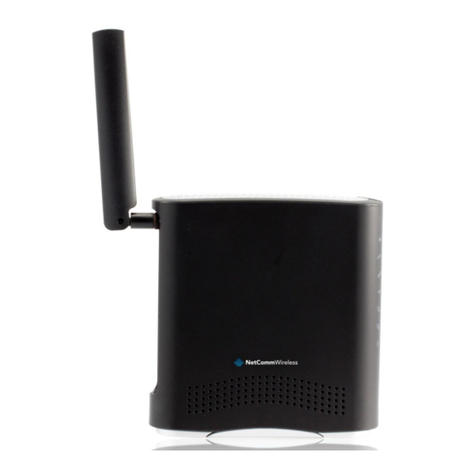
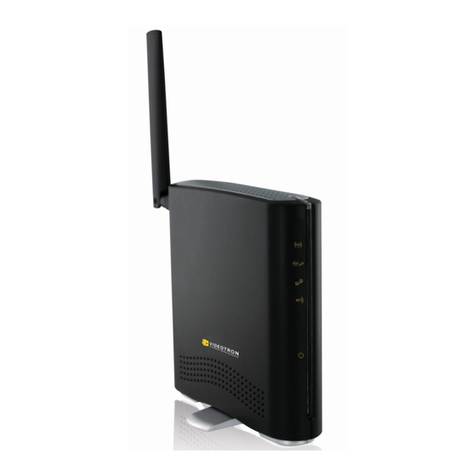
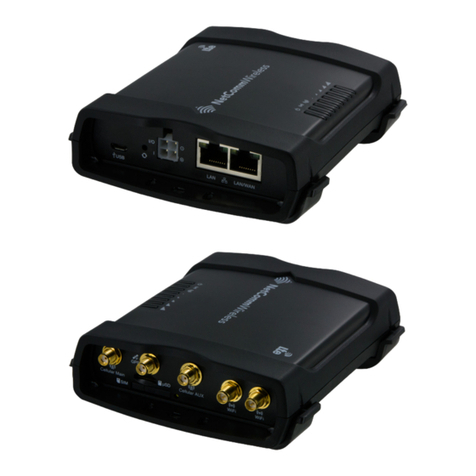
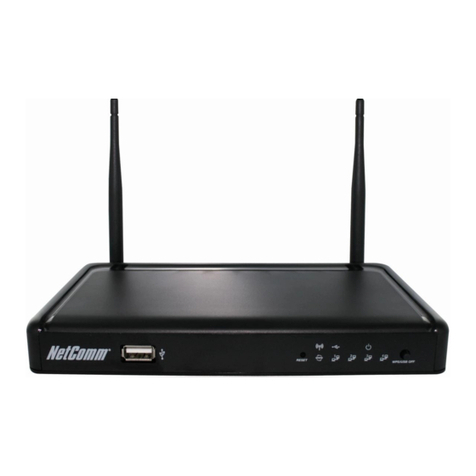
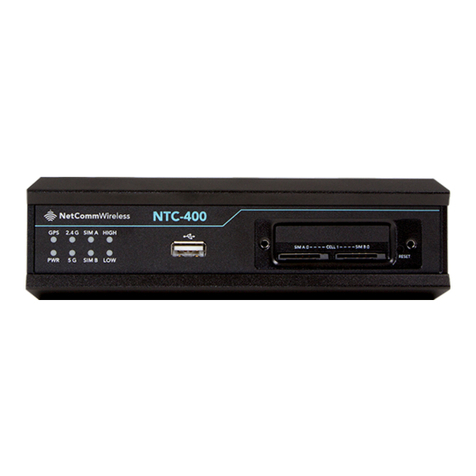
This document provides instructions for connecting a NetComm Wireless NTC-220 or NTC-140W Series
wireless router to one of the following Eaton connectivity cards
• Industrial Gateway Card (INDGW-M2)
• Gigabit Industrial Gateway X2 Card (INDGW-X2)
• Power Xpert Gateway UPS (PXGX-UPS)
• Power Xpert Gateway Minislot UPS (PXGMS)
• Gigabit Network (Network-M2)
NOTE The Network-M2 card has now reached end-of-life (EOL) status.
PPrreerreeqquuiissiitteess
• Eaton UPS with a INDGW-M2, INDGW-X2, PXGX-UPS, PXGMS, or Network-M2 card
• USB-to-USB (Type B) cable for PXGX-UPS
• USB-to-USB (MiniTypeB) for PXGMS
• USB-to-USB (MicroUSB B) for INDGW-M2, INDGW-X2, or Network-M2
• Serial COM port or USB-to-serial 9-pin male adapter
• An existing PredictPulse account (refer to the PredictPulse Quick Start Guide)
• Download the latest card firmware and RNDIS driver from the Eaton product site
For the INDGW-M2 card, go to
https //www.eaton.com/us/en-us/catalog/backup-power-ups-surge-it-power-distribution/eaton-
industrial-gateway-card.resources.html
For the INDGW-X2 card, go to
https //www.eaton.com/us/en-us/catalog/backup-power-ups-surge-it-power-distribution/eaton-gigabit-
industrial-gateway-card.html.
Go to the Resources page and scroll down to the Software, firmware, and applications section. Click
the links to download the firmware and RNDIS driver files.
NOTE The Netcomm Wireless router must be powered by a 120V electrical outlet powered by
the UPS. This ensures that the router is protected during a power outage. If no UPS-
protected outlet is available, a Universal Accessory Power (UAP) kit is required. The UAP
must be installed by an Eaton technician. Contact your Eaton service representative for a
quote.
NNeettCCoommmm WWiirreelleessss RRoouutteerr IInnssttaallllaattiioonn GGuuiiddeelliinneess
Refer to the Quick Start Guide provided with the NetComm Wireless router for instructions on mounting the
router and connecting power.
NOTE The router must be powered by a 120V electrical outlet powered by the UPS. This
ensures that the router is protected during a power outage. If no UPS-protected outlet is
available, a Universal Accessory Power (UAP) kit is required. The UAP must be installed
by an Eaton technician. Contact your Eaton service representative for a quote.