manuals.online logo
Brands
  1. Home
  2. •
  3. Brands
  4. •
  5. NexSens
  6. •
  7. Data Logger
  8. •
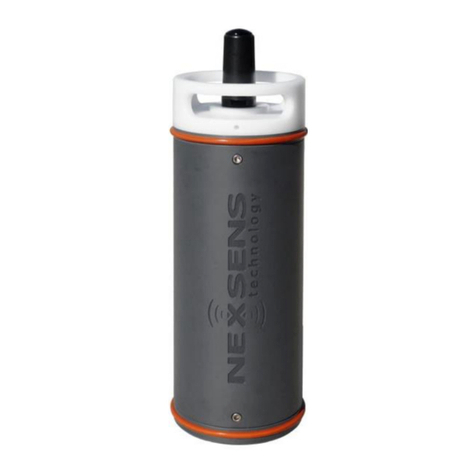
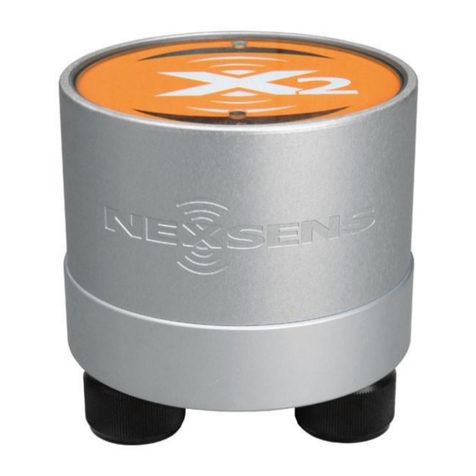
  9. NexSens X2-CB-C User manual

NexSens X2-CB-C User manual

Other NexSens Data Logger manuals
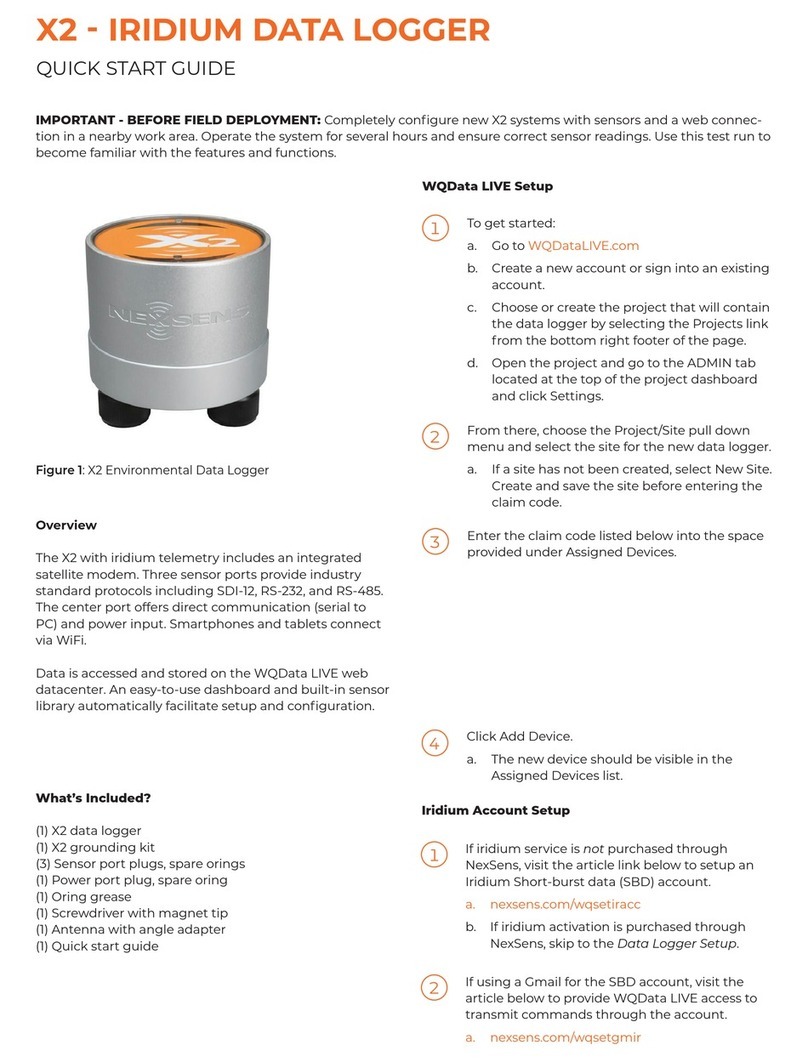
NexSens X2-SDL User manual

NexSens

NexSens X2-SDL User manual
NexSens CB-150 Data Buoy User manual

NexSens

NexSens CB-150 Data Buoy User manual

NexSens X2-Cell User manual

NexSens

NexSens X2-Cell User manual

NexSens CB-1250 Data Buoy User manual

NexSens

NexSens CB-1250 Data Buoy User manual

NexSens CB-50 Data Buoy User manual

NexSens

NexSens CB-50 Data Buoy User manual

NexSens X2-CBMC-C User manual

NexSens

NexSens X2-CBMC-C User manual

NexSens X2-CB User manual

NexSens

NexSens X2-CB User manual

NexSens X2 User manual

NexSens

NexSens X2 User manual
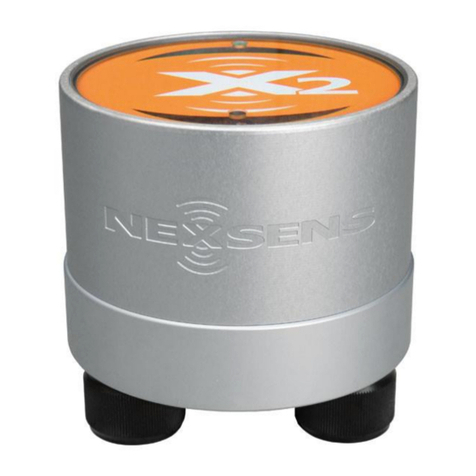
NexSens X2 User manual

NexSens

NexSens X2 User manual
NexSens 3100-iSIC User manual

NexSens

NexSens 3100-iSIC User manual

NexSens SDL500 User manual

NexSens

NexSens SDL500 User manual

NexSens X2 User manual

NexSens

NexSens X2 User manual

NexSens X2 User manual

NexSens

NexSens X2 User manual

NexSens X2-SDL User manual

NexSens

NexSens X2-SDL User manual

NexSens X2-SDLMC User manual

NexSens

NexSens X2-SDLMC User manual
NexSens CB-1250 Data Buoy User manual

NexSens

NexSens CB-1250 Data Buoy User manual

NexSens X2 User manual

NexSens

NexSens X2 User manual
NexSens X2 User manual

NexSens

NexSens X2 User manual
NexSens X2 User manual

NexSens

NexSens X2 User manual
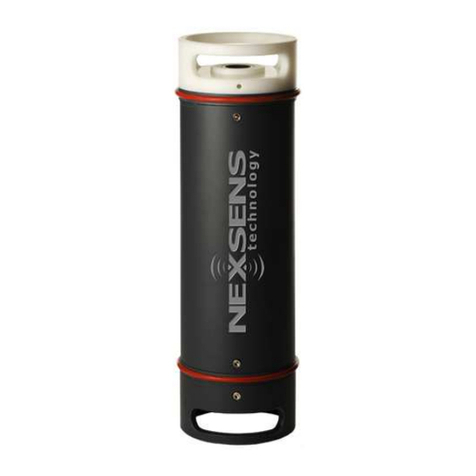
NexSens X2 User manual

NexSens

NexSens X2 User manual
Popular Data Logger manuals by other brands

TESTO 176 instruction manual

TESTO

TESTO 176 instruction manual

HBM SOMAT XR CX22B-R operating manual

HBM

HBM SOMAT XR CX22B-R operating manual

Agtrix 380i manual

Agtrix

Agtrix 380i manual

Hobo H8 Pro user manual

Hobo

Hobo H8 Pro user manual

Beijing ART Tech PCI2320 user manual

Beijing ART Tech

Beijing ART Tech PCI2320 user manual

Athena GET SL1 user manual

Athena

Athena GET SL1 user manual

Motec Systems C185 user manual

Motec Systems

Motec Systems C185 user manual

Beijing ART Tech USB2832 user manual

Beijing ART Tech

Beijing ART Tech USB2832 user manual

HT Italia XL421 user manual

HT Italia

HT Italia XL421 user manual

Rotronic HygroLog HL20 Short instruction manual

Rotronic

Rotronic HygroLog HL20 Short instruction manual

MRC DW-6092 Operation manual

MRC

MRC DW-6092 Operation manual

Racelogic VBOX LapTimer quick start guide

Racelogic

Racelogic VBOX LapTimer quick start guide

Edu-Logger 900-240 Guide

Edu-Logger

Edu-Logger 900-240 Guide

Elma DT173 manual

Elma

Elma DT173 manual

MadgeTech PRTemp140 Product user guide

MadgeTech

MadgeTech PRTemp140 Product user guide

Comet U0121M user guide

Comet

Comet U0121M user guide

pico Technology PT-104 user guide

pico Technology

pico Technology PT-104 user guide

Soil Instruments GTecLink user manual

Soil Instruments

Soil Instruments GTecLink user manual

manuals.online logo
manuals.online logoBrands
  • About & Mission
  • Contact us
  • Privacy Policy
  • Terms and Conditions

Copyright 2025 Manuals.Online. All Rights Reserved.

X2-CB-C Quick Start
For best results, setup your new system in the office/lab. Collect a few data
points and become familiar with the system prior to field deployment.
1Go to V2.WQDataLIVE.com/Getting-Started
2Create a new account or sign
into an existing account and
enter the Claim Code found
on the serial label to access
the device’s data
3Place the X2-CB in an area
with strong cellular coverage
4Remove the required blank
sensor plugs (P0/P1/P2)
5Connect all sensors
6Remove the COM/SOLAR blank plug
7Connect the 6-pin solar panel plug to
power the X2-CB
(device will beep once when powered)
8Wait up to 60 seconds for the system
to check cellular coverage
Two beeps = good signal
Three beeps = no signal
(See troubleshooting)
9Wait (typically 5-10 minutes1) for
sensor detection, sensor reading, and
data upload to complete
Device will beep twice when data upload begins
Device will beep constantly for 3 seconds when done
10 Refresh WQData LIVE and confirm all sensor parameters are shown
and valid sensor readings appear
For more information on the X2-CB, visit our online knowledge base
www.NexSens.com/Knowledge-Base/X2-Data-Logger/Getting-Started-X2-CB.htm
1A brand new modem may require an additional 2 minutes to provision
with the cellular provider the first time it connects to the internet.
Serial Label
Troubleshooting
Symptom
Possible Cause
Corrective Action
Claim code
does not work
Code entered
incorrectly
Re-enter code exactly as shown on the
serial label
Device already
claimed
Check with previous owners/users
WQData LIVE’s
Last Contact
time does not
update
OR
Device does
not upload
new data to
WQData LIVE
No power to
device
Ensure there is either a solar panel or
UW-JUMPER plugged into the
COM/SOLAR UW-6 port
Confirm voltage between pins
3 (+) and 4 (-) on the
COM/SOLAR port is 12-14VDC
No cellular
coverage
Relocate the unit to an area with strong
cellular coverage and no obstructions
(outside in a parking lot is typically good),
then cycle the power (remove and
reconnect UW-6 COM/SOLAR plug). The
device should beep twice after being
powered for 30-60 seconds. Three beeps
indicates no signal.
Sensor or
parameter
does not
appear on
WQData LIVE
Sensor not
connected
Confirm the UW-8 plug is screwed down
securely
Sensor
damaged
Visually inspect the sensor & cable, then
check direct communication with PC or
other configuration device
Sensor not
configured
Ensure multiple sensors do not share the
same SDI-12 or MODBUS address and
that sensor is setup correctly
Sensor not
supported
Confirm the sensor is compatible with
the X2-CB
For more assistance visit:
www.NexSens.com/Category/Knowledge-Base/X2-Data-Logger
3
4