EnglishDeutsch
 logo
Brands
  1. Home
  2. •
  3. Brands
  4. •
  5. Nordson
  6. •
  7. Industrial Equipment
  8. •
  9. Nordson EPC-15 User manual

Nordson EPC-15 User manual

Other Nordson Industrial Equipment manuals
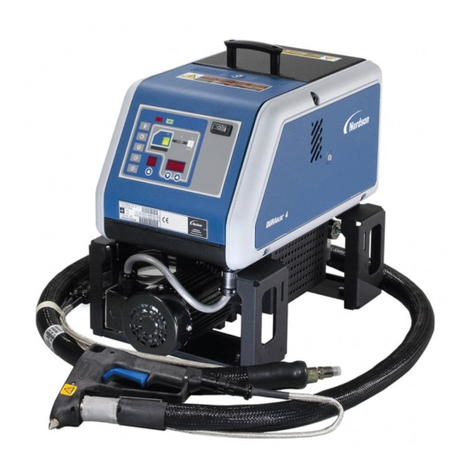
Nordson Rhino SD2 User manual

Nordson

Nordson Rhino SD2 User manual

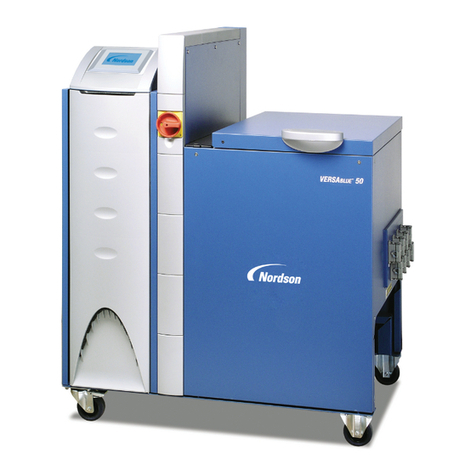
Nordson VersaBlue VB Series User manual

Nordson

Nordson VersaBlue VB Series User manual

Nordson Encore User manual

Nordson

Nordson Encore User manual

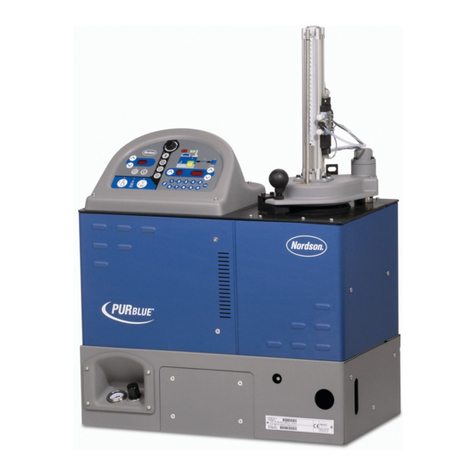
Nordson PURBlue EC User manual

Nordson

Nordson PURBlue EC User manual

Nordson CE20 Reference guide

Nordson

Nordson CE20 Reference guide

Nordson Encore HD Powder Spray System with Prodigy... Reference guide

Nordson

Nordson Encore HD Powder Spray System with Prodigy... Reference guide

Nordson FoamMix Flex Reference guide

Nordson

Nordson FoamMix Flex Reference guide

Nordson DuraBlue D4L Reference guide

Nordson

Nordson DuraBlue D4L Reference guide

Nordson AD-31 Series User manual

Nordson

Nordson AD-31 Series User manual

Nordson ColorMax Reference guide

Nordson

Nordson ColorMax Reference guide

Nordson AP-300 Instruction manual

Nordson

Nordson AP-300 Instruction manual

Nordson AN-8 Plus User manual

Nordson

Nordson AN-8 Plus User manual

Nordson Rhino Reference guide

Nordson

Nordson Rhino Reference guide

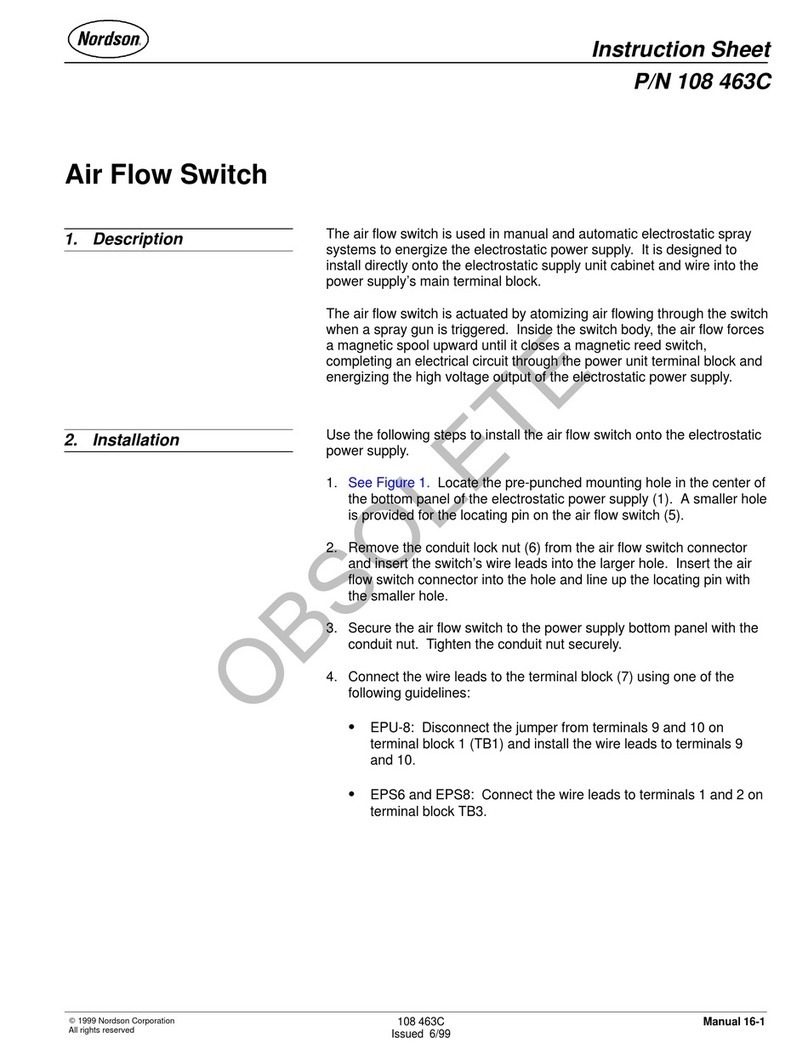
Nordson 108 463C User manual

Nordson

Nordson 108 463C User manual

Nordson MELTEX PG Series User manual

Nordson

Nordson MELTEX PG Series User manual

Nordson 3000V Series User manual

Nordson

Nordson 3000V Series User manual

Nordson EP 11 User manual

Nordson

Nordson EP 11 User manual

Nordson kinetix User manual

Nordson

Nordson kinetix User manual

Nordson Spectrum HD Reference guide

Nordson

Nordson Spectrum HD Reference guide

Nordson Rhino VE User manual

Nordson

Nordson Rhino VE User manual

Nordson Prodigy HDLV Pump Generation II Reference guide

Nordson

Nordson Prodigy HDLV Pump Generation II Reference guide

Nordson Rhino SD3 Reference guide

Nordson

Nordson Rhino SD3 Reference guide

Nordson Smart Gun Reference guide

Nordson

Nordson Smart Gun Reference guide

Nordson 380 User manual

Nordson

Nordson 380 User manual

Popular Industrial Equipment manuals by other brands

ABB Unifix AD Instruction handbook

ABB

ABB Unifix AD Instruction handbook

Mark 7 Evolution user manual

Mark 7

Mark 7 Evolution user manual

Husky HyPET Original instructions

Husky

Husky HyPET Original instructions

bora PM-1800 user manual

bora

bora PM-1800 user manual

Grizzly T32428 owner's manual

Grizzly

Grizzly T32428 owner's manual

Siemens 8MF1 Series operating instructions

Siemens

Siemens 8MF1 Series operating instructions

ABB HT610965 Operation manual

ABB

ABB HT610965 Operation manual

ABB SafeLink Installation and operating instructions

ABB

ABB SafeLink Installation and operating instructions

Phoenix PHX-150 user guide

Phoenix

Phoenix PHX-150 user guide

ABB A165-L32 Operation manual

ABB

ABB A165-L32 Operation manual

ABB HT842936 Operation manual

ABB

ABB HT842936 Operation manual

Hermetica 10 Series user manual

Hermetica

Hermetica 10 Series user manual

HORNER OEE Solution manual

HORNER

HORNER OEE Solution manual

Hammerhead HG375 parts manual

Hammerhead

Hammerhead HG375 parts manual

SCHUNK VERO-S NSE-A3 138 Assembly and operating manual

SCHUNK

SCHUNK VERO-S NSE-A3 138 Assembly and operating manual

ABB HT566657 Operation manual

ABB

ABB HT566657 Operation manual

Webasto GSE CAN installation guide

Webasto

Webasto GSE CAN installation guide

ABB HT614003 Operation manual

ABB

ABB HT614003 Operation manual

https://manuals.online logo
https://manuals.online logoBrands
  • About & Mission
  • Contact us
  • Privacy Policy
  • Terms and Conditions

Copyright 2026 Manuals.Online. All Rights Reserved.

Instruction Sheet
Part 1047722A
E2004 Nordson Corporation
P/N 1047722A
EPC-15 Container Firmware Chip Installation
WARNING: Allow only qualified personnel
to perform the following tasks. Follow the
safety instructions in this document and all
other related documentation.
Kit Contents
The EPC-15 Container firmware chip kit,
part 1047694, consists of these items:
SFirmware chip
SChip removal tool
SGrounding wrist strap
SFirmware identification label
The firmware chip contains the software necessary
to use the EPC-15 Eclipse Series pattern controller
with a container coating system.
Installation
WARNING: Disconnect and lock out
power before performing the following
tasks. Failure to observe this warning
could result in equipment damage,
personal injury, or death.
1. See Figure 1. Remove the three screws (1)
securing the lower housing (2) to the controller.
2. Pull the lower housing down to disengage its
tabs from the controller and remove it.
3. Remove the two screws (3) securing the upper
housing (4) to the controller. Swing the upper
housing up.
1200455A
1
2
3
4
5
Figure 1 Removing the Upper and Lower Housings
1. Screws (3)
2. Lower housing
3. Screws (2)
4. Upper housing
5. Firmware identification
label
Note: The firmware identification label is included with
the service kit.
EPC-15 Container Firmware Chip Installation
2
Part 1047722A E2004 Nordson Corporation
Installation (contd)
CAUTION: Static sensitive devices. Put
on the supplied grounding wrist strap and
secure it to a true earth ground before
touching any internal components of the
EPC-15 controller or handling the new
firmware chip.
4. See Figure 2. Locate the existing firmware
chip (1) on the main control board. Use the
supplied chip removal tool (2) to carefully
remove the chip from the socket (3):
a. Insert the small, hooked end of the tool into
the extraction slot in the lower left corner of
the socket. Carefully push the the tool into
the slot until it bottoms out.
b. Carefully push the large, hooked end of the
tool down until the chip pulls out of the
socket.
c. Remove the tool from the socket. Repeat
steps a and b in the slot on the upper right
corner of the socket.
d. Lift the chip off the board.
5. Remove the new firmware chip from its
packaging. Orient the new chip as illustrated
and carefully push it into the socket.
6. Install the upper and lower housings.
7. See Figure 1. Place the supplied firmware
identification label (5) on the top, left side of the
upper housing as illustrated.
1200456A
1
2
1
3
Figure 2 Firmware Chip Removal and Installation
1. Firmware chip 2. Chip removal tool 3. Socket
Note: The firmware chip and chip removal tool are included with the service kit.
Issued 1/04
Original copyright date 2004. Nordson and the Nordson logo are registered trademarks of Nordson Corporation.
Eclipse is a trademark of Nordson Corporation.