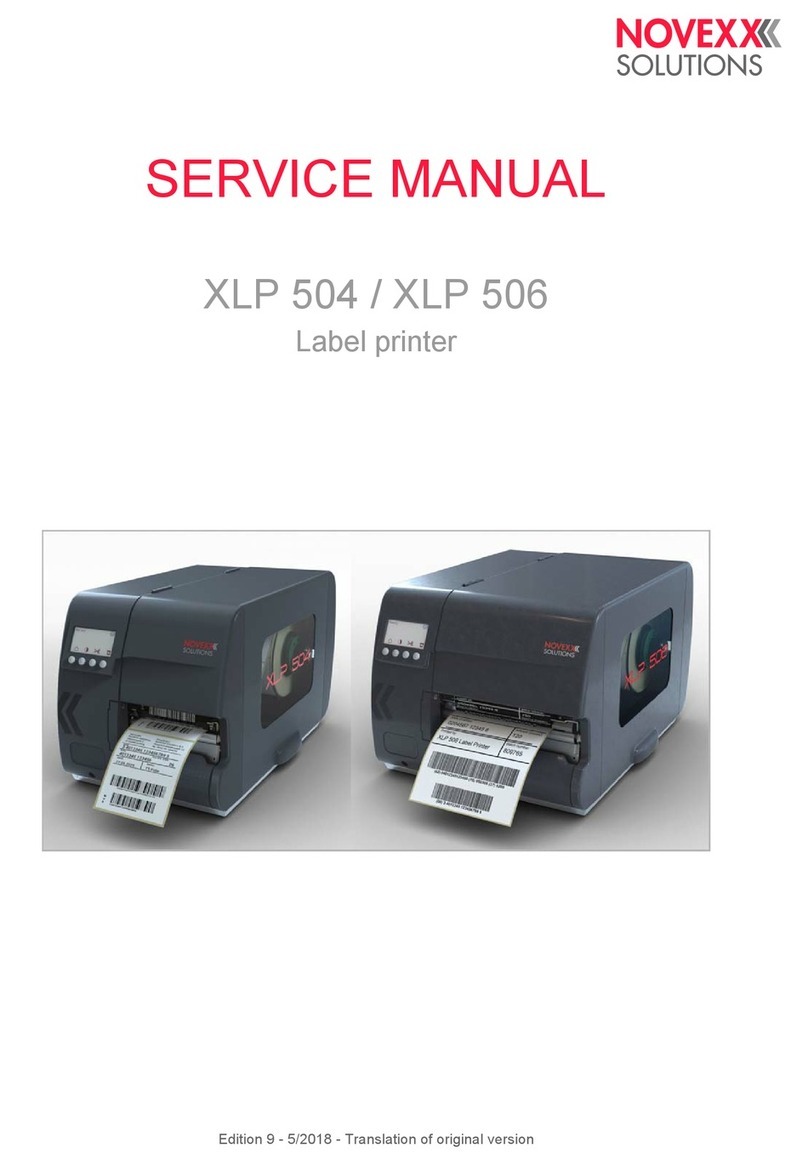
User Manual XLP 514/516
Switching on/off - 56
Basic settings with the setup wizard - 57
Operation - 59
Insertion Diagrams - 59
Inserting and removing ribbon - 61
Inserting ribbon - 61
Removing the used up ribbon - 63
Alternating use of different sorts of ribbon - 63
Inserting and removing label material - 65
XLP 51x standard: Inserting roll material - 65
XLP 51x standard: Inserting leporello material - 68
XLP 51x with internal rewinder: Inserting roll material - 69
XLP 51x with internal rewinder and dispensing edge: Inserting roll material - 71
Setting and Monitoring - 72
Positioning the label sensor - 72
Settings in the Parameter Menu - 74
Monitoring functions - 76
Printing - 79
Creating Print Jobs - 79
Transferring a Print Job from a Host by Means of Layout Software - 79
Transferring a Print Job from a Host by Means of a Command file - 80
Starting a Print Job from an External Memory Medium - 82
Starting and Monitoring a Print Job - 84
Standalone Operation - 84
Requirements and Function - 84
Selecting Files from an External Memory Medium - 85
Functions with external keyboard - 87
Executing Different File Types - 89
Disturbances - 91
General information about status reports - 91
Access troubleshooting instructions with your smartphone - 95
Reference of status reports - 96
Cleaning - 99
Cleaning Instructions - 99
Cleaning the print head - 100
Cleaning the print roller - 102
Cleaning the label sensor - 103
Maintenance - 105
Print roller replacement - 105
Print head replacement - 106
Material guiding: Setting the movability - 109
Appendix - 111
Label material types - 111
(XLP 516) Print width limitations - 112
Edition 1 - 8/2021 3Contents