10
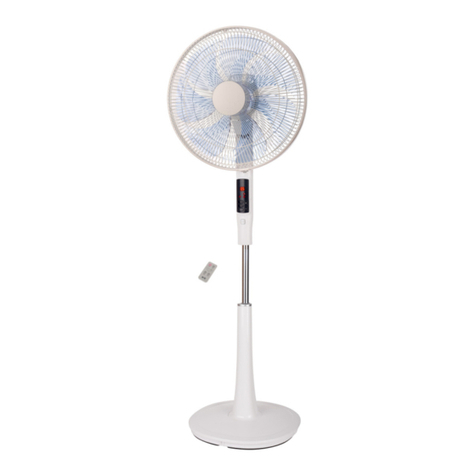
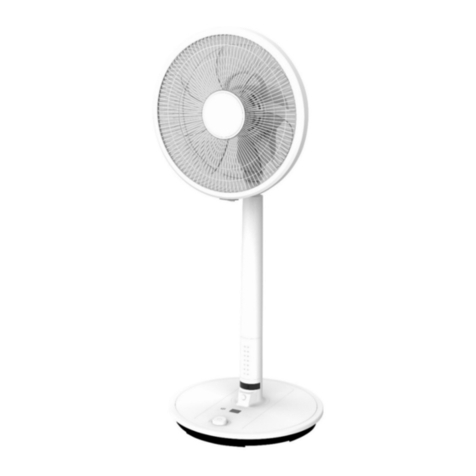
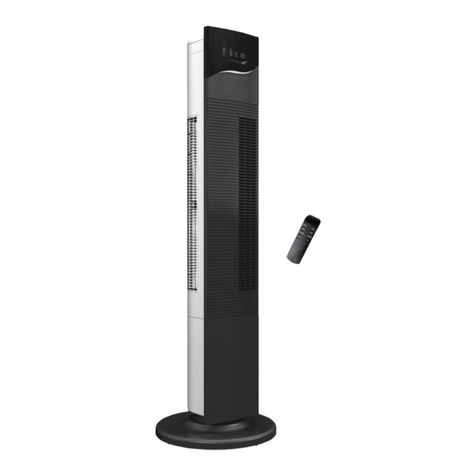
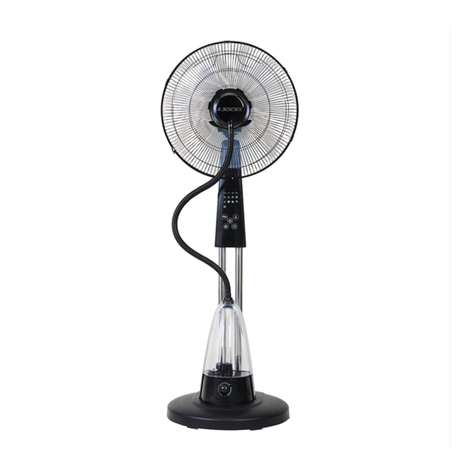
With the fan powered ON, press the PRESET/TIMER button on the manual controls and
then rotate the dial clockwise to increase or anticlockwise to decrease the timer to
set the required length of operation between 0.5hr & 15hrs.
Timer
• When using the remote control, press the PRESET/TIMER button once and then
press “+”to increase or “-” to decrease timer to set the length of operation.
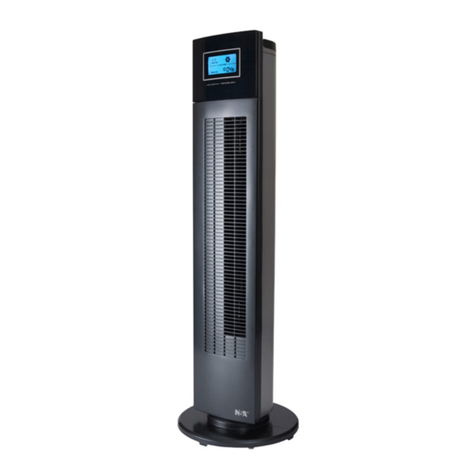
• The digital display on the front of the fan will ash TIMER during the selection
process. When no button is pressed for 3 secs the selection will be set.
• To turn off the digital display press and hold the ON/OFF button for 3 seconds. To
reactivate, press any button.
• The fan will operate normally and automatically turn off at the selected time.
• Use in conjunction with the fan modes – see page 12-13.
0.5h 1h 1.5h 2h 2.5h 3h 4h 13h 14h 15h
TIMER OFF (Continuous)