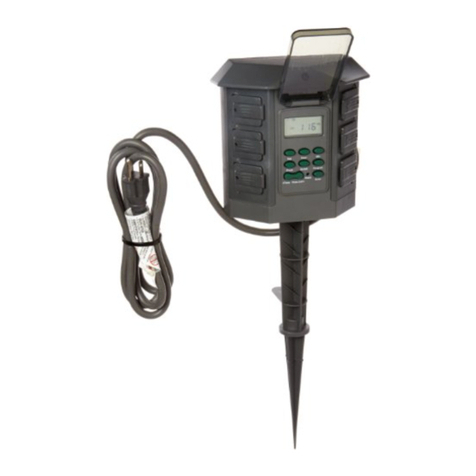
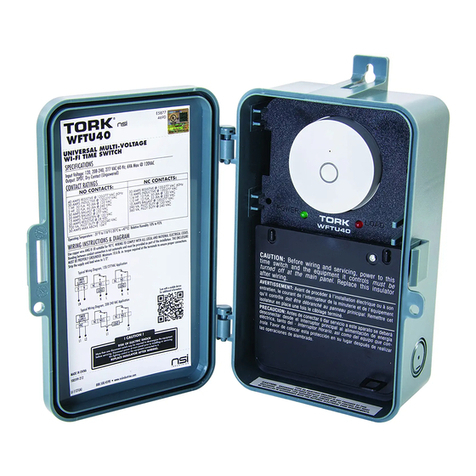
NSI NORK E Series User manual

Using the iAP to instAll A toRK e-seRies timeR
to An inteRmAtic enclosURe
®
STEP 1
The original insulator that came with the timer will be
replaced by the insulator provided with the IAP kit.
For smaller metal enclosure, cut along the horizontal
line (1 3/8”) and for Pool and Spa panels (2 1/4”)
from bottom of the insulator provided with the IAP
kit. For all other enclosures, install the unmodified
insulator.
STEP 2
Attach the IAP to the E-Series Digital Timer.
Using the long screws, attach the IAP to the rear
of the E-Series timer. Using a Phillips screwdriver,
carefully tighten the screws to secure the timer to the
plate.
When correctly attached, the raised edge of the IAP
should be on the RIGHT side of the E-series timer
when viewed from the rear.
STEP 3
Slide the timer on an angle inside of the enclosure,
gently resting it against the clip.
STEP 4
With the top of the IAP resting on the clip, push the
top of the timer until it snaps downward and locks.
®
A DIVISION OF
NSi INDUSTRIES, LLC
FOR TECHNICAL ASSISTANCE: 877.230.7874 • WWW.NSIINDUSTRIES.COM L1-201 (D)

Using the iAP to instAll A toRK mechAnicAl timeR
to An inteRmAtic enclosURe
STEP 1
The original insulator that came with the timer must
be replaced by the insulator provided with the IAP
kit. For smaller metal enclosure, cut along the hori-
zontal line (1 1/4”) and for Pool and Spa panels
(1 7/8”) from bottom of the insulator provided with
the IAP kit. For all other enclosures, install the un-
modified insulator.
STEP 2
Attach the IAP to the mechanical timer.
Lift the motor wires and carefully insert the plate
between the wires and the timer. Using the short
screws, attach the IAP.
Using a flat-blade screwdriver, carefully tighten the
screws to secure the timer to the IAP.
When correctly attached, the raised edge of the IAP
should be on the LEFT side of the mechanical timer
when viewed from the rear.
STEP 3
Slide the timer on an angle inside of the enclosure,
gently resting it against the clip.
STEP 4
With the top of the IAP resting on the clip, push the
top of the timer down until it snaps and locks.
®
®
A DIVISION OF
NSi INDUSTRIES, LLC
FOR TECHNICAL ASSISTANCE: 877.230.7874 • WWW.NSIINDUSTRIES.COM L1-201 (D)
Other NSI Timer manuals