Table of Contents
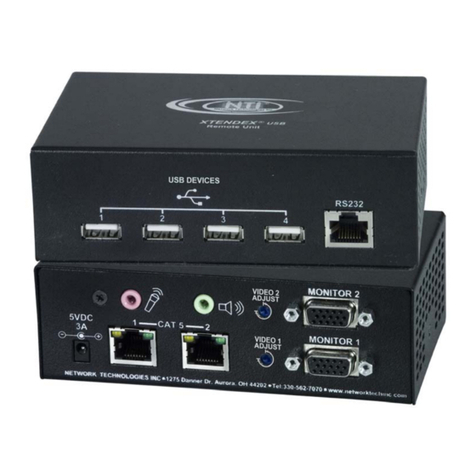
ST-C5USBV .................................................................................................................................................................... 2
USB KVM EXTENDER ................................................................................................................................................ 2
Installation and Operation Manual............................................................................................................................... 2
Introduction...................................................................................................................................................................... 1
Features....................................................................................................................................................................... 1
Types of User Input Devices Supported:..................................................................................................................... 1
Operating Systems Supported .................................................................................................................................... 1
Limitations.................................................................................................................................................................... 2
Materials .......................................................................................................................................................................... 2
Features and Functions................................................................................................................................................... 3
Preparation for Installation .............................................................................................................................................. 4
Installation ....................................................................................................................................................................... 5
The Local Unit.............................................................................................................................................................. 5
Connect to the CPU.................................................................................................................................................. 5
Connect the Local Devices ....................................................................................................................................... 6
Connect the CAT5 Cable.......................................................................................................................................... 6
The Remote Unit.......................................................................................................................................................... 7
Plug-in and Boot Up..................................................................................................................................................... 8
Setup Menu ..................................................................................................................................................................... 9
Video Adjustment Screen ............................................................................................................................................ 9
Port Configuration Screen ......................................................................................................................................... 10
DDC Update .............................................................................................................................................................. 11
Common Applications ................................................................................................................................................... 12
Technical Specifications................................................................................................................................................ 13
Interconnection Cable Wiring Method ........................................................................................................................... 13
Keyboard Translation .................................................................................................................................................... 14
Key Equivalents ......................................................................................................................................................... 14
SUN’s 16 Extra Keys ................................................................................................................................................. 14
Troubleshooting............................................................................................................................................................. 16
Warranty Information..................................................................................................................................................... 17
Table of Figures
Figure 1- Connect the Local Unit to a CPU........................................................................................................................................ 5
Figure 2- Connect local user devices to the Local Unit...................................................................................................................... 6
Figure 3- Connect the CAT5 cable to the Local Unit.......................................................................................................................... 6
Figure 4- Connect the Monitor and Devices to the Remote Unit........................................................................................................ 7
Figure 5-Connect AC adapter to Local Unit ....................................................................................................................................... 8
Figure 6- Setup Menu ........................................................................................................................................................................9
Figure 7- Video Adjustment Screen ...................................................................................................................................................9
Figure 8- Port Configuration Screen ................................................................................................................................................ 10
Figure 9- Examples of common applications for the ST-C5USBV USB KVM Extender................................................................... 12
Figure 10- Pin positions in female RJ45 connector.......................................................................................................................... 13
Figure 11- Keyboard Layouts........................................................................................................................................................... 15