manuals.online logo
Brands
  1. Home
  2. •
  3. Brands
  4. •
  5. Ocean Matrix
  6. •
  7. Extender
  8. •
  9. Ocean Matrix OMX-01HMBL0001 User manual

Ocean Matrix OMX-01HMBL0001 User manual

Other Ocean Matrix Extender manuals

Ocean Matrix OMX-HDMI-BASET RX User manual

Ocean Matrix

Ocean Matrix OMX-HDMI-BASET RX User manual

Ocean Matrix OMX-01HMBT0004 User manual

Ocean Matrix

Ocean Matrix OMX-01HMBT0004 User manual

Ocean Matrix OMX-HDMI-HDB1X8 User manual

Ocean Matrix

Ocean Matrix OMX-HDMI-HDB1X8 User manual

Ocean Matrix OMX-01HMBT0005 User manual

Ocean Matrix

Ocean Matrix OMX-01HMBT0005 User manual

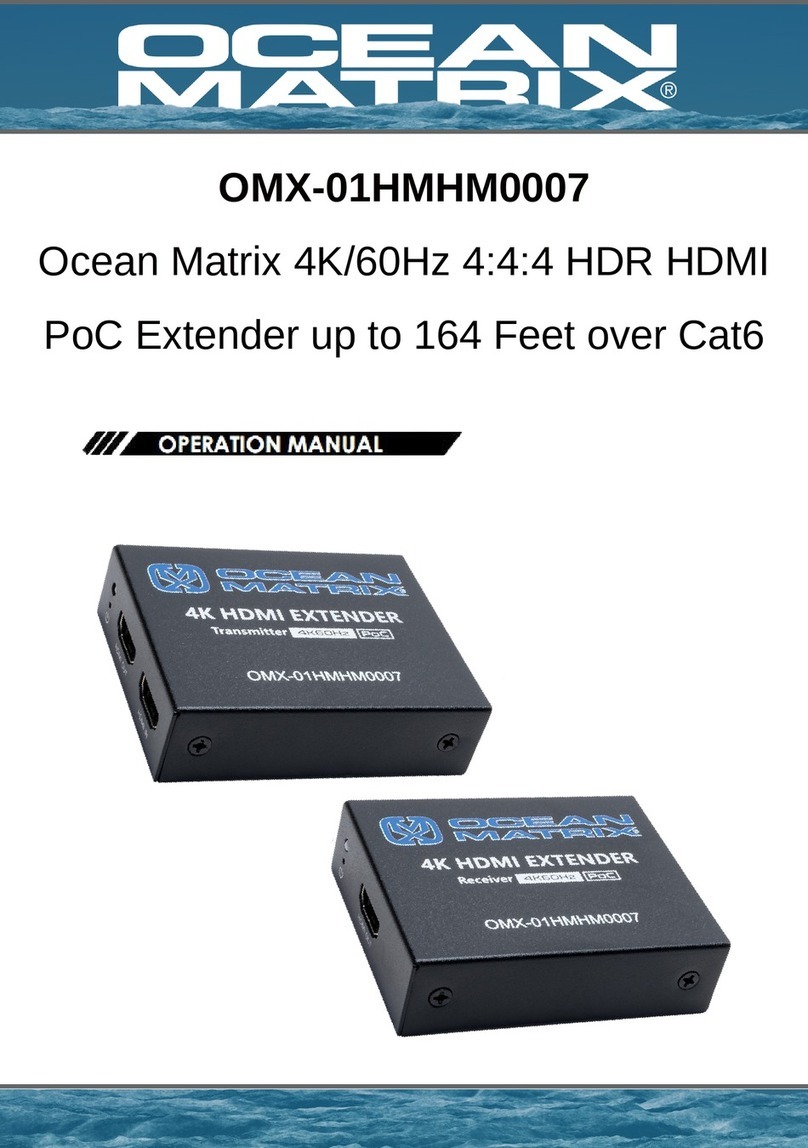
Ocean Matrix OMX-01HMHM0007 User manual

Ocean Matrix

Ocean Matrix OMX-01HMHM0007 User manual

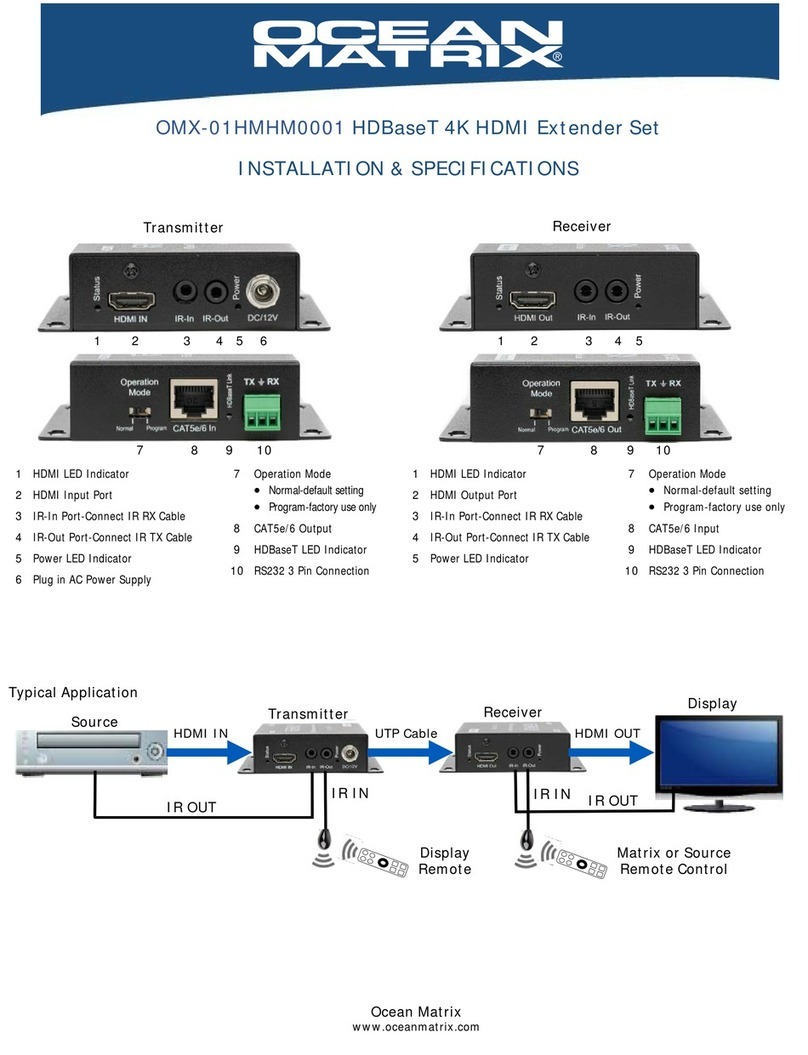
Ocean Matrix OMX-01HMHM0001 User manual

Ocean Matrix

Ocean Matrix OMX-01HMHM0001 User manual

Ocean Matrix OMX-01KVKV0002 User manual

Ocean Matrix

Ocean Matrix OMX-01KVKV0002 User manual

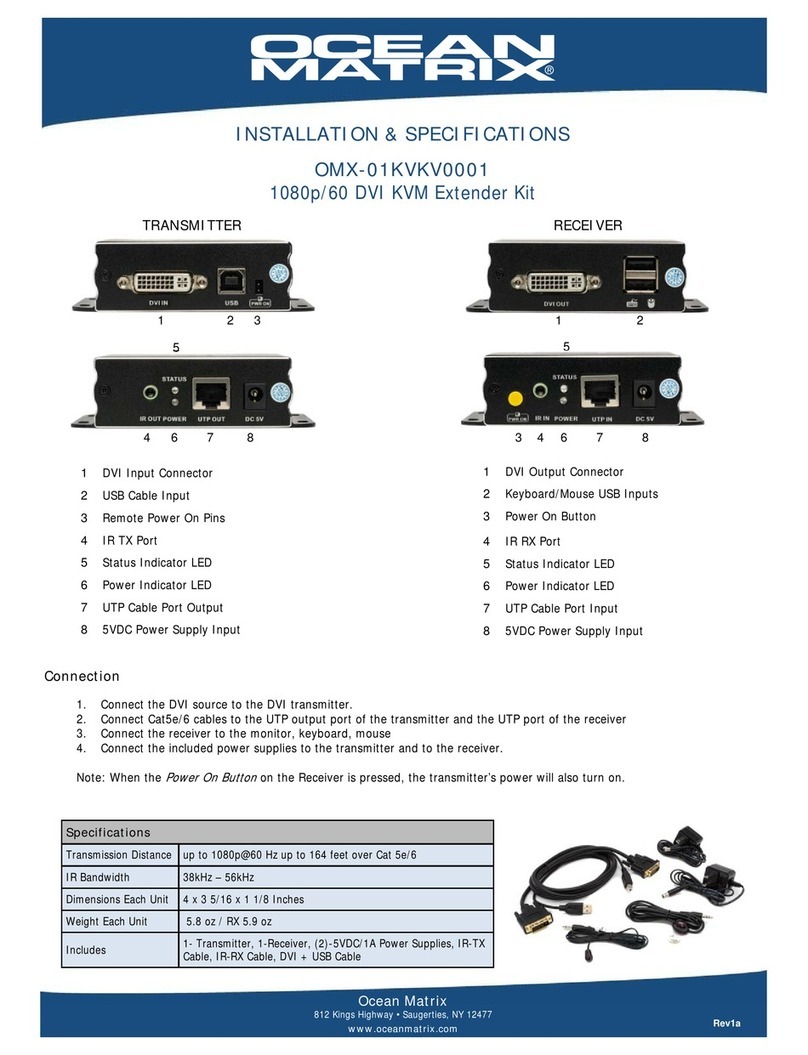
Ocean Matrix OMX-01KVKV0001 User manual

Ocean Matrix

Ocean Matrix OMX-01KVKV0001 User manual

Ocean Matrix OMX-HDMI-2-IP User manual

Ocean Matrix

Ocean Matrix OMX-HDMI-2-IP User manual

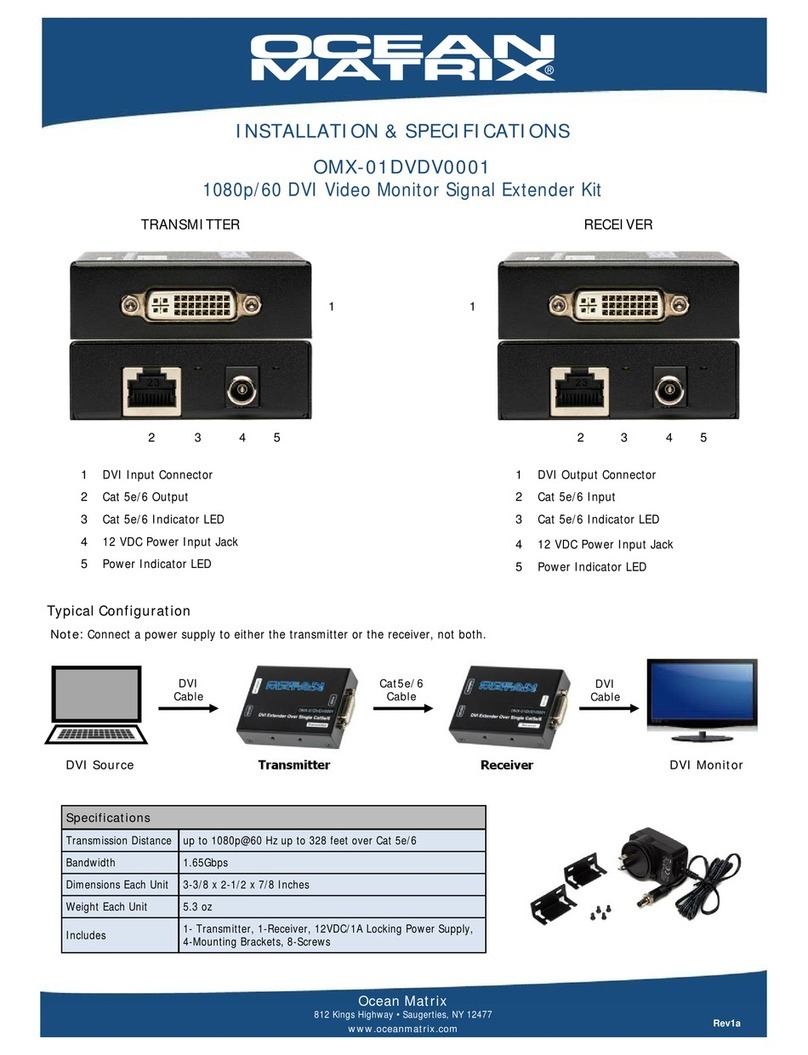
Ocean Matrix OMX-01DVDV0001 User manual

Ocean Matrix

Ocean Matrix OMX-01DVDV0001 User manual

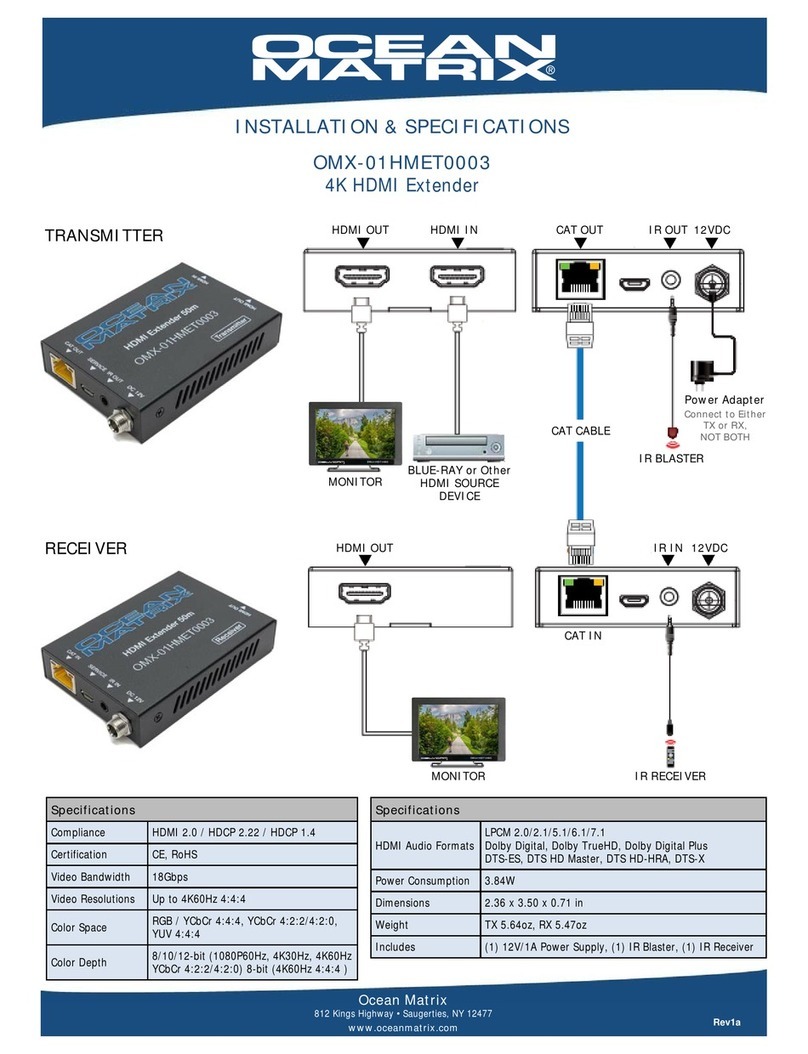
Ocean Matrix OMX-01HMET0003 User manual

Ocean Matrix

Ocean Matrix OMX-01HMET0003 User manual

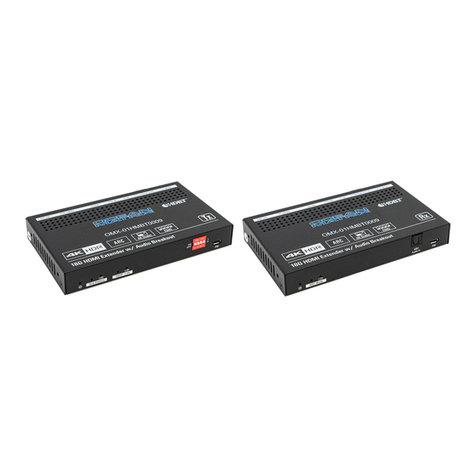
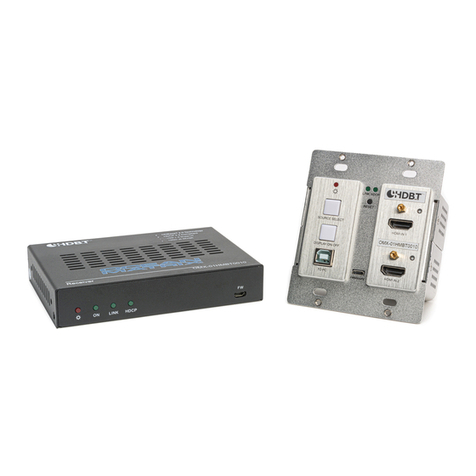
Ocean Matrix OMX-01HMBT0009 User manual

Ocean Matrix

Ocean Matrix OMX-01HMBT0009 User manual

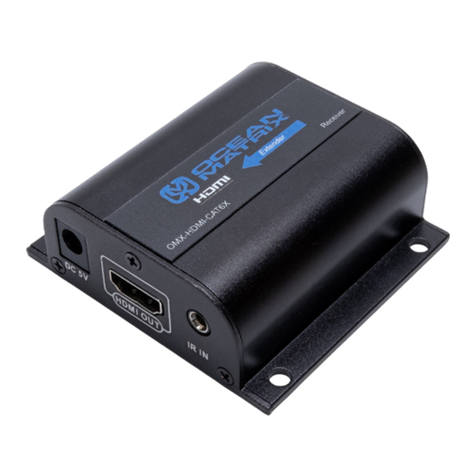
Ocean Matrix OMX-HDMI-CAT6X User manual

Ocean Matrix

Ocean Matrix OMX-HDMI-CAT6X User manual

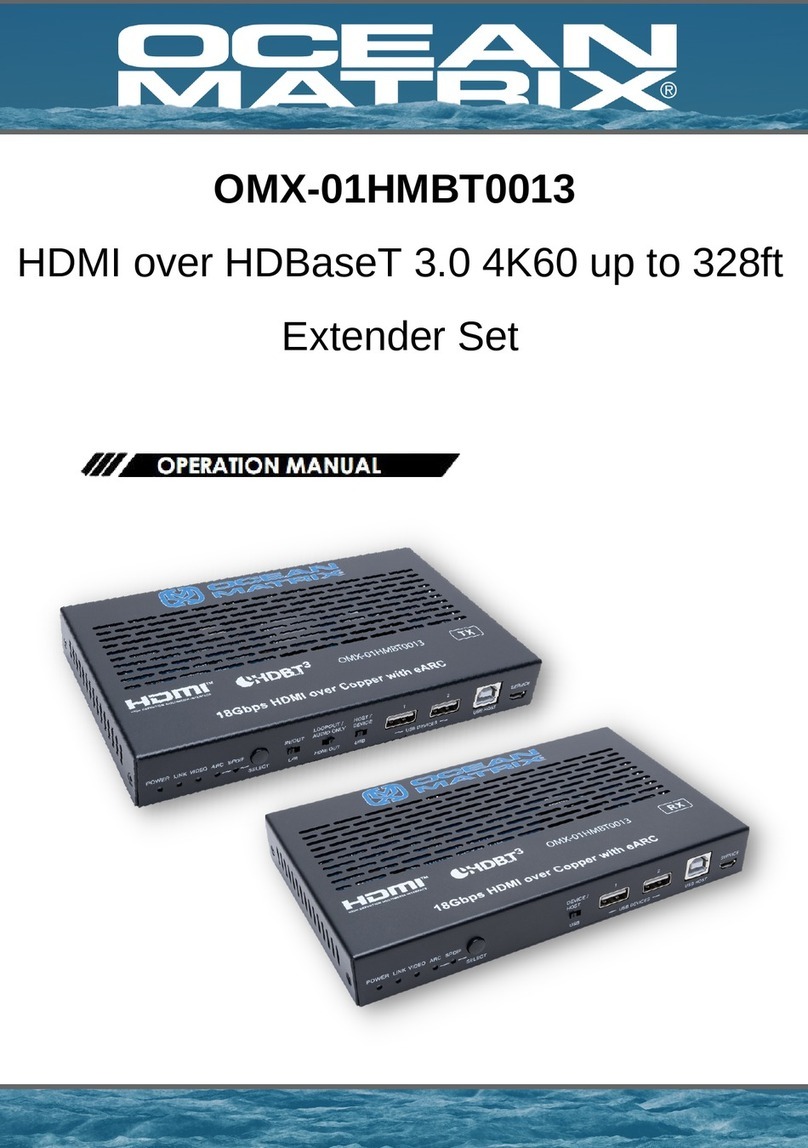
Ocean Matrix OMX-01HMBT0013 User manual

Ocean Matrix

Ocean Matrix OMX-01HMBT0013 User manual

Ocean Matrix OMX-HDMI-2-IPV2 User manual

Ocean Matrix

Ocean Matrix OMX-HDMI-2-IPV2 User manual

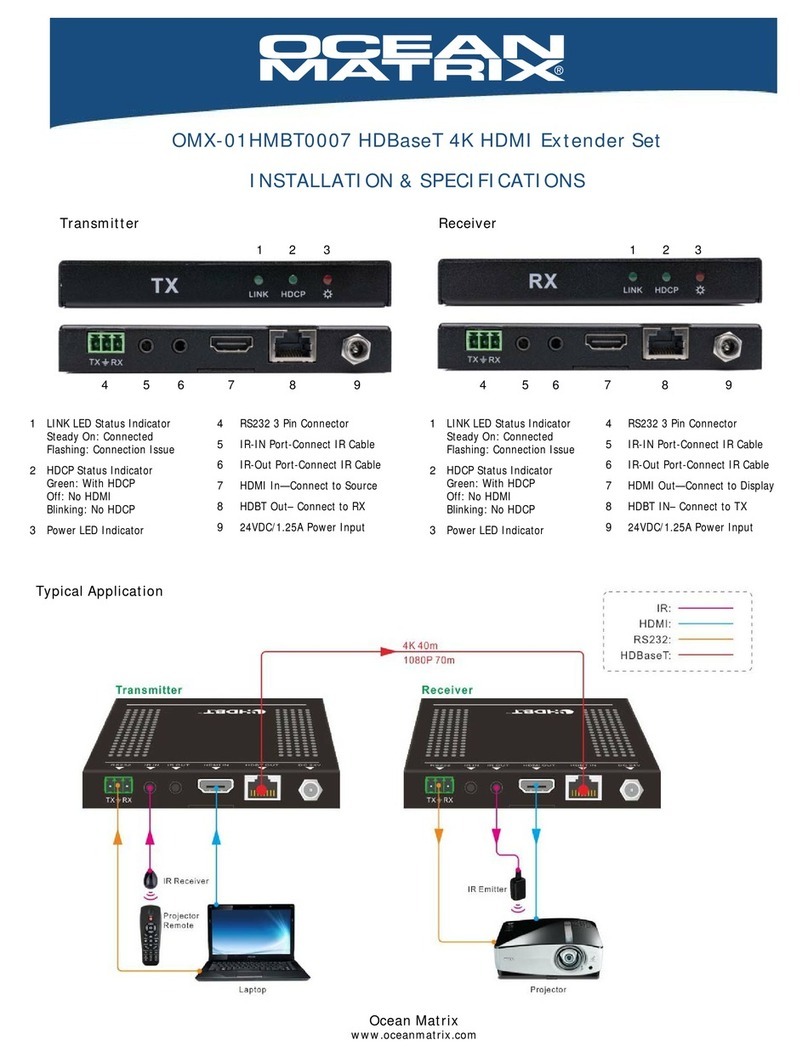
Ocean Matrix OMX-01HMBT0007 User manual

Ocean Matrix

Ocean Matrix OMX-01HMBT0007 User manual

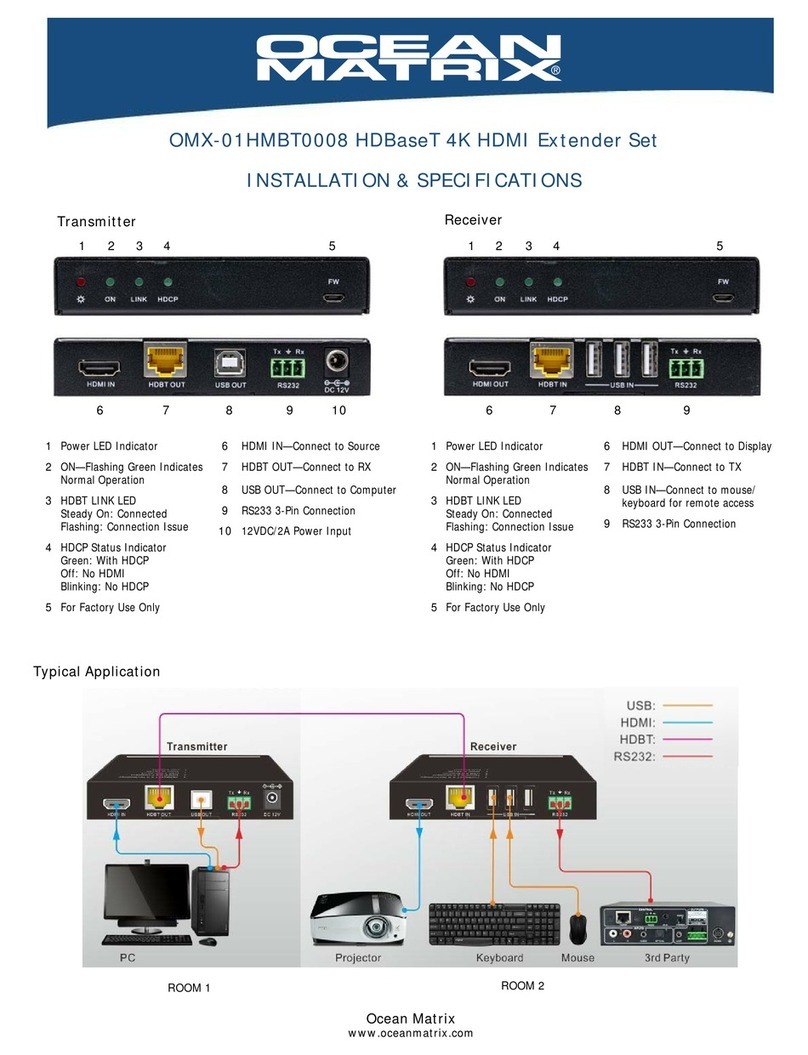
Ocean Matrix OMX-01HMBT0008 User manual

Ocean Matrix

Ocean Matrix OMX-01HMBT0008 User manual

Ocean Matrix OMX-01UBUB0001 User manual

Ocean Matrix

Ocean Matrix OMX-01UBUB0001 User manual

Ocean Matrix OMX-3GSDI-CAT5 User manual

Ocean Matrix

Ocean Matrix OMX-3GSDI-CAT5 User manual

Ocean Matrix OMX-01HMHM0002 User manual

Ocean Matrix

Ocean Matrix OMX-01HMHM0002 User manual

Ocean Matrix OMX-01HMBT0010 User manual

Ocean Matrix

Ocean Matrix OMX-01HMBT0010 User manual

Ocean Matrix OMX-01HMHM0004 User manual

Ocean Matrix

Ocean Matrix OMX-01HMHM0004 User manual

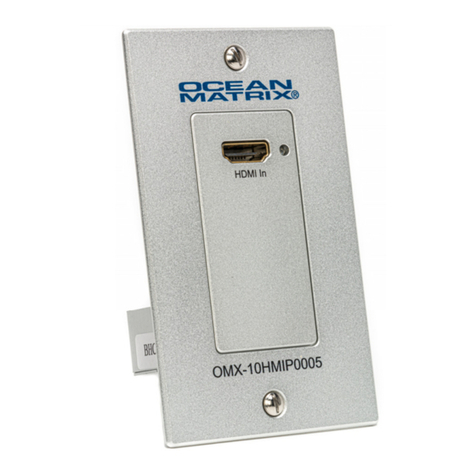
Ocean Matrix OMX-10HMIP0005 User manual

Ocean Matrix

Ocean Matrix OMX-10HMIP0005 User manual

Ocean Matrix OMX-01HMBT00010 User manual

Ocean Matrix

Ocean Matrix OMX-01HMBT00010 User manual

Popular Extender manuals by other brands

Paugge ENT-EXT20B user manual

Paugge

Paugge ENT-EXT20B user manual

REIGN XRE-100 manual

REIGN

REIGN XRE-100 manual

Lindy 42805 user manual

Lindy

Lindy 42805 user manual

Digi ConnectPort Network Device user manual

Digi

Digi ConnectPort Network Device user manual

British General N300 instructions

British General

British General N300 instructions

VPI ST-WLHDMI-L-30M Installation and operation manual

VPI

VPI ST-WLHDMI-L-30M Installation and operation manual

Gefen EXT-DIGAUD-141 user manual

Gefen

Gefen EXT-DIGAUD-141 user manual

AMX netlinx NXC-MPE Dimensional drawing

AMX

AMX netlinx NXC-MPE Dimensional drawing

SY HDBT-60T installation guide

SY

SY HDBT-60T installation guide

Appsys ProAudio ADX-16 user manual

Appsys ProAudio

Appsys ProAudio ADX-16 user manual

Atlona RS232 user manual

Atlona

Atlona RS232 user manual

IDK OPF-TH1000-A user guide

IDK

IDK OPF-TH1000-A user guide

Enable-IT 824WP quick start guide

Enable-IT

Enable-IT 824WP quick start guide

Worx Landroid RadioLink WA0864 Get started

Worx

Worx Landroid RadioLink WA0864 Get started

TP-Link TL-WA730RE user guide

TP-Link

TP-Link TL-WA730RE user guide

Camplex CMX-HDMI-SFPL user manual

Camplex

Camplex CMX-HDMI-SFPL user manual

SC&T HE03-4K user manual

SC&T

SC&T HE03-4K user manual

Samsung SCS-26UC4 user guide

Samsung

Samsung SCS-26UC4 user guide

manuals.online logo
manuals.online logoBrands
  • About & Mission
  • Contact us
  • Privacy Policy
  • Terms and Conditions

Copyright 2025 Manuals.Online. All Rights Reserved.


2 DC 24V: Plug in AC Power Adaptor
3 HDBaseT OUT: HDBaseT Signal Output Port
4 HDMI IN: Connects to HDMI Source
5 IR IN: Channel 2 IR Receiver.
6 IR OUT: Channel 1 IR Transmitter
7 RS-232: 3 Pin Connection
1 POWER LED Status Indicator
2 DC 24V: Plug in AC Power Adaptor
3 HDBaseT IN: HDBaseT Signal Input Port
4 HDMI OUT: Connects to HDMI Display
5 IR IN: Channel 1 IR Receiver.
6 IR OUT: Channel 2 IR Transmitter
7 RS-232: 3 Pin Connection
1 POWER LED Status Indicator
8 TX & RX CONNECTION SIGNAL INDICATOR
• Light is on & static—good connection
• Light is on & flashing—connection issue
9 DATA SIGNAL INDICATOR
• Light is on & static—HDMI signal with HDCP
• Light is on & flashing—HDMI signal without HDCP
• Light is off—no HDMI signal
OMX-01HMBL0001 HDBaseT 4K HDMI Extender Set
INSTALLATION & SPECIFICATIONS
8 9
Transmitter Receiver
1 1
765432 765432
Display
Transmitter
Receiver
Plug In Power
Supply to
TX OR RX
Typical Application
Computer w/RS232 3 Pin Connection
Source
RS232 3 Pin Equipped Device
Ocean Matrix
www.oceanmatrix.com
Rev1a
FCC Caution
This device complies with part 15 of the FCC Rules. Operation is subject to the following two conditions: (1) This device may not
cause harmful interference, and (2) this device must accept any interference received, including interference that may cause
undesired operation.
Federal Communications Commission (FCC) Compliance Notices
Ocean Matrix
812 Kings Highway • Saugerties, NY 12477
www.oceanmatrix.com
SPECIFICATIONS
Compliance HDMI 2.0a, HDCP2.2
Video Bandwidth 10.2 Gbps
HDMI Video
Resolutions up to 4K2K@30Hz 4:2:0,4K2K@30Hz,1080P@120Hz,
1080P 3D@60Hz
Color Space / Depth RGB, YCbCr 4:4:4, YCbCr 4:2:2 / 10-bit, 12-bit, 16-bit
Audio Formats PCM 2CH, LPCM 5.1, LPCM 7.1, Dolby Digital, DTS 5.1, Dolby
Digital+, Dolby TrueHD, DTS-HD Master Audio, Dolby Atmos,
DTS:X
Power Input AC100 - 240V 50/60Hz
Power Consumption 12W
Dimensions 4.5 x 2.6 x .675 in
Weight TX 7.1 oz / RX 7.1 oz
FEATURES
Extends 3-Pin RS-232 & IR Signals
Supports HD Audio: LPCM, Dolby TrueHD, and DTS-HD
Master Audio
Two-Way PoC for either transmitter or receiver
Transmission Distance: Up to 230ft-1080P@60Hz36bit,
3D1080P@30Hz36bit / Up to 131ft-1080P@60Hz48bit,
1080P!120Hz24bit, 3D1080P@60Hz36bit,
4K2K@30Hz@24bit
Rugged Black Powder-Coated Metal Enclosure
CE, FCC Certified
Includes: (2) IR Blasters, (2) RS232 Connectors, (1)
24V/1A Power Supply, (1) Power Supply Type A Adapter
SAFETY PRECAUTIONS
 To prevent fire or shock hazard, do not expose this equipment to dust or high humidity. Do not use in an
unprotected outdoor installation or in areas classified as overly damp or wet.
 The installation temperature should be kept between 32°F to 140°F (0°C to 60°C). Avoid direct sunlight exposure or extreme
changes of temperature over a short period of time.
 Do not place the unit on an unstable base and avoid heavy impact.
 Proper ventilation is required for permanent installation. Do not block or cover enclosure openings as they protect the unit from
overheating.
 Prior to cleaning, turn the power off, unplug the unit from all connections. Use a damp cloth. Do not use liquid or aerosol cleaners.
 Do not overload outlets and extension cords as this may result in a risk of fire or electric shock.
 Enclosure entry is dangerous. Never push objects of any kind, including liquids, through openings as they may touch dangerous
voltage points or short-out parts that could result in a fire or electric shock.
 Do not open or service this unit yourself as opening or removing covers may expose you to dangerous voltage and other hazards.
 There are no user-serviceable parts inside the unit. If the unit requires service contact your authorized dealer, or authorized repair
service company.
Class A Interference Statement
This equipment has been tested and found to comply with the limits for a Class A digital device, pursuant to part 15 of the FCC
Rules. These limits are designed to provide reasonable protection against harmful interference when the equipment is operated
in a commercial environment. This equipment generates, uses, and can radiate radio frequency energy and, if not installed and
used in accordance with the instruction manual, may cause harmful interference to radio communications. Operation of this
equipment in a residential area is likely to cause harmful interference in which case the user will be required to correct the
interference at his own expense.