manuals.online logo
Brands
  1. Home
  2. •
  3. Brands
  4. •
  5. ODU
  6. •
  7. Cables And Connectors
  8. •
  9. ODU MEDI-SNAP User manual

ODU MEDI-SNAP User manual

Other ODU Cables And Connectors manuals

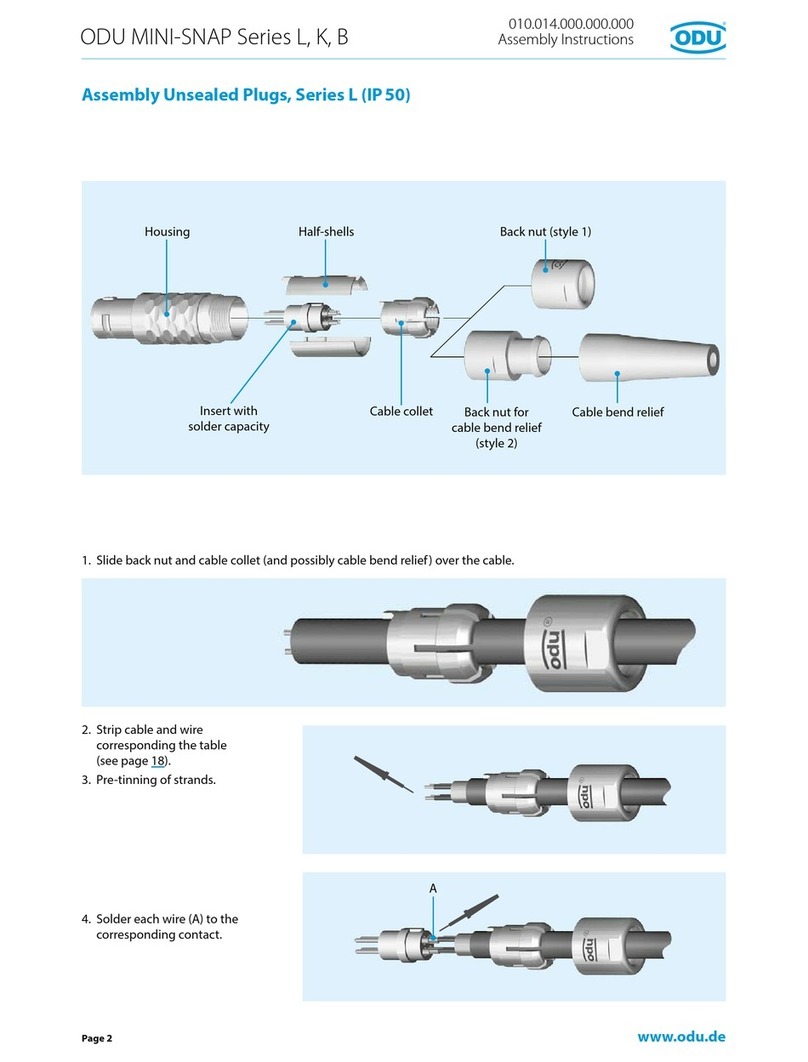
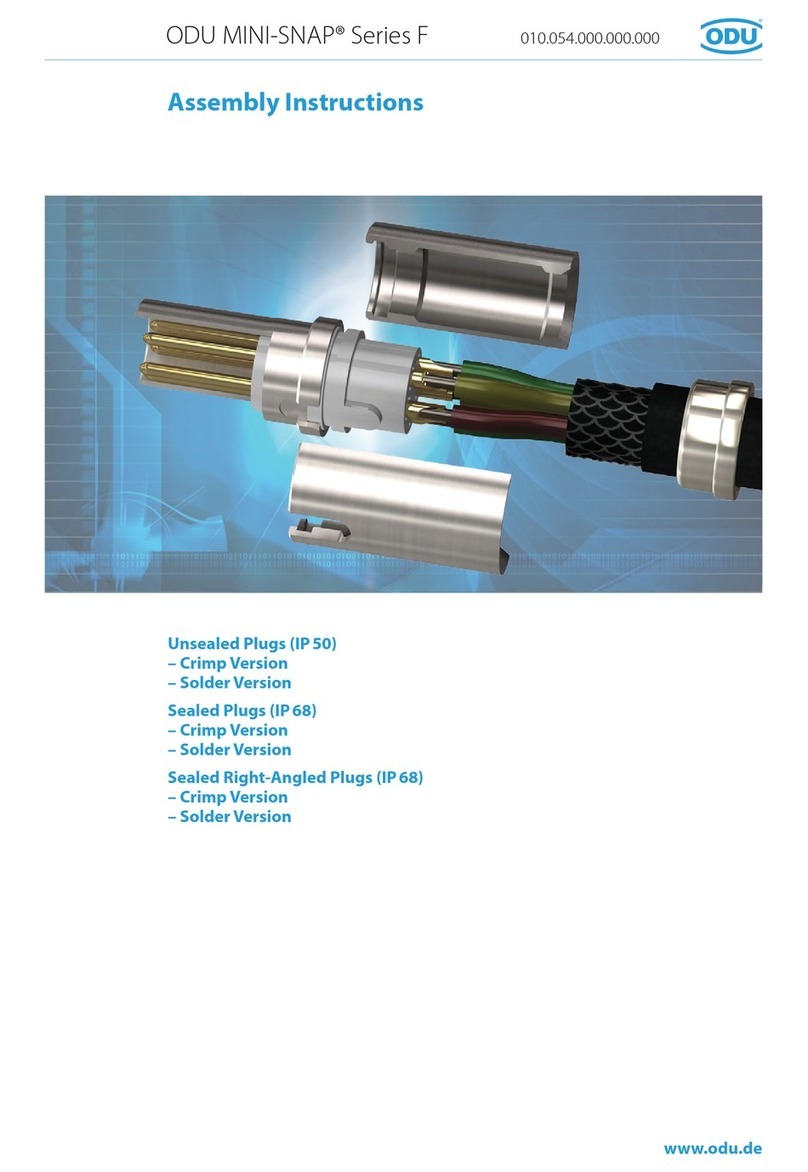
ODU MINI-SNAP F Series User manual

ODU

ODU MINI-SNAP F Series User manual

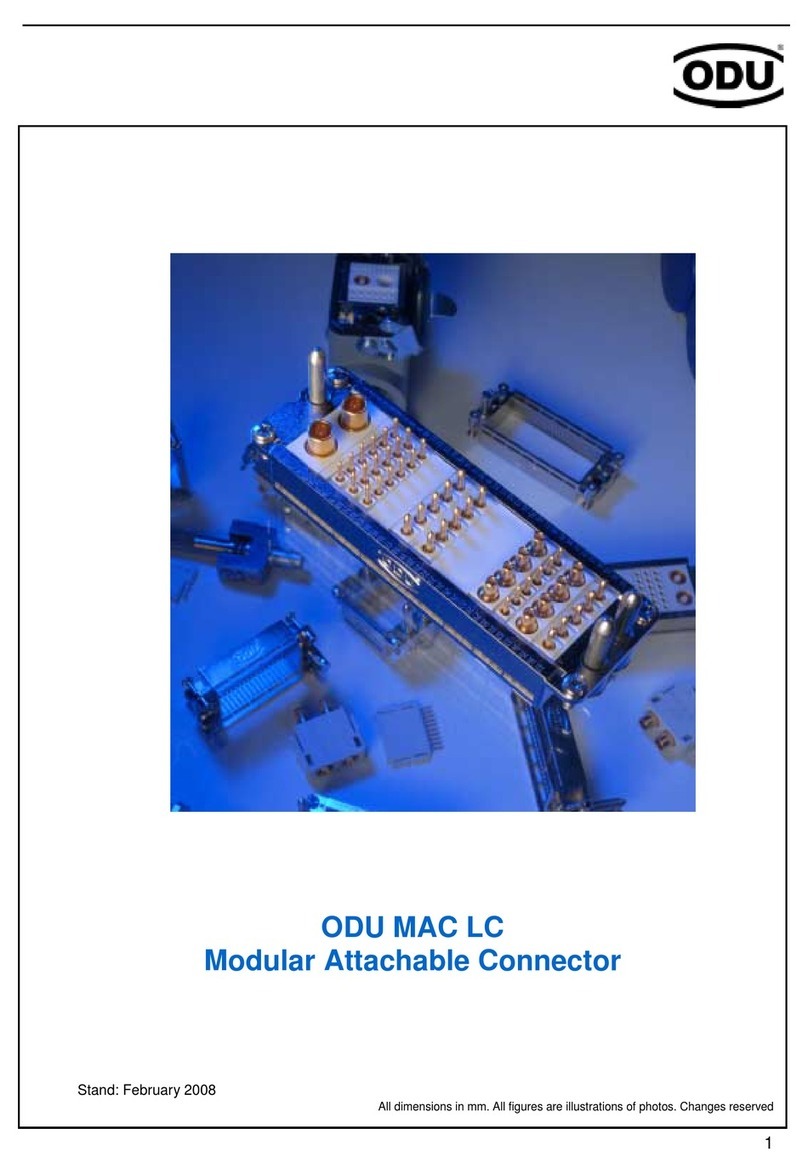
ODU MAC LC User manual

ODU

ODU MAC LC User manual

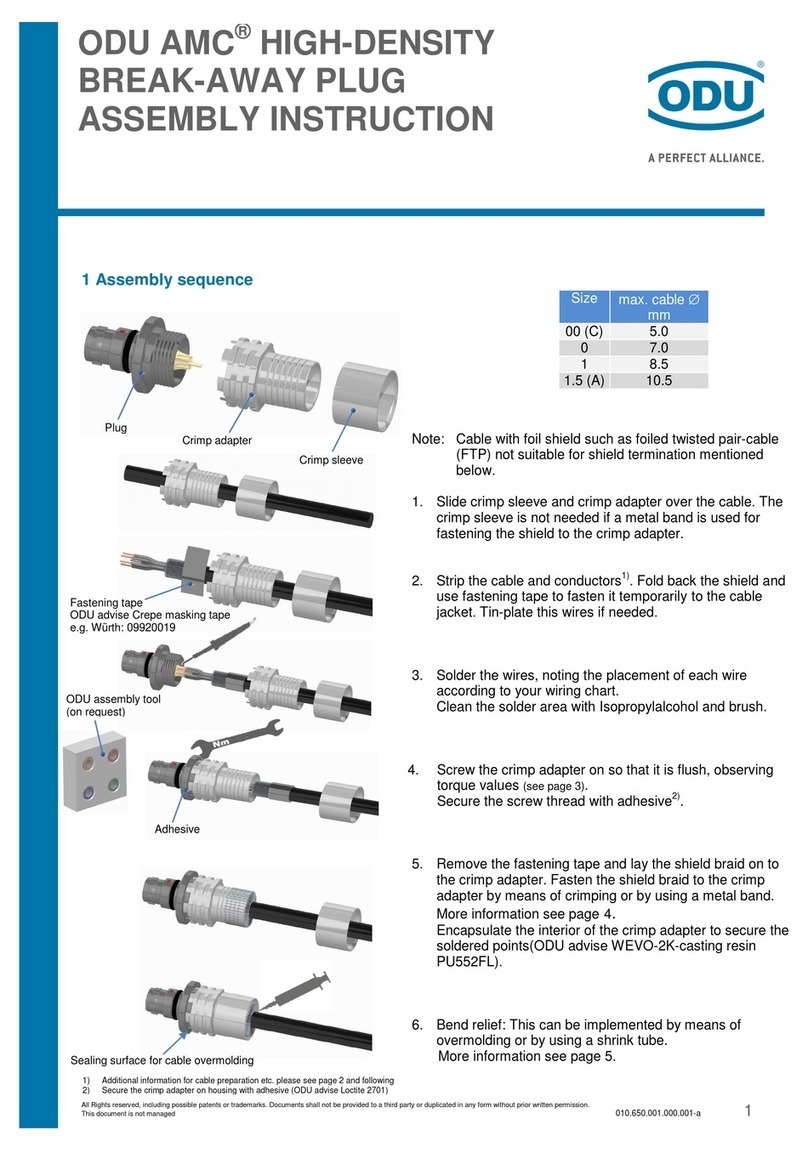
ODU AMC User manual

ODU

ODU AMC User manual

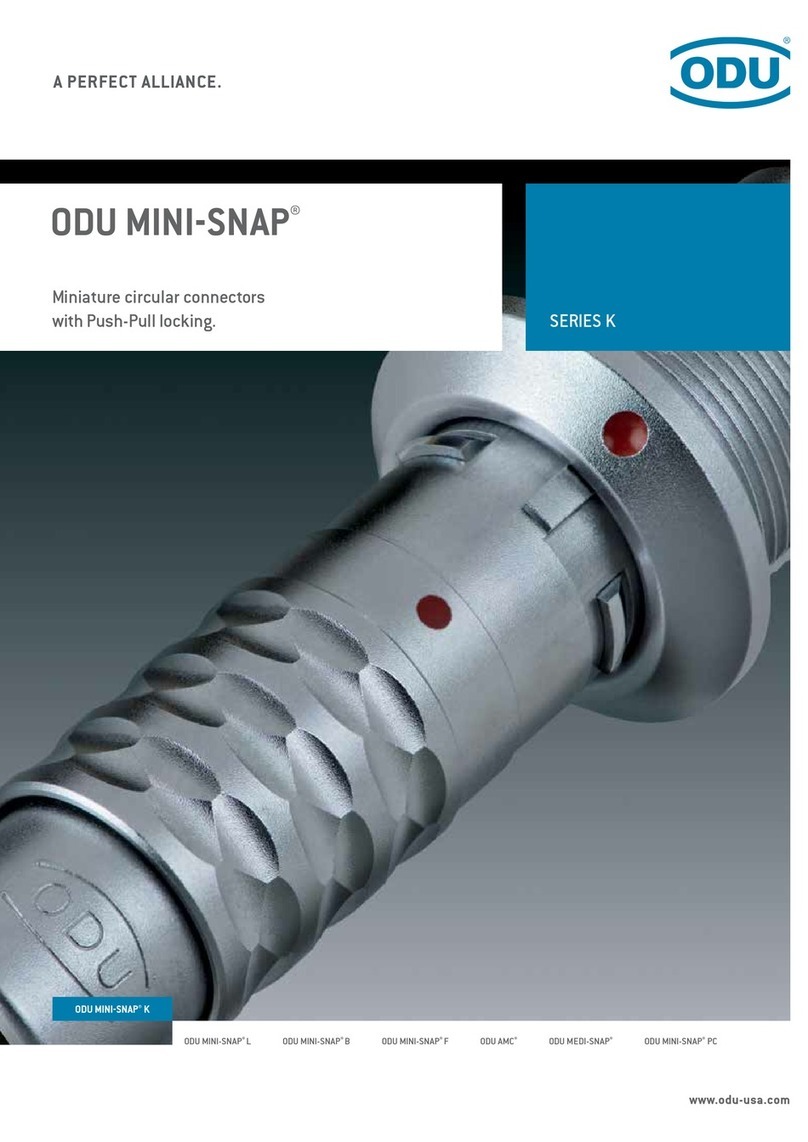
ODU MINI-SNAP K Series User manual

ODU

ODU MINI-SNAP K Series User manual

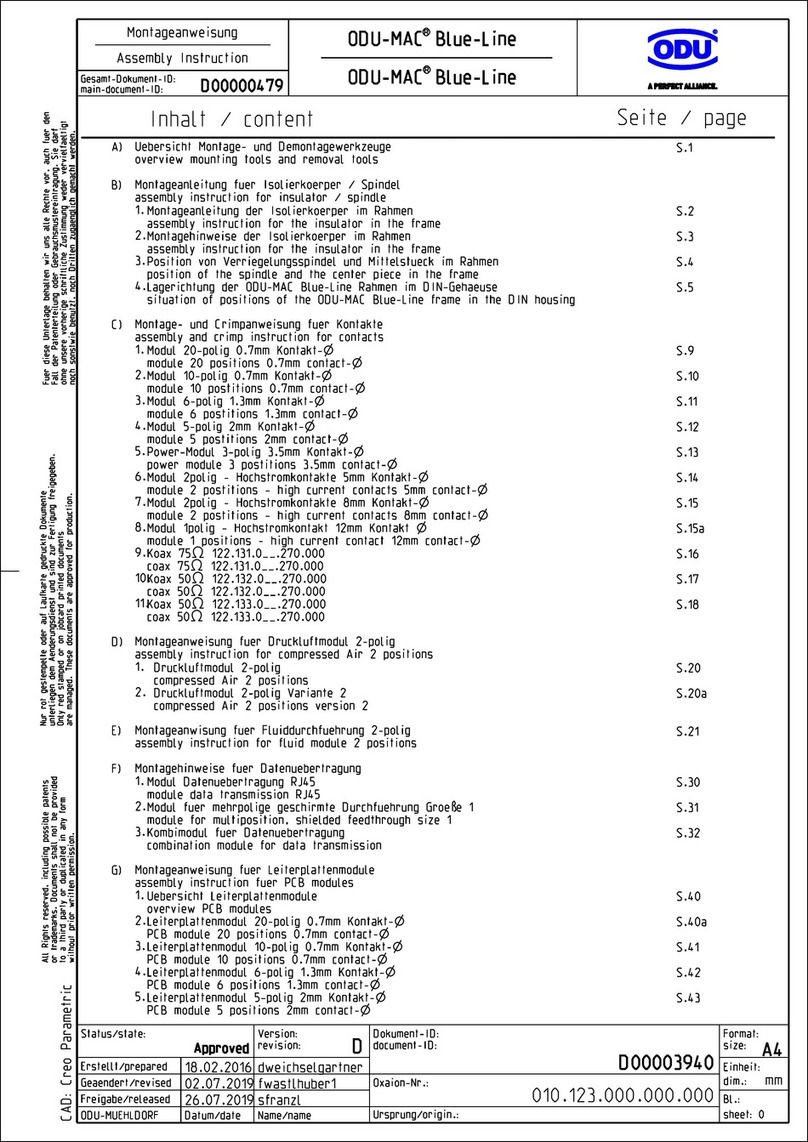
ODU ODU-MAC Blue-Line Series User manual

ODU

ODU ODU-MAC Blue-Line Series User manual

ODU MINI-SNAP K Series User manual

ODU

ODU MINI-SNAP K Series User manual

ODU Easy-Clean AMC User manual

ODU

ODU Easy-Clean AMC User manual

Popular Cables And Connectors manuals by other brands

StarTech.com ST124HD20 quick start guide

StarTech.com

StarTech.com ST124HD20 quick start guide

Philips SWV4543S/10 Features

Philips

Philips SWV4543S/10 Features

Larson Electronics 10-50C instruction manual

Larson Electronics

Larson Electronics 10-50C instruction manual

Grip MEK-PM Assembly and operating manual

Grip

Grip MEK-PM Assembly and operating manual

Ultra Products Travel Pack #3 ULT31436 Specifications

Ultra Products

Ultra Products Travel Pack #3 ULT31436 Specifications

Surpass QCH-F Operation manual

Surpass

Surpass QCH-F Operation manual

Philips SWA6310 Specifications

Philips

Philips SWA6310 Specifications

StarTech.com CRJ4550PK quick start guide

StarTech.com

StarTech.com CRJ4550PK quick start guide

Nohau EMUL-IP2K-PC user guide

Nohau

Nohau EMUL-IP2K-PC user guide

Foxun SX-SP144E-HD4K2K operating instructions

Foxun

Foxun SX-SP144E-HD4K2K operating instructions

Philips SWA3305W Specifications

Philips

Philips SWA3305W Specifications

opticis Stretch DVIM1-1P0x user manual

opticis

opticis Stretch DVIM1-1P0x user manual

Volkswagen VAS 6558A operating manual

Volkswagen

Volkswagen VAS 6558A operating manual

NEXIBO N-13 user manual

NEXIBO

NEXIBO N-13 user manual

CYP PU-1H3HBTL Operation manual

CYP

CYP PU-1H3HBTL Operation manual

Allen-Bradley 1784-u2dhp installation instructions

Allen-Bradley

Allen-Bradley 1784-u2dhp installation instructions

Global Caché Flex Link Blaster quick start

Global Caché

Global Caché Flex Link Blaster quick start

Hauppauge USB-Live2 Quick installation guide

Hauppauge

Hauppauge USB-Live2 Quick installation guide

manuals.online logo
manuals.online logoBrands
  • About & Mission
  • Contact us
  • Privacy Policy
  • Terms and Conditions

Copyright 2025 Manuals.Online. All Rights Reserved.

www.odu.de
ODU MEDI-SNAP®
Assembly Instructions
Straight Plug Size 1
Right-angled Plug Size 1
In-line Receptacle Size 1
Straight Plug Size 2
www.odu.de
ODU MEDI-SNAP®
A
Page 2
Assembly Straight Plug Size 1
Back nut for
cable bend relief
(style 2)
1. Slide back nut and cable collet
over the cable.
2. Strip cable and wire (see page 10).
3. Pre-tinning of strands.
4. Solder the litz wires (A) according
to contact arrangement.
Recommended cleaning agent:
Isopropyl Alcohol.
010.013.001.000.000
Assembly Instructions
Housing Insert with
solder capacity Cable collet
Cable bend relief
Back nut (style 1)
www.odu.de
ODU MEDI-SNAP®
C
B
Page 3
5. Slide the cable collet against
contact insert.
Caution: Don’t damage the
contacts.
6. Put the assembled cable con-
sidering the guidings (B) into the
housing.
7. Screw and fasten back nut on the
assembled in-line receptacle.
Caution! Consider tightening
torque (see page 10).
If necessary, secure thread (C) with
adhesive (see page 10).
The assembly is nished.
010.013.001.000.000
Assembly Instructions
www.odu.de
ODU MEDI-SNAP®
A
Page 4
Assembly Right-angled Plug Size 1
1. Strip cable and wire (see page 10).
2. Slide back nut and cable collet and
right-angled part over the cable.
3. Pre-tinning of strands.
4. Solder the litz wires according to
contact arrangement.
Recommended cleaning agent:
Isopropyl Alcohol.
5. Slide the right-angled part against
contact insert.
Caution: Don’t damage the
contacts.
6. Slide the cable collet against
right-angled part.
Housing Cable collet
Back screw
Right-angled part
Back nut for cable bend relief
(style 2)
010.013.003.000.000
Assembly Instructions
Back nut (style 1)
Cable bend relief
Insert with
solder capacity

www.odu.de
ODU MEDI-SNAP®
B
C
D
E
Page 5
7. Slide the assembled cable
considering the guidings (B) into
the housing. Slide the cable collet
into the right-angled part and
screw it with the back nut.
If necessary, secure thread (C) with
adhesive (see page 10).
Caution! Consider tightening
torque (see page 10).
8. Screw back screw on the
assembled plug and fasten it with
ODU spanner wrench (D).
If necessary, secure thread (E) with
adhesive (see page 10).
The assembly is nished.
010.013.003.000.000
Assembly Instructions
www.odu.de
ODU MEDI-SNAP®
A
Page 6
Assembly In-line Receptacle Size 1
1. Slide back nut and cable collet
over the cable.
2. Strip cable and wire (see page 10).
3. Pre-tinning of strands.
4. Solder the litz wires (A) according
to contact arrangement.
Recommended cleaning agent:
Isopropyl Alcohol.
010.013.004.000.000
Assembly Instructions
Housing
Cable collet
Back nut for
cable bend relief
(style 2)
Cable bend relief
Back nut (style 1)
Insert with
solder capacity
Insert with
solder capacity
www.odu.de
ODU MEDI-SNAP®
B
C
Page 7
5. Slide the cable collet against
contact insert.
Caution: Don’t damage the
contacts.
6. Put the assembled cable con-
sidering the guidings (B) into the
housing.
7. Screw and fasten back nut on the
assembled in-line receptacle.
Caution! Consider tightening
torque (see page 10).
If necessary, secure thread (C) with
adhesive (see page 10).
The assembly is nished.
010.013.004.000.000
Assembly Instructions
www.odu.de
ODU MEDI-SNAP®
A
Page 8
Assembly Straight Plug Size 2
1. Slide back nut and cable collet
over the cable.
2. Strip cable and wire (see page 10).
3. Pre-tinning of strands.
4. Solder the litz wires (A) according
to contact arrangement.
Recommended cleaning agent:
Isopropyl Alcohol.
010.013.005.000.000
Assembly Instructions
Housing
Cable collet
Back nut for
cable bend relief
(style 4)
Cable bend relief
Back nut (style 1)
Insert with
solder capacity
www.odu.de
ODU MEDI-SNAP®
C
B
Page 9
5. Slide the cable collet against
contact insert.
Caution: Don’t damage the
contacts.
6. Put the assembled cable
considering the guidings (B) into
the housing.
7. Screw and fasten back nut on the
assembled in-line receptacle.
Caution! Consider tightening
torque (see page 10).
If necessary, secure thread (C) with
adhesive (see page 10).
The assembly is nished.
010.013.005.000.000
Assembly Instructions
2 mm
L
www.odu.de
ODU MEDI-SNAP®
Page 10
Insulation
Cable
Notes
3. Recommended adhesive for the back nut
1. Recommended stripping length
Scotchweld (grey), ODU part number 890.204.000.030.025
Recommended cleaning agent: Isopropyl alcohol.
Caution! If adhesives that have not been released are
used, cracks may appear after some time. Use only the
indicated adhesive.
2. Tightening torque
Dimension L
mm
Size 1 Size 2
12 15
Torque moment
Size 1
Torque moment
Size 2
Nm Nm
Straight plug 0.25 0.5
Right-angled plug clamping cap 0.30 –
Right-angled plug clamping nut 0.25 –
In-line receptacle 0.25 –
4. Tools/Accessories
– ODU open-ended spanner see ODU MEDI-SNAP
product catalogue section accessories and tools
– ODU crimping tool see ODU MEDI-SNAP product
catalogue section accessories and tools.
010.013.005.000.000
Assembly Instructions