manuals.online logo
Brands
  1. Home
  2. •
  3. Brands
  4. •
  5. Open Plan Systems
  6. •
  7. Indoor Furnishing
  8. •
  9. Open Plan Systems DTR-CR User manual

Open Plan Systems DTR-CR User manual

Other Open Plan Systems Indoor Furnishing manuals
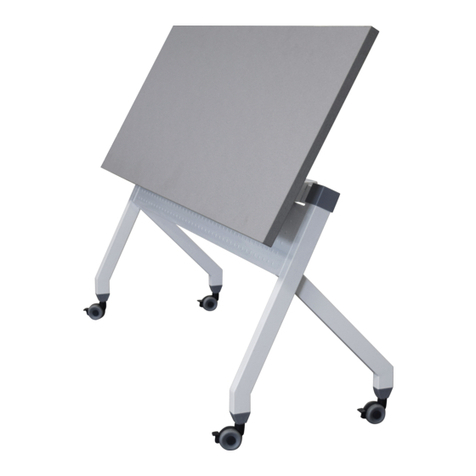
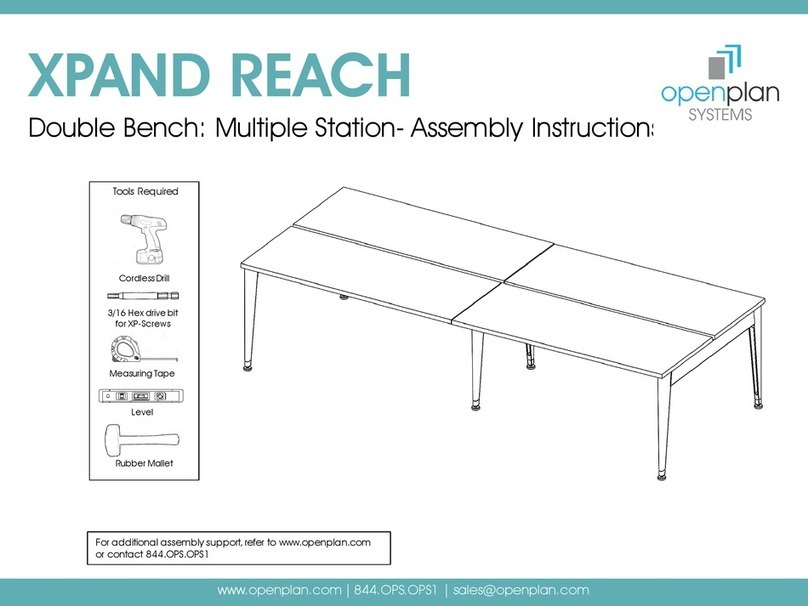
Open Plan Systems TRAINING TABLE User manual
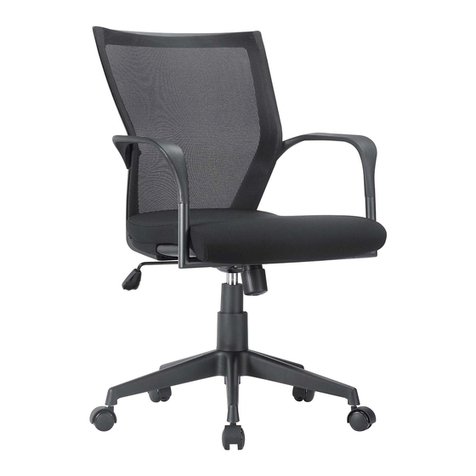
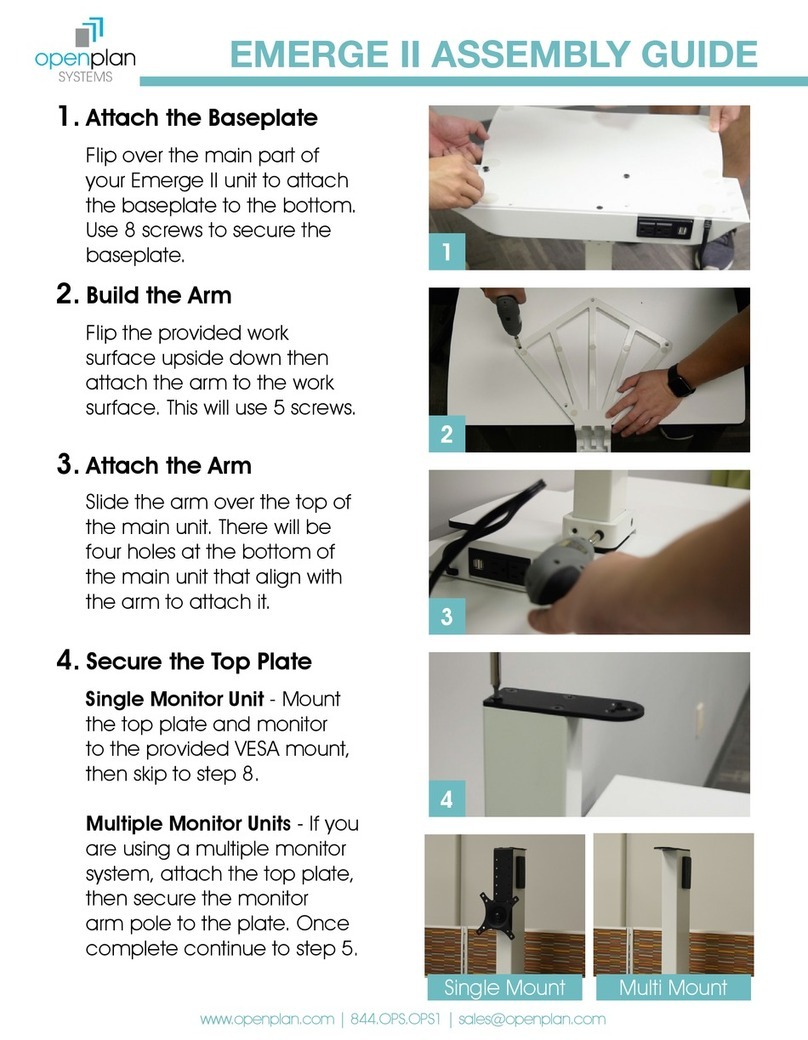
Open Plan Systems

Open Plan Systems TRAINING TABLE User manual

Open Plan Systems MOTIVATE - MID BACK 820 User manual
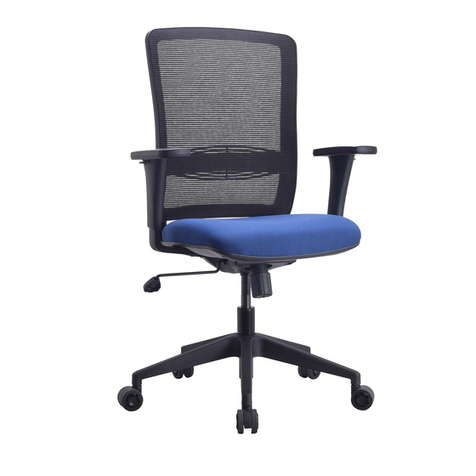
Open Plan Systems

Open Plan Systems MOTIVATE - MID BACK 820 User manual

Open Plan Systems L2 Lumen User manual
Open Plan Systems

Open Plan Systems L2 Lumen User manual

Open Plan Systems PGHM User manual

Open Plan Systems

Open Plan Systems PGHM User manual

Open Plan Systems E-TABLE-2S-T-LEG User manual
Open Plan Systems

Open Plan Systems E-TABLE-2S-T-LEG User manual

Open Plan Systems e-table90-j Assembly instructions

Open Plan Systems

Open Plan Systems e-table90-j Assembly instructions

Open Plan Systems XPAND UP User manual
Open Plan Systems

Open Plan Systems XPAND UP User manual

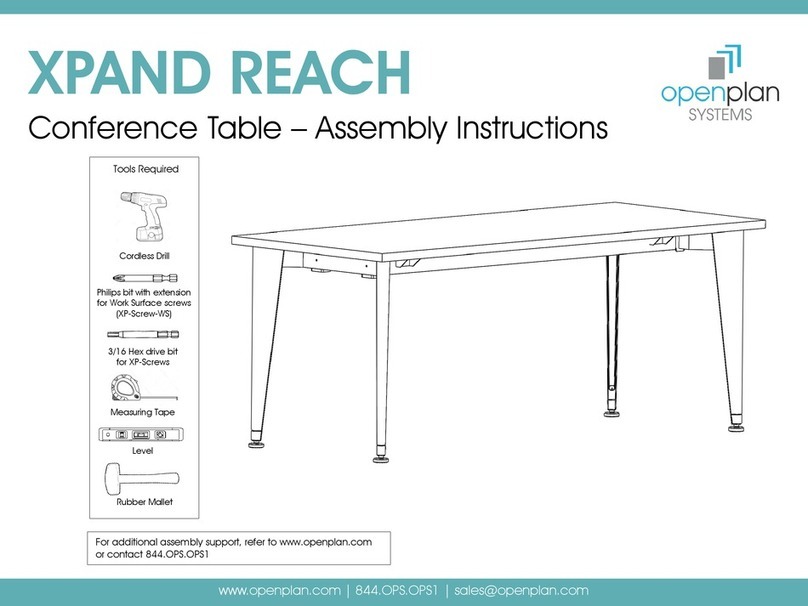
Open Plan Systems XPAND REACH User manual
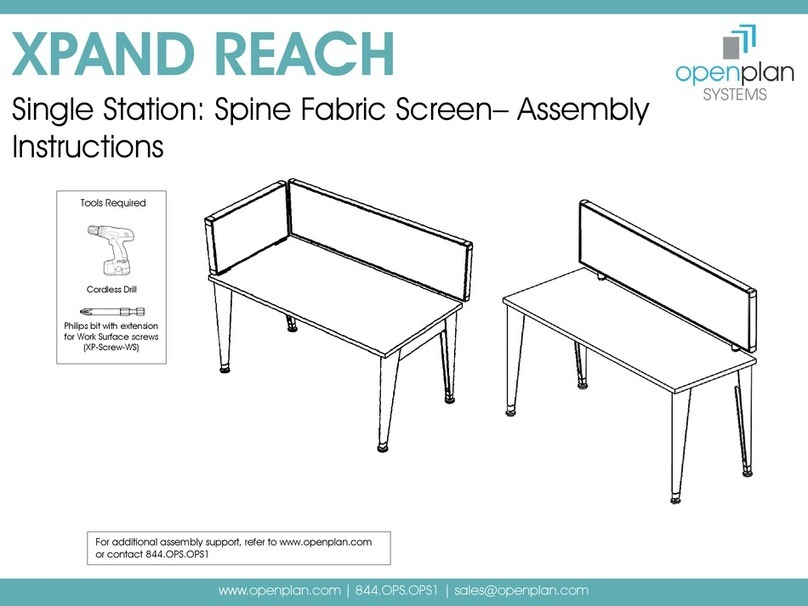
Open Plan Systems

Open Plan Systems XPAND REACH User manual

Open Plan Systems XPAND REACH Single Station Spine Fabric... User manual

Open Plan Systems

Open Plan Systems XPAND REACH Single Station Spine Fabric... User manual
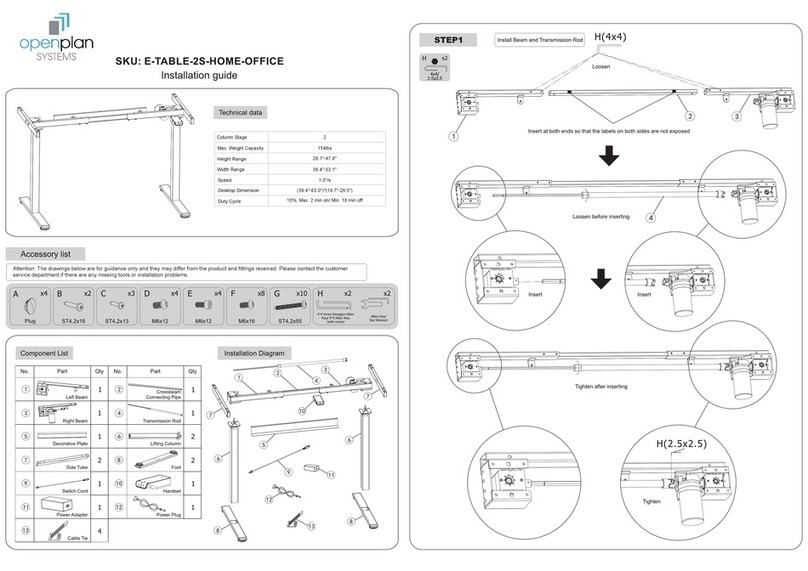
Open Plan Systems E-TABLE-2S-HOME-OFFICE User manual
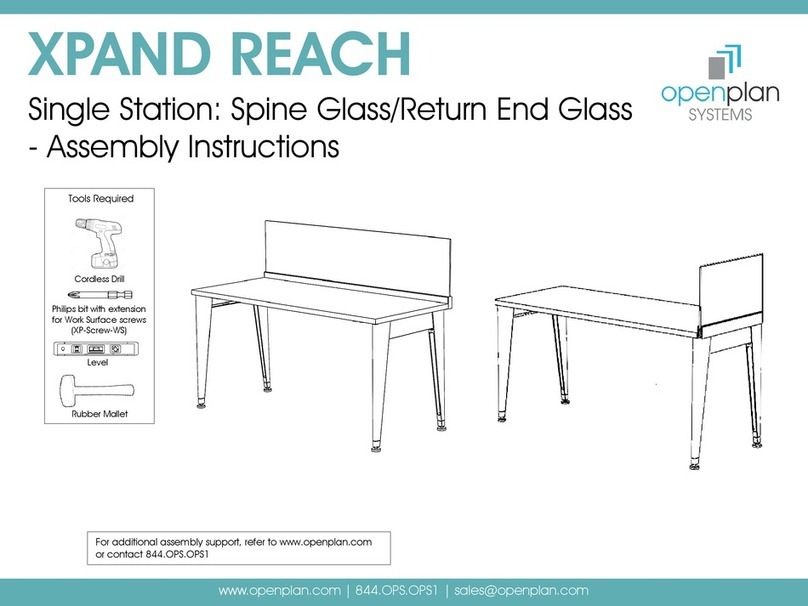
Open Plan Systems

Open Plan Systems E-TABLE-2S-HOME-OFFICE User manual
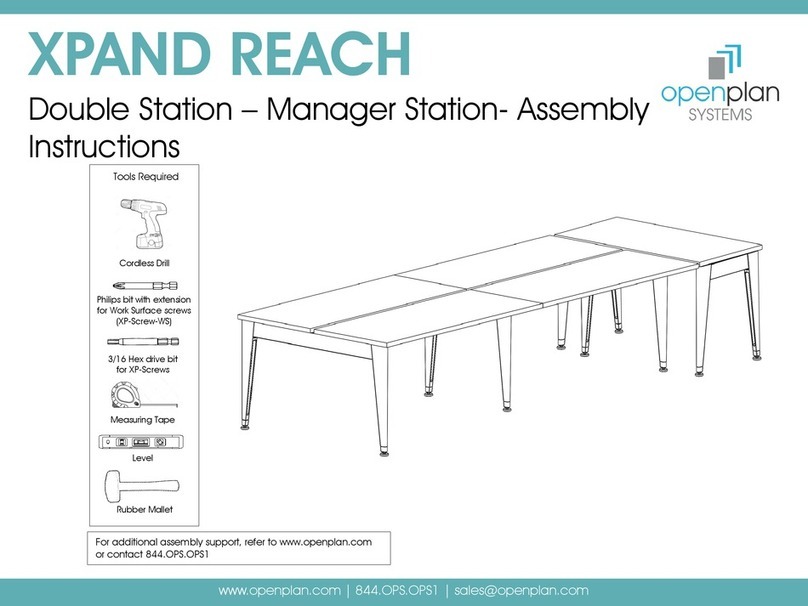
Open Plan Systems XPAND REACH User manual

Open Plan Systems

Open Plan Systems XPAND REACH User manual

Open Plan Systems XPAND REACH User manual

Open Plan Systems

Open Plan Systems XPAND REACH User manual

Open Plan Systems OPS-B14 IMPACT User manual

Open Plan Systems

Open Plan Systems OPS-B14 IMPACT User manual

Open Plan Systems XPAND REACH User manual

Open Plan Systems

Open Plan Systems XPAND REACH User manual

Open Plan Systems EMERGE II User manual

Open Plan Systems

Open Plan Systems EMERGE II User manual

Popular Indoor Furnishing manuals by other brands

Regency LWMS3015 Assembly instructions

Regency

Regency LWMS3015 Assembly instructions

Furniture of America CM7751C Assembly instructions

Furniture of America

Furniture of America CM7751C Assembly instructions

Safavieh Furniture Estella CNS5731 manual

Safavieh Furniture

Safavieh Furniture Estella CNS5731 manual

PLACES OF STYLE Ovalfuss Assembly instruction

PLACES OF STYLE

PLACES OF STYLE Ovalfuss Assembly instruction

Trasman 1138 Bo1 Assembly manual

Trasman

Trasman 1138 Bo1 Assembly manual

Costway JV10856 manual

Costway

Costway JV10856 manual

moss DESIGN Caisson Credenza Assembly instructions

moss DESIGN

moss DESIGN Caisson Credenza Assembly instructions

Aquaglide FULL DECK 15.0 owner's manual

Aquaglide

Aquaglide FULL DECK 15.0 owner's manual

AREBOS AR-HE-SW30 user manual

AREBOS

AREBOS AR-HE-SW30 user manual

Till-Hilft Fulda 87005.330 Assembly instructions

Till-Hilft

Till-Hilft Fulda 87005.330 Assembly instructions

Twoey Outside 2010 quick start guide

Twoey Outside

Twoey Outside 2010 quick start guide

Hettich Easys 200 operating instructions

Hettich

Hettich Easys 200 operating instructions

The bedboss RELAX 404 Series owner's manual

The bedboss

The bedboss RELAX 404 Series owner's manual

Oeseder Möbelindustrie Bern 991 720 Assembly instructions

Oeseder Möbelindustrie

Oeseder Möbelindustrie Bern 991 720 Assembly instructions

Costway HW68469 user manual

Costway

Costway HW68469 user manual

Next ALIX A27743 Assembly instructions

Next

Next ALIX A27743 Assembly instructions

BROSA Hans Assembly guide

BROSA

BROSA Hans Assembly guide

Prodigg MINIKA PBA015T-FUR installation manual

Prodigg

Prodigg MINIKA PBA015T-FUR installation manual

manuals.online logo
manuals.online logoBrands
  • About & Mission
  • Contact us
  • Privacy Policy
  • Terms and Conditions

Copyright 2025 Manuals.Online. All Rights Reserved.

x4
x1
x1 x1
A B C
D
120-505mm
880MM
700MM
375MM
120-505MM
950MM
415MM
308MM
3-20KG
MAX
Max:2KG
MAX
3~20Kg
Item No.:MT107L
Installation guide
Technical Data
Loading range
Height adjustment range
Please do not exceed the
maximum WARNING bearing weight
WARNING
>950mm
>610mm
Accessory Package List
No. Spare part No. Spare part No. Spare part
No. Spare part
TOOLS
DTR-CR
Installation Guide
>24.0”
14.76”
27.56”
4.72” - 19.88”
6.6 - 44 lbs
6.6 - 44 lbs
4.4 lbs >37.4”
37.4”
34.65”
16.34”
12.13”
4.72” - 19.88”
Table Size:
+
ab
c
ASSEMBLY STEP 1
Attention
Please place the product properly
according to size of it, or it may
harm or cause damage.
Push the keyboard tray connector
into the slot and lock it
Please take the packaging carton apart,
take out the product and place it one the table
ASSEMBLY STEP 2
When removing the keyboard tray,
please open the wrench and remove it.
Remove Desk Riser from packing, and place it
on a solid work surface.
Make sure your Desk Riser is
placed on a supportive surface
to prevent any accidents.
Slide the Keyboard Tray into place, then
secure by pulling up the tabs below.
To remove the Keyboa rd Tray, pull down on
the tabs and slide out the Keyboard Tray.
Warning
Please do not put hands near the supportin
bars, as they change during adjusting and
may hurt you.
ASSEMBLY STEP 3
Please make sure all installed equi
are on the table, and not sticking ou
edge, or it may harm or cause dama
Careful
ASSEMBLY STEP 4
1
Cable
Adhesive buckle helps to make the
cables tidy and clean. Please leave
enough length of cable for height
adjustment function, otherwise it
may cause unexpected lost.
This surface is with glue,
helping to fix the cable
management on the table
ASSEMBLY STEP 5
Careful
Nylon ties
2
Keep hands and other items away from
supporting bars. They may cause injuries or
break objects while being adjusted.
Make sure all equipment is placed
safely within the work surface to
prevent any damage or injuries.
Use the cable management
to guide and bundle the cables
This surface is with glue,
helping to fix the cable
management on the table
Adhesive buckle helps to make the
cables tidy and clean. Please leave
enough lenghth of cable for height
adjustment function, otherwise it
may cause unexpected lost.
Please make sure all installed equipments
are on the table, and not sticking out of
the edge, or it may harm or cause damage.
Warning
To remove the Keyboard
Tray, pull down on
the tabs and slide out the Keyboard
Tray
Make sure all equipment is placed safely
within the work surface to prevent any
damage or injuries.
Do not place your hand near the strut.
Strut’s angle will change during the desktop
lift and it may hurt you.
Please do not put hands near the supporting bars,
as they change during adjusting and may hurt you.
Attention
Please leave enough length of cable for
height adjustment function, otherwise it
may cause unexpected lost.
Attention
Attention
Attention
.
Please move it by two persons, or
parts may collide and cause damage.