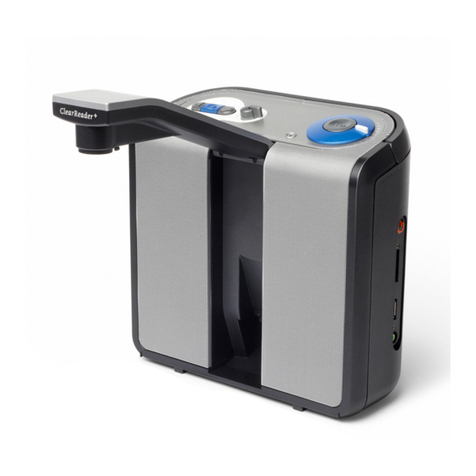
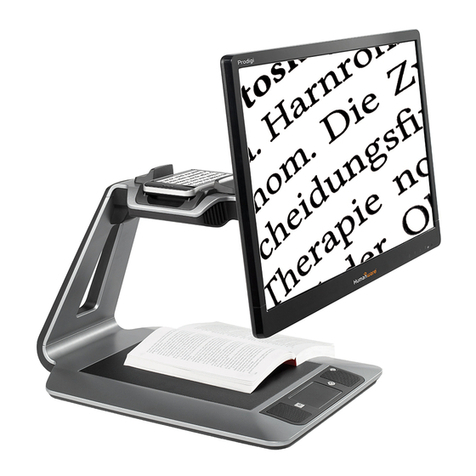
Optelec ClearReader
+
English Page 2
Contents
1. Introduction........................................................................................................................4
1.1 About this manual ......................................................................................................4
1.2 What’s in the box........................................................................................................4
2. Getting to know your ClearReader
+
Magnification Feature Pack ..................................5
2.1 Buttons.......................................................................................................................5
3. Getting Started...................................................................................................................8
3.1 Connecting the Magnification Feature Pack to the Optelec ClearReader
+
.................8
3.2 Turning-on the ClearReader
+
.....................................................................................8
3.3 Inserting the SD card .................................................................................................9
3.4 Standby mode............................................................................................................ 9
3.5 Turning off the ClearReader
+
...................................................................................10
4. Magnification Modes .......................................................................................................11
4.1 Photo Mode..............................................................................................................11
4.2 Text Mode ................................................................................................................11
4.2.1 Navigating in Text Mode ...............................................................................12
4.2.2 Manual Reading............................................................................................ 13
4.2.3 Automatic Document Reading ......................................................................13
5. The ClearReader
+
Menu ..................................................................................................14
5.1 Activating and closing the menu...............................................................................14