manuals.online logo
Brands
  1. Home
  2. •
  3. Brands
  4. •
  5. Panasonic
  6. •
  7. 3D Glasses
  8. •
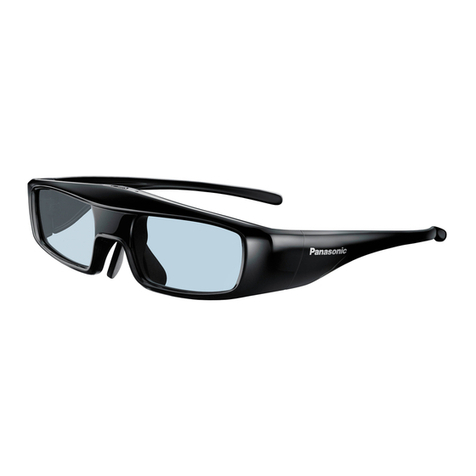
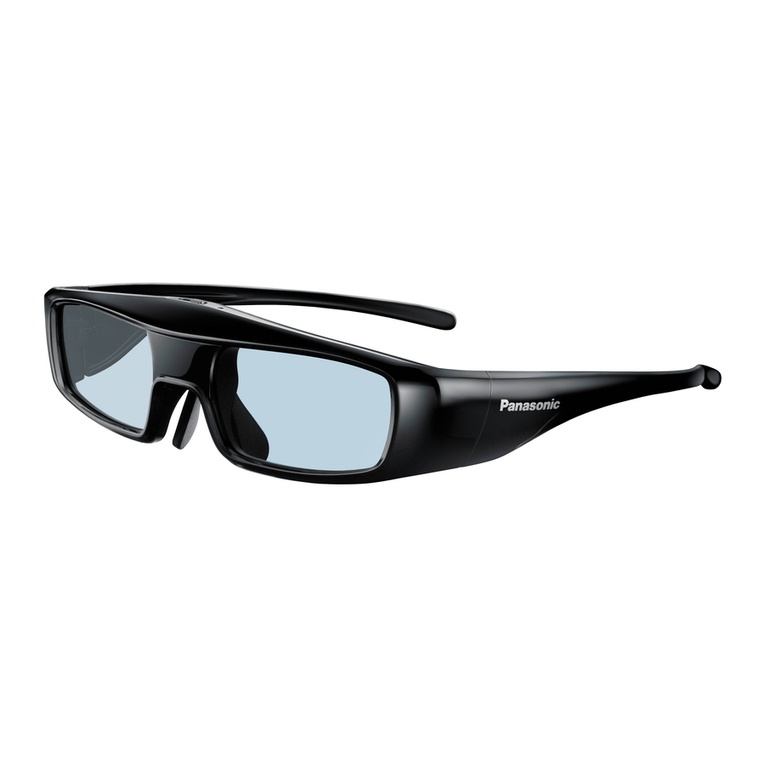
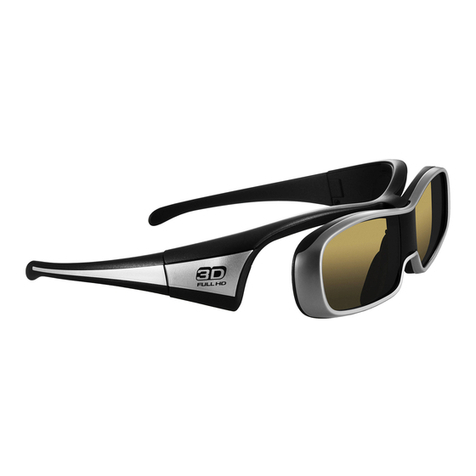
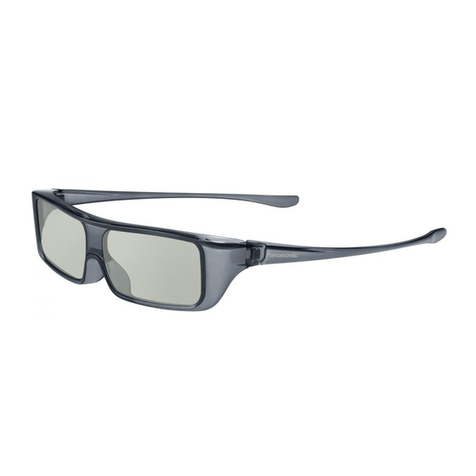
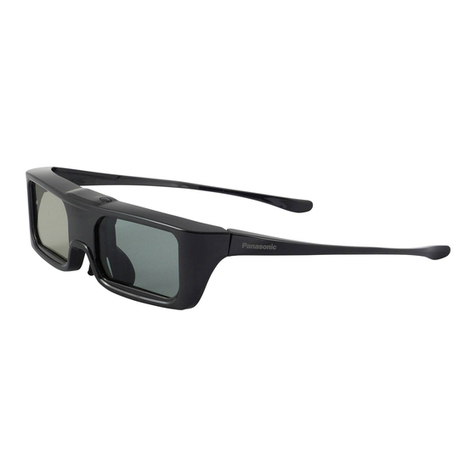
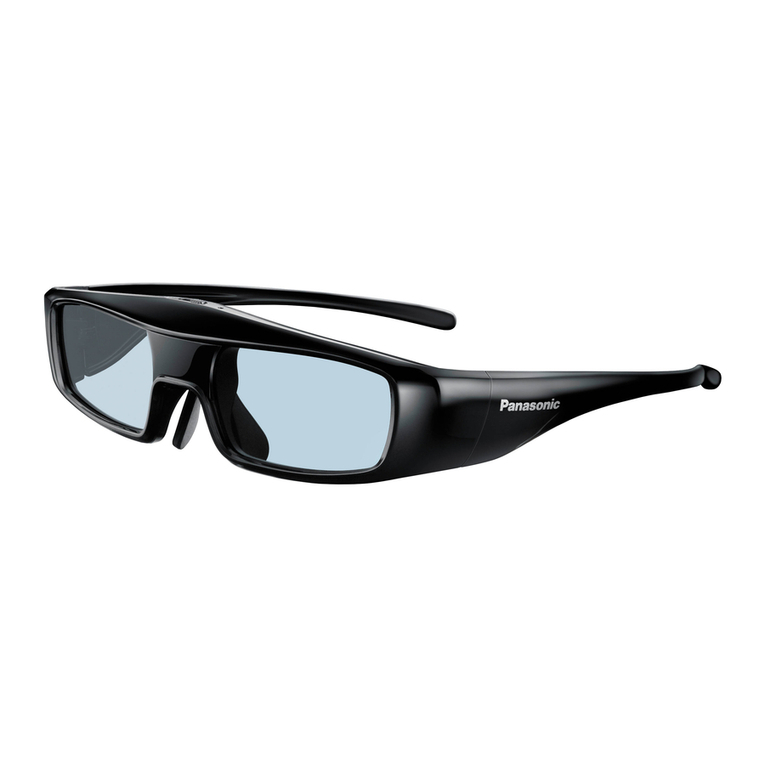
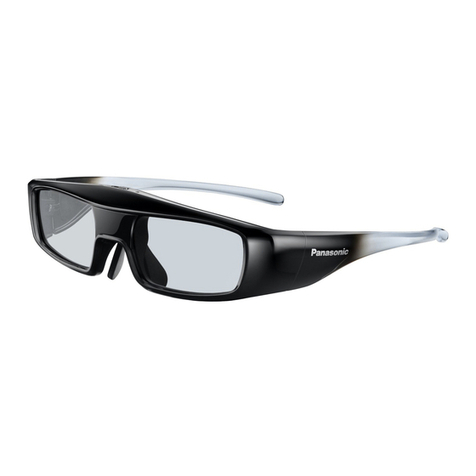
  9. Panasonic TY-EW3D3LE User manual

Panasonic TY-EW3D3LE User manual

Other manuals for TY-EW3D3LE

3

This manual suits for next models

2

Other Panasonic 3D Glasses manuals

Panasonic TY-EW3D3LU User manual

Panasonic

Panasonic TY-EW3D3LU User manual

Panasonic TY-EW3D3LW User manual

Panasonic

Panasonic TY-EW3D3LW User manual

Panasonic TY-EW3D3LE User manual

Panasonic

Panasonic TY-EW3D3LE User manual

Panasonic TY-ER3D5MA User manual

Panasonic

Panasonic TY-ER3D5MA User manual

Panasonic BT-PGL10G User manual

Panasonic

Panasonic BT-PGL10G User manual

Panasonic TY-EP3D10WB User manual

Panasonic

Panasonic TY-EP3D10WB User manual

Panasonic TY-ER3D5ME User manual

Panasonic

Panasonic TY-ER3D5ME User manual

Panasonic TY-EW3D3LE User manual

Panasonic

Panasonic TY-EW3D3LE User manual

Panasonic TY-ER3D4ME User manual

Panasonic

Panasonic TY-ER3D4ME User manual
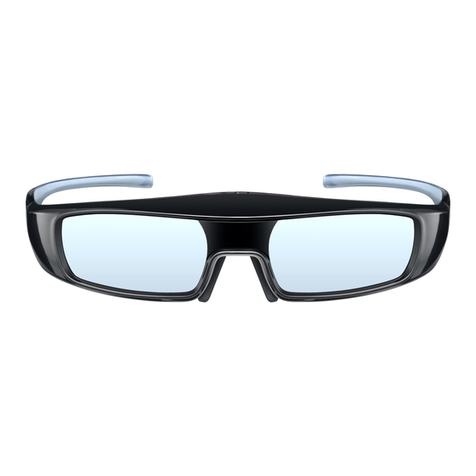
Panasonic TY-EW3D3LW User manual

Panasonic

Panasonic TY-EW3D3LW User manual

Panasonic TY-ER3D4MU User manual

Panasonic

Panasonic TY-ER3D4MU User manual

Panasonic TY-EW3D10E Reference guide

Panasonic

Panasonic TY-EW3D10E Reference guide

Panasonic TY-EW3D3LW User manual

Panasonic

Panasonic TY-EW3D3LW User manual

Panasonic TY-EW3D10U User manual

Panasonic

Panasonic TY-EW3D10U User manual

Panasonic TY-ER3D4ME User manual

Panasonic

Panasonic TY-ER3D4ME User manual

Panasonic TY-EW3D10E User manual

Panasonic

Panasonic TY-EW3D10E User manual

Panasonic TY-ER3D4MA User manual

Panasonic

Panasonic TY-ER3D4MA User manual

Panasonic TY-ER3D4MU User manual

Panasonic

Panasonic TY-ER3D4MU User manual

Panasonic TY-EW3D10W User manual

Panasonic

Panasonic TY-EW3D10W User manual

Panasonic TY-EP3D10EB User manual

Panasonic

Panasonic TY-EP3D10EB User manual

Panasonic TY-ER3D4MU User manual

Panasonic

Panasonic TY-ER3D4MU User manual

Panasonic TY-EW3D2SU User manual

Panasonic

Panasonic TY-EW3D2SU User manual

Panasonic TY-EW3D3LU User manual

Panasonic

Panasonic TY-EW3D3LU User manual

Panasonic TY-ER3D6ME User manual

Panasonic

Panasonic TY-ER3D6ME User manual

Popular 3D Glasses manuals by other brands

Sony BKM-30G Instructions for use

Sony

Sony BKM-30G Instructions for use

Segula 50546 manual

Segula

Segula 50546 manual

LG 360 VR Getting started

LG

LG 360 VR Getting started

Wicked3D eyeSCREAM user guide

Wicked3D

Wicked3D eyeSCREAM user guide

Samsung Gear VR SM-R322 user manual

Samsung

Samsung Gear VR SM-R322 user manual

Mini Gadgets GLSun720 user manual

Mini Gadgets

Mini Gadgets GLSun720 user manual

Mini Gadgets GLClear720 user manual

Mini Gadgets

Mini Gadgets GLClear720 user manual

Xpand ONE ADE1512H installation manual

Xpand

Xpand ONE ADE1512H installation manual

Samsung SM-R321 user manual

Samsung

Samsung SM-R321 user manual

chinavasion CVAGK-E516 user manual

chinavasion

chinavasion CVAGK-E516 user manual

Eschenbach MaxTV user manual

Eschenbach

Eschenbach MaxTV user manual

BASETech 1456965 operating instructions

BASETech

BASETech 1456965 operating instructions

Rocks OK-09.0031 quick start guide

Rocks

Rocks OK-09.0031 quick start guide

Sharper Image 205017 user guide

Sharper Image

Sharper Image 205017 user guide

Silhouette SPX SIGNIA manual

Silhouette

Silhouette SPX SIGNIA manual

Samsung SAMBLK2200 overview

Samsung

Samsung SAMBLK2200 overview

unotec SUNCAM manual

unotec

unotec SUNCAM manual

Virtual Research Systems FS5i user guide

Virtual Research Systems

Virtual Research Systems FS5i user guide

manuals.online logo
manuals.online logoBrands
  • About & Mission
  • Contact us
  • Privacy Policy
  • Terms and Conditions

Copyright 2025 Manuals.Online. All Rights Reserved.

Panasonic’
Operating Instructions
3D Eyewear
Model No. TY-EW3D3 E
TY-EW3D3ME
TY-EW3D3SE
ENGLISH
DANSK
NEDERLANDS
FRANQAIS
DEUTSCH
ITALIANO
ЦАЗАЦ
PORTUGUES
РУССКИЙ
ESPANOL
SVENSKA
УКРА СЬКА
GUARANTEE
гарантийный талон
TQZJ387
En g l is h
Thank you for purchasing a Panasonic
product.
• Before using this product, be sure to read “Safet
Precautions” and “Using Precautions” ('& Г pages 2 - 5).
• Before operating this product, please read the instructions
carefull , and save this manual for future use.
This 3D E ewear can be used for Panasonic HDTVs
supporting 3D.
For the latest information on applicable models, visit
our web site.
http://panasonic.net/
This product cannot and must not be used
as sunglasses.
■ Safety Precautions
Danger
About Prohibition of Heating
■ Do not put 3D E ewear in fire, heat it or leave it in
places that can get hot.
■ 3D E ewear contains a lithium-ion pol mer
rechargeable batter , so heating ma result in
combustion or rupture that ma cause burns or fire.
Warning
Disassembly
■ Do not disassemble or modif the 3D E ewear.
■ When disposing this product, refer “Disposal”
(eW” page 8) and disassemble properl for removing
the rechargeable batter .
About Charging
■ Charge b connecting the included charging cable
to the USB terminal of a Panasonic TV supporting
3D. Charging with other devices ma result in
batter leakage, heating or rupture.
■ Do not use the included charging cable for uses
other than charging 3D E ewear.
2
Caution
About 3D Eyewear
■ Do not drop, exert pressure on, or step on the
3D E ewear.
■ Be careful of the tips of the frame when putting on
the 3D E ewear.
■ Alwa s keep the 3D E ewear in a cool, dr place.
■ Be careful not to trap a finger in the hinge section of
the 3D E ewear.
■ Pa special attention when children are using this
product.
Viewing 3D Content
Do not use the 3D E ewear if ou have a histor of
over-sensitivit to light, heart problems, or have an
other existing medical conditions.
■ Stop using the 3D E ewear immediatel if ou
feel tired, discomfort, or an other uncomfortable
sensation.
Take an appropriate break after viewing a 3D
movie.
■ Take a break of between 30 - 60 minutes after
viewing 3D content on interactive devices such as
3D games or computers.
■ Be careful not to strike the television screen or other
people unintentionall . When using the 3D E ewear
the distance between the user and screen can be
misjudged.
■ The 3D E ewear must onl be worn when viewing
3D content.
■ Do not tilt our head and/or the 3D E ewear
while viewing 3D image. Keep our e es and
the 3D E ewear are on a horizontal level to the
television.
■ If ou suffer from an e esight problems (short/
far-sighted, astigmatism, e esight differences in
left and right), please ensure to correct our vision
before using the 3D E ewear.
Stop using the 3D E ewear if ou can clearl see
double images when viewing
3
d content.
(continued overleaf)3
En g l is h
En g l is h
Do not use the 3D E ewear at a distance less than
the recommended distance.
The recommended viewing distance is at least 3
times of image height.
When the top and bottom area of the screen is
blackened, such as movies, view the screen at a
distance at least 3 times of the height of the actual
image.
(That makes the distance closer than above
recommended figure.)
3D Eyewear Use
■ 3D E ewear should not be used b children ounger
than 5 - 6 ears old, as a guideline.
■ All children must be full supervised b parents or
guardians who must ensure their safet and health
throughout the using 3D E ewear.
■ Before using the 3D E ewear, ensure no breakable
objects surrounding the user to avoid an accidental
damage or injur .
■ Remove the 3D E ewear before moving around to
avoid falling or accidental injur .
■ Use the 3D E ewear onl for the intended purpose
and nothing else.
■ Do not use if the 3D E ewear is ph sicall
damaged.
■ Stop using the 3D E ewear immediatel if a
malfunction or fault occurs.
■ Stop using the 3D E ewear immediatel if ou
experience an redness, pain, or skin irritation
around the nose or temples.
■ In rare cases, the materials used in the 3D E ewear
ma cause an allergic reaction.
4
Using Precautions
■ Do not drop or bend the 3D E ewear.
Do not appl pressure to or scratch the surface of
the liquid cr stal shutter of the 3D E ewear.
Do not soil the infra-red receiver section or attach
stickers etc. to it.
■ Do not use devices (such as mobile phones
or personal transceivers) that emit strong
electromagnetic waves near the 3D E ewear as this
ma cause the 3D E ewear to malfunction.
■ Do not use 3D E ewear outside the specified usage
temperature range (® = page 13).
■ If the room is lit b fluorescent lights (50 Hz) and
light appears to flicker when using the 3D E ewear,
switch off the fluorescent light.
3D content will not be correctl visible if the
3D E ewear is worn upside down or back-to-front.
■ Do not wear the 3D E ewear when watching
an thing other than 3D images. Other kinds of
displa s (such as computer screens, digital clocks,
or calculators etc.) ma be difficult to see while
wearing the 3D E ewear.
Accessories
Charging cable
................
• < > indicates the quantit .
.........................
<1>
(K2KYYYY00164)
5
En g l is h
En g l is h
Identifying Controls
• Power switch
• Power switch
ON/OFF Slide the tab to the ON/OFF position to
switch the power on/off.
3D/2D Slide the tab once to the 3D/2D position to
change the mode between 3D and 2D.
• 2D: View a 3D image in 2D.
• Indicator lamp
Lights or flashes during use or charging to show the status
of the rechargeable batter .
• Infra-red receiver
Receives infra-red signals from the television.
• Do not soil the infra-red receiver section or attach stickers
etc. to it.
• Charging port
Connect the charging cable.
• Charge b connecting the included charging cable.
6
■ Indicator lamp status
Indicator lamp Status
Lights for 2 seconds when turned
on Sufficient batter level
Flashes 5 times when turned on Low batter level
Flashes once ever 2 seconds
when in use 3D mode is selected.
Flashes twice ever 4 seconds
when in use 2D mode is selected.
Charging
■ Charging the 3D Eyewear
Connect the 3D E ewear with the included charging cable
to the television, then switch on the television.
• When the indicator lamp turns off, charging is complete.
Approximatel 30 minutes required.
Charge the 3D E ewear before using the first time after purchase or
after long periods of disuse.
Be sure to turn the television power on when charging. The batter
will not be charged when the television power is off.
NOTE
Storage and Cleaning
• Clean using a soft, dr cloth.
• Wiping the 3D E ewear with a soft cloth that is covered in
dust or dirt ma scratch the e ewear. Shake off an dust
from the cloth before use.
• Do not use benzene, thinner, or wax on the 3D E ewear,
as doing so ma cause the paint to peel off.
Do not dunk the 3D E ewear in liquid such as water when
cleaning.
• Avoid storing the 3D E ewear in hot or highl humid
locations.
During the long period of disuse, full charge the
3D E ewear once ever 6 months to keep the batter
performance.
As the liquid cr stal shutters (lens) are fragile and easil
broken, be ver careful when cleaning them.
7
En g l is h
Warning
Do not place the removed battery, screws, and
other items within reach of infants.
Accidental swallowing of such an item ma have an adverse
effect on the bod .
• In the event that ou think such an item has been
swallowed, consult a doctor immediatel .
In the event of fluid leaking from the battery, take
the following measure, and do not touch the fluid
with bare hands.
Fluid entering into an e e ma cause loss of e esight.
• Wash the e e with water immediatel without rubbing it,
and then consult a doctor.
Fluid getting on our bod or clothes ma cause inflammation
of the skin or injur .
• Sufficientl rinse with clean water, and then consult a
doctor.
■ How to remove the battery
Disassemble this product after the batter has run out of
power.
The following figures are intended to explain how
to dispose of the product, not for describing how to
repair.
The product cannot be repaired once it has been
disassembled.
1. Remove the screws of the 3D E ewear with a precision
Phillips (plus @ ) screwdriver.
(continued overleaf)9
En g l is h
En g l is h
2. Bend the frame inwards and pull it off from the side cover.
• If it is difficult to pull off, insert a flat-blade (minus Q )
screwdriver and pr open it.
3. Pull off the batter and separate it from the 3D E ewear b
cutting off the wires, one b one, with scissors.
Insulate the wire parts of the removed batter with
cellophane tape.
NOTE
• Take sufficient care when performing this work so as not to injure
ourself.
• Do not damage or dismantle the batter .
10
Troubleshooting/Q&A
Check the followings first. If the do not solve the problem,
please contact the place of purchase.
Images are not 3D.
► Is the 3D E ewear mode set to 3D?
Slide the tab once to the 3D/2D position to change the mode
between 3D and 2D.
► Are the image settings switched to 3D images?
Refer the television operating instructions and.
► Is there a sticker or other such item blocking the infra
red reception section on the 3D E ewear?
If the e ewear stops receiving infra-red signal from the television,
the power automaticall switches off after 5 minutes.
► Individual differences ma occur in which the
3D images are difficult to see, or cannot be seen,
especiall in users that have a different level of
e esight between the left and right e es.
Take the necessar steps (wearing glasses etc.) to correct our
e esight before use.
The power of the 3D Eyewear turns off by itself.
► Are there an objects between the e ewear and
television?
► Is there a sticker or other such item blocking the infra
red reception section on the 3D E ewear?
If the e ewear stops receiving infra-red signal from the television,
the power automaticall switches off after 5 minutes.
The indicator lamp does not light when the power
switch is set to “ON”.
► Is the 3D E ewear sufficientl charged?
If the indicator lamp does not light at all, the batter is completel
flat. Perform the batter charging operation.
(continued overleaf)
11
En g l is h