EnglishDeutsch
 logo
Brands
  1. Home
  2. •
  3. Brands
  4. •
  5. Pelican
  6. •
  7. Lighting Equipment
  8. •
  9. Pelican 9480 User manual

Pelican 9480 User manual

Other Pelican Lighting Equipment manuals

Pelican 3410 LED User manual

Pelican

Pelican 3410 LED User manual

Pelican 2765 LED User manual

Pelican

Pelican 2765 LED User manual

Pelican 5020 LED User manual

Pelican

Pelican 5020 LED User manual

Pelican 3315 User manual

Pelican

Pelican 3315 User manual

Pelican 9440 User manual

Pelican

Pelican 9440 User manual

Pelican 9440 User manual

Pelican

Pelican 9440 User manual

Pelican 9440 User manual

Pelican

Pelican 9440 User manual

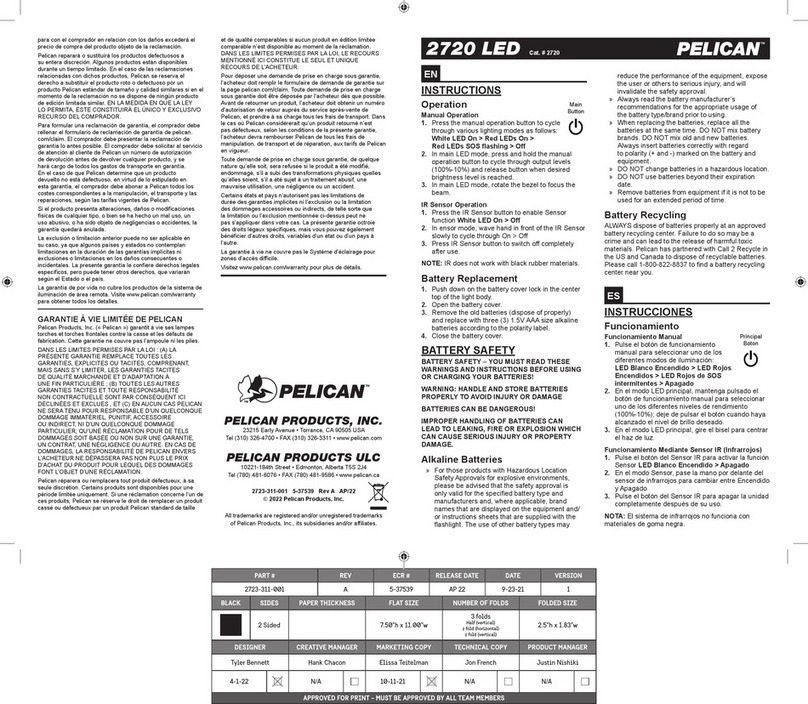
Pelican 2720 LED User manual

Pelican

Pelican 2720 LED User manual

Pelican 9440 User manual

Pelican

Pelican 9440 User manual

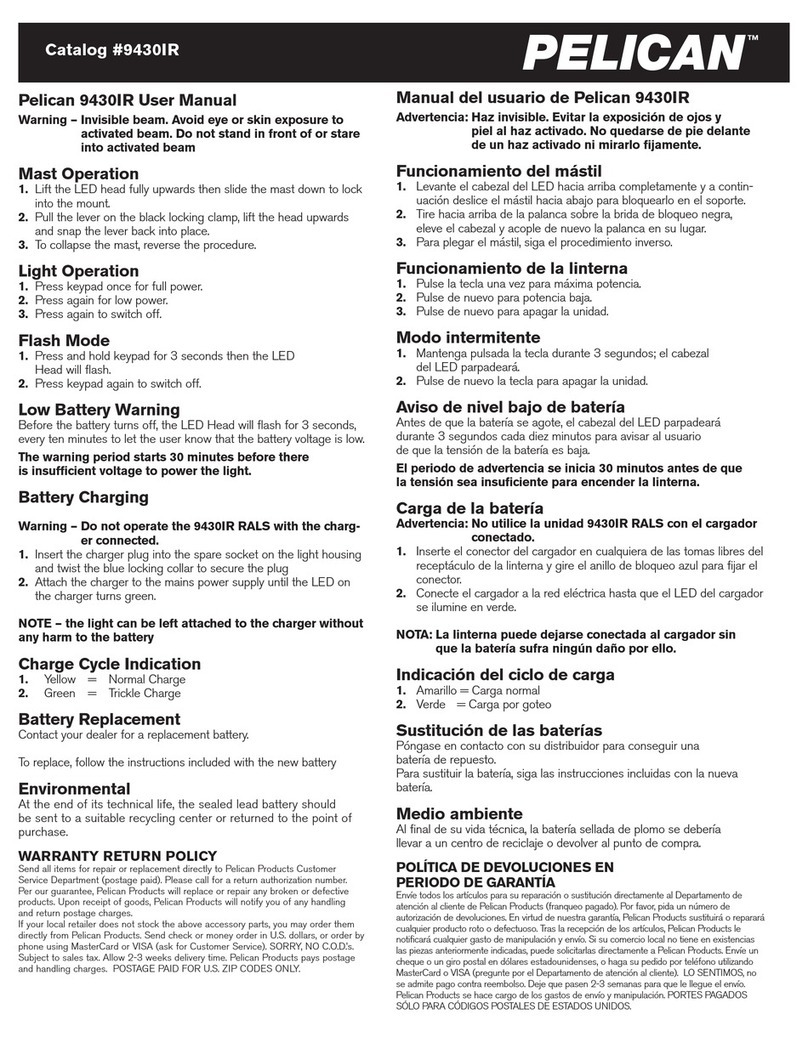
Pelican 9430IR User manual

Pelican

Pelican 9430IR User manual

Pelican 9480 RALS User manual

Pelican

Pelican 9480 RALS User manual

Pelican 9440 User manual

Pelican

Pelican 9440 User manual

Pelican 9480 User manual

Pelican

Pelican 9480 User manual

Pelican 3325 LED User manual

Pelican

Pelican 3325 LED User manual

Pelican 3310ELS User manual

Pelican

Pelican 3310ELS User manual

Pelican 9440 User manual

Pelican

Pelican 9440 User manual

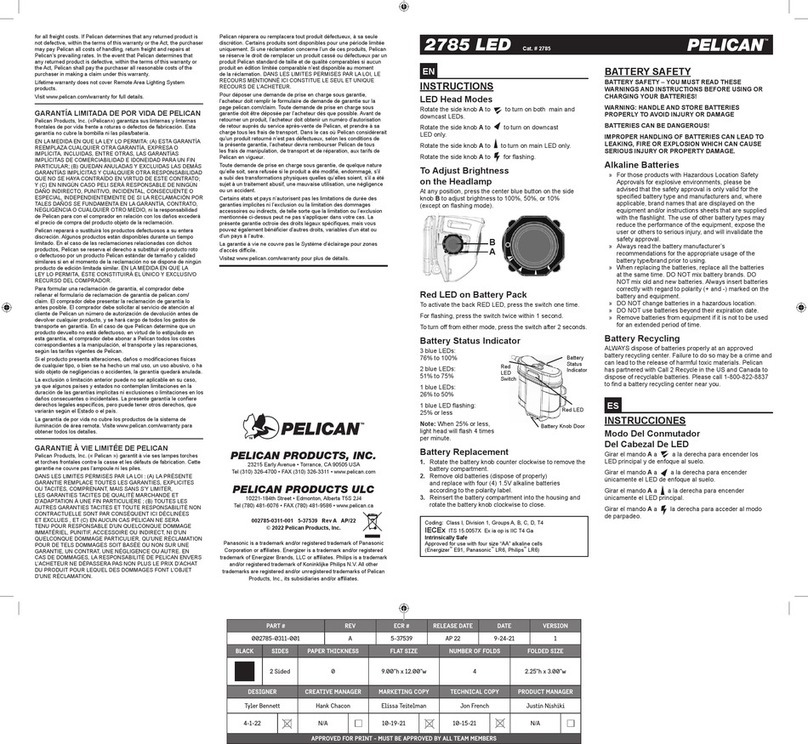
Pelican 2785 LED User manual

Pelican

Pelican 2785 LED User manual

Popular Lighting Equipment manuals by other brands

Brizo 8SP-MU-4 manual

Brizo

Brizo 8SP-MU-4 manual

LUCE&LIGHT BROM 1.0 installation instructions

LUCE&LIGHT

LUCE&LIGHT BROM 1.0 installation instructions

IKEA BJÖRKSPIREA manual

IKEA

IKEA BJÖRKSPIREA manual

Laserworld Evolution Series ES-400RGB manual

Laserworld

Laserworld Evolution Series ES-400RGB manual

EuroLite LED B-40 user manual

EuroLite

EuroLite LED B-40 user manual

Qazqa Suplux SL 3 Black 103062 instruction manual

Qazqa

Qazqa Suplux SL 3 Black 103062 instruction manual

Commercial Electric 54568141 Use and care guide

Commercial Electric

Commercial Electric 54568141 Use and care guide

CREE LIGHTING 304 Series installation instructions

CREE LIGHTING

CREE LIGHTING 304 Series installation instructions

Goobay 49867 user manual

Goobay

Goobay 49867 user manual

ECOMAN ITALIA LED T8 instruction manual

ECOMAN ITALIA

ECOMAN ITALIA LED T8 instruction manual

Alkalite Krypton KT-81 user manual

Alkalite

Alkalite Krypton KT-81 user manual

Clas Ohlson GU10 manual

Clas Ohlson

Clas Ohlson GU10 manual

DTS DELTA 10 F user manual

DTS

DTS DELTA 10 F user manual

ring Solar Steplight manual

ring

ring Solar Steplight manual

One Stop Gardens 57696 Owner's manual & safety instructions

One Stop Gardens

One Stop Gardens 57696 Owner's manual & safety instructions

SIREM Swimeo A2 instructions

SIREM

SIREM Swimeo A2 instructions

Silvair MESH-CEDRP quick start guide

Silvair

Silvair MESH-CEDRP quick start guide

S&P PCRL80 manual

S&P

S&P PCRL80 manual

https://manuals.online logo
https://manuals.online logoBrands
  • About & Mission
  • Contact us
  • Privacy Policy
  • Terms and Conditions

Copyright 2026 Manuals.Online. All Rights Reserved.

Pelican 9480 User Manual
Mast Operation
1. Lift the Light head and pole to a vertical position then slide the
mast down to lock into mount.
2. To collapse the mast, reverse the procedure.
Light Operation
1. Press button on keypad once for high power (default).
2. Press button on keypad to change between high,
medium and low power.
3. Press button on keypad again to switch off.
Note: for performance specifications see pelican.com or peli.com
The 9480 will operate continuously while plugged into AC/mains power.
Flash Mode
1. Press and hold button on keypad for 3 seconds and the light
head will flash. Then select desired power level.
2. Press button on keypad again to switch off.
Bluetooth
This product is equipped with Bluetooth technology which allows
you to control it via an App. It is only compatible with iPhone 4S or
later. To download the App please visit the app store, search under
RALS.
Power Pack
The 9480 power pack is removable. This allows continuous use of
the product by replacing it with another fully charged power pack
when required.
Power Pack Level
The power pack is equipped with a power level monitor which
remains permanently illuminated to tell the user how much power
the battery contains. The level monitor will glow brightly when the
product is switched on and dim when not in use.
While the product is switched on, the number of segments
illuminated in the level monitor will gradually reduce over time. The
product will switch off soon after a single red flashing segment is
displayed. Once the product has switched itself off, the single red
segment in the level monitor will continue to flash, indicating that a
recharge is required.
Power Pack Charging
The power pack can be charged inside or outside of the
main housing.
1. Remove the dust cap from the charging socket and plug
in the power supply.
2. Connect the power supply to the mains / AC power.
Charge Cycle Indication:
During charging, the level monitor display will become brighter
and continue to cycle until all segments of the display are shown.
Once the display stops cycling and shows all segments, the
battery is fully charged.
NOTE – the power pack can be left attached to the power supply
without any harm to the battery.
WARNING: ONLY USE APPROVED POWER SUPPLY & ENSURE
CHARGING IS CARRIED OUT IN A WELL VENTILATED ROOM. DO
NOT STORE POWER PACKS IN A DISCHARGED STATE. WHEN
NOT IN USE, RECHARGE THE POWER PACK EVERY 3 MONTHS.
Battery/Fuse Replacement
Contact your dealer for a replacement battery or fuse.
Environmental
At the end of its technical life, the sealed lead battery should be sent
to a suitable recycling center or returned to the point of purchase.
This device complies with part 15 of the FCC Rules.
Operation is subject to the following two conditions:
(1) This device may not cause harmful interference, and
(2) this device must accept any interference, including
interference that may cause undesired operation
PELICAN
™
Battery Safety Information
WARNING: HANDLE AND STORE BATTERIES PROPERLY TO AVOID INJURY
AS DAMAGED BATTERIES CAN BE DANGEROUS!
Most battery issues arise from improper handling of batteries, and particularly from the use of damaged or
counterfeit batteries. Please review the information below to avoid serious injury and/or damage to your property.
Rechargeable Batteries
1. Lights should only be charged using the Pelican charger that is supplied with the light.
2. Lights should be charged and operated between the temperatures shown:
Charge Temperature: -20°C to 50°C (-4°F to 122°F)
Operating Temperature: -20°C to 50°C (-4°F to 122°F)
3. Deep discharge of the rechargeable battery may cause batteries to vent potentially dangerous gasses
and electrolytes.
Always dispose of all batteries properly at an approved battery recycling center.
que permanece encendido para informar al usuario del estado de la
batería. El indicador brilla con más intensidad cuando el producto está
encendido y la luz se atenúa cuando está apagado.
Si el producto está encendido, la cantidad de rayitas iluminadas en
el indicador irán bajando con el tiempo. El producto se apagará poco
después de que aparezca una rayita roja. Una vez apagado, la rayita roja
del indicador parpadeará para indicar que hay que cargar la batería.
Cargar la batería
La batería puede cargarse dentro o fuera de la carcasa.
1. Sacar la cubierta protectora de la toma del cargador y enchufar la
fuente de alimentación.
2. Enchufar la fuente de alimentación a la corriente y encender
(si procede).
OBSERVACIÓN: la batería puede quedarse enchufada sin que sufra
daño alguno.
Indicación del ciclo de carga:
Mientras se carga, la luz del indicador se hará más brillante y seguirá
parpadeando hasta que aparezcan todas las rayitas. Cuando deje de
parpadear y esté lleno, la batería estará totalmente cargada.
AVISO: USAR ÚNICAMENTE UNA FUENTE DE ALIMENTACIÓN
HOMOLOGADA Y CARGAR LA BATERÍA EN UNA ZONA
BIEN VENTILADA.
NO ALMACENAR BATERÍAS DESCARGADAS.
DE NO USAR EL PRODUCTO, CARGAR LA BATERÍA
CADA 3 MESES.
Cambiar la batería
Ponte en contacto con tu distribuidor para conseguir una batería de repuesto.
Medio ambiente
Al final de su vida útil, la batería sellada de plomo y ácido debe
llevarse a un centro de reciclaje o devolverse en el punto de compra.
Catalog #9480
To remove the
power pack
simply release the
clips and
lift via the handle.
www.GlobalTestSupply.com
Find Quality Products Online at: sales@GlobalTestSupply.com

Pelican 9480 User Manual
Mast Operation
1. Lift the Light head and pole to a vertical position then slide the
mast down to lock into mount.
2. To collapse the mast, reverse the procedure.
Light Operation
1. Press button on keypad once for high power (default).
2. Press button on keypad to change between high,
medium and low power.
3. Press button on keypad again to switch off.
Note: for performance specifications see pelican.com or peli.com
The 9480 will operate continuously while plugged into AC/mains power.
Flash Mode
1. Press and hold button on keypad for 3 seconds and the light
head will flash. Then select desired power level.
2. Press button on keypad again to switch off.
Bluetooth
This product is equipped with Bluetooth technology which allows
you to control it via an App. It is only compatible with iPhone 4S or
later. To download the App please visit the app store, search under
RALS.
Power Pack
The 9480 power pack is removable. This allows continuous use of
the product by replacing it with another fully charged power pack
when required.
Power Pack Level
The power pack is equipped with a power level monitor which
remains permanently illuminated to tell the user how much power
the battery contains. The level monitor will glow brightly when the
product is switched on and dim when not in use.
While the product is switched on, the number of segments
illuminated in the level monitor will gradually reduce over time. The
product will switch off soon after a single red flashing segment is
displayed. Once the product has switched itself off, the single red
segment in the level monitor will continue to flash, indicating that a
recharge is required.
Power Pack Charging
The power pack can be charged inside or outside of the
main housing.
1. Remove the dust cap from the charging socket and plug
in the power supply.
2. Connect the power supply to the mains / AC power.
Charge Cycle Indication:
During charging, the level monitor display will become brighter
and continue to cycle until all segments of the display are shown.
Once the display stops cycling and shows all segments, the
battery is fully charged.
NOTE – the power pack can be left attached to the power supply
without any harm to the battery.
WARNING: ONLY USE APPROVED POWER SUPPLY & ENSURE
CHARGING IS CARRIED OUT IN A WELL VENTILATED ROOM. DO
NOT STORE POWER PACKS IN A DISCHARGED STATE. WHEN
NOT IN USE, RECHARGE THE POWER PACK EVERY 3 MONTHS.
Battery/Fuse Replacement
Contact your dealer for a replacement battery or fuse.
Environmental
At the end of its technical life, the sealed lead battery should be sent
to a suitable recycling center or returned to the point of purchase.
This device complies with part 15 of the FCC Rules.
Operation is subject to the following two conditions:
(1) This device may not cause harmful interference, and
(2) this device must accept any interference, including
interference that may cause undesired operation
PELICAN
™
Battery Safety Information
WARNING: HANDLE AND STORE BATTERIES PROPERLY TO AVOID INJURY
AS DAMAGED BATTERIES CAN BE DANGEROUS!
Most battery issues arise from improper handling of batteries, and particularly from the use of damaged or
counterfeit batteries. Please review the information below to avoid serious injury and/or damage to your property.
Rechargeable Batteries
1. Lights should only be charged using the Pelican charger that is supplied with the light.
2. Lights should be charged and operated between the temperatures shown:
Charge Temperature: -20°C to 50°C (-4°F to 122°F)
Operating Temperature: -20°C to 50°C (-4°F to 122°F)
3. Deep discharge of the rechargeable battery may cause batteries to vent potentially dangerous gasses
and electrolytes.
Always dispose of all batteries properly at an approved battery recycling center.
Manual del usuario de Pelican 9480
Funcionamiento del mástil
1. Levantar del todo el cabezal de LED y bajar el mástil para encajarlo
en el soporte
2. Para plegar el mástil, seguir el procedimiento inverso
Funcionamiento de la linterna
1. Pulsar el botón del teclado una vez para activar la
máxima potencia (opción por defecto).
2. Pulsar el botón (ajustes) para alternar entre potencia alta
(100%), media (75%) y baja (25%).
3. Pulsar el botón otra vez para apagar la linterna.
Modo intermitente
1. Mantener pulsado el botón 3 segundos hasta que la luz
parpadee. A continuación, seleccione el nivel de potencia deseado.
2. Pulsar el botón otra vez para apagar la linterna.
Bluetooth
Este producto cuenta con tecnología Bluetooth, que permite
controlarlo desde una aplicación. Solo es compatible con iPhone 4S o
superior. Para descargar la aplicación, entra en
https://itunes.apple.com/hk/app/pelican-rals/id668705588?mt=8
Batería
La batería del modelo 9480 es extraíble. De esta manera se puede
sustituir por otra totalmente cargada al momento cuando sea
necesario. Para sacar la batería solo hay que soltar las pestañas
y levantarla por el asa.
Nivel de batería
Todas las baterías intercambiables cuentan con un indicador de nivel
que permanece encendido para informar al usuario del estado de la
batería. El indicador brilla con más intensidad cuando el producto está
encendido y la luz se atenúa cuando está apagado.
Si el producto está encendido, la cantidad de rayitas iluminadas en
el indicador irán bajando con el tiempo. El producto se apagará poco
después de que aparezca una rayita roja. Una vez apagado, la rayita roja
del indicador parpadeará para indicar que hay que cargar la batería.
Cargar la batería
La batería puede cargarse dentro o fuera de la carcasa.
1. Sacar la cubierta protectora de la toma del cargador y enchufar la
fuente de alimentación.
2. Enchufar la fuente de alimentación a la corriente y encender
(si procede).
OBSERVACIÓN: la batería puede quedarse enchufada sin que sufra
daño alguno.
Indicación del ciclo de carga:
Mientras se carga, la luz del indicador se hará más brillante y seguirá
parpadeando hasta que aparezcan todas las rayitas. Cuando deje de
parpadear y esté lleno, la batería estará totalmente cargada.
AVISO: USAR ÚNICAMENTE UNA FUENTE DE ALIMENTACIÓN
HOMOLOGADA Y CARGAR LA BATERÍA EN UNA ZONA
BIEN VENTILADA.
NO ALMACENAR BATERÍAS DESCARGADAS.
DE NO USAR EL PRODUCTO, CARGAR LA BATERÍA
CADA 3 MESES.
Cambiar la batería
Ponte en contacto con tu distribuidor para conseguir una batería de repuesto.
Medio ambiente
Al final de su vida útil, la batería sellada de plomo y ácido debe
llevarse a un centro de reciclaje o devolverse en el punto de compra.
Catalog #9480
To remove the
power pack
simply release the
clips and
lift via the handle.
www.GlobalTestSupply.com

Find Quality Products Online at: sales@GlobalTestSupply.com