manuals.online logo
Brands
  1. Home
  2. •
  3. Brands
  4. •
  5. PHYWE
  6. •
  7. Accessories
  8. •
  9. PHYWE Cobra4 User manual

PHYWE Cobra4 User manual

Other PHYWE Accessories manuals

PHYWE Cobra4 User manual

PHYWE

PHYWE Cobra4 User manual

PHYWE Cobra SMARTsense Pressure User manual

PHYWE

PHYWE Cobra SMARTsense Pressure User manual

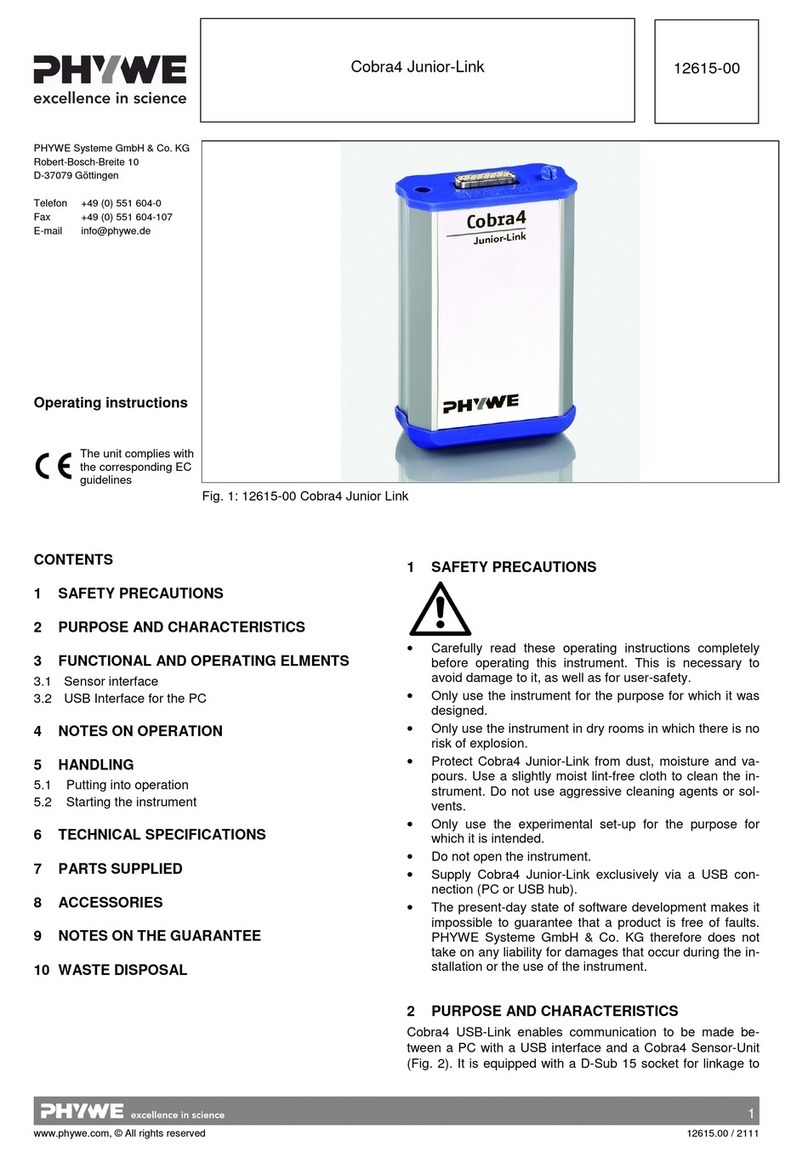
PHYWE Cobra4 Junior-Link User manual

PHYWE

PHYWE Cobra4 Junior-Link User manual

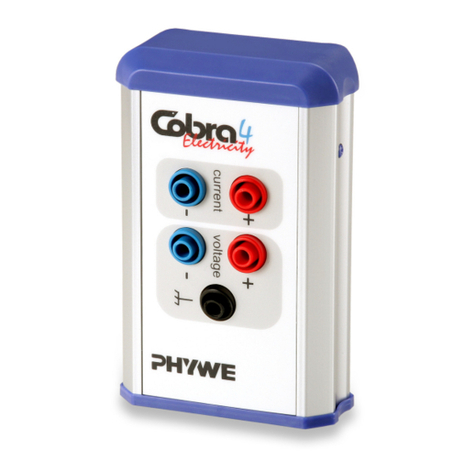
PHYWE Cobra4 Sensor-Unit Electricity User manual

PHYWE

PHYWE Cobra4 Sensor-Unit Electricity User manual

PHYWE Cobra SMARTsense ORP User manual

PHYWE

PHYWE Cobra SMARTsense ORP User manual

PHYWE Cobra4 User manual

PHYWE

PHYWE Cobra4 User manual

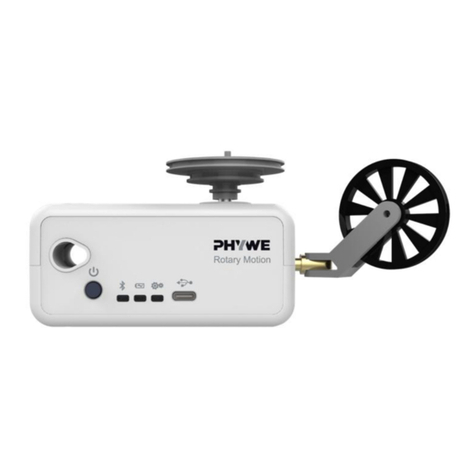
PHYWE Cobra SMARTsense Rotary Motion User manual

PHYWE

PHYWE Cobra SMARTsense Rotary Motion User manual

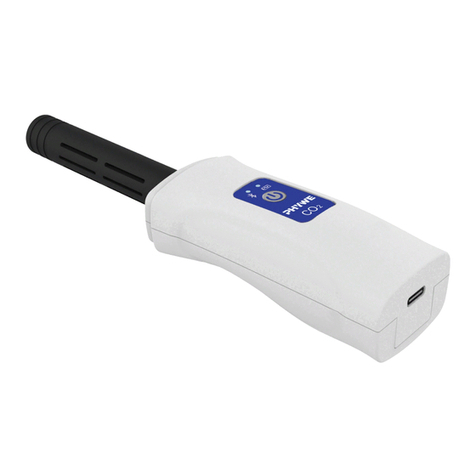
PHYWE Cobra SMARTsense CO2 User manual

PHYWE

PHYWE Cobra SMARTsense CO2 User manual

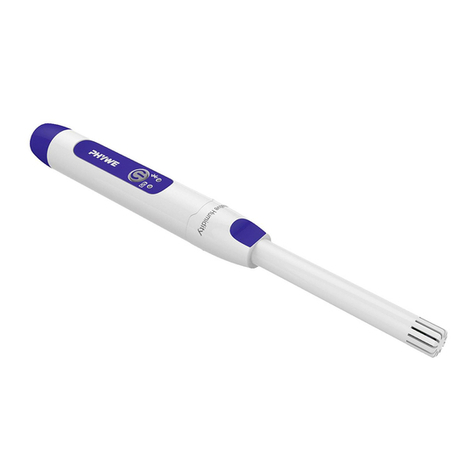
PHYWE Cobra SMARTsense Humidity User manual

PHYWE

PHYWE Cobra SMARTsense Humidity User manual

PHYWE Cobra SMARTsense Skin Resistance User manual

PHYWE

PHYWE Cobra SMARTsense Skin Resistance User manual

PHYWE Cobra SMARTsense Energy User manual

PHYWE

PHYWE Cobra SMARTsense Energy User manual

PHYWE Cobra SMARTsense User manual

PHYWE

PHYWE Cobra SMARTsense User manual

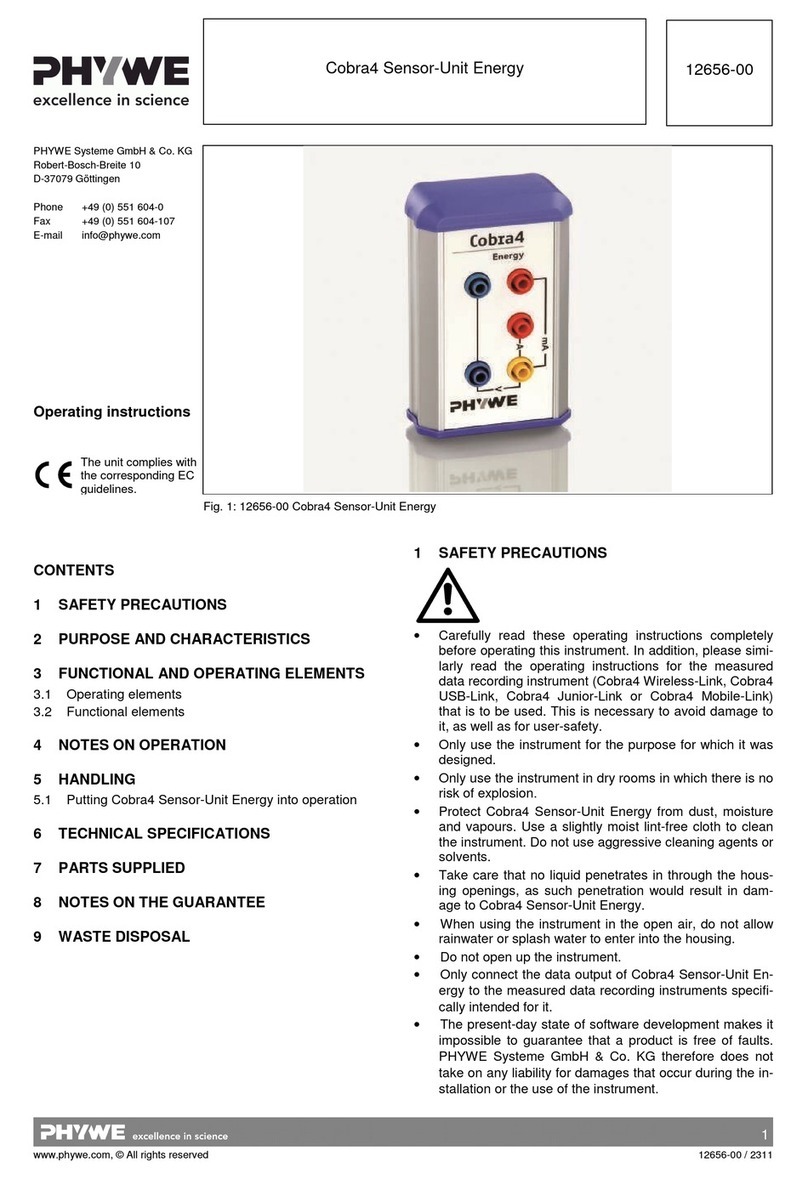
PHYWE Cobra4 Sensor-Unit Energy User manual

PHYWE

PHYWE Cobra4 Sensor-Unit Energy User manual

PHYWE Cobra SMARTsense User manual

PHYWE

PHYWE Cobra SMARTsense User manual

PHYWE Cobra SMARTsense Acceleration User manual

PHYWE

PHYWE Cobra SMARTsense Acceleration User manual

PHYWE Cobra4 User manual

PHYWE

PHYWE Cobra4 User manual

PHYWE Cobra4 Oxygen User manual

PHYWE

PHYWE Cobra4 Oxygen User manual

Popular Accessories manuals by other brands

Quincy lab 140AE-1 operating manual

Quincy lab

Quincy lab 140AE-1 operating manual

HomePro ZIR000 user manual

HomePro

HomePro ZIR000 user manual

DOL 20SCR Technical user guide

DOL

DOL 20SCR Technical user guide

RAB Smart Task installation manual

RAB

RAB Smart Task installation manual

Kemppi KMS 300 quick guide

Kemppi

Kemppi KMS 300 quick guide

Stearns 57,500 Series Installation and service instructions

Stearns

Stearns 57,500 Series Installation and service instructions

iGuzzini TWILIGHT COPENAGHEN manual

iGuzzini

iGuzzini TWILIGHT COPENAGHEN manual

Adelaide Annexe & Canvas Avan Deluxe installation guide

Adelaide Annexe & Canvas

Adelaide Annexe & Canvas Avan Deluxe installation guide

OHAUS 5000 instruction manual

OHAUS

OHAUS 5000 instruction manual

HOME8 WLS1300 quick start guide

HOME8

HOME8 WLS1300 quick start guide

MAXBOTIX MaxSonar quick start guide

MAXBOTIX

MAXBOTIX MaxSonar quick start guide

ioSmart iSmart56 Installation and user guide

ioSmart

ioSmart iSmart56 Installation and user guide

Focusrite Scarlett 18i8 user guide

Focusrite

Focusrite Scarlett 18i8 user guide

Velleman ED38105 user manual

Velleman

Velleman ED38105 user manual

JumpSport SkyBounce user manual

JumpSport

JumpSport SkyBounce user manual

Prima-Temp PRIYA Instructions for use

Prima-Temp

Prima-Temp PRIYA Instructions for use

Tefcold BC85I-BC85I W user manual

Tefcold

Tefcold BC85I-BC85I W user manual

Vaisala WMS302 user guide

Vaisala

Vaisala WMS302 user guide

manuals.online logo
manuals.online logoBrands
  • About & Mission
  • Contact us
  • Privacy Policy
  • Terms and Conditions

Copyright 2025 Manuals.Online. All Rights Reserved.

1
www.phywe.com, © All rights reserved 12650-01 / 2917
Operating instructions
Cobra4 Senor-Unit 3D-Acceleration, ±2 g, ±4 g, ±8 g
12650-01
PHYWE Systeme GmbH & Co. KG
Robert-Bosch-Breite 10
37079 Göttingen
Germany
Phone +49 (0) 551 604–0
Fax +49 (0) 551 604–107
E-mail [email protected]
Internet www.phywe.com
Fig. 1: 12650-01 Cobra4 Senor-Unit Acceleration
The unit complies with
the corresponding
EC guidelines.
TABLE OF CONTENTS
1SAFETY PRECAUTIONS
2PURPOSE AND CHARACTERISTICS
3FUNCTIONAL AND OPERATING ELEMENTS
3.1 Operating elements
3.2 Functional elements
4NOTES ON OPERATION
5HANDLING
5.1 Putting Cobra4 Sensor-Unit Acceleration to use
5.2 Recording of acceleration data
6TECHNICAL DATA
7SCOPE OF SUPPLY
8WARRANTY
9WASTE DISPOSAL
1 SAFETY PRECAUTIONS
Carefully read these operating instructions completely
before operating this instrument. This is necessary to
avoid damage to it, as well as for user-safety.
Only use the instrument for the purpose for which it was
designed.
Only use the instrument in dry rooms in which there is no
risk of explosion.
Protect Cobra4 Sensor-Unit from dust, moisture and va-
pours. Use a slightly moist lint-free cloth to clean the in-
strument. Do not use aggressive cleaning agents or sol-
vents.
Take care that no liquids enter through the housing
openings, as such penetration would result in damage to
the Cobra4 Sensor-Unit.
When using the instrument in the open air, do not allow
rainwater or splash water to enter into the housing.
Only use the experimental set-up for the purpose for
which it is intended.
Do not open up the instrument.
Only connect the data output of Cobra4 Sensor-Unit to
the measured data recording instruments specifically in-
tended for it.
The present-day state of software development makes it
impossible to guarantee that a product is free of faults.
PHYWE Systeme GmbH & Co. KG therefore does not
take on any liability for damages that occur during the in-
stallation or the use of the instrument.
Attention!
2
www.phywe.com, © All rights reserved 12650-01 / 2917
2 PURPOSE AND CHARACTERISTICS
The Cobra4 Sensor-Unit Acceleration contains a sensing el-
ement with three capacitive acceleration sensors that are ar-
ranged perpendicular to each other. An acceleration that acts
upon the sensors leads to the bending of freely movable lam-
inas within the sensors and thereby causes a change in ca-
pacity. The capacity is converted to a voltage signal:
The Cobra4 Sensor-Unit Acceleration can be connected to
one of the following measured data recording instruments, as
appropriate for the type of application, and transfer the
measured data to it:
a Cobra4 Wireless/USB-Link (12601-10) for tethered or
wireless data transfer to a computer or a mobile device,
a handheld Cobra4 Mobile-Link 2 instrument (12620-10),
a Cobra4 Xpert-Connect (12625-01) for synchronous
data transfer in connection with a Cobra4 Xpert-Link
(12625-99).
The interface to measured data recording instruments is on
the front side of the Sensor-unit, whereby mechanically se-
cure engagement is ensured by a locking mushroom and a
hole.
3 FUNCTIONAL AND OPERATING ELEMENTS
3.1 Operating elements
The Cobra4 Sensor-Unit Force has no manual operating el-
ements. Operation of it is carried out via a handheld Cobra4
Mobile-Link 2 or, in the case that it is connected to a Cobra4
Wireless/USB-Link or a Cobra4 Xpert-Connect, via a com-
puter or mobile device. The connection between the Sensor-
Unit and any one of the three measured data recording in-
struments is active as soon as it is made.
3.2 Functional elements
The sensors are inside the housing with their axes perpen-
dicular to each other. The sensors are built-in in such a way
that their axes run parallel to the edges of the housing. The
three axes are pictured on the top side of the unit as a Carte-
sian coordinate cross (Fig. 2).
Fig. 2: Cobra4 Sensor-Unit Acceleration, the directions of
the axes displayed
4 NOTES ON OPERATION
This Cobra4 Sensor-Unit Acceleration fulfils all of the tech-
nical requirements that are compiled in current EC guidelines
in connection with Cobra4 Wireless/USB-Link, Cobra4 Mo-
bile-Link 2 and Cobra4 Xpert-Connect. The characteristics of
this product qualify it for the CE mark.
This instrument is only to be put into operation under special-
ist supervision in a controlled electromagnetic environment in
research, educational and training facilities (schools, universi-
ties, institutes and laboratories).
This means that in such an environment, no mobile phones
etc. are to be used in the immediate vicinity. The individual
connecting leads are each not to be longer than 2 m.
The instrument can be so influenced by electrostatic charges
and other electromagnetic phenomena (HF, bursts, indirect
lightning discharges) that it no longer works within the given
specifications. Carry out the following measures to reduce or
eliminate the effect of such disturbance: Ensure potential
equalization at the PC (especially with Laptops). Use screen-
ing. Do not operate high frequency emitters (e.g. radio
equipment or mobile radiotelephones) in the immediate vicini-
ty. When a total failure of the instrument occurs, unplug it and
plug it back in again for a reset.
5 HANDLING
This section describes how to use the Sensor-Unit and rec-
ord data. To avoid failure or improper operation, please read
carefully through this section.
5.1 Putting Cobra4 Sensor-Unit Acceleration to use
Please make sure that the current version of measure is in-
stalled when collecting data with a PC. Download free of
charge via:
www.phywe.com … Downloads … Software download
Update measure-Software
Cobra4
Alternatively, the software update can be performed with the
measure DVD.
Connect the Cobra4 Sensor-Unit Acceleration to the meas-
ured data recording instrument selected from the three pos-
sible ones by means of the click-catch 15-pin plug connector.
The Sensor-Unit is then ready for use after a brief starting
phase (self-calibration), as the voltage for it is supplied by the
measured data recording instrument.
Further information on the control of measured data record-
ing instruments is to be found in their operating instructions.
5.2 Recording of acceleration data
Acceleration is measured along the three sensors in the unit
of the acceleration due to gravity gor in m/s2. The unit can be
selected on the PC, the mobile device or the hand-held
measuring instrument.
With the help of the Sensor-Unit Acceleration, acceleration is
measured in the reference system of the sensor. This is to be
taken into consideration in the interpretation of the data.
More detailed information on the recording of measured val-
ues and other functions is given in the operating instructions
for the measured data recording instruments.

3
www.phywe.com, © All rights reserved 12650-01 / 2917
6 TECHNICAL DATA
(typical at 25 °C)
Operating temperature range: −5 °C…60 °C
Relative humidity <80 %
Measuring range −2…+2 g/ −4…+4 g/ −8…+8 g
Scanning rate, maximum 500 Hz
Measurement accuracy (at ±2 g) 0.001 g
Dimensions (L x W x H) 60 mm x 70 mm x 30 mm
Mass 50 g
7 SCOPE OF SUPPLY
The following components are supplied:
Cobra4 Senor-Unit Acceleration 12650-01
Operating Instructions
8 WARRANTY
We guarantee the instrument supplied by us for a period of
24 months within the EU, or for 12 months outside of the EU.
Excepted from the guarantee are damages that result from
disregarding the Operating Instructions, from improper han-
dling of the instrument or from natural wear.
The manufacturer can only be held responsible for the func-
tion and technical safety characteristics of the instrument,
when maintenance, repairs and alterations to the instrument
are only carried out by the manufacturer or by personnel who
have been explicitly authorized by him to do so.
9 WASTE DISPOSAL
The packaging consists predominately of environmentally
compatible materials that can be passed on for disposal by
the local recycling service.
PHYWE Systeme GmbH & Co. KG
Customer Service
Robert-Bosch-Breite 10
37079 Göttingen
Germany
Phone +49 (0) 551 604-274
Fax +49 (0) 551 604-246
Should you no longer require this product,
do not dispose of it with the household re-
fuse.
Please return it to the address below for
proper waste disposal.