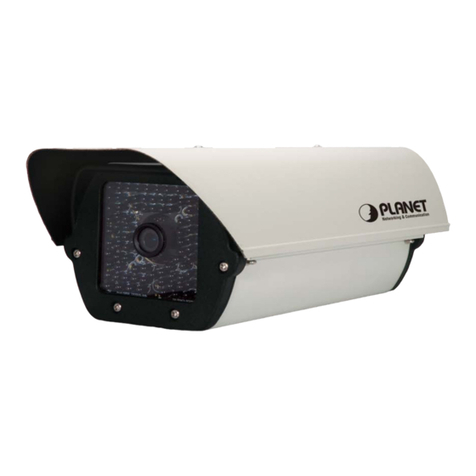
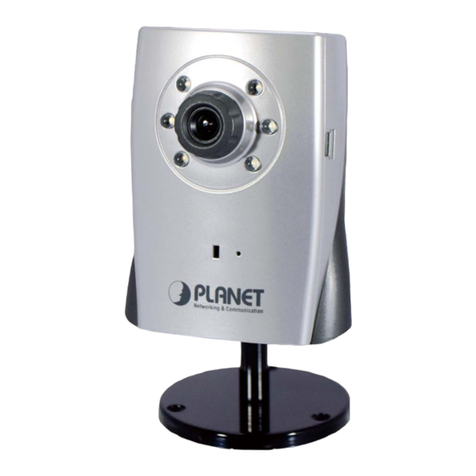
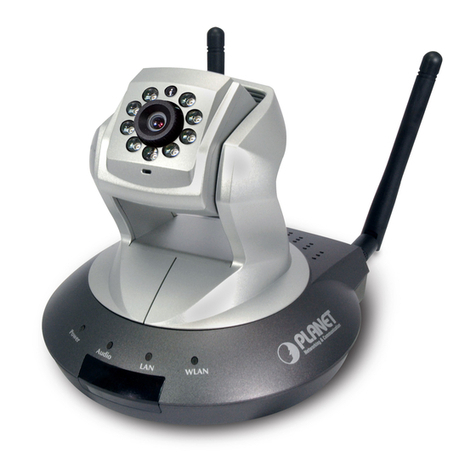
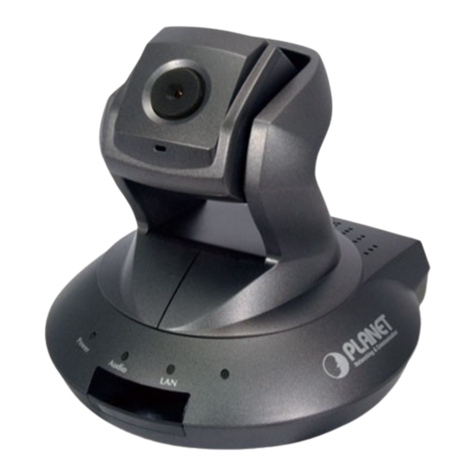
Interface Description
DC Power
(Power Jack, IR
and IP Camera)
The input power is DC 12V, 1A.
Note: ONLY use package power adapter supplied with the
internet. Otherwise, the product may be damaged.
RJ-45
(LAN socket,
PoE, IR and IP
Camera )
Connect to PC or Hub/Switch.
For connect to 10Base-T Ethernet or 100Base-TX Fast
Ethernet cabling. This Ethernet port built auto-negotiation
protocol can detect or negotiate the transmission speed
of the network automatically. Please use CAT-5 cable to
connect the Network Camera to a 100Mbps Fast Ethernet
network switch or hub.
Note: ONLY use one power source, either from DC or from
802.3af Power over Ethernet.
Audio Output
(Green, Line Out)
Connect a loud speaker to the IP Camera. This is for voice
alerting and two-way audio.
Microphone Input
(Pink, Audio In) Connect a microphone to the IP Camera.
Video Output
(BNC)
The Network Camera also provides composite video output.
The video output function is only for easy installation to
check view angle and focus. Furthermore, only “720p
Mode” supports this function.
Reset
(Factory Default)
This button is used to restore the all factory default
settings.
DI/DO, RS-485 The 6 pin terminal block includes 1 input ports and 1
output ports, and RS-485 D+ and D-.
DC Power
(Power Jack, Fan
and Heater)
The input power is DC 12V, 1A for Fan and Heater.
Terminal block for I/O connectors:
Name Cable Color Function
12VDC Brown/White DC 12V (50mA maximum)
GND Blue/White GND
D+ Purple/White RS485 data +
D- Gray RS485 data -
DI Green/White Digital signal input
DO Orange/White Digital signal output