Package Content
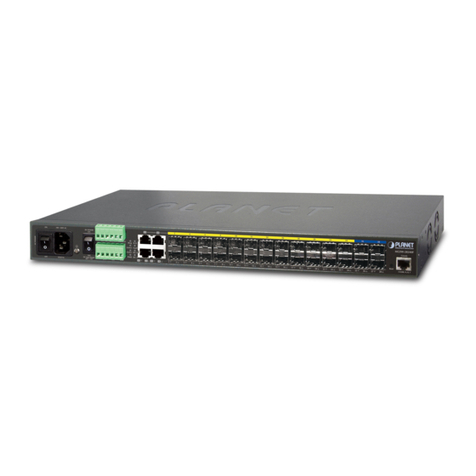
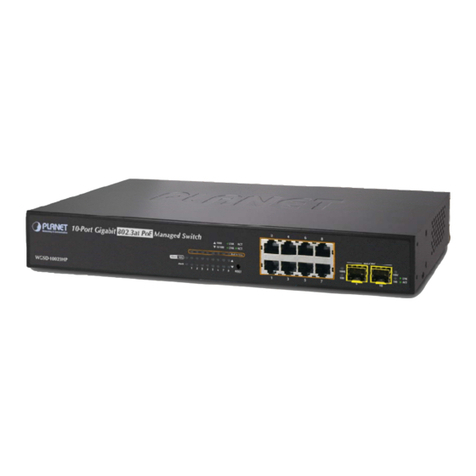
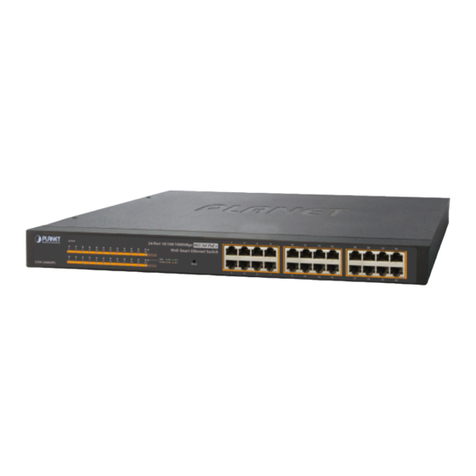
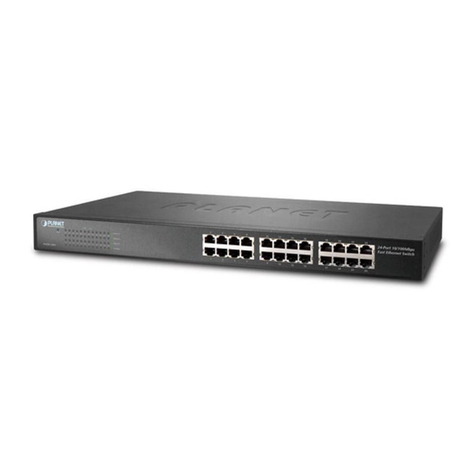
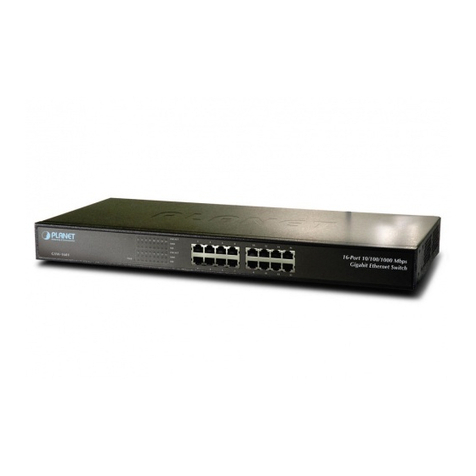
Thank you for purchased the PLANET FGSW-4840S, 48+4G
Ethernet Web Smart Switch.
Open the box of the Switch and carefully unpack it. The box
should contain the following items:
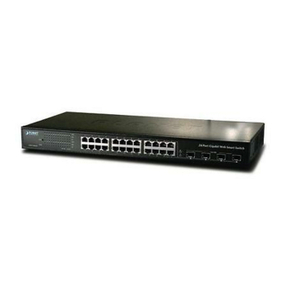
● WebSmartGigabitEthernetSwitchx1
● User’smanualCDx1
● Quickinstallationguidex1
● PowerCordx1
● Rubberfeetx4
● Tworack-mountingbracketswithattachmentscrewsx1
If any item is found missing or damaged, please contact your
local reseller for replacement.
Requirements
• Workstations of subscribers running Windows 98/2000/XP/
ME, NT4.0, MAC OS9 or later, Linux, UNIX or other platform
compatiblewithTCP/IPprotocols.
• WorkstationinstalledwithEthernetNIC(NetworkCard).
• Ethernet Port connect
□ Network cables - Use standard network (UTP) cables with
RJ45connectors.
□ Above PC installed with Web Browser and JAVA runtime
environmentPlug-in.
It is recommended to use Internet Explore
6.0orabovetoaccesstheSwitch.
Start Web Management
The following shows how to startup the Web Management of
the Switch, please note the Switch is congured through an
Ethernet connection, make sure the manager PC must be set
on the same IP subnet address.
For example, the default IP address of the Switch is
192.168.0.100, then the manager PC should be set at
192.168.0.x (where x is a number between 1 and 254, except
100),andthedefaultsubnetmaskis255.255.255.0.
1.Use Internet Explorer 6.0 or above Web browser, enter IP
addresshttp://192.168.0.100toaccesstheWebinterface.
2. When the Login page is shown, the system will ask you to
enter the username and password.
DefaultUsername:admin
DefaultPassword:admin
ThescreenappearsasFigure3-1.
Figure 3-1 Web Login Page screen
3. After entering the username and password, the main screen
appears as Figure 3-2.
Figure 3-2 Web Main Screen of Switch
Now, you can use the Web management interface to continue
the switch management. Please refer to the user manual for
more.
Customer Support
Thank you for purchase PLANET products. You can browse our
online FAQ resource at the PLANET Web site rst to check if it
could solve you issue. If you need more support information,
please contact PLANET switch support team.
PLANETonlineFAQ:
http://www.planet.com.tw/support/faq.php
Switch support team mail address:
support_switch@planet.com.tw