manuals.online logo
Brands
  1. Home
  2. •
  3. Brands
  4. •
  5. PMV Mounts
  6. •
  7. Projector Accessories
  8. •
  9. PMV Mounts PMVMOUNT6PM User manual

PMV Mounts PMVMOUNT6PM User manual

Other PMV Mounts Projector Accessories manuals

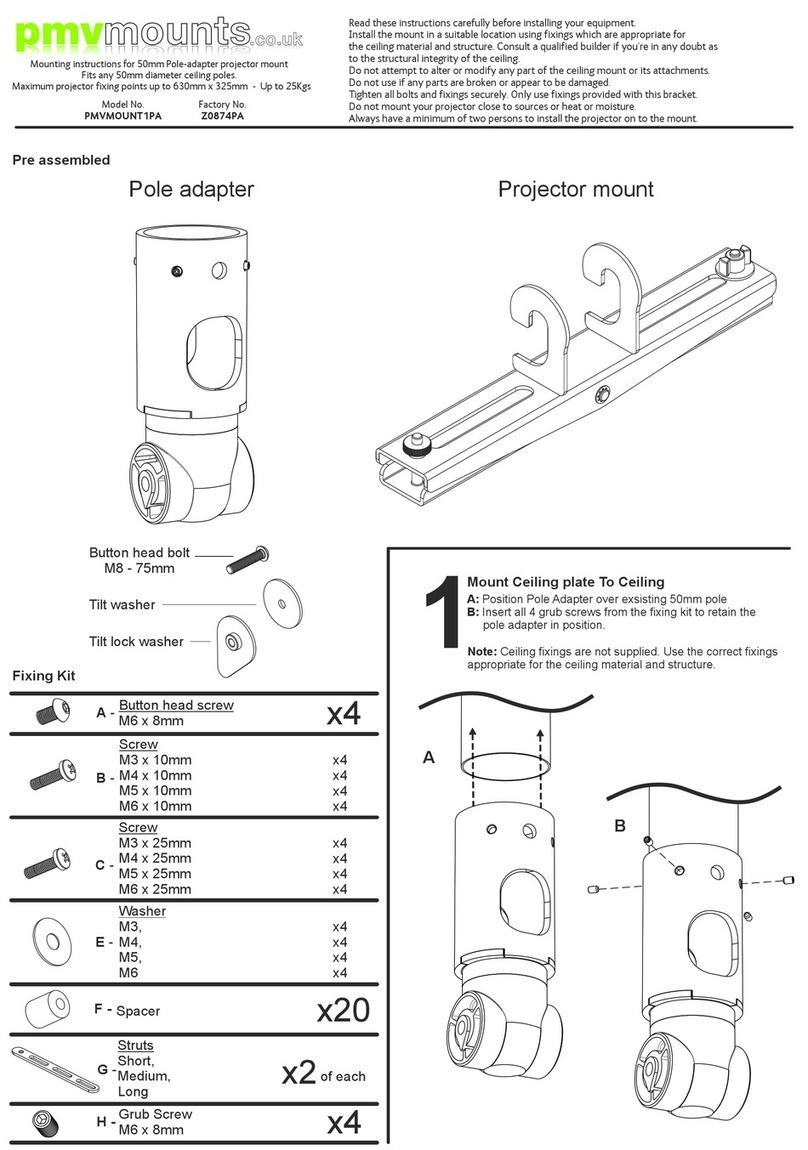
PMV Mounts PMVMOUNT1PA User manual

PMV Mounts

PMV Mounts PMVMOUNT1PA User manual

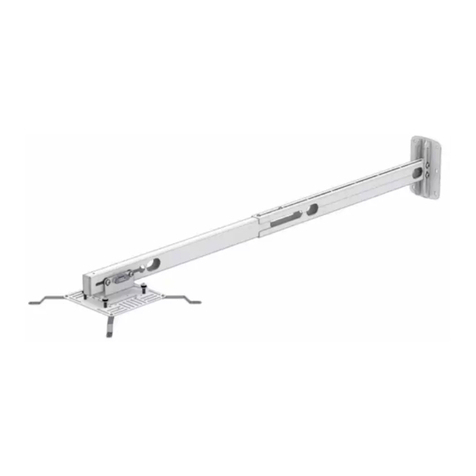
PMV Mounts PMVSHORTTHROW User manual

PMV Mounts

PMV Mounts PMVSHORTTHROW User manual

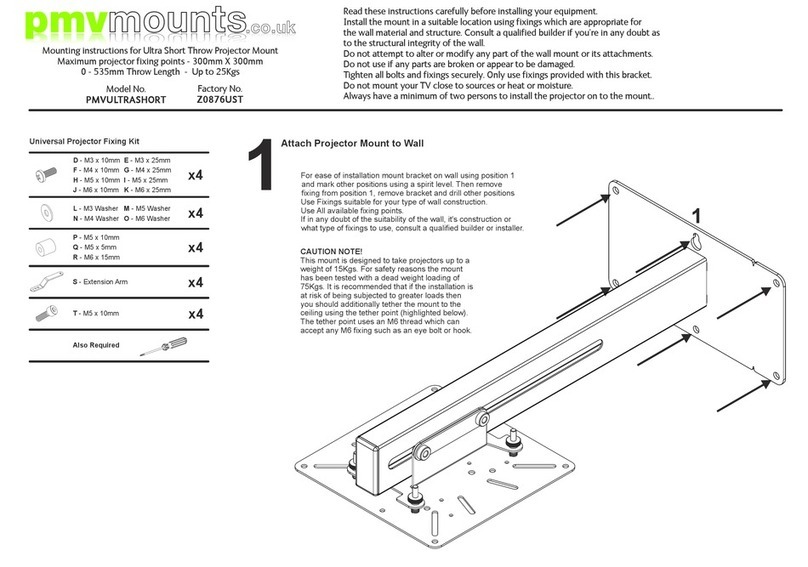
PMV Mounts PMVULTRASHORT User manual

PMV Mounts

PMV Mounts PMVULTRASHORT User manual

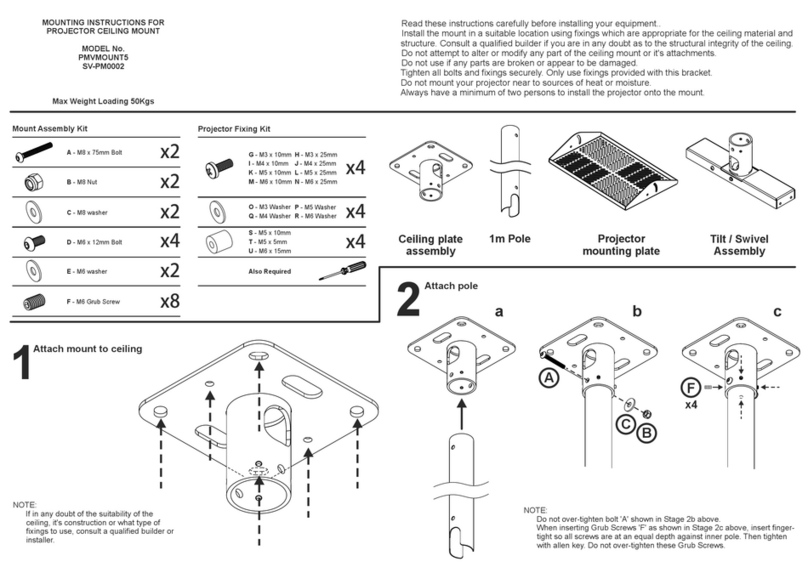
PMV Mounts PMVMOUNT5 User manual

PMV Mounts

PMV Mounts PMVMOUNT5 User manual

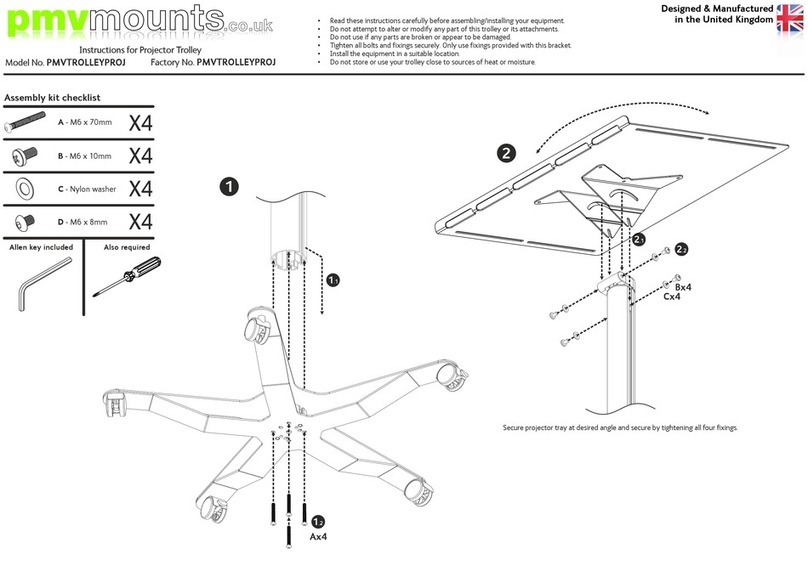
PMV Mounts PMVTROLLEYPROJ User manual

PMV Mounts

PMV Mounts PMVTROLLEYPROJ User manual

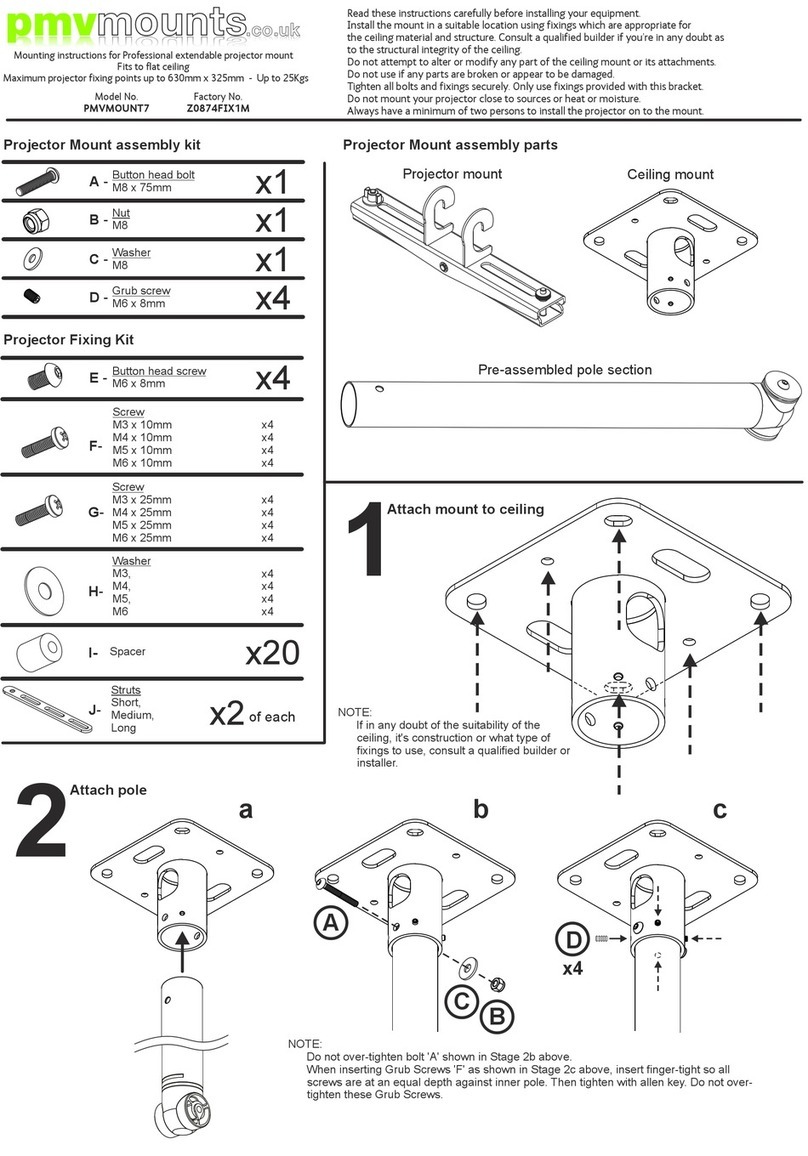
PMV Mounts PMVMOUNT7 User manual

PMV Mounts

PMV Mounts PMVMOUNT7 User manual

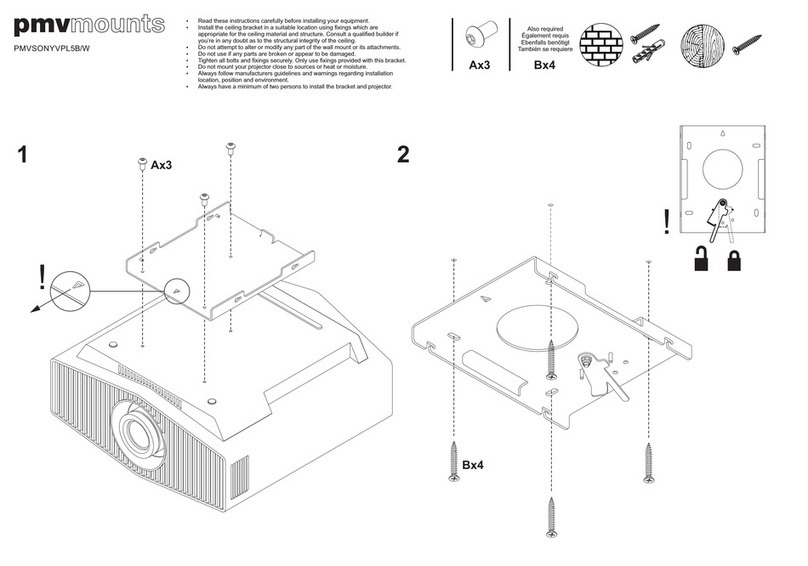
PMV Mounts PMVSONYVPL5B/W User manual

PMV Mounts

PMV Mounts PMVSONYVPL5B/W User manual

Popular Projector Accessories manuals by other brands

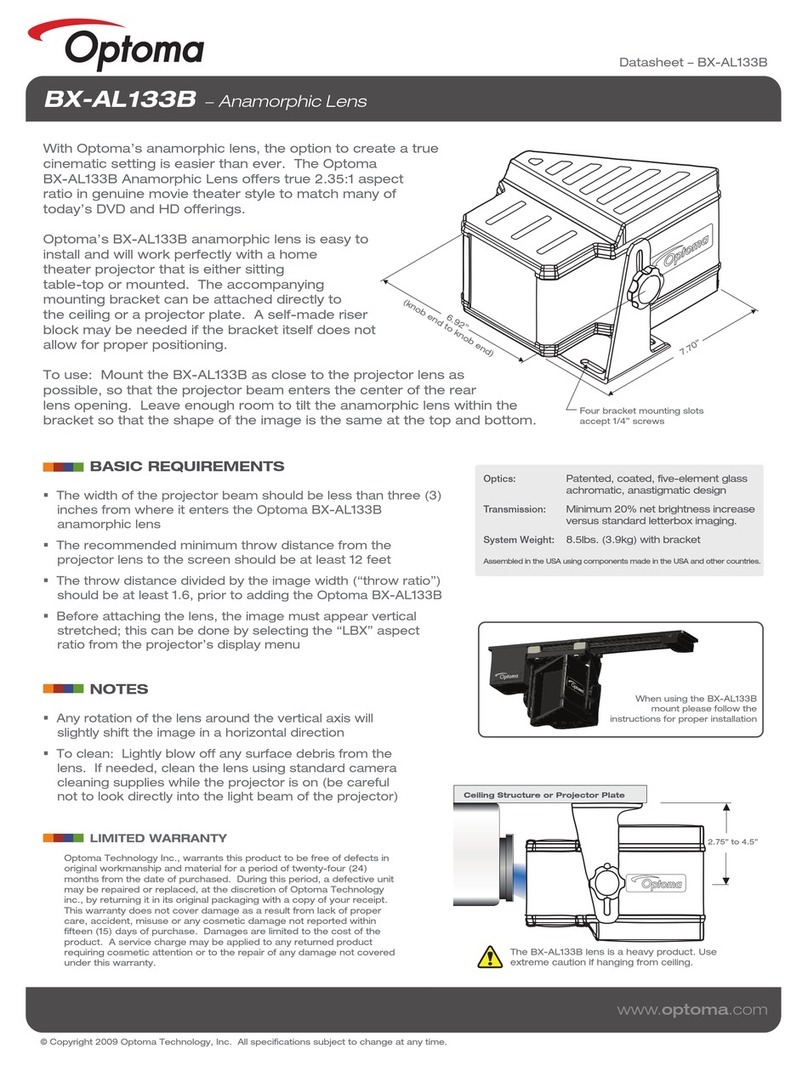
Optoma BX-AL133B datasheet

Optoma

Optoma BX-AL133B datasheet

PEERLESS PE 1120 Installation and assembly

PEERLESS

PEERLESS PE 1120 Installation and assembly

Osram SIRIUS HRI Series Directions for use

Osram

Osram SIRIUS HRI Series Directions for use

Presentation Switchers PS111 quick start

Presentation Switchers

Presentation Switchers PS111 quick start

Kramer VIA GO user manual

Kramer

Kramer VIA GO user manual

Yamaha PJL-112 Replacement guide

Yamaha

Yamaha PJL-112 Replacement guide

Mitsubishi Electric 236CB Features

Mitsubishi Electric

Mitsubishi Electric 236CB Features

Epson BrightLink 475Wi user guide

Epson

Epson BrightLink 475Wi user guide

Acer WP100 quick guide

Acer

Acer WP100 quick guide

Biamp Modena Hub Network administrator's guide

Biamp

Biamp Modena Hub Network administrator's guide

Panamorph DCR-S3 installation guide

Panamorph

Panamorph DCR-S3 installation guide

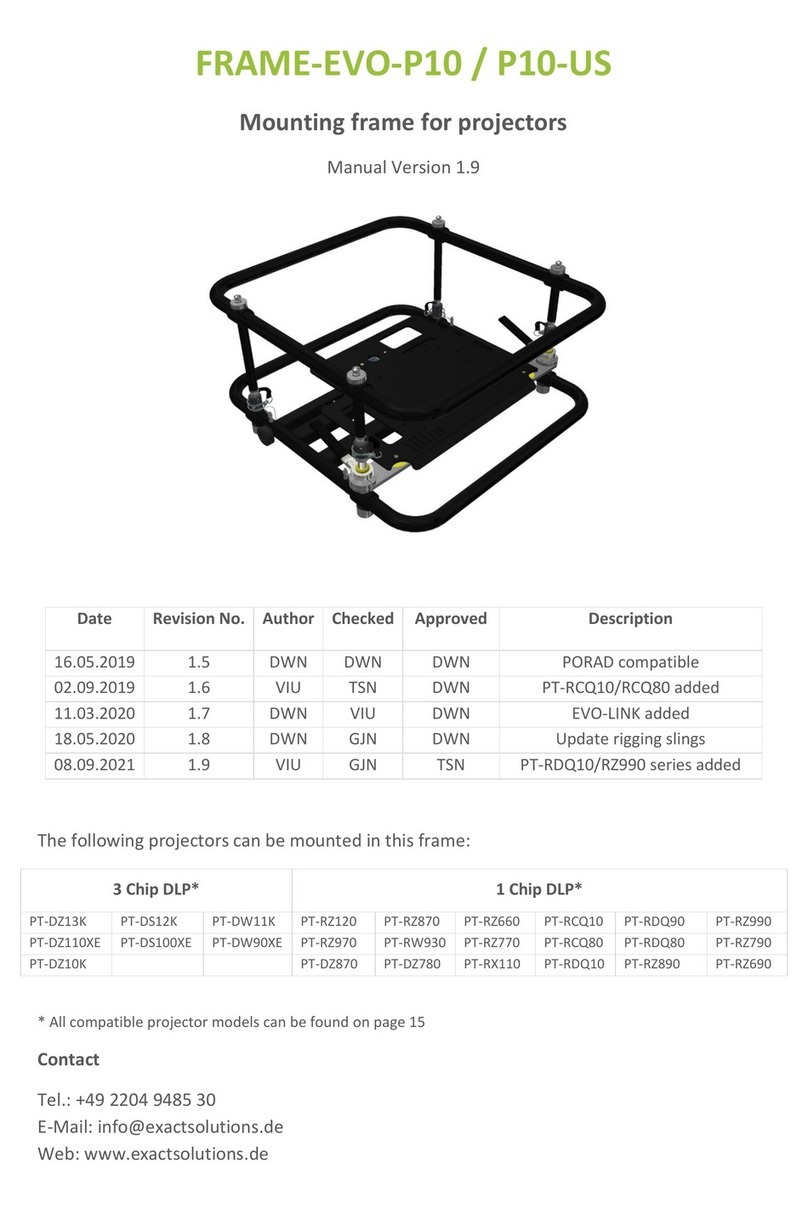
Exact solutions FRAME-EVO-P10 manual

Exact solutions

Exact solutions FRAME-EVO-P10 manual

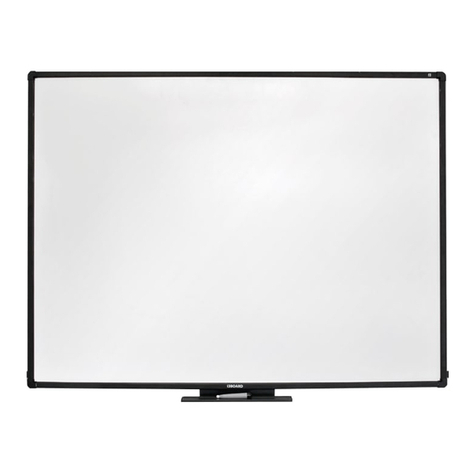
i3 i3board user manual

i3

i3 i3board user manual

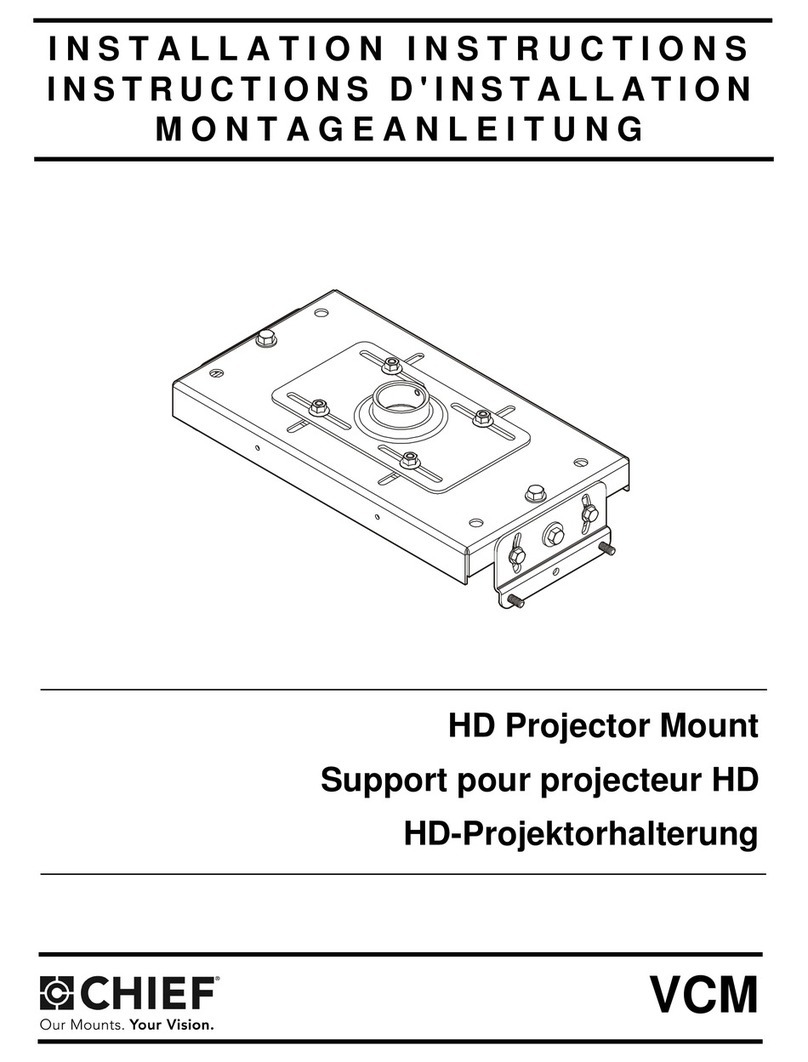
CHIEF VCM103S installation instructions

CHIEF

CHIEF VCM103S installation instructions

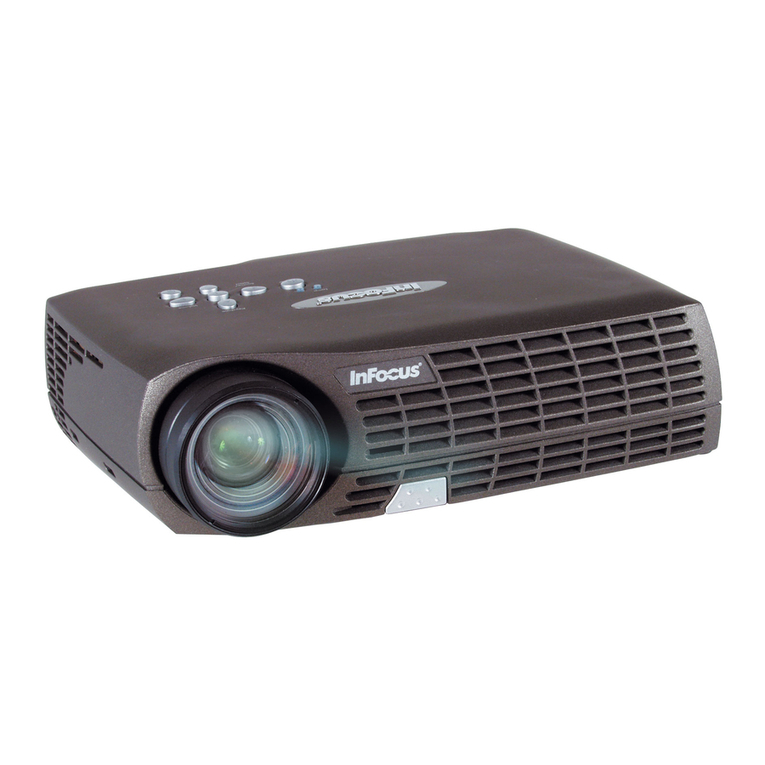
InFocus LP70+ Replacement instructions

InFocus

InFocus LP70+ Replacement instructions

Sharp AN-PH20EZ Operation manual

Sharp

Sharp AN-PH20EZ Operation manual

PDR UPM51 product manual

PDR

PDR UPM51 product manual

CHIEF HB-43E installation instructions

CHIEF

CHIEF HB-43E installation instructions

manuals.online logo
manuals.online logoBrands
  • About & Mission
  • Contact us
  • Privacy Policy
  • Terms and Conditions

Copyright 2025 Manuals.Online. All Rights Reserved.

Attach Ceiling Plate To Ceiling
1
Projector Fixing Kit
B - M4 x 12mm
C - M5 x 12mm
D - M6 x 12mmA - M3 x 10mm
E - M4 x 16mm
F - M5 x 16mm
G - M6 x 16mm
H - M5 x 12mm
J - Tilt locking bolt M6 x 55mm
I - Extension arm
K - Tilt locking nut
L - Tilt locking washer
Also required
x4
x4
x1
x4
x1
x1
pmvmounts.co.uk
Mounting instructions for ultra-close coupled projector mount with
PROMETHEAN adapter.
Maximum projector fixing points up to 300mm x 300mm - Up to 15Kgs
Model No.
PMVMOUNT6PM
Factory No.
Z0874BGT
ŸRead these instructions carefully before installing your equipment.
ŸInstall the mount in a suitable location using fixings which are appropriate for
the ceiling material and structure. Consult a qualified builder if you’re in any doubt as
to the structural integrity of the ceiling.
ŸDo not attempt to alter or modify any part of the ceiling mount or its attachments.
ŸDo not use if any parts are broken or appear to be damaged.
ŸTighten all bolts and fixings securely. Only use fixings provided with this bracket.
ŸDo not mount your projector close to sources or heat or moisture.
ŸAlways have a minimum of two persons to install the projector on to the mount.
A-G
NOTE:
Do not tighten
screws at this stage
NOTE:
To locate fixing points on projector, consult
the projector user manual. Position arms
over fixing points with the plate as central
as possible to the projector body.
NOTE:
Once the plate is positioned in the desired
location then all the fixing screws can be
tightened.
ab
c
M3&M4 M5 M6

3Secure the PROMETHEAN adapter
4Secure projector and mount to Promethean product as per
the Promethean instruction manual.
K
J
L
2Position the PROMETHEAN Adapter