manuals.online logo
Brands
  1. Home
  2. •
  3. Brands
  4. •
  5. PROAIM
  6. •
  7. Construction Equipment
  8. •
  9. PROAIM Cinema P-21-JS User manual

PROAIM Cinema P-21-JS User manual

This manual suits for next models

1

Other PROAIM Construction Equipment manuals

PROAIM P-WV-2PP User manual

PROAIM

PROAIM P-WV-2PP User manual

PROAIM CINEMA Series User manual

PROAIM

PROAIM CINEMA Series User manual

PROAIM P-CMBD-S User manual

PROAIM

PROAIM P-CMBD-S User manual

PROAIM P-21-J User manual

PROAIM

PROAIM P-21-J User manual

PROAIM CINEMA Series User manual

PROAIM

PROAIM CINEMA Series User manual

PROAIM P-WV-2SD User manual

PROAIM

PROAIM P-WV-2SD User manual

PROAIM P-18-JS User manual

PROAIM

PROAIM P-18-JS User manual

PROAIM P-18-JS User manual

PROAIM

PROAIM P-18-JS User manual

PROAIM Fly 22 User manual

PROAIM

PROAIM Fly 22 User manual

PROAIM P-WV-2 User manual

PROAIM

PROAIM P-WV-2 User manual

PROAIM JB-AS04-00 User manual

PROAIM

PROAIM JB-AS04-00 User manual

Popular Construction Equipment manuals by other brands

Ammann AV23-2 manual

Ammann

Ammann AV23-2 manual

stellar labs Model 7628 owner's manual

stellar labs

stellar labs Model 7628 owner's manual

Hailo H-50 manual

Hailo

Hailo H-50 manual

Graco LineLazer ES 1000 Operation - repair - parts

Graco

Graco LineLazer ES 1000 Operation - repair - parts

Greenlee 555RSC instruction manual

Greenlee

Greenlee 555RSC instruction manual

Manitowoc Grove CD3340B Service manual

Manitowoc

Manitowoc Grove CD3340B Service manual

Lux Tools A-FMR-20 Set manual

Lux Tools

Lux Tools A-FMR-20 Set manual

SIP 03683 manual

SIP

SIP 03683 manual

Volvo L30G Operator's manual

Volvo

Volvo L30G Operator's manual

Grizzly G8712 instruction sheet

Grizzly

Grizzly G8712 instruction sheet

Case DV201 Service manual

Case

Case DV201 Service manual

Wacker Neuson DT05 Operator's manual

Wacker Neuson

Wacker Neuson DT05 Operator's manual

HYVA AMCO VEBA 81 Series WARNING, OPERATING AND MAINTENANCE MANUAL

HYVA

HYVA AMCO VEBA 81 Series WARNING, OPERATING AND MAINTENANCE MANUAL

Atlas Copco Dynapac V5100TV manual

Atlas Copco

Atlas Copco Dynapac V5100TV manual

Manitowoc National Crane 1400A Operator's manual

Manitowoc

Manitowoc National Crane 1400A Operator's manual

SGS EC1500 owner's manual

SGS

SGS EC1500 owner's manual

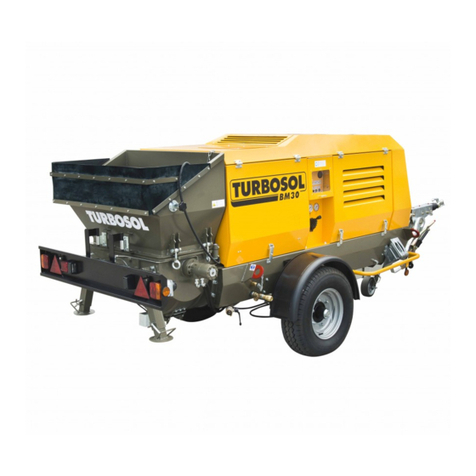
Turbosol BM 30 Use and maintenance manual

Turbosol

Turbosol BM 30 Use and maintenance manual

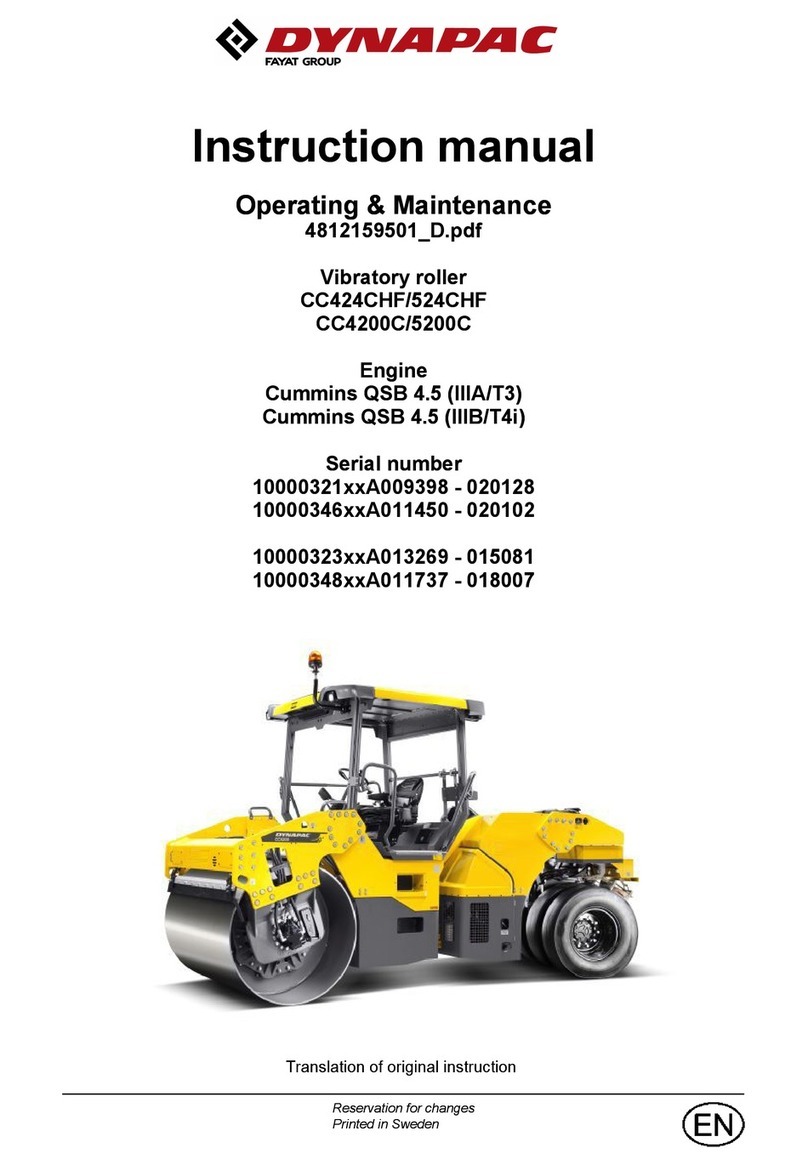
Fayat CC424CHF instruction manual

Fayat

Fayat CC424CHF instruction manual

manuals.online logo
manuals.online logoBrands
  • About & Mission
  • Contact us
  • Privacy Policy
  • Terms and Conditions

Copyright 2025 Manuals.Online. All Rights Reserved.

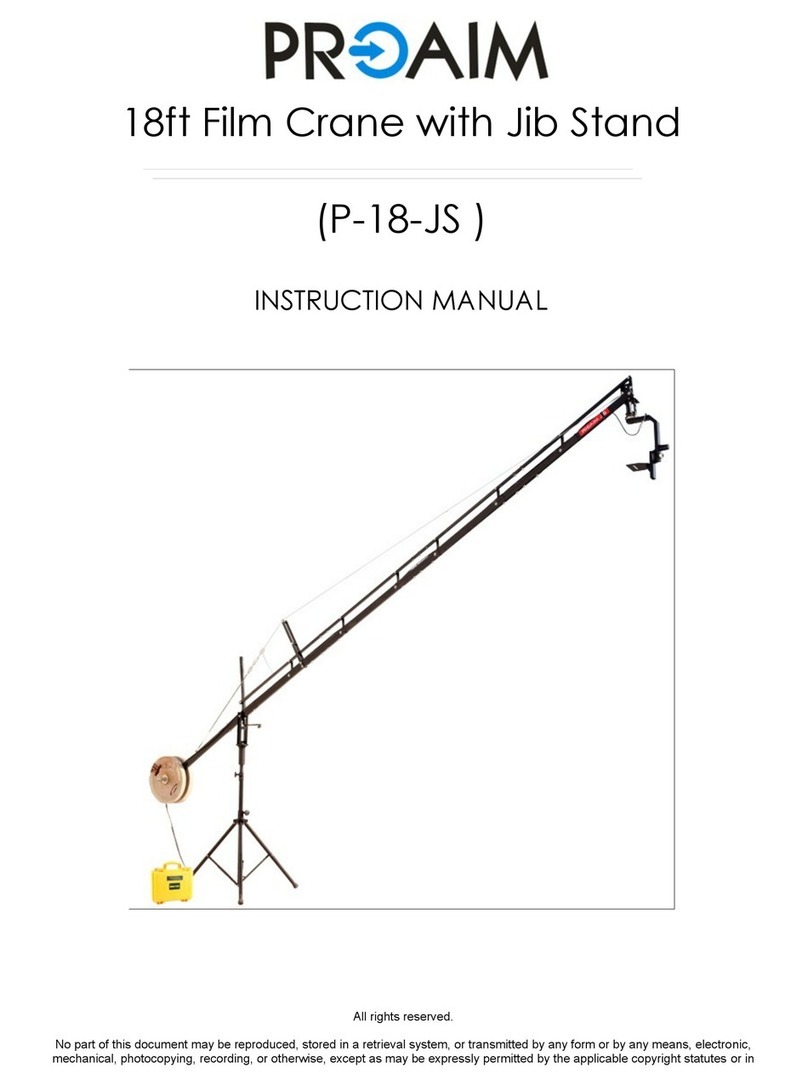
Instruction Manual
Alphabet 21ft Jib Crane with 100mm
Bowl Tripod Stand(P-21-JS)
2
Subject Page
Foreword 3
Introducon 4
Assembling 5-10
Warranty 11
At Proaim, our goal is to ensure 100% Customer Sasfacon in all that we do.
We back our sales with a 1 year warranty from the date of purchase and work hard
to resolve any problems in the unlikely event one should arise.
With our commitment to connuous improvement and your Feedback, building on
our reputaon of providing aordable, quality products is
PRIORITY #1.
Table of Contents
3
Dear Client,
On behalf of all the people that work so hard to provide you with the most
up-to-date, exible and cost-ecient producon gear, we would like to welcome
you into the Proaim family.
By purchasing your Proaim Alphabet 21 Jib Crane with 100mm Bowl Tripod Stand,
you have just joined a host of designers, engineers, machinists, assembly, customer
service and oce sta that take great pride in all that they do. Our mantra of
connuous improvement has been the guiding principle of how we conduct our
business since day one.
Once you have the opportunity to experience your new Proaim Alphabet 21 Jib
Crane with 100mm Bowl Tripod Stand, we hope you will agree that we cra quality
products at a compeve price. Products designed to meet and exceed the
standards of today’s real producon world.
Standards set by our valued clients and standards we strive to maintain.
With Best Wishes,
Proaim Team
Welcome To Proaim!

4
Introducon
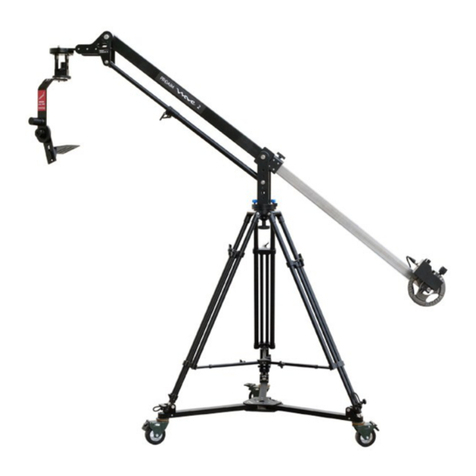
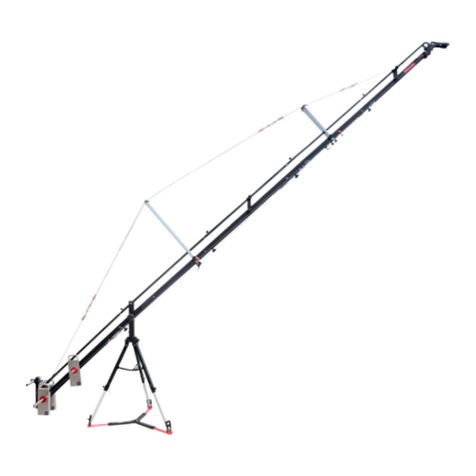
Proaim introduces its new Alphabet 21 Jib Crane with 100mm CST-100 stand, fully
loaded with features like fastest tool-less setup capability, high-strength build and
enhanced stability. Considering the need of lm producons, this travel friendly
camera jib crane with unbeatable high-end quality and technicalies oers
promising performance and reliability. Either wedding shoot or any indoor sports
event it allows every videographer to expand his shoong range. Take a deeper
look at Proaim Alphabet 21 video Jib Crane with 100mm CST-100 stand, and you’ll
nd innovaon on every level.
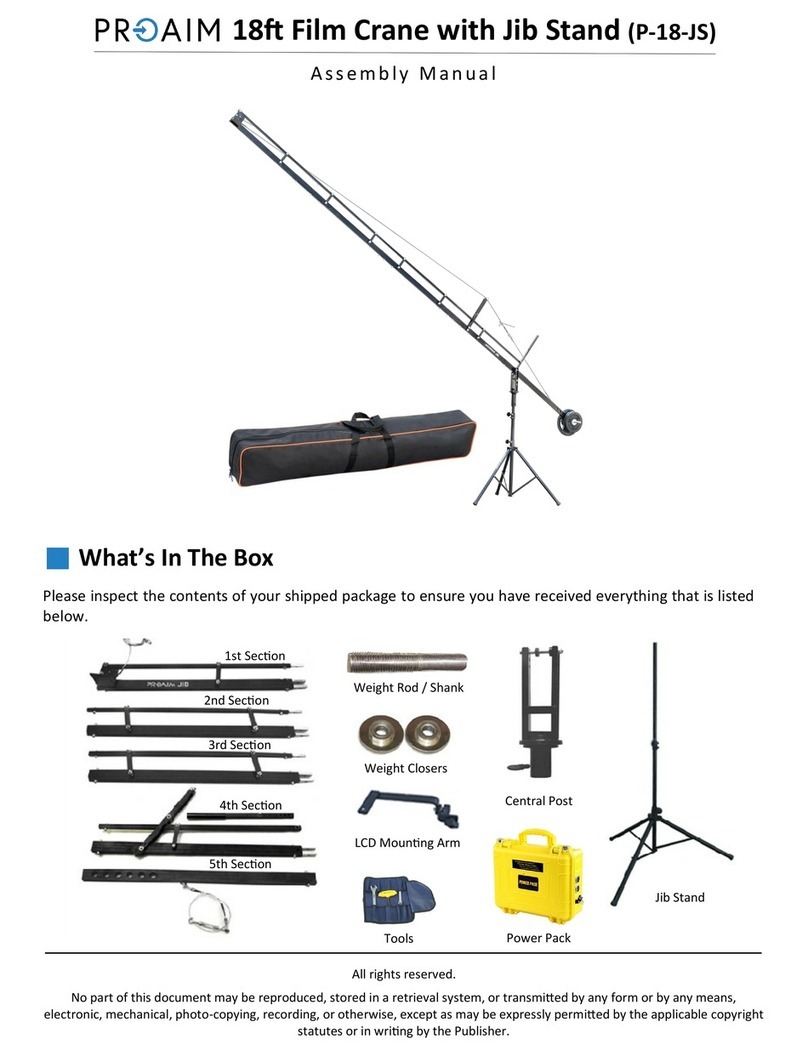
What’s In The Box
Please inspect the contents of your shipped package to ensure you have received
everything that is listed below.
Jib Secons Jib Stand With Spreader
Supporng Accesssories
5
Cables With Length And Quanty
Storage Bag
 Take out the Spreader from the Accessory Bag. Spread the spreader on oor and open the
legs of spreader with the help of provided knob and aach the stand with spreader.
Assembling
6
Assembling Jib Secons
 Install the Hub (Secon 2 of Jib) into bowl of your 100 mm tripod stand and ghten the hub
with center locking knob.
 Then ghten both the secons together
using the provided knobs.
Knobs
Connecng Jib Arm Secons
Secon 2 with 3 :
 Loosen the provided knob at the end of secon 2 to slide the bars of secon 3 into the end of
secon 2 .
7
Assembling Cable Guide And Support Rod
For Aaching Secon 2a with 2, 2b with 2a, 2c with 2b & 1 with 2c :
 Aach cable guide to cable guide clamp on 2nd secon properly. Loosen the knob, ahead of
cable guide clamp in order to aach cable guide support rod to it.
 Reghten the knob to secure properly.
Assembling Cables
 Now aach one end of 14.5 blue cable to blue hook on back side of jib (secon 3 ) and the
other end of blue cable to blue hook on front secon of jib (secon 1).
8
 Then, aach the other end of red cable
to red hook on front secon of jib
(secon 1).
 Now aach one end of 14.3 red cable to red hook on back side of jib (secon 3 ) and align
the red cable to the cable guide from top.
 Similarly aach the second blue cable
and align both the blue cables to the
side of support rod.
9
 Insert the weight rod & weights (not supplied) to both ends and secure with the help of
closers.
 The jib arm can be locked (lng) with
the help of this knob.
Adjusng The Wire Tensioner
 The wires have the screw-in wire
adjustment system in order to adjust
the wire tension to level the jib .
10
 The camera plate can be lted upwards & downwards with the help of provided handle.
 The central fork has free hole to aach LCD mount bracket (not included) .