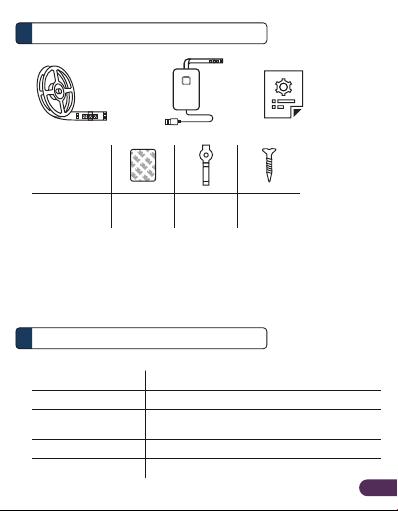
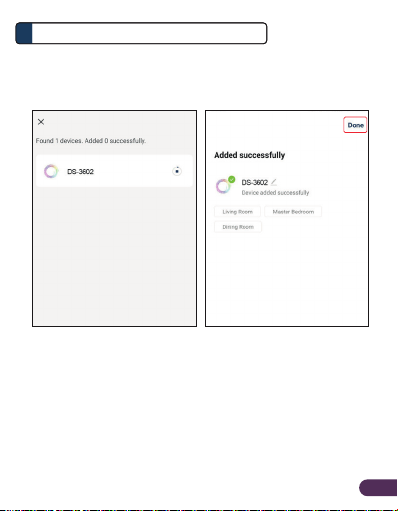
EN2
To reset the LED strip to
default setting
To switch between Auto Add/
EZ Mode and AP Mode
configurations
Press and Hold the button
from Smart Controller
Activity Action Required
Overview
2
Installation
3
A. Preparation
1. Place the LED strip and Phone within three feet of
the router.
Note:
•Make sure the phone is connected to the router through a 2.4GHz
wireless network.
•Smart LED strip only operates when connected to 2.4GHz wireless
network.
2. Download, install and create an account through the
Prolink mEzee app. You can scan the QR code below
to download from Google Store or Apple App Store.
Alternatively, search for "mEzee".
English