manuals.online logo
Brands
  1. Home
  2. •
  3. Brands
  4. •
  5. Pyle Pro
  6. •
  7. Microphone System
  8. •
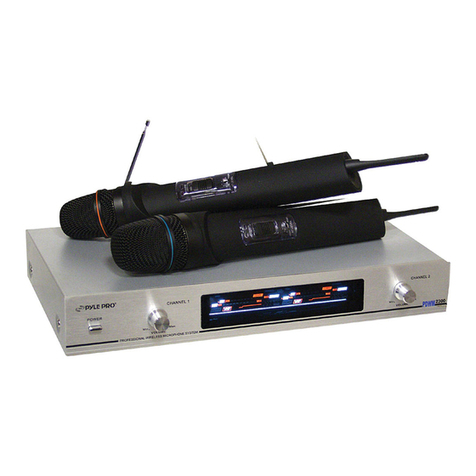
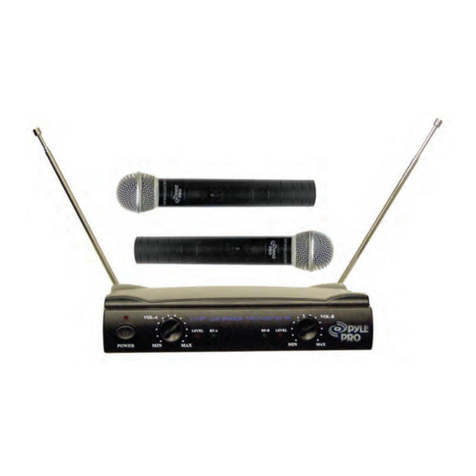
  9. Pyle Pro PDWM 2500 User manual

Pyle Pro PDWM 2500 User manual

This manual suits for next models

1

Other Pyle Pro Microphone System manuals
Pyle Pro PDWM4520 User manual

Pyle Pro

Pyle Pro PDWM4520 User manual

Pyle Pro PDWM 2250 User manual

Pyle Pro

Pyle Pro PDWM 2250 User manual

Pyle Pro Premier Series User manual

Pyle Pro

Pyle Pro Premier Series User manual

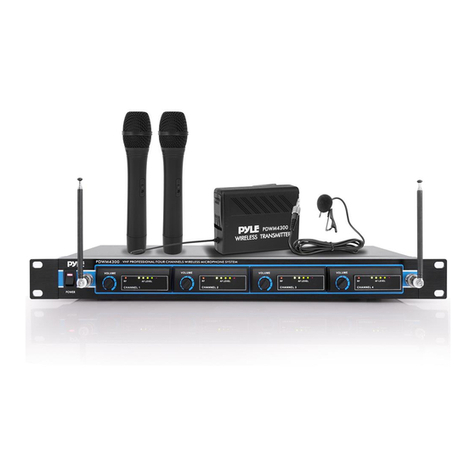
Pyle Pro PDWM4300 User manual

Pyle Pro

Pyle Pro PDWM4300 User manual

Pyle Pro PDWM9300 User manual

Pyle Pro

Pyle Pro PDWM9300 User manual

Pyle Pro PDWM-2600 User manual

Pyle Pro

Pyle Pro PDWM-2600 User manual

Pyle Pro PDWM5500 User manual

Pyle Pro

Pyle Pro PDWM5500 User manual

Pyle Pro PDWM8880 User manual

Pyle Pro

Pyle Pro PDWM8880 User manual

Pyle Pro PDWM2560 User manual

Pyle Pro

Pyle Pro PDWM2560 User manual

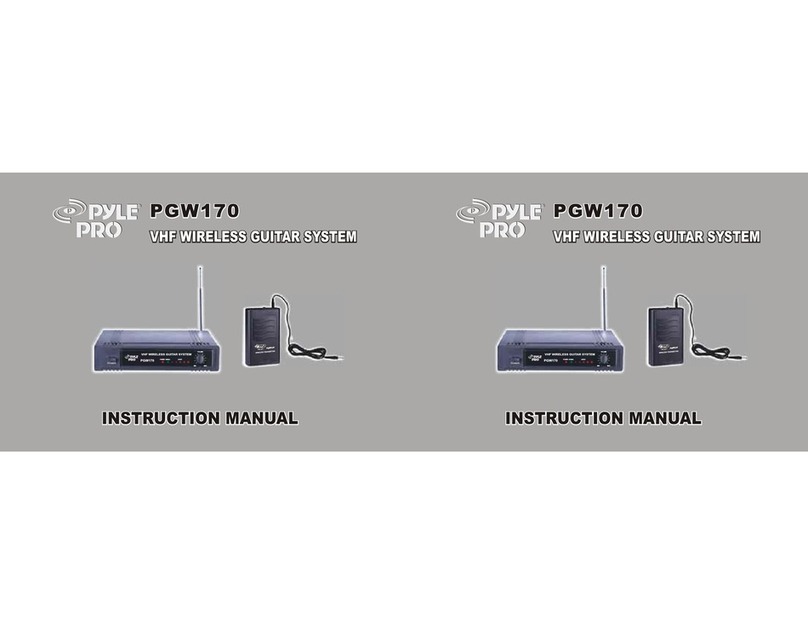
Pyle Pro PGW170 User manual

Pyle Pro

Pyle Pro PGW170 User manual

Pyle Pro PDWM2800 User manual

Pyle Pro

Pyle Pro PDWM2800 User manual

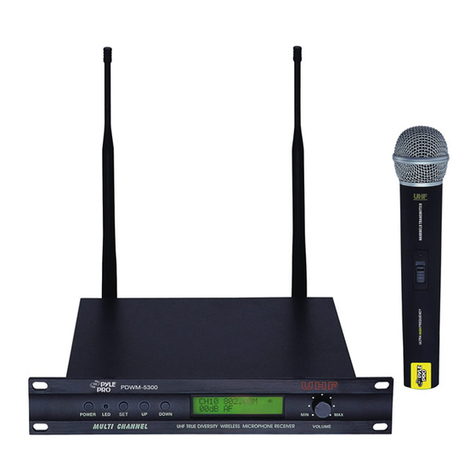
Pyle Pro PDWM5300 User manual

Pyle Pro

Pyle Pro PDWM5300 User manual

Pyle Pro PDWM4350U User manual

Pyle Pro

Pyle Pro PDWM4350U User manual

Pyle Pro PDWM2300 User manual

Pyle Pro

Pyle Pro PDWM2300 User manual

Pyle Pro PDWM2100 User manual

Pyle Pro

Pyle Pro PDWM2100 User manual

Pyle Pro PDWM2700 User manual

Pyle Pro

Pyle Pro PDWM2700 User manual
Pyle Pro PDWM2450 User manual

Pyle Pro

Pyle Pro PDWM2450 User manual

Pyle Pro PDWM-2600 User manual

Pyle Pro

Pyle Pro PDWM-2600 User manual
Pyle Pro PDWM9000 User manual

Pyle Pro

Pyle Pro PDWM9000 User manual

Pyle Pro PWMA50B User manual

Pyle Pro

Pyle Pro PWMA50B User manual

Pyle Pro PDWM1500 User manual

Pyle Pro

Pyle Pro PDWM1500 User manual
Pyle Pro PDWM8700 User manual

Pyle Pro

Pyle Pro PDWM8700 User manual
Pyle Pro PDWM2500 User manual

Pyle Pro

Pyle Pro PDWM2500 User manual

Pyle Pro PDWM5000 User manual

Pyle Pro

Pyle Pro PDWM5000 User manual
Popular Microphone System manuals by other brands

INIM SAGITTARIUS VW2W instructions

INIM

INIM SAGITTARIUS VW2W instructions

AKG IVM 4500 User instructions

AKG

AKG IVM 4500 User instructions

Earthworks Audio PM40 manual

Earthworks Audio

Earthworks Audio PM40 manual

Nady Systems ENCORE 2 owner's manual

Nady Systems

Nady Systems ENCORE 2 owner's manual

Oklahoma Sound WM-200H instruction manual

Oklahoma Sound

Oklahoma Sound WM-200H instruction manual

Chiayo SDR-8200 Operation manual

Chiayo

Chiayo SDR-8200 Operation manual

Paso R824 quick start guide

Paso

Paso R824 quick start guide

Naxa NAM-982 instruction manual

Naxa

Naxa NAM-982 instruction manual

Xvive U3 user manual

Xvive

Xvive U3 user manual

Tekon DUOS installation guide

Tekon

Tekon DUOS installation guide

Heyuan Intelligence IOT-G2S-01 user manual

Heyuan Intelligence

Heyuan Intelligence IOT-G2S-01 user manual

Devine WMD-IE user manual

Devine

Devine WMD-IE user manual

LG LF-D7150 owner's manual

LG

LG LF-D7150 owner's manual

LD U305 HBH 2 user manual

LD

LD U305 HBH 2 user manual

Chainway URA8 user manual

Chainway

Chainway URA8 user manual

ORATOR D860TD instruction manual

ORATOR

ORATOR D860TD instruction manual

Sennheiser Evolution Wireless Digital EW-DX EM 2 quick guide
Sennheiser

Sennheiser Evolution Wireless Digital EW-DX EM 2 quick guide

Shure UA844 user guide

Shure

Shure UA844 user guide

manuals.online logo
manuals.online logoBrands
  • About & Mission
  • Contact us
  • Privacy Policy
  • Terms and Conditions

Copyright 2025 Manuals.Online. All Rights Reserved.

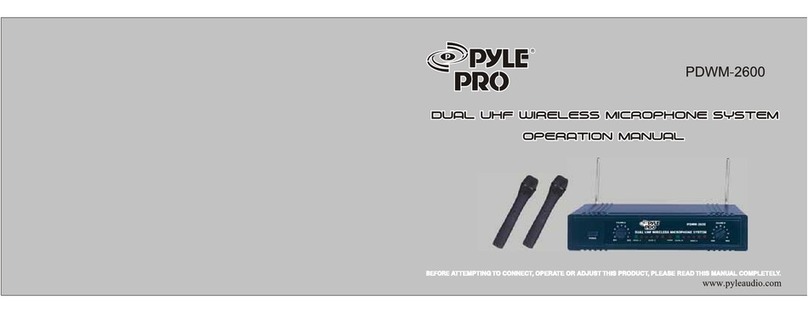
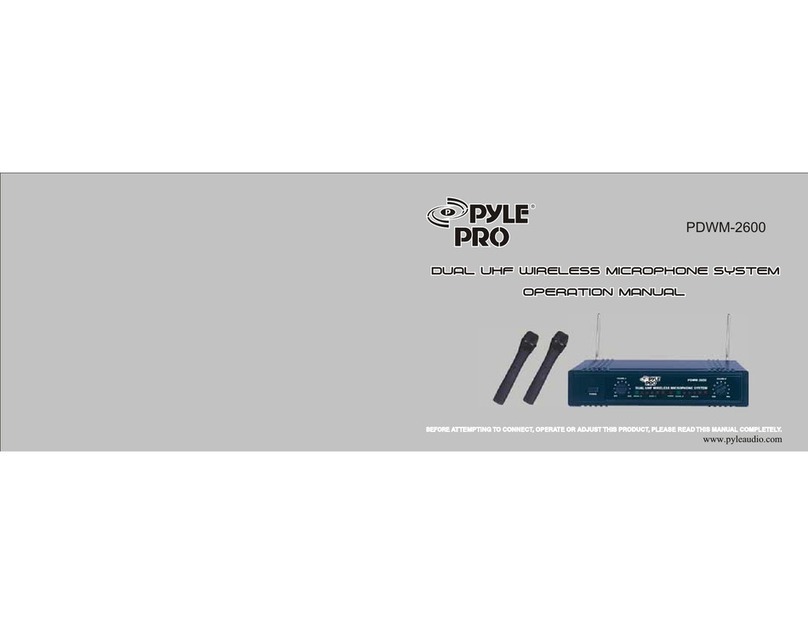
DUAL VHF WIRELESS SYSTEM
PDWM 2500
OPERATION MANUAL
DUAL VHF WIRELESS SYSTEM
OPERATION MANUAL
1
Precautions
Hand-held microphone
Receiver unit/operation
Installation
Trouble shooting
Specifications
Thank you for buying the PDWM2500 Wireless System. Please
read through these operation instructions so you will know how
to operate your model properly. After you read it, put it away in a
safe place for future reference.
Avoid exposure of the system to rain or moisture.
No user-serviceable parts inside the system. Refer all servicing to a qualified
technician only.
Handle the wireless system carefully, dropping or other shocks may cause
failure.
Avoid using the system where it may be subjected to heat, such as direct sunlight,
near radiators or other heat sources.
Should any liquid be spilt on the system, stop using it immediately. It may be
possible to dry the system, but you should have it checked by a qualified technician
before using it again.
Take care with the main power adapter and lead. If damaged in any way, do not use
the system and refer to a qualified technician for repair.
Only use the system with the supplied components. Do not attempt to use with any
other main power supply adapter .
If the is not going to be used for a while, remove the battery to
prevent leakage. In the event of electrolyte leakage inside the battery compartment,
carefully remove the leakage with a damp cloth. Take care not to get battery
electrolyte in contact with your skin, however if it does, wash your hands under a
running tap. If electrolyte comes into contact with your eyes, seek medical advice
immediately.
Only replace the battery with the same or an equivalent type.
Please dispose of old batteries in an environmentally friendly manner in accordance
with the relevant legislation.
Do not use any solvents to clean any part of the .
wireless system
wireless system
2
1. Unscrew the battery cover at the end of microphone, put a 9V battery into compartment with
correct polarities, then close the cover.
2. Move "ON/OFF" switch to "ON" position, "PWR" indic ator comes on b lue. If it does n't
come on, please check the voltage of battery or polarities.
3.
If the "LOW" indicator comes on,
this indicates the battery is dead. Please replace with a fresh battery.
The "MUTE" switch cuts off audio output without powering off the microphone. Move the switch
down to engage the mute feature, and up to turn it off.
3
1.Pull out the antennas A and B.
2.Insert one end of attached audio cable into "AF OUT" on rear panel, and the other end into
"MIC IN" or "AUX IN" of amplifier or mixer.
3.Connect the power adaptor from DC 12V of receiver to a main power socket.
4.Switch on the receiver. The power indicator comes on.
5.Switch on the microphone. The "RF" indicator on receiver comes on green. The "LEVEL"
indicator will light up Adjust the volume by VOL-A
and VOL-B control knobs.
Make sure they are completely extended and vertical.
when you speak into the microphone.
4
Using the supplied audio cable, connect from the AF Output jack socket to the
"MIC IN" / "LINE IN" socket on amplifier. Connect the mains power adaptor from
"DC 12V" jack to a suitable mains power socket.
Installation Location:
At least 3 ft. above ground level
At Least 3 ft. away from wall
5
The on air
indicator does
not light up
The wireless microphone is not
turned on. Turn on the wireless microphone
The microphone receiver is not
turned on. Turn on the microphone receiver
and the connected audio equipment
The microphone receiver is not
connected properly.
No sound
The battery in the wireless
microphone is weak. Replace the battery.
The microphone receiver is not
turned on .
Turn on the microphone receiver
and the connected audio equipment.
The connected audio equipment is
not turned on. Turn on the audio equipment.
The speakers/headphones. are not
connected to the audio equipment.
Connect the speakers/
headphones
The sound is
distorted
The battery in the wireless
microphone is weak. Replace the battery.
The AUDIO OUT on the receiver
is not set correctly.
A howling noise
heard from the
speakers.
The distance between the wireless
microphone and speakers are too
close.
Move the wireless microphone
away from the speakers or
change the direction of the
microphone.
The battery in the wireless
microphone is weak Replace the battery.
Adjust the volumecontrols.
Turn on the microphone receiver
and the connected audio equipment
6
A.Overall system
Oscillation mode: Quartz controlled
Carrier Frequency Range: VHF 160~270MHz
Frequency Stability: 30ppm
Modulation Mode: FM
Max Deviation: 75KHz
Dynamic Range: >100dB
S/N >60dB
T.H.D: <0.5%
Frequency Response: 80Hz~20KHz at 3dB
Operating range:
Operating Temperature: -20~50
B. Receiver
Sensitivity: 6dB V at S/N>20dB
Image Rejection: >50dB
De-emphasis: 50 s
Audio output level: 1V p-p
Audio Output Impedance: 600ohms
Power supply: DC 12V/ 200mA
Power Dissipation: <800mW
C. Transmitter
Mike capsule: Dynamic microphone
Pre-emphasis: 50 s
Antenna: Built-in housing
RF output power: <10mW
Spurious emission: >40dB
Battery: one 9V battery
Power Dissipation: <250mW
Up to 240 Feet