manuals.online logo
Brands
  1. Home
  2. •
  3. Brands
  4. •
  5. RAB Lighting
  6. •
  7. Lighting Equipment
  8. •
  9. RAB Lighting WP3LED User manual

RAB Lighting WP3LED User manual

Other RAB Lighting Lighting Equipment manuals

RAB Lighting LightAlert LOS1000 User manual

RAB Lighting

RAB Lighting LightAlert LOS1000 User manual

RAB Lighting VXBRLED User manual

RAB Lighting

RAB Lighting VXBRLED User manual

RAB Lighting SLIM 37 User manual

RAB Lighting

RAB Lighting SLIM 37 User manual

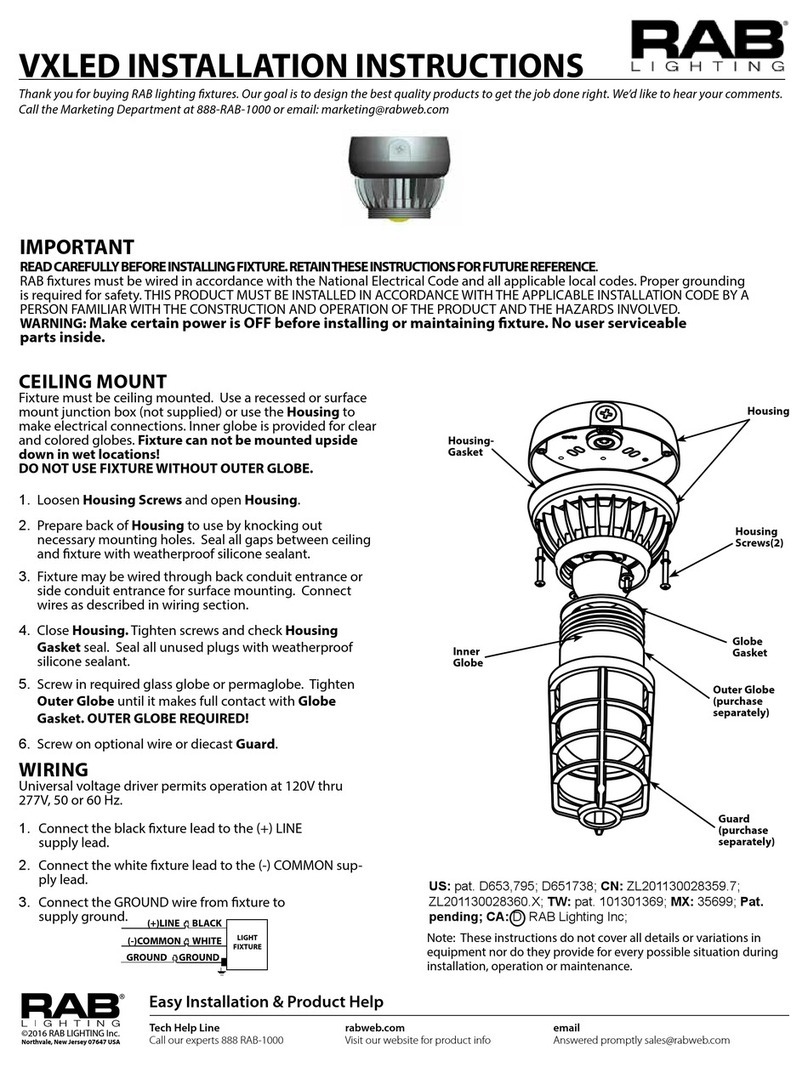
RAB Lighting VXLED User manual

RAB Lighting

RAB Lighting VXLED User manual

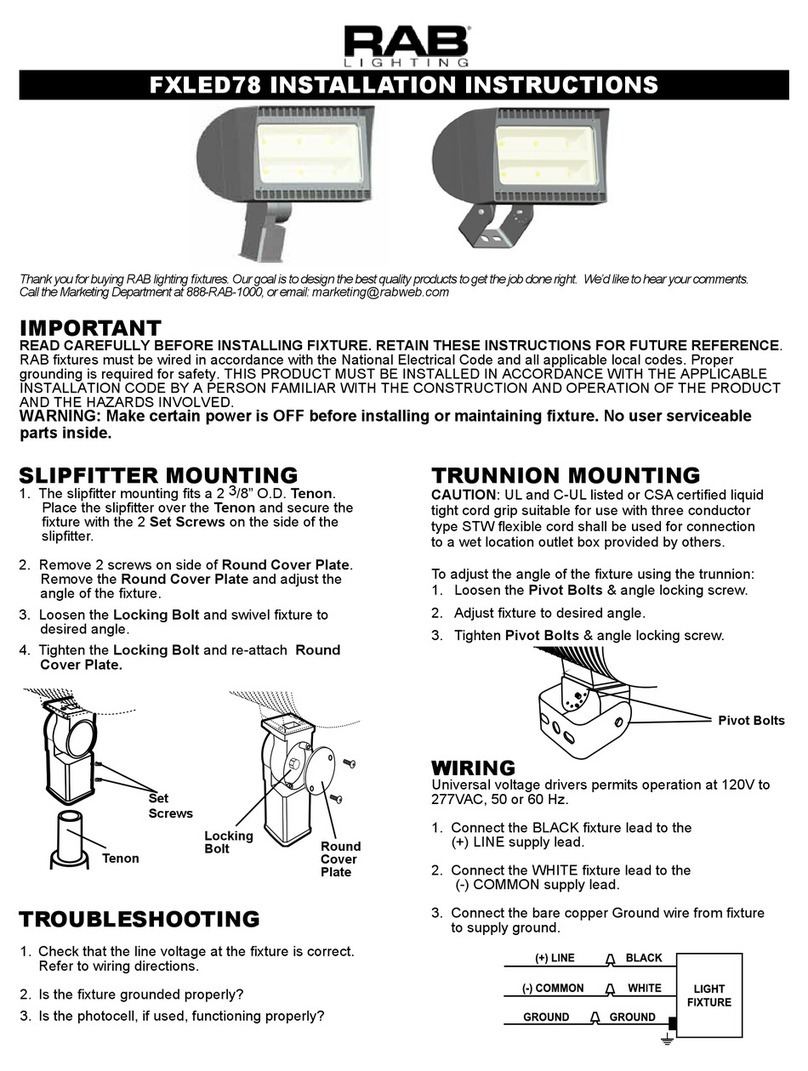
RAB Lighting FXLED78 User manual

RAB Lighting

RAB Lighting FXLED78 User manual

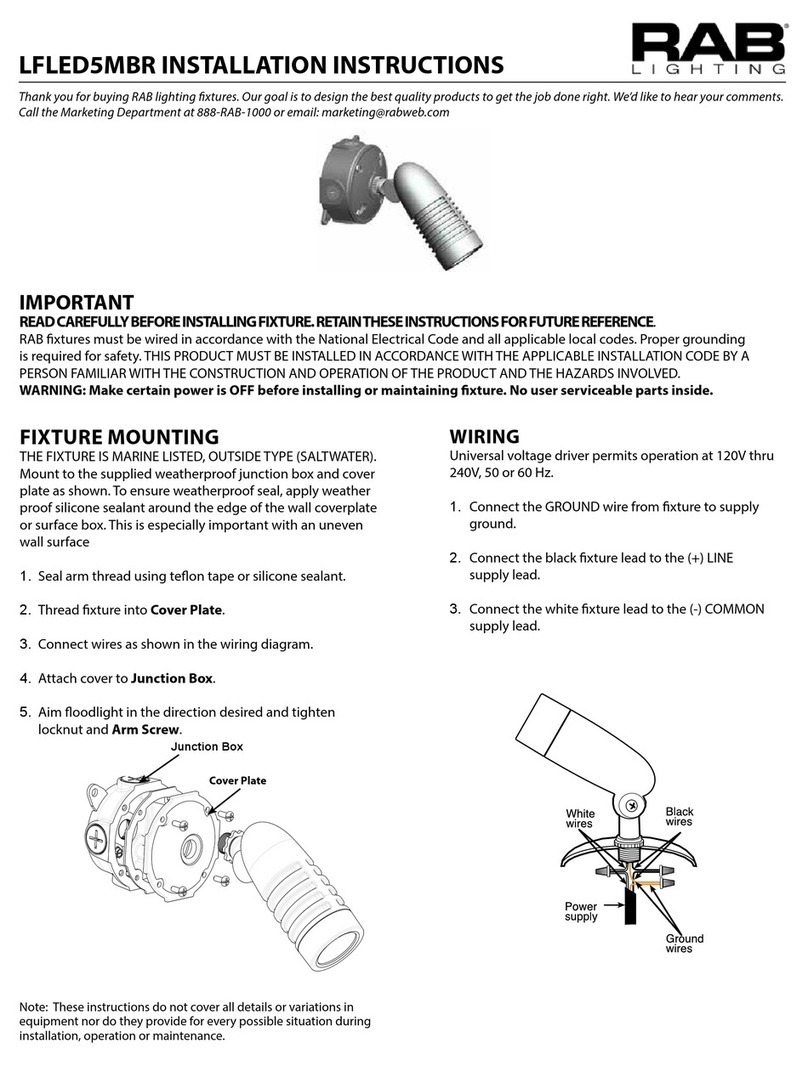
RAB Lighting LFLED5MBR User manual

RAB Lighting

RAB Lighting LFLED5MBR User manual

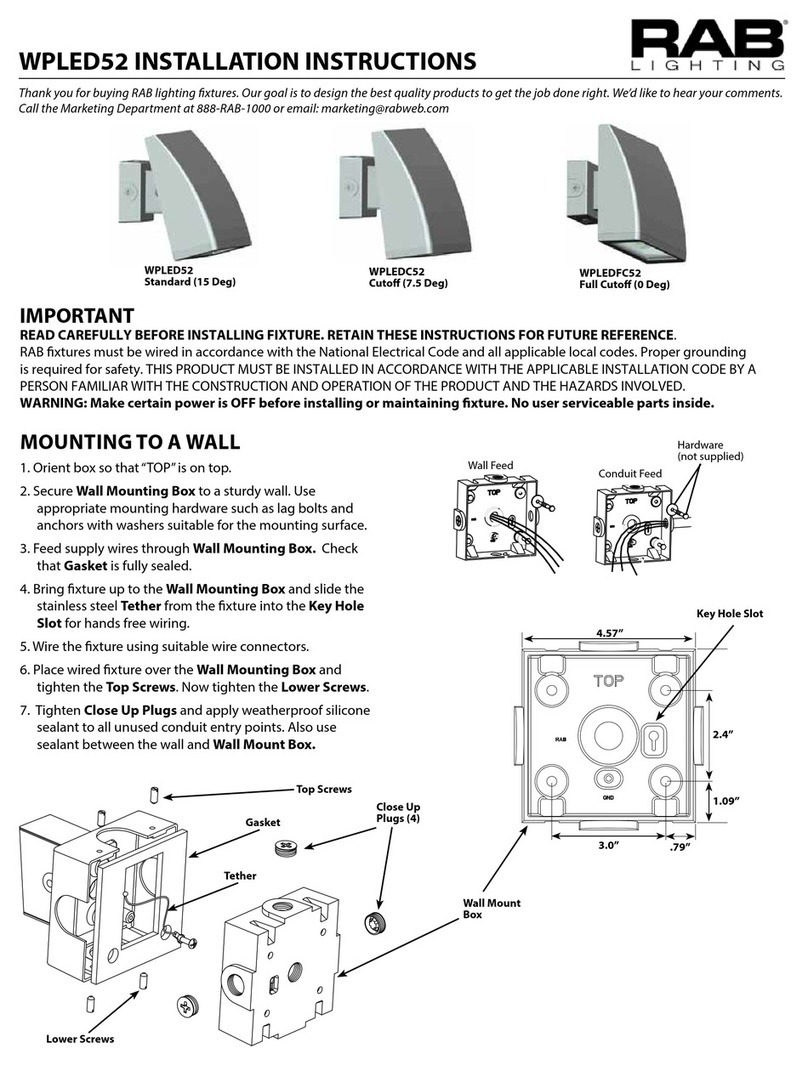
RAB Lighting WPLED52 User manual

RAB Lighting

RAB Lighting WPLED52 User manual

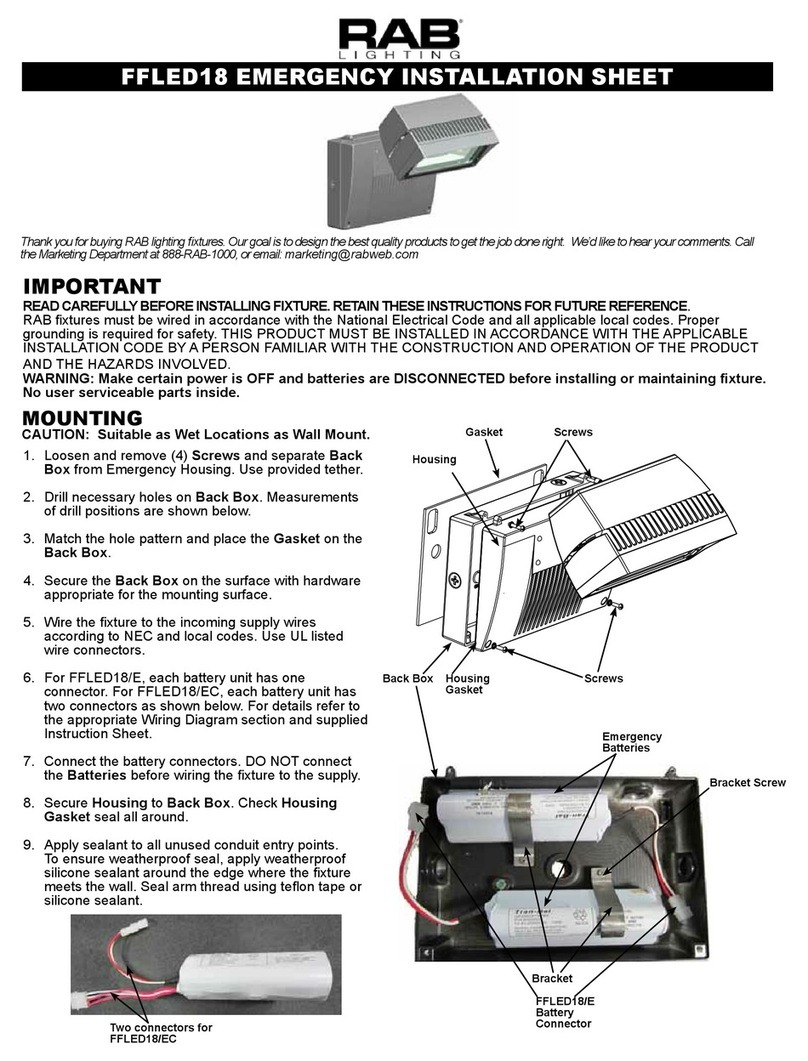
RAB Lighting FFLED18 Assembly instructions

RAB Lighting

RAB Lighting FFLED18 Assembly instructions

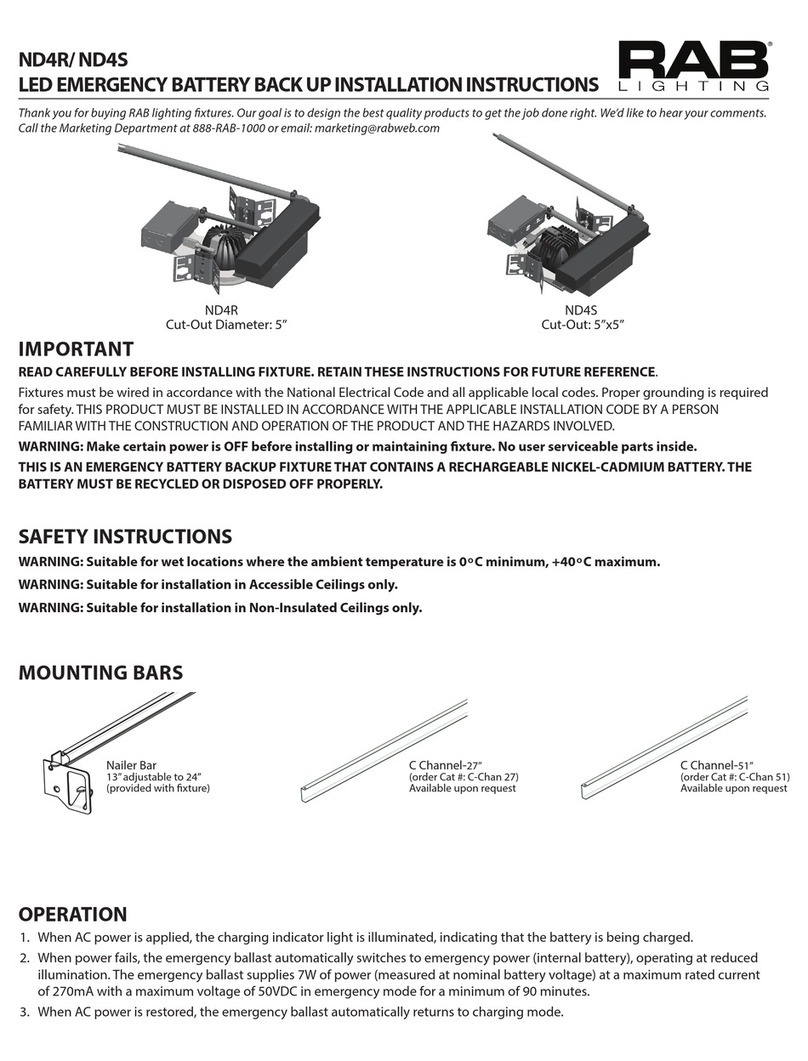
RAB Lighting ND4R User manual

RAB Lighting

RAB Lighting ND4R User manual

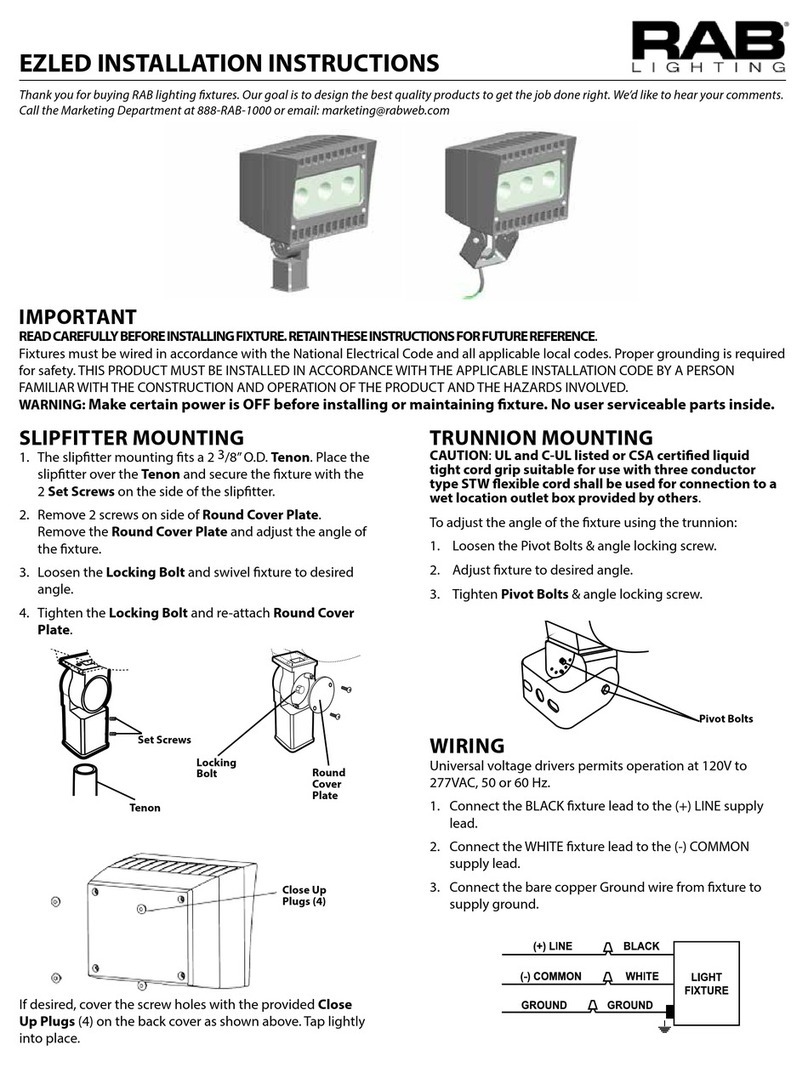
RAB Lighting EZLED User manual

RAB Lighting

RAB Lighting EZLED User manual

RAB Lighting VXLED13DG User manual

RAB Lighting

RAB Lighting VXLED13DG User manual

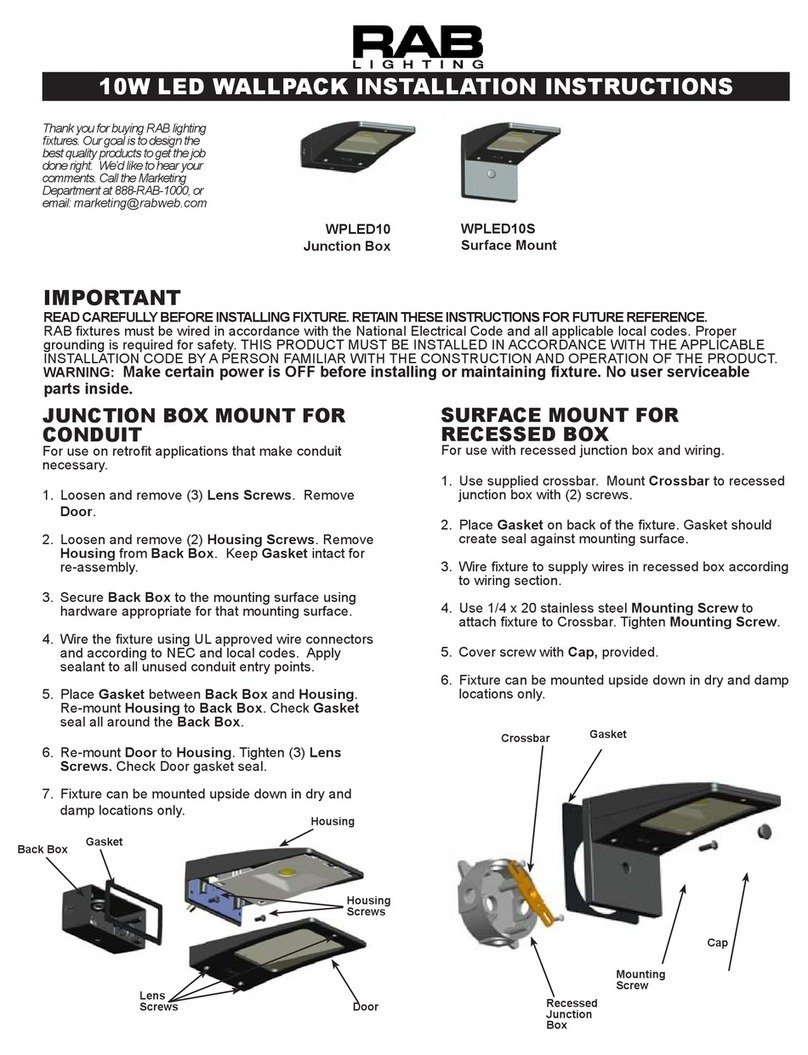
RAB Lighting WPLED10 User manual

RAB Lighting

RAB Lighting WPLED10 User manual

RAB Lighting SR2 User manual

RAB Lighting

RAB Lighting SR2 User manual

RAB Lighting Lightcloud Smart LED Post Top User manual

RAB Lighting

RAB Lighting Lightcloud Smart LED Post Top User manual

RAB Lighting ENTRA 12 User manual

RAB Lighting

RAB Lighting ENTRA 12 User manual

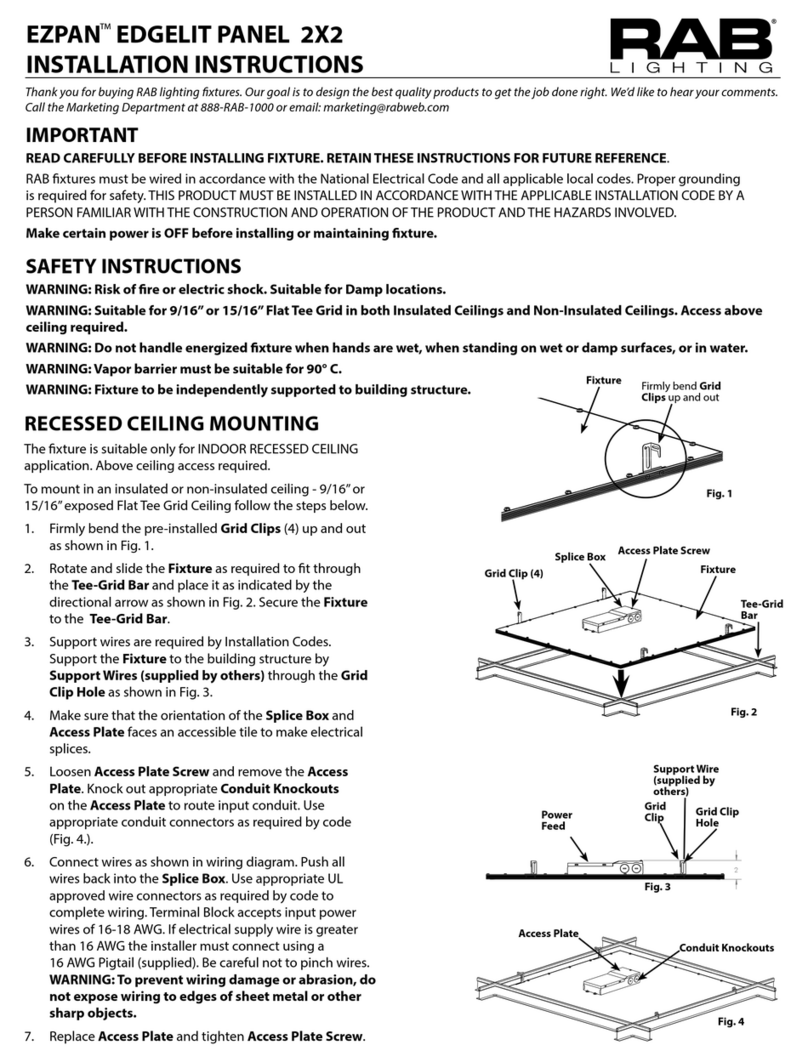
RAB Lighting EZPAN User manual

RAB Lighting

RAB Lighting EZPAN User manual

RAB Lighting Lightcloud BR30 Tunable White User manual

RAB Lighting

RAB Lighting Lightcloud BR30 Tunable White User manual

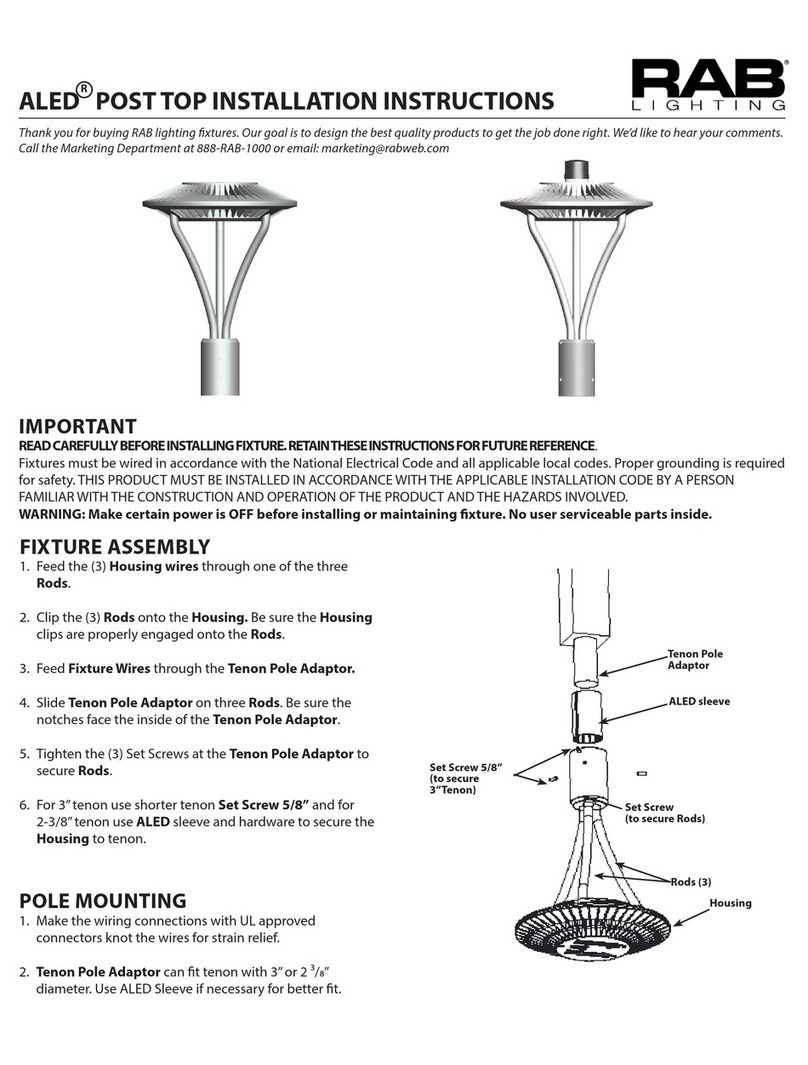
RAB Lighting ALED POST TOP User manual

RAB Lighting

RAB Lighting ALED POST TOP User manual

Popular Lighting Equipment manuals by other brands

Life 39.9F70020C quick start guide

Life

Life 39.9F70020C quick start guide

EuroLite LED ML-20 user manual

EuroLite

EuroLite LED ML-20 user manual

LIGMAN OD-50141 installation manual

LIGMAN

LIGMAN OD-50141 installation manual

Home Accents Holiday 1002461144 instructions

Home Accents Holiday

Home Accents Holiday 1002461144 instructions

Experia IRiS Ripple Light instruction manual

Experia

Experia IRiS Ripple Light instruction manual

Erco Gecko Mounting instructions

Erco

Erco Gecko Mounting instructions

Inter-lux ZTA.100.Surface Installation and maintenance instructions

Inter-lux

Inter-lux ZTA.100.Surface Installation and maintenance instructions

Whelen Engineering Company TN Series installation guide

Whelen Engineering Company

Whelen Engineering Company TN Series installation guide

IKEA BJÖRKSPIREA manual

IKEA

IKEA BJÖRKSPIREA manual

Toolland PM 6640 instruction manual

Toolland

Toolland PM 6640 instruction manual

GTD GTD-LP200 user manual

GTD

GTD GTD-LP200 user manual

LIVARNO home 1105-W-UK manual

LIVARNO home

LIVARNO home 1105-W-UK manual

ProLights EclPar IPMFC user manual

ProLights

ProLights EclPar IPMFC user manual

Velvet EVO Series user manual

Velvet

Velvet EVO Series user manual

IDTOLIGHT GENT installation instructions

IDTOLIGHT

IDTOLIGHT GENT installation instructions

MAYTONI S35 installation manual

MAYTONI

MAYTONI S35 installation manual

MaxLite MLFP14DP4535 user manual

MaxLite

MaxLite MLFP14DP4535 user manual

SLV Elektronik 550621 instruction manual

SLV Elektronik

SLV Elektronik 550621 instruction manual

manuals.online logo
manuals.online logoBrands
  • About & Mission
  • Contact us
  • Privacy Policy
  • Terms and Conditions

Copyright 2025 Manuals.Online. All Rights Reserved.

WP3LED INSTALLATION INSTRUCTIONS
Thank you for buying RAB lighting xtures. Our goal is to design the best quality products to get the job done right. We’d like to hear your comments.
Call the Marketing Department at 888-RAB-1000 or email: marketing@rabweb.com
IMPORTANT
READ CAREFULLY BEFORE INSTALLING FIXTURE. RETAIN THESE INSTRUCTIONS FOR FUTURE REFERENCE.
Fixtures must be wired in accordance with the National Electrical Code and all applicable local codes. Proper grounding is required
for safety. THIS PRODUCT MUST BE INSTALLED IN ACCORDANCE WITH THE APPLICABLE INSTALLATION CODE BY A PERSON
FAMILIAR WITH THE CONSTRUCTION AND OPERATION OF THE PRODUCT AND THE HAZARDS INVOLVED.
WARNING: Make certain power is OFF before installing or maintaining xture.
Backbox
Junction Box
Mounting Holes
Lag Bolt Location
Housing
Door Lens
CAUTION: FOR PROPER WEATHERPROOF FUNCTION ALL GASKETS MUST BE SEATED PROPERLY AND ALL SCREWS INSERTED
AND TIGHTENED FIRMLY. APPLY WEATHERPROOF SILICONE SEALANT AROUND THE EDGE OF THE WALL BOX. THIS IS
ESPECIALLY IMPORTANT WITH AN UNEVEN WALL SURFACE. SILICONE ALL PLUGS AND UNUSED CONDUIT ENTRIES.
MOUNTING
Fixture should not be recessed. Housing must be mounted
on wall with lens facing down as shown above. Use the
Drilling Template on the inside back surface of the housing
to match most standard junction boxes or lag bolt housing
to surface as shown in Fig.
1. Open door by loosening (2) screws.
2. Prepare the housing for use by drilling out the
appropriate holes.
3. Line up the housing in desired location and mount
securely.
4. Complete the wiring to the supply wires and ground
(see wiring instructions).
5. Close door and tighten the two screws.
WP3LED INSTALLATION INSTRUCTIONS
Thank you for buying RAB lighting xtures. Our goal is to design the best quality products to get the job done right. We’d like to hear your comments.
Call the Marketing Department at 888-RAB-1000 or email: marketing@rabweb.com
TROUBLESHOOTING
1. Check that the line voltage at the xture is correct. Refer

to wiring directions.
2. Is the xture grounded properly?
3. Be sure the photocell, if used, is functioning properly.
CLEANING & MAINTENANCE
CAUTION: Be sure xture temperature is cool enough
to touch. Do not clean or maintain while xture is
energized.
1. Clean glass lens with non-abrasive glass cleaning
solution.
2. Do not open the xture to clean the LED. Do not touch
the LED.
Easy Answers
rabweb.com
Visit our website for product info
Tech Help Line
Call our experts - 888 722-1000
e-mail
Answered promptly - sales@rabweb.com
Free Lighting Layouts
Answered online or by request
© 2017 RAB LIGHTING Inc.
Northvale, New Jersey 07647 USA
WP3LED -IN-0917
Note: These instructions do not cover all details or variations in equipment nor do they provide for every possible situation during
installation, operation or maintenance.
PHOTOCELL INSTALLATION
Photocell may be installed in the eld. Apply weatherproof
silicone sealant to all plugs,, around photocell and unused
conduit entries.
1. Remove close up plug on top of the wall mounting box.
2. Install photocell and wire as per diagram.
3. Use photocell rated for your supply voltage.
“COM”
PHOTOCELL
WP2FC
LIGHT
FIXTURE
BLACK
WHITE
ACCESSORIES
Wire Guard: GDWP3W
ON-OFF WIRING
Universal voltage driver permits operation at 120V to 277VAC,
50 or 60 Hz except xtures factory ordered with a 120V swivel
photocell (/PCS) or 277V swivel photocell (/PCS2) or 480V
swivel photocell (/PCS4). Units ordered with (/480V) sux are
480V.
1. Connect the BLACK xture lead to the (+) LINE supply lead.
2. Connect the WHITE xture lead to the (-) COMMON supply
lead.
3. Connect the bare copper Ground wire from xture to
supply ground.
0-10V DIMMABLE WIRING
For 0-10V Dimming, follow the wiring directions
1. For Junction Box Mount, feed wires through silicone
wiring plug into the junction box.
2. Connect the black xture lead to the (+) LINE supply lead.
3. Connect the white xture lead to the (-) COMMON supply
lead.
4. Connect the GROUND wire from xture to supply ground.
Do NOT connect the GROUND of the dimming xture to
the output.
5. Connect the purple xture lead to the (V+) DIM lead.
6. Connect the gray xture lead to the (V-) DIM lead.
7. Cap the yellow xture lead, if present. Do NOT connect.