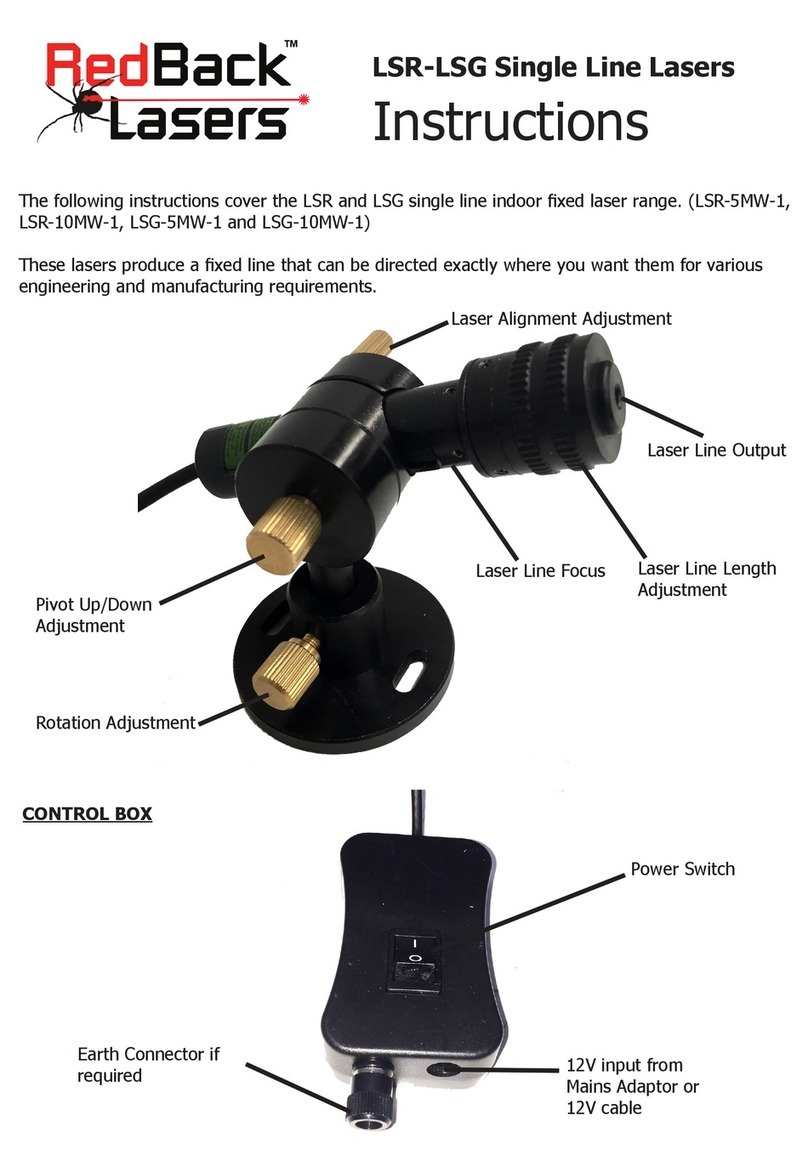
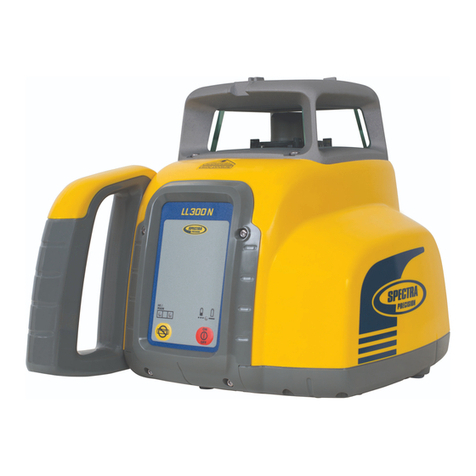
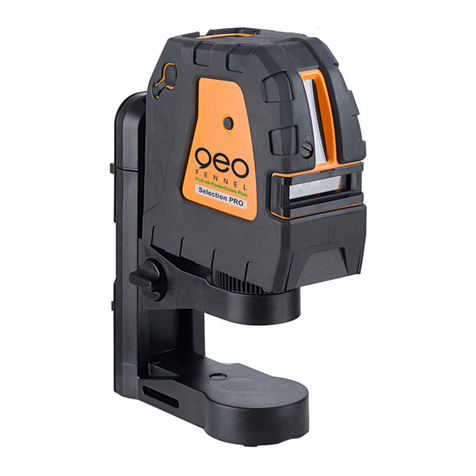
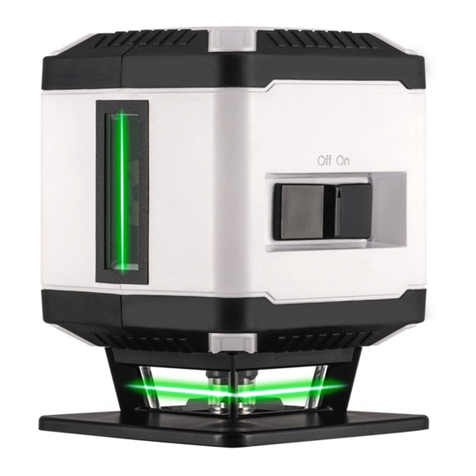
RedBack Lasers BASIC614 User manual

Models Covered; BASIC614, EL614, EL614S & EL614GM

CONTENTS
User Safety 2
Introduction and EL614™ Accessories 3
EL614™Diagram 4
Operating Instructions 7
Batteries 7
Power 8
Tilt Mode 8
V-W-S 9
Rotation Speed 9
Setting Grades (needs remote - EL614S & EL614GM) 10
Laser Receiver LR715 (BASIC614, EL614 & EL614S) 11
Laser Receiver LR720T (EL614GM Kit only) 12
Calibration Self Check & Technical Specications 14
Care & Maintenance, Trouble Shooting 15
Warranty 16
User Safety
• Laser output sign lies near the output aperture.
• Do not stare directly into laser beam.
• Do not disassemble the instrument or attempt to
perform any internal servicing. Repairs and service
should be performed only authorised service
centres of Redback Lasers.
• This instrument complies with the safety
Classication standards of laser radiation.
2
CAUTION: Class II laser <1mW at 635nm.
Do NOT stare into laser beam or aim at
another person.
Follow relevant Australian Standards
Copyright © CMI LasersTM RedBack lasersTM and Level1LasersTM . All rights reserved CMI Industries Pty Ltd 2016Copyright © CMI LasersTM RedBack lasersTM and Level1LasersTM . All rights reserved CMI Industries Pty Ltd 2016
No artwork or photographs produced by CMI Industries Pty Ltd may be used copied or reproduced without the written consentNo artwork or photographs produced by CMI Industries Pty Ltd may be used copied or reproduced without the written consent
from CMI Industries Pty Ltdfrom CMI Industries Pty Ltd

3
EL614TM INTRODUCTION
Congratulations on purchasing the EL614™ an electronic self levelling
builders/concreters rotating laser level built tough.
The EL614™ can be purchased in a number of dierent congurations;
1) BASIC614 - LR715 Receiver, “C” Batteries
2) EL614 - LR715 Receiver, Ni-mh Battery
2) EL614S - Remote Control (grade) + LR715 Receiver, Ni-mh Battery
3) EL614GM + Remote + LR720T mm Receiver (grade Tracking), Ni-mh
These instructions cover all these congurations so may refer to Components such as remote or
receiver type or battery types that you may not have purchased in your 614 laser level kit.
The EL614™ has all the features you need for general site levelling; Tilt
provides protection from knocks and bumps shutting down rotation warning
you that the laser has moved. V-W-S (Vibration and Wind setting control)
allows you to continue to work in high wind or on sites close to machinery.
If you have purchased your EL614 with Remote then there is also a single
grade match feature.
The EL614™ Comes with Ni-Mh rechargeable batteries and charger (Not
BASIC614) as well as being able to operate with standard “C” Alkaline
batteries.
The EL614™ features RedBack Laser’s “Safety Cage” technology with consists
of a full steel internal chassis which protects the levelling components in the
event of an accident, Its Built Tough. Finally the EL614™ has a Five Year
Redback Warranty. (See page 16)
BASIC614 Kit Included Accessories
• EL614™ Laser Unit
• Protective Carry Case (Soft for Basic614 hard for rest)
• “C” Cell Battery Holder
• Laser Receiver LR715 & Clamp
EL614 Has in Addition
• Ni-mh Rechargeable Battery
EL614S Has in Addition
• Remote Control for manual grade
EL614GM Has instead of LR715 Receiver
• Millimetre Tracking Receiver for Auto Grade Match LR720T & Clamp

4
EL614TM DIAGRAMS
EL614TM Laser Unit
1
2
3
1. Laser Output Window
2. Rubberised Casing
3. Keypad
4. Battery Compartment
www.redbacklasers.com.au
4
EL614TM Safety Cage

5
Keypad
www.redbacklasers.com.au
Receiver - LR715
Reception Sensors
Fine/Coarse Mode
Speaker Control
Power On/O
Rubber Casing
LCD Display
(Repeated on rear)
Bubble Vial
Display back light
Power On/O
Tilt On/O
Rotation Speed
Vibration & Wind
Sensor Select
Axis LED’s
For Grade Setting (Remote required)
and calibration (service only)
Power LED
Magnetic Mounting

6
EL614TM DIAGRAMS
Receiver - LR720T mm Display (EL614GM Kit only)
Rubber Casing
Large Reception Window
LCD Displays (front/back)
with mm from Level
Power Button
Set Axis to grade track
Activate Grade
Tracking (long press)
Channel Setting
(short press)
Sound and
Backlight Options
Accuracy Settings
Remote Control - Grade Setting (EL614S & EL614GM Kits only)
Grade Setting Functions - Center
button selects axis - Up/Down buttons
slope up or down as required.
Scan Line Mode - Center button selects
arc of scan and left and right buttons
select position of scan line.
Standby Power Button for Laser - places
a powered up laser into stanby mode
and press again to awaken. Yellow
button is rotation speed.

7
Large Reception Window
www.redbacklasers.com.au
EL614TM OPERATING INSTRUCTIONS
Battery Instructions
To charge this battery pack simply inserting the charger plug into the charging
socket above the locking screw. The LED on the charger is illuminated red
during the charging process and will turn green once the batteries are
fully charged. Battery pack can be charged while inserted in the laser or
independently.
When the power LED on the keypad ashes, the rechargeable battery pack
needs recharging or standard batteries need replacing. Note the charger will
only charge the supplied rechargeable battery pack.
Handy Hints
•
Prior to initial use, charge the rechargeable batteries for at least 8
hours.
•
Running rechargeable batteries completely at will increase battery life.
•
The EL614™ can operate o mains by plugging the charger (for indoor
use only) into the unit.
•
Remember the EL614™ can operate using standard batteries when
rechargeable pack is out of charge.
The EL614 has two battery options either 4 x standard “C” size Alkaline
or the Ni-Mh rechargeable pack. For standard 4 x “C” alkaline operation
simply insert into standard battery holder in the direction indicated and slide
into battery recess and tighten the locking screw. (BASIC614 does not included
rechargeable battery and charger)
To use the rechargeable
battery pack rst
remove standard pack
if inserted and place
into the same battery
recess and tighten
locking screw.

8
Turning Laser On
Press Power button on the keypad to turn on the EL614™, power LED
will light. Batteries are low if power LED ashes. After turning the laser on,
the laser will auto level and rotate. The EL614TM has a large self levelling
range, if the laser happens to be set up outside this range, a warning will
sound and the lasers will ash. Re-set the laser more level if this occurs.
Tilt Mode
Tilt mode is somewhat similar to tilt on a pinball table in that if when running
the EL614 detects signicant disturbance or movement that could eect the
accuracy of your work the laser will “Tilt” (stop working) and the laser beams
will ash to indicate this. You will need to then re level the laser by pressing
the tilt button, note that the tilt is then disabled to re-enable press
the TILT button again so its LED light illuminates. After a few seconds the
laser will re-level, then re-check your work to maintain maximum accuracy.
Tilt mode is turned on and o with the tilt button on the keypad, the default
setting is o. Once the tilt button has been pressed the tilt LED will light
indicating it is on.
To deactivate the tilt mode press the tilt button the LED goes out. It
is recommended to use tilt mode when optimal accuracy is required or when
there is a chance that machinery or worker may interfere inadvertently with
the lasers level.
EL614TM OPERATING INSTRUCTIONS cont.

9
www.redbacklasers.com.au
Rotation Speed Settings
• A short press of the Rotating Speed Button will switch the rotating
speed between 3 dierent rotational speeds. Sometimes dierent
rotation speeds will provide better reception with the LR715 receiver
when being used at dierent distances from the laser. For most
situations the default speed (800rpm) will provide best results.
V-W-S Vibration & Wind Sensor Setting
The EL614 continuously self levels for utmost accuracy, in high winds or
vibrations the laser will stop rotating to re-level this may be inconvenient by
slowing down your work, however, by selecting V-W-S button the laser
continually re-levels but does not stop rotating whilst doing so.

10 www.redbacklasers.com.au
Setting Grades (requires remote control that comes with Grade & Grade +MM kits)
EL614TM OPERATING INSTRUCTIONS cont.
The EL614S & EL614GM kits come with a remote control that can set a
manual grade on one axis, it can be set to either the “X” or “Y” axis but
not both.
First set up the laser aligning the X axis with the direction of the required
grade rise/fall, the laser can be placed anywhere on site as long as the X
axis runs parallel or in line with the desired grade.
For this example we want a grade of 1 in 60 or 1.667% or in other words
for every 6m (6000mm) travelled away from the laser along the X axis we
want the laser plain to tilt down/up 0.1m (100mm).
To achieve this measure out 6m away from the laser along the X axis and
hold the sta at this point slide the receiver up/down the sta until the
receiver indicates level.
Then making a note of the height on the sta slide the receiver up/down
the sta 100mm from the level point, this is now the height the laser needs
to be hitting to be setting a 1 in 60 slope or grade.
Using the remote, select grade mode on the X axis and use the Slope Grade
Direction buttons to slope the laser until the receiver shows level (see page
6 for remote diagram).
The Grade is now set at 1 in 60 or 1.667% on the X axis and anywhere on
or parallel to the X axis on site.
See Addion Instrucons on page 13 Grade Match Tracking
Instrucons using the LR720T Tracking Millimetre Receiver.
This manual suits for next models
3
Table of contents
Other RedBack Lasers Laser Level manuals
RedBack Lasers
RedBack Lasers Unilevel UNL59 User manual
RedBack Lasers
RedBack Lasers D27 Series User manual
RedBack Lasers
RedBack Lasers 3L360 Series User manual
RedBack Lasers
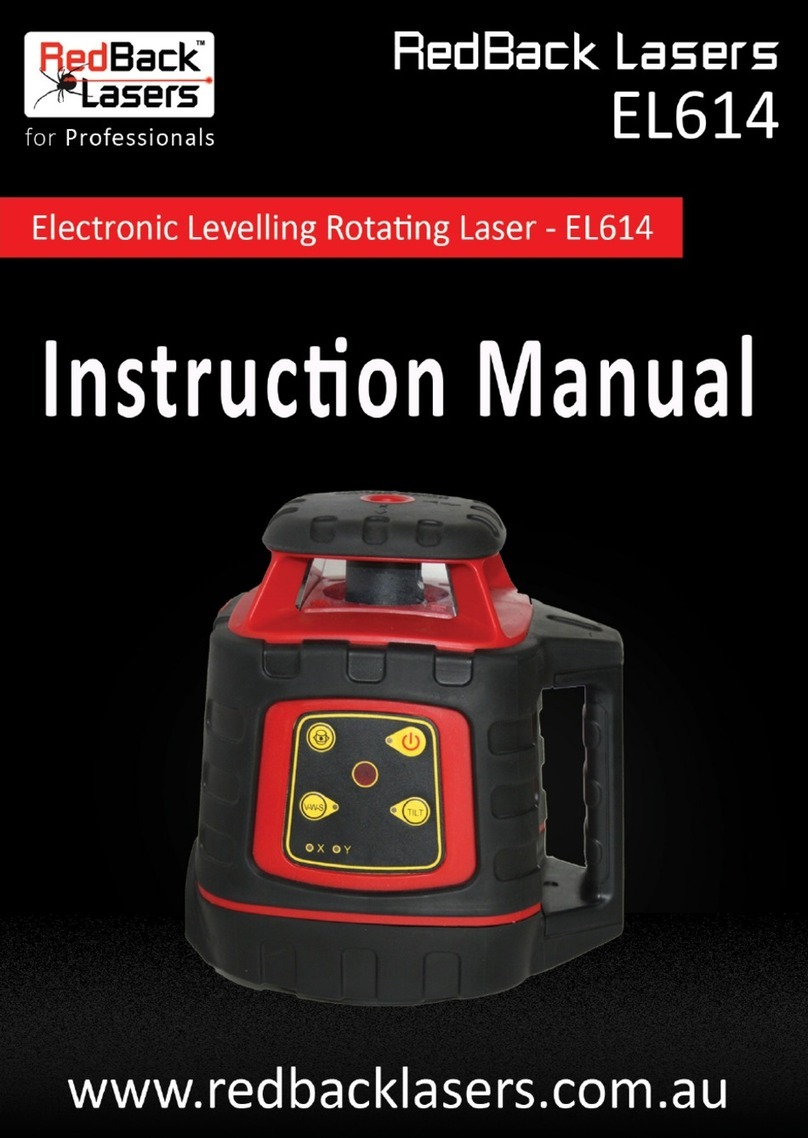
RedBack Lasers EL614 User manual
RedBack Lasers
RedBack Lasers 3D3XR User manual
RedBack Lasers
RedBack Lasers ARL516G User manual

RedBack Lasers
RedBack Lasers XLG44 User manual
RedBack Lasers
RedBack Lasers AT1 User manual
RedBack Lasers
RedBack Lasers PRO5 User manual
RedBack Lasers
RedBack Lasers Unilevel UNG6631 User manual