USER MANUAL Glide-Aside® Motorised Track
Pairing Remotes to Glide-Aside Mains Power Motor
2. Ensure that your wired motor is plugged into the mains.
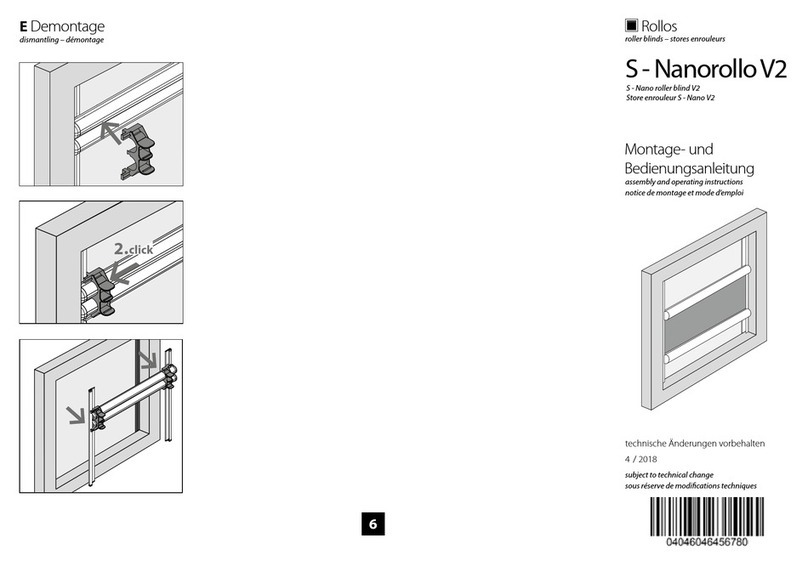
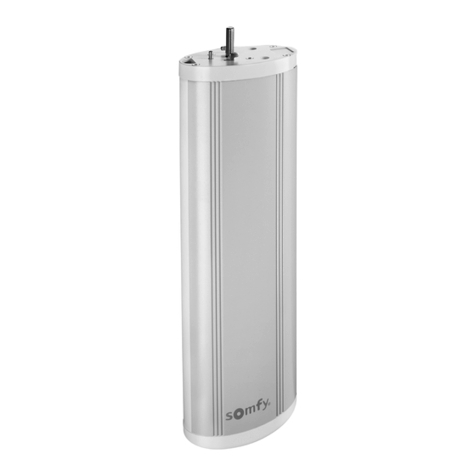
3. Remove the cap at the base of the motor to reveal the motor
reset button and indicator light (as shown below).
4. To clear and reset to default: Press and hold the reset button
down for around 10 secs until the green indicator light has
ashed 3 times – then release – the motor will beep 3 times.
The motor is now reset.
5. To pair a new Remote: Press and hold the reset button down
for around 3 secs until the green indicator light has ashed
once only – then release – the motor will beep once also.
6. The motor is now ready to link to a new remote for the next 5
seconds only. Act quick – press and hold down the stop button
on the remote channel you want to link for around 3 secs.
7. The Motor will beep 3 times and the green indicator light will
also ash 3 times. Release the stop button on your remote.
8. Your remote is now Paired.
Tel 0113 250 4499 •Email sales@rca-uk.com •Visit rca-uk.com
1. Choose the channel side and select a channel No. from 1 to 15
(NOTE ‘0’ is not an option) and then progress to step 2 below!
Press the le or the right button on Dual Channel remotes! NOT in-between!
INDICATOR
LIGHT