2Versa-portion RLP-S/SM Operation Manual
2.0 Operation
2.1 On/Off
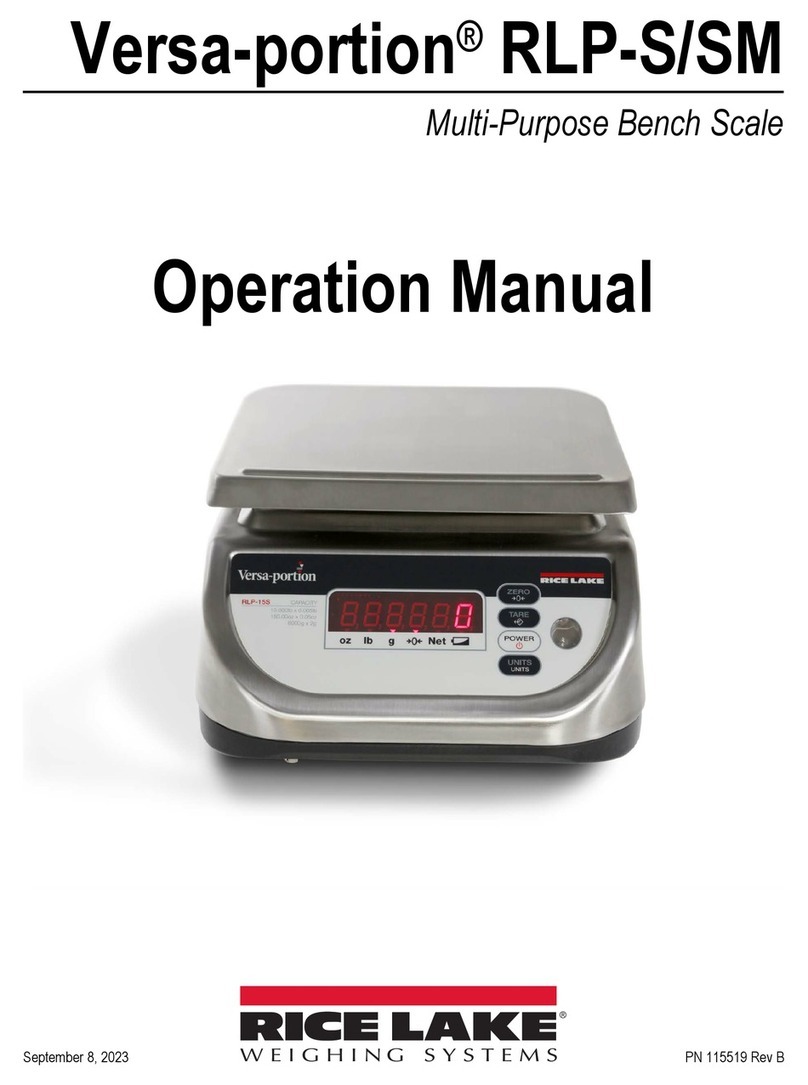
1. Press the POWER key. The display will blink
8.8.8.8.8.8. and show 0.000 when ready to
weigh.
2.2 Tare
Tare values can be used for up to half of scale
capacity.
Performing a Tare
1. Place the item to be tared (typically a
container) on the platter.
2. Press the TARE key.
3. The display will show 0.000 with the tared
item on the platter.
Removing a Stored Tare
1. Remove the tared item from the platter.
2. Press the TARE key.
3. The display will show 0.000.
2.3 Automatic Shut-Off Timer
The Versa-portion RLP-S/SM has a built-in automatic
shut-off timer. This timer can be set to turn the unit off
after three minutes of inactivity or 10 minutes of
inactivity.
Setting the Timer for Three Minutes
1. If the unit is powered on, press the POWER
key until it shuts down.
2. With the unit powered off, press and hold the
POWER key for three seconds.
The display will show 3.
3. Release the POWER key. The timer is now set
to turn the unit off after three minutes of
inactivity.
Setting the Timer for 10 Minutes
1. If the unit is powered on, press the POWER
key until it powers off.
2. With the unit powered off, press and hold the
POWER key for six seconds.
The display will show 3after a period of three
seconds. It will show 10 after six seconds.
3. Once the display shows 10, release the
POWER key. The timer is now set to turn the
unit off after 10 minutes of inactivity.
Disabling the Timer
1. If the unit is powered on, press the POWER
key until it shuts down.
2. With the unit powered off, press and hold the
POWER key for nine seconds.
The display will show 3after a period of three
seconds and 6after six seconds. It will show
999 after nine seconds.
3. Once the display shows 999, release the
POWER key. The timer is now disabled.
2.4 Display Brightness
The Versa-portion RLP-S/SM display brightness can
be set to one of three levels.
Changing the brightness setting
1. Hold the ZERO key and press Tare three times.
2. Press the ZERO key to increase the dimmer
level and the Power button to decrease the
dimmer level.
3. The display will show 1, 2, 3, or 4depending
on which dimmer level is being displayed.
4. Press the TARE key to save the setting and
return to weigh mode.
2.5 Default Primary Unit
The Units button cycles through g, lb, and oz.
(Versa-portion RLP-SM is only available in kg)
Setting the Default Primary Unit
1. Hold the ZERO key and press the UNITS key
three times.
2. Press the POWER key to cycle through
available units.
3. When the desired default unit is displayed,
press the TARE key to save the setting and
return to weigh mode.
2.6 G, lb and oz Conversion
(Not available in Versa-portion RLP-SM)
G, lb and oz conversion is available only when
SPEC08=011 (see Section 3.4).
1. Switch between units by pressing the UNITS
key.
Note
(G) uppercase is the abbreviation for gross.
(g) lowercase is the correct abbreviation for
grams.