7
6. OPERATION
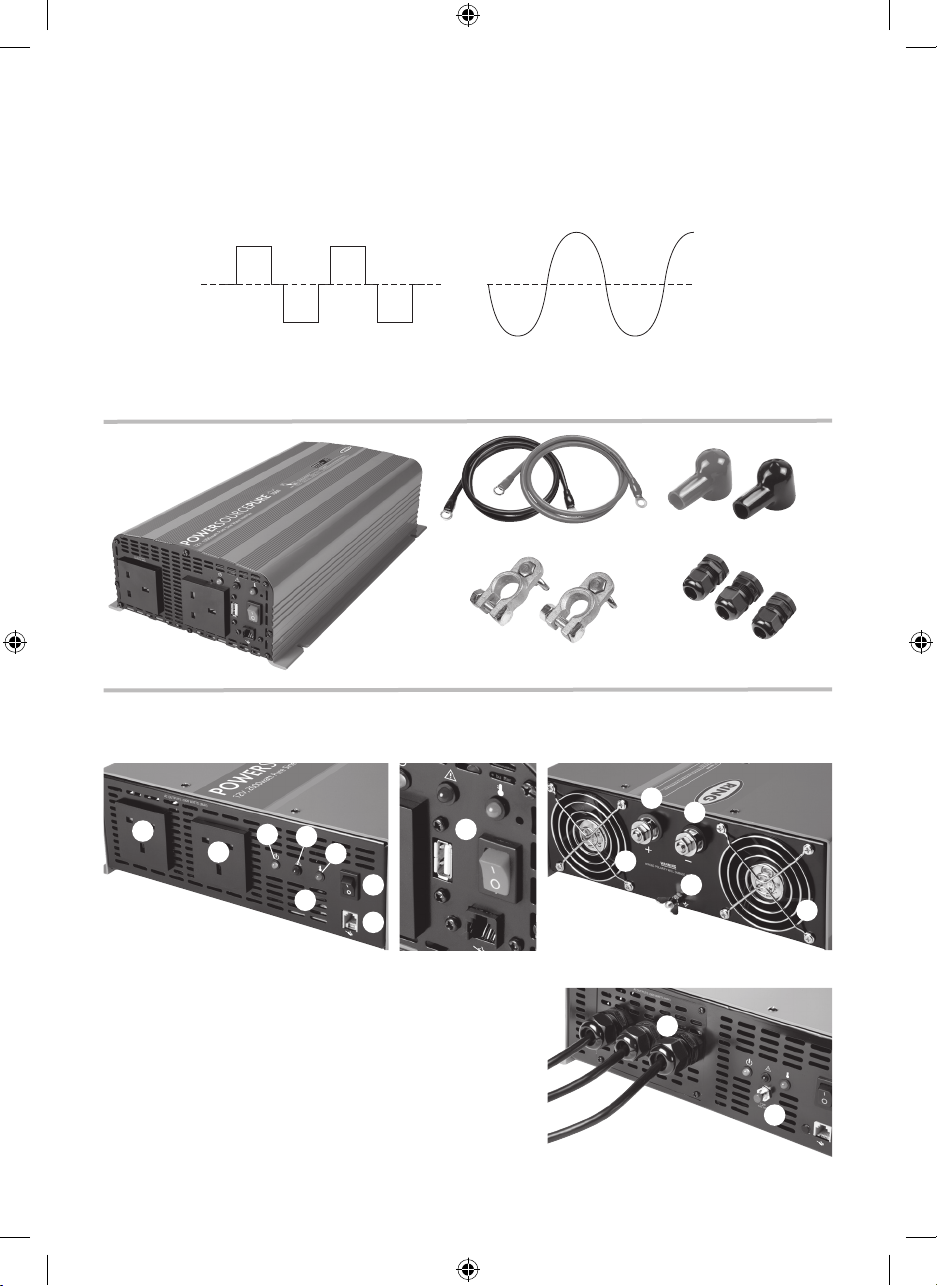
Switching on
1. Ensure that the inverter power on/off switch is in the OFF (0) position.
2. Plug the appliance into the AC output socket on the inverter, ensuring it does not exceed the maximum
output power of the inverter
3. Turn the power on/off switch to the ON (I) position.
4. The Power indicator will illuminate green and mains power will be available from the AC output socket(s)
7. INDICATORS & WARNINGS
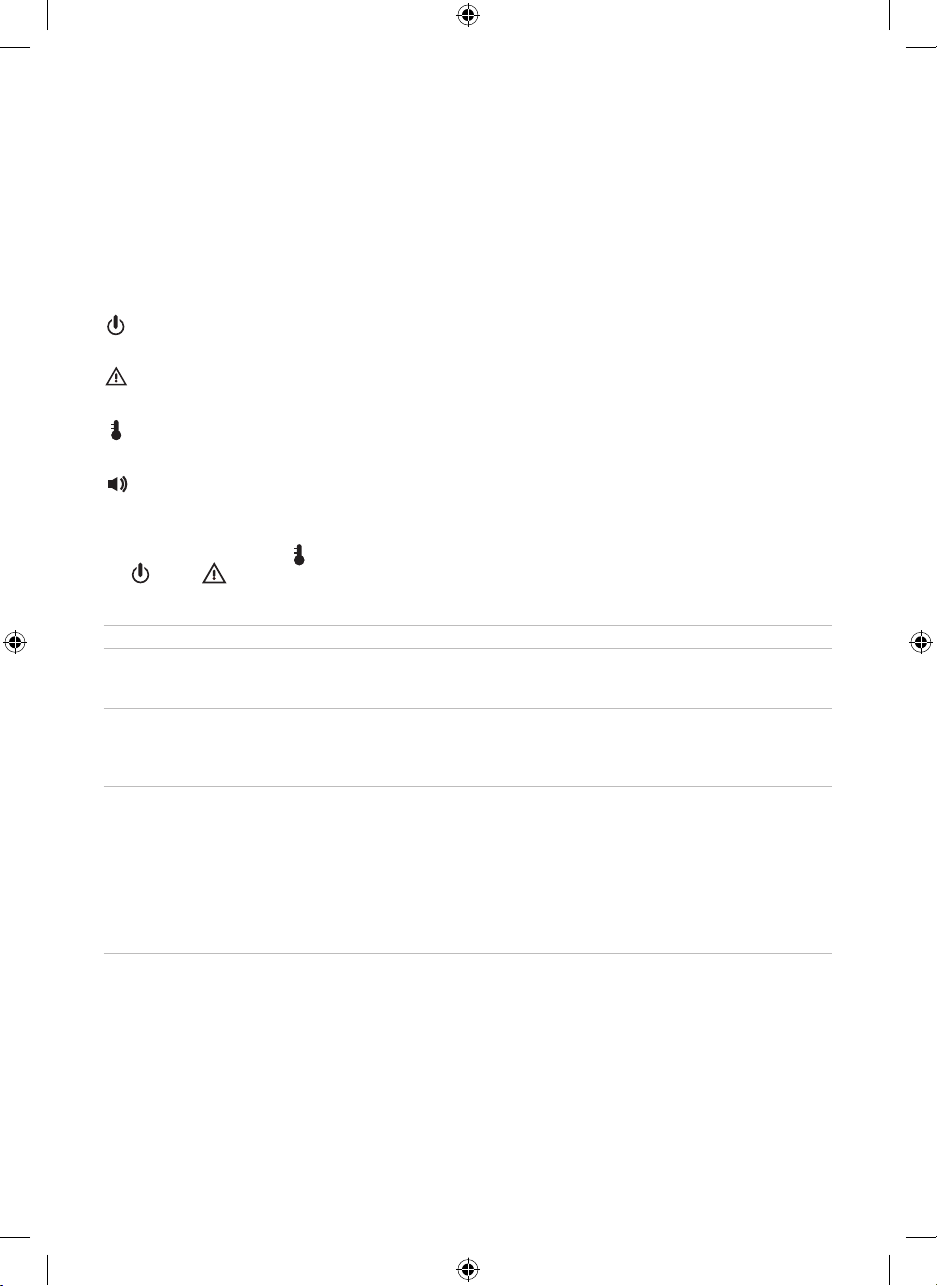
Power
Illuminates green to show the unit is switched on and power is available from the AC output socket(s)
Over load
Illuminates red if the units has been overloaded due to excessive current or a short circuit
Over temperature
Illuminates yellow if the unit has overheated
Audible alarm
An alarm sound will be heard if the unit has switched off due to a fault
Power
Indicator
Overload
Indicator
Over
Temperature
Indicator Fault Modes Action
Green Off Off Normal Operation -
Orange Off Off Low voltage warning Check for low battery voltage.
Check cable connections are not loose.
Reduce load if possible to extend battery life.
Red Off Off Low voltage shutdown
High voltage shutdown
Switch inverter off, re-charge battery then
switch back on. Check battery voltage is
correct for inverter model i.e. 24volt battery >
24volt inverter.
Red Red Off Over load
Short circuit
RCD tripped
Disconnect all loads, switch inverter off then
back on. If overload indicator is now off:
1. Total load exceeded inverters continuous
rating.
2. Appliance startup current exceeded
inverters surge rating.
3. A connected appliance may have an
electrical fault, test appliances before
re-connecting
Red Off Yellow Over temperature Check for adequate ventilation around inverter
Check inverter cooling fans are working.
8pp A5 (PSW) UK Full Handbook v4.indd 7 07/04/2014 09:48